

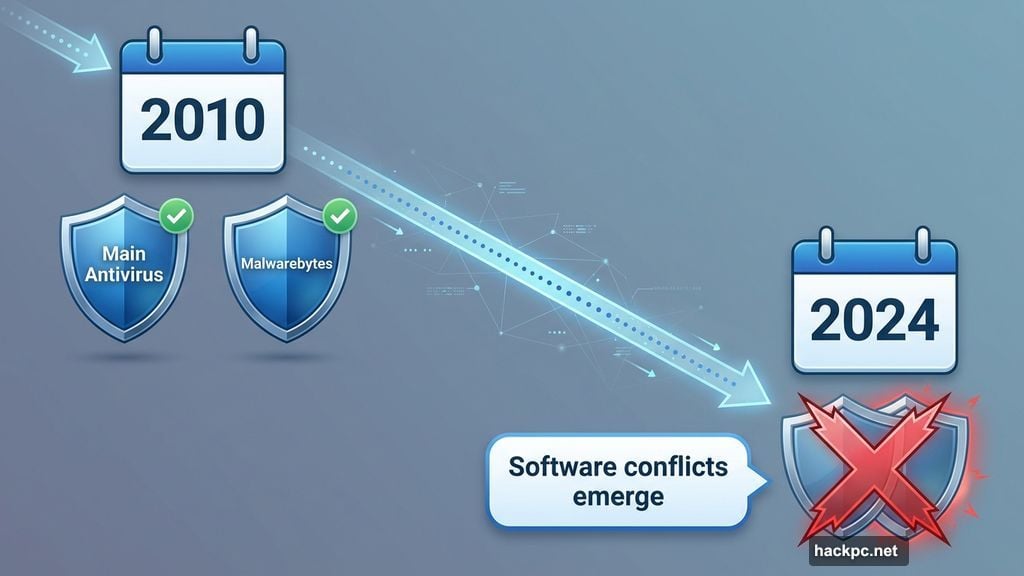
Malwarebytes once stood as essential security software. Back in 2010, running it alongside your main antivirus scanner made perfect sense. No single program caught everything.
But that era ended years ago. Now stacking multiple antivirus tools creates more problems than it solves. Software conflicts emerge. Security vulnerabilities multiply. Plus, one solid program does the job better than two fighting for control.
So where does that leave Malwarebytes Premium Security? In an awkward middle ground between Windows Security’s free protection and feature-rich suites that cost the same price.
The Pricing Problem Nobody Mentions
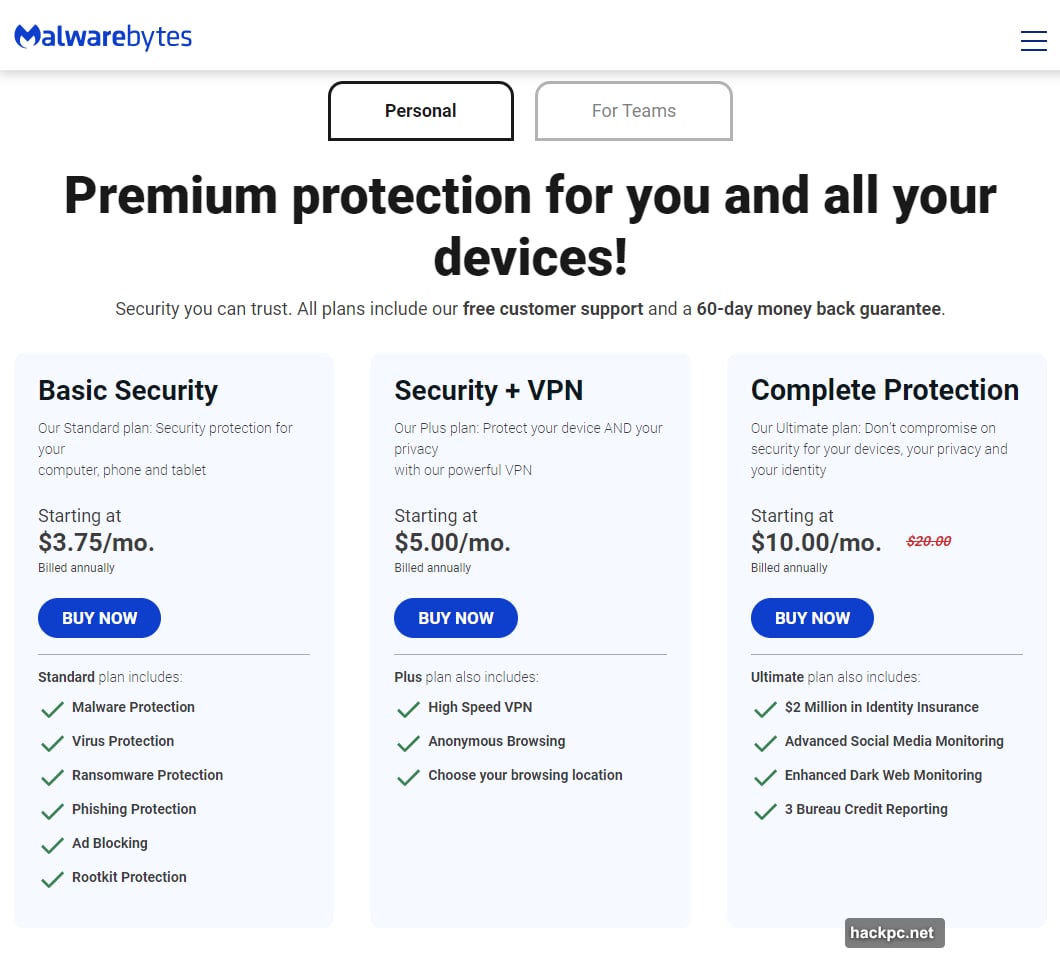
Malwarebytes charges $60 annually for its Premium Security plan. That covers up to three devices across Windows, macOS, Android, iOS, and ChromeOS.
However, the company structures billing in a strange way. Instead of charging upfront like competitors, Malwarebytes breaks the cost into monthly installments over 12 months. New subscribers can grab a two-year package for $111, saving just $9.
Third-party retailers like Amazon offer better deals. But those licenses skip the VPN service that Malwarebytes recently bundled into direct subscriptions. So you’re choosing between lower cost or slightly more features.
Here’s what bugs me about the value proposition. Rivals like AVG and Norton offer parental controls, password managers, protected folders, and PC cleanup utilities at similar prices. Malwarebytes gives you basic antivirus protection plus a VPN. That’s it.
The company seems to believe its VPN alone justifies the premium over free options. But dedicated VPN services offer better performance at lower rates. Meanwhile, security suites from competitors pack more tools for the same money.
Stripped-Down Interface Works Until It Doesn’t
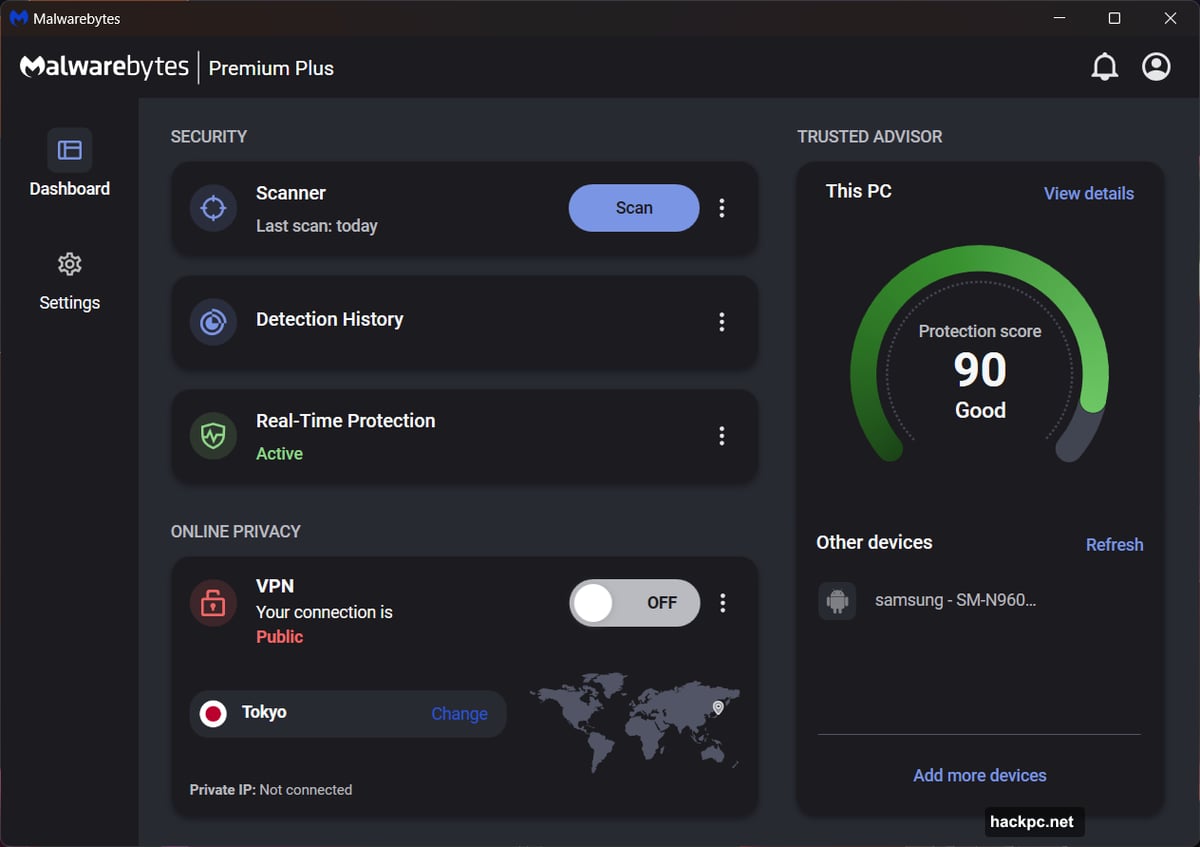
Opening Malwarebytes reveals an impressively clean dashboard. Just two tabs exist—Dashboard and Settings. You can switch between Light, Dark, or Windows-matching themes.
Most actions happen from the Dashboard view, which splits into three sections. The Security area offers Scanner, Detection History, and Real-Time Protection options. Below that sits VPN controls. On the right, Malwarebytes rates your protection level and shows connected devices.
For basic users, this simplicity feels refreshing. No confusing menus. No buried features. Everything sits right where you expect.
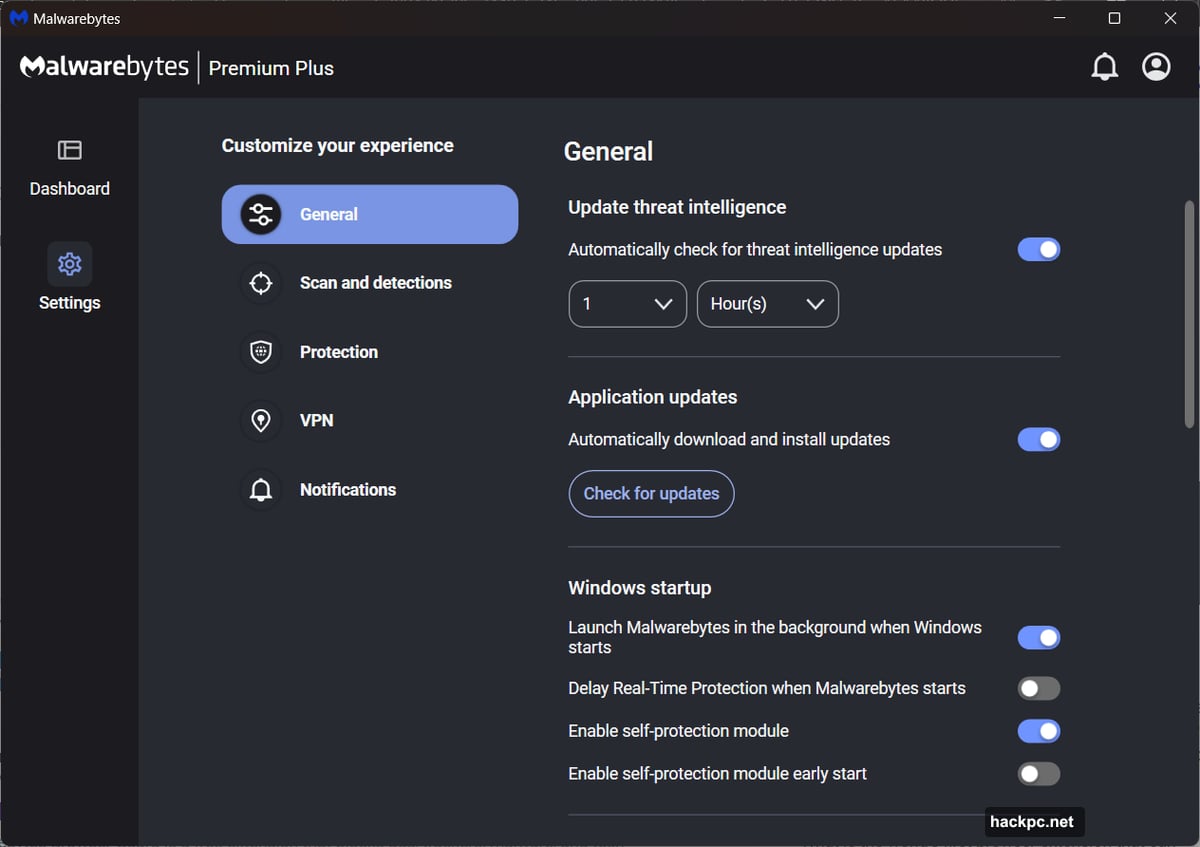
But experienced users quickly hit the interface’s limitations. Advanced antivirus settings exist deep in menus. No firewall protection—Windows handles that job instead. Missing features include DNS hijacking prevention, webcam takeover blocking, and identity theft monitoring.
Want dark web monitoring or insurance coverage? That requires upgrading to Malwarebytes Complete Protection, which doubles the annual cost to $120.
So the streamlined interface reflects stripped-down functionality. Malwarebytes made a choice to keep things simple by offering less. Whether that trade-off works depends entirely on your needs.
Real-Time Protection Covers Basics Only
Malwarebytes Premium Security runs continuous monitoring for viruses, ransomware, rootkits, and phishing attempts. It scans files as you open them, watches apps while they run, and blocks malicious websites.
The free version only scans when you manually trigger it. Paid subscribers get automatic protection. But compared to competitors, the feature set feels thin.
Missing protections include specialized defenses against DNS attacks, webcam hijacking, and network intrusion attempts. Malwarebytes relies entirely on Windows Firewall rather than providing its own. Meanwhile, rivals like Bitdefender and Kaspersky layer multiple protection technologies.
Malwarebytes offers three scan types. Threat scans check commonly targeted areas like startup programs and registry changes. Full scans examine your entire system. Custom scans let you choose specific folders and file types.
However, scheduled scans run just once weekly by default. That schedule triggers only when your PC sits idle—Malwarebytes calls this a “smart scan.” You can create additional scheduled scans or adjust timing, but most users stick with defaults.
One noteworthy option: Malwarebytes lets advanced users tweak detection sensitivity and file handling. But the company warns against changing these settings. Nearly everyone should leave defaults alone.
The Testing Data Gap Raises Questions
Here’s where Malwarebytes gets problematic for security-conscious users. The company participates minimally in independent benchmarking.
AV-Test and AV-Comparatives—two major organizations that evaluate antivirus software—show no current results for Malwarebytes. Instead, the company points toward AVLabs testing data.
During AVLabs’ January 2025 advanced in-the-wild test, Malwarebytes caught all 759 malware samples. Detection split between 62.98 percent pre-launch and 38.02 percent post-launch. That means most threats got blocked before activating, while others required post-execution detection.
When asked about limited participation, a Malwarebytes representative said the company “focuses on third-party testing that is most closely aligned with the needs of customers.”
But this explanation feels inadequate. Industry-standard testing from multiple organizations builds confidence. Selectively participating in fewer benchmarks raises legitimate questions about performance in scenarios the company doesn’t control.
Competitors like Norton, Bitdefender, and Kaspersky regularly submit software to comprehensive independent testing. Those results give users transparent comparisons. Malwarebytes’ approach limits visibility into how well the software actually performs.
System Performance Stays Light
Malwarebytes does excel in one area—minimal impact on PC resources. During PCMark 10 testing on a budget Acer Aspire 3 laptop, the software barely affected performance.
Background monitoring showed virtually no slowdown during typical tasks like video chatting, web browsing, gaming, and document editing. UL Procyon office work tests dropped less than 3 percent. Handbrake video encoding decreased about 4 percent.
Even running continuous threat scans during benchmarks produced modest impact. PCMark 10 slipped 7 percent. Procyon decreased 14 percent. Handbrake dropped 19 percent.
Compare that to resource-hungry alternatives from McAfee and Norton, which can bog down lower-powered systems. Malwarebytes genuinely distinguishes itself here.
So if you’re running older hardware or budget laptops, Malwarebytes won’t slow you down. That matters for users who can’t afford performance hits during daily work.
Browser Guard Extension Blocks Ads Effectively
Malwarebytes offers Browser Guard extensions for Chrome, Firefox, and Edge. Although available as a separate free download, it’s technically part of Premium Security.
After installation, it runs silently. The extension blocks malware, scams, credit card skimming attempts, and advertisements. No configuration required.
However, dedicated adblockers like uBlock Origin offer more granular control. Browser Guard works fine for basic protection. But power users may find its simplicity limiting.
VPN Service Feels Like Afterthought
Malwarebytes added VPN service to Premium Security subscriptions recently. The company advertises it as a no-log service with servers in 42 countries.
Controls stay simple. Connecting takes seconds. You can choose cities within most countries—though the US offers 18 cities while others typically show two to four options.
Speed testing revealed modest performance hits. Los Angeles servers (same state as test location) showed 5-7 percent slowdown. New York dropped about 26 percent.
But here’s the problem. Dedicated VPN providers offer better speeds, more server locations, and advanced features at lower prices. Malwarebytes’ VPN works adequately. Yet it doesn’t justify the premium over free antivirus alternatives or compete with purpose-built VPN services.
Plus, the VPN only comes with direct subscriptions from Malwarebytes. Third-party license purchases skip this feature entirely. So the company positions VPN access as premium value, despite middling performance.
Windows Security Already Does This Job
Microsoft’s built-in Windows Security has improved dramatically. It catches threats reliably, updates automatically, and costs nothing extra.
Independent testing shows Windows Security performing competitively with paid alternatives. AV-Test consistently gives it high marks for protection. Plus, it integrates seamlessly with Windows since Microsoft develops both.
So what does Malwarebytes Premium Security offer that Windows Security doesn’t? Slightly cleaner interface. Marginally lighter system impact. Access to a mediocre VPN.
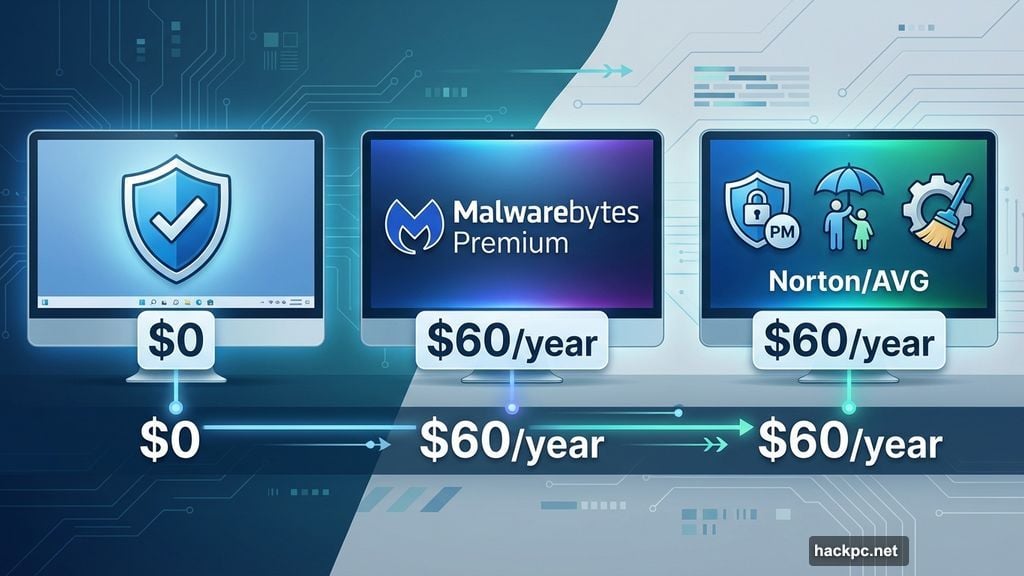
That’s not enough value for $60 annually. Especially when Windows Security already protects your PC effectively at zero cost.
Sure, Malwarebytes provides peace of mind for users uncomfortable with Microsoft’s free option. But objectively, you’re paying for brand familiarity more than meaningful additional protection.
Better Alternatives Exist Everywhere
At $60 yearly, Malwarebytes Premium Security competes with feature-rich suites from established vendors.
Norton 360 Deluxe costs $50 for the first year and includes password manager, cloud backup, parental controls, firewall, and unlimited VPN. Bitdefender Total Security offers similar features for $43 first-year pricing. Kaspersky Plus provides comprehensive protection for $28 initially.
Yes, those prices increase at renewal. But even at full rates, you get substantially more features than Malwarebytes provides. Plus, those companies participate fully in independent testing, giving transparent performance data.
Free alternatives work too. Windows Security handles basic protection. Add a dedicated VPN like ProtonVPN or Mullvad if you need private browsing. Install uBlock Origin for ad blocking. Total cost: $0 to $5 monthly for VPN service.
Malwarebytes sits awkwardly between free adequacy and premium feature sets. It costs too much for what it offers while delivering too little to justify the price.
When Malwarebytes Makes Sense
Let’s be fair. Malwarebytes Premium Security works for specific users.
If you strongly prefer dead-simple interfaces without extra features, the streamlined approach appeals. Elderly relatives or less tech-savvy users might appreciate the reduced complexity.
Also, if you’re running low-powered hardware, Malwarebytes’ minimal performance impact matters. Budget laptops with weak processors benefit from lighter security software.
But for most people, better options exist at every price point. Windows Security covers free protection adequately. Competitors offer richer feature sets at similar costs. Dedicated security suites provide comprehensive protection that justifies premium pricing.
Skip This One Unless Simplicity Trumps Value
Malwarebytes built its reputation as essential supplementary protection. That reputation no longer reflects current reality.
The software works fine. It catches threats. It won’t slow your PC. But it doesn’t deliver enough value to justify $60 annually when free alternatives exist and competitors pack more features at the same price.
Plus, limited participation in independent testing raises legitimate questions about real-world performance. Companies confident in their products submit to comprehensive benchmarking. Malwarebytes’ selective approach feels concerning.
Save your money. Stick with Windows Security or invest in feature-rich suites that actually earn their premium. Malwarebytes Premium Security isn’t bad software. It’s just unnecessary in 2025.




Comments (0)