
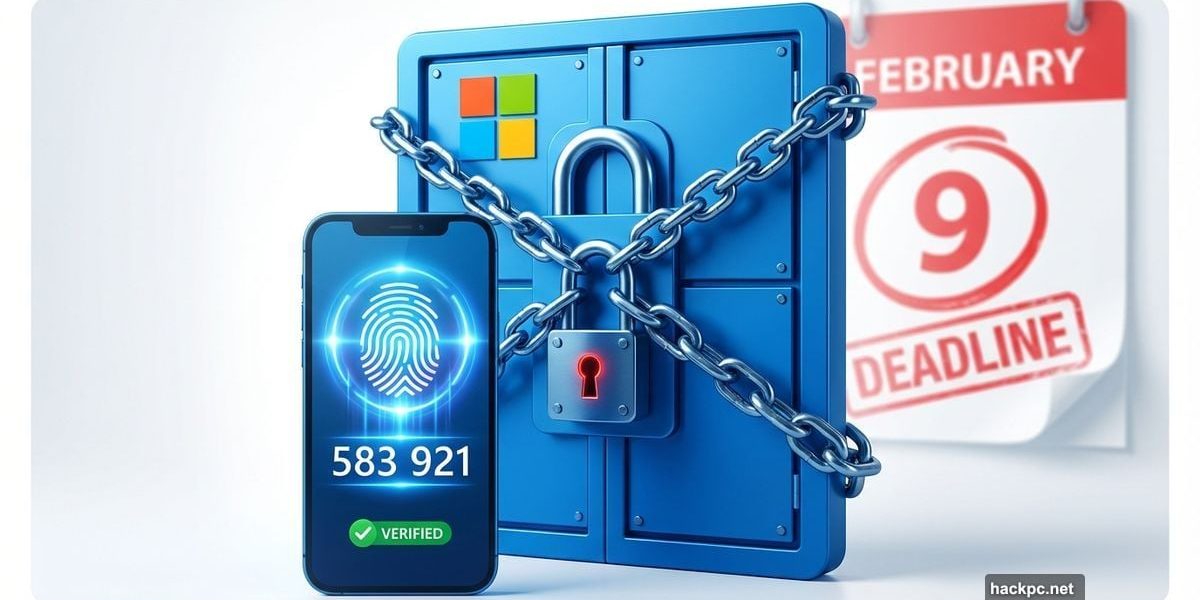
Microsoft just dropped a security bomb on millions of business users. Starting February 9th, you can’t access the Microsoft 365 admin center without multi-factor authentication enabled. No exceptions.
This isn’t a suggestion anymore. It’s a hard requirement. Plus, Microsoft made it clear they’re rolling this policy across all their services eventually. So if you’ve been putting off MFA setup, your time just ran out.
What Actually Changes on February 9th
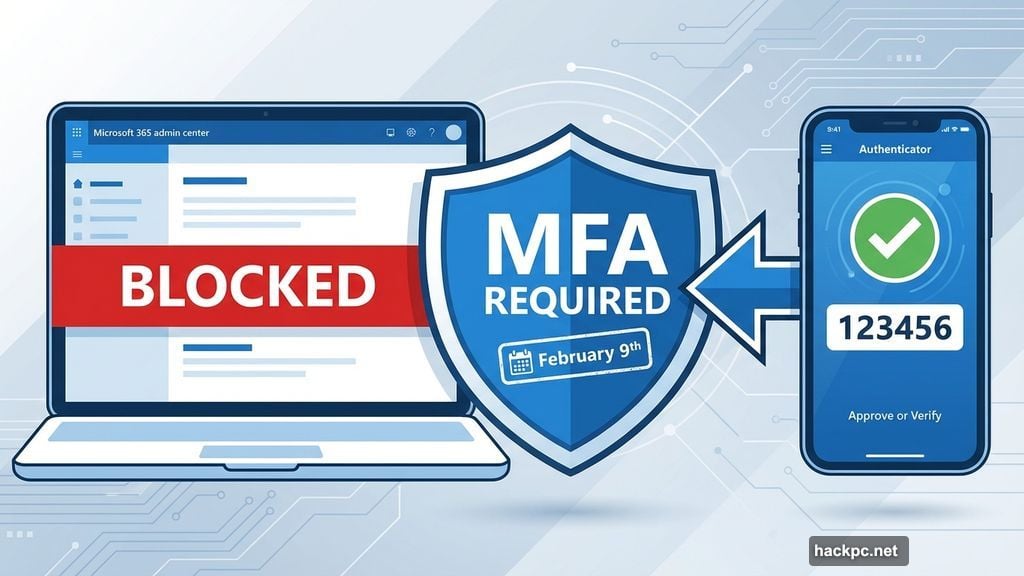
The deadline is firm. After February 9th, anyone trying to access the Microsoft 365 admin center without MFA gets blocked at the door.
Think about what that means. IT admins manage users, permissions, and settings through that portal. So without access, basic administrative tasks grind to a halt. Password resets? Blocked. Adding new users? Can’t do it. License management? Forget about it.
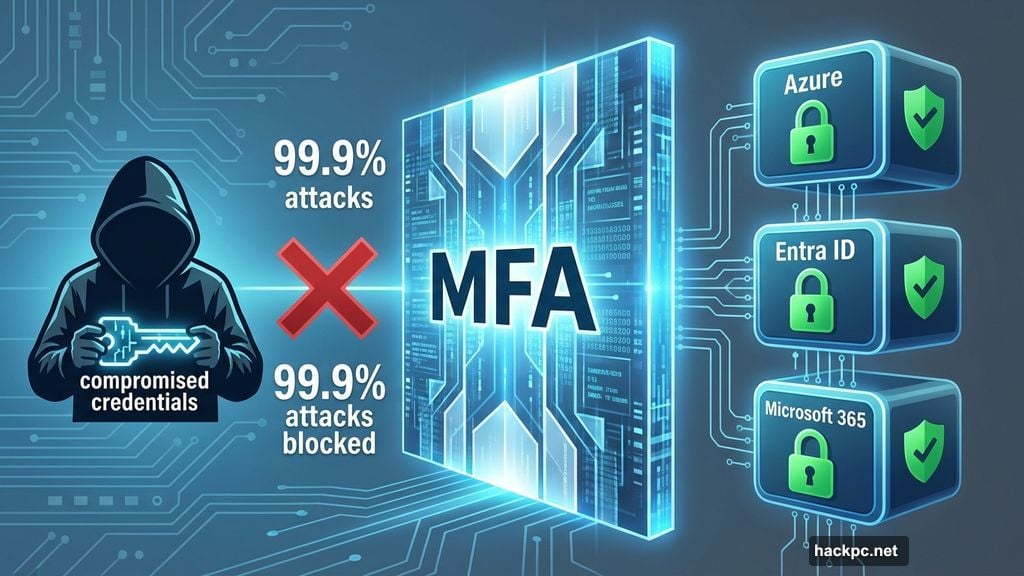
Microsoft already enforced similar rules for Azure and Entra ID. Now they’re extending the mandate to Microsoft 365. And they’ve been clear this eventually covers every Microsoft business service.
Why Microsoft Is Forcing This Change
Account compromises exploded over the past few years. Stolen passwords alone can’t protect against modern attacks anymore.
MFA blocks 99.9% of automated credential stuffing attacks, according to Microsoft’s own security data. That’s because even if hackers steal your password, they still need that second authentication factor. Usually that’s a code from your phone or an authenticator app.
Microsoft explicitly stated their reasoning: “Implementing MFA in the Microsoft 365 admin center significantly reduces the risk of account compromise, prevents unauthorized access, and safeguards sensitive data.”
Translation? They’re tired of cleaning up messes from compromised accounts. So they’re making security mandatory instead of optional.
What You Need to Do Before the Deadline
First, check if MFA is already enabled for your admin accounts. Log into the Microsoft 365 admin center and navigate to the security settings. If you see MFA configured, you’re fine.
If not, you need to set it up now. Microsoft supports several MFA methods: authenticator apps like Microsoft Authenticator, SMS codes, phone calls, or hardware security keys.
Here’s the smart approach. Pick an authenticator app. They’re more secure than SMS and more reliable than phone calls. Microsoft Authenticator integrates directly with Microsoft services. But Google Authenticator or Authy work fine too.
Set up backup authentication methods. Seriously. If you lose your phone, you need another way to authenticate. Configure at least two methods so one lost device doesn’t lock you out completely.
The Bigger Picture: MFA Everywhere
This mandate signals where Microsoft is heading. Eventually, MFA becomes required for all Microsoft cloud services, not just admin centers.
Azure already requires it. Entra ID requires it. Microsoft 365 admin center joins them on February 9th. The pattern is obvious. Regular Microsoft 365 user accounts will probably face the same requirement soon.
So even if you’re not an admin, start planning. Your organization should implement MFA for everyone now rather than scrambling when Microsoft mandates it.
Common MFA Complaints and Why They Don’t Matter
People hate MFA. It adds friction to login. It requires an extra step. It feels inconvenient.
But you know what’s more inconvenient? Rebuilding your entire email system after a breach. Explaining to clients why their data leaked. Paying ransom to decrypt your files.
Companies without MFA are 300% more likely to experience account takeovers, according to security research from Microsoft and other providers. That’s not a small difference. That’s the gap between negligent and reasonable security.
Modern MFA implementations minimize the annoyance anyway. Most apps support “remember this device” options. So you authenticate once, then your regular device works normally for weeks or months.
What Happens If You Miss the Deadline
Miss February 9th and your admin accounts get locked out. No grace period. No temporary workaround.
You’ll need to contact Microsoft support to regain access. That process takes time. Meanwhile, your organization can’t perform administrative tasks. Users with problems stay stuck. New employee onboarding stops.
Some admins think they can just skip using the admin center. Wrong. Eventually you’ll need to access it for something. License renewals, compliance reports, security configurations—these all require admin center access.
So delaying just means you face an emergency MFA setup later under time pressure. Set it up now when you can test and verify everything works correctly.
The Security Mindset Shift
Microsoft isn’t alone in this push. Google requires MFA for Google Workspace admins. Amazon Web Services strongly encourages it. Salesforce enforces it for certain user types.
The entire industry moved toward mandatory MFA because optional security doesn’t work. Given the choice, too many users skip protection until after they get hacked.
So cloud providers decided for their customers. Better to force good security practices than constantly deal with preventable breaches.
Three Steps to Take Today
Stop reading and do these three things right now.
First, verify your current MFA status. Log into Microsoft 365 admin center. Check security settings. Know where you stand before the deadline hits.
Second, choose your MFA method. Download Microsoft Authenticator or your preferred authenticator app. Set it up on your phone. Configure it with your Microsoft admin account.
Third, set up backup authentication. Add a second phone number. Configure a hardware security key. Register a backup device. Something that works if your primary method fails.
These steps take 15 minutes. That’s cheaper than dealing with a lockout emergency on February 10th.
Microsoft Isn’t Being Unreasonable Here
Some organizations will complain about Microsoft forcing this change. Too bad.
Password-only authentication failed spectacularly. Data breaches happen weekly. Ransomware attacks shut down entire companies. Most of these start with compromised credentials.
MFA stops the vast majority of these attacks. It’s not perfect. Nothing is. But it’s dramatically better than passwords alone.
Microsoft provides the tools for free. They’re giving advanced notice. They’re following industry best practices. Organizations have no legitimate excuse to skip this.
Secure your admin accounts now. Test your MFA setup. Make sure backup methods work. Do it before February 9th turns into a crisis.
The deadline isn’t negotiable. Your security shouldn’t be either.




Comments (0)