
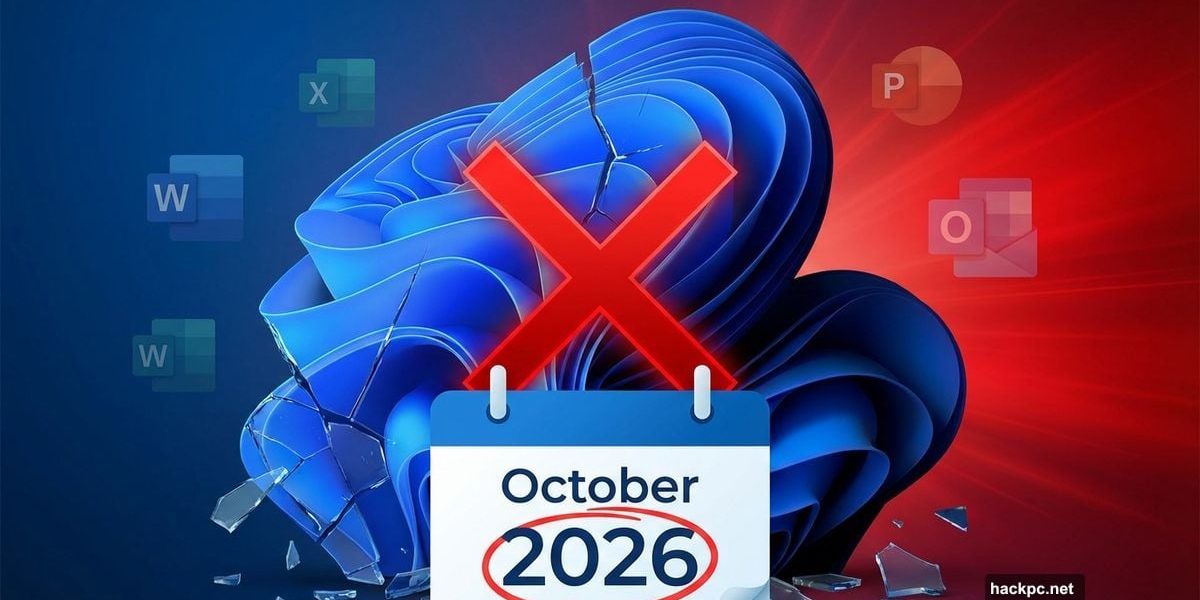
Microsoft just dropped the hammer on several Windows versions and Office 2021. October 2026 marks execution day for products millions still use daily.
But here’s the twist. Some of these discontinuations make sense. Others? They’re leaving users scrambling with few good alternatives. Let’s break down what’s ending and what you need to do before support vanishes.
Windows 11 24H2 Gets the Axe
Microsoft kills support for Windows 11 24H2 on October 13th, 2026. Both Home and Pro editions die that day.
Sound familiar? It should. Microsoft pulled the same move last year with Windows 11 23H2. Support ended in fall 2025 right when the next major update dropped.
So October 13th brings your last security patch for 24H2. After that? You’re exposed to every new vulnerability discovered. Plus, Microsoft won’t fix bugs or compatibility issues that crop up.
The solution sounds simple. Just upgrade to Windows 11 25H2, which launched last fall. That version stays supported until October 2027. But here’s the catch.
Windows 11 24H2 earned a reputation as one of Microsoft’s messiest releases. Installation failures plagued users. Error messages appeared constantly. Some systems saw taskbar freezing, frame rate drops in games, and Office apps crashing without warning.
Now Microsoft wants everyone to upgrade again. That’s a tough sell after the 24H2 disaster.
Windows 11 SE Finally Dies
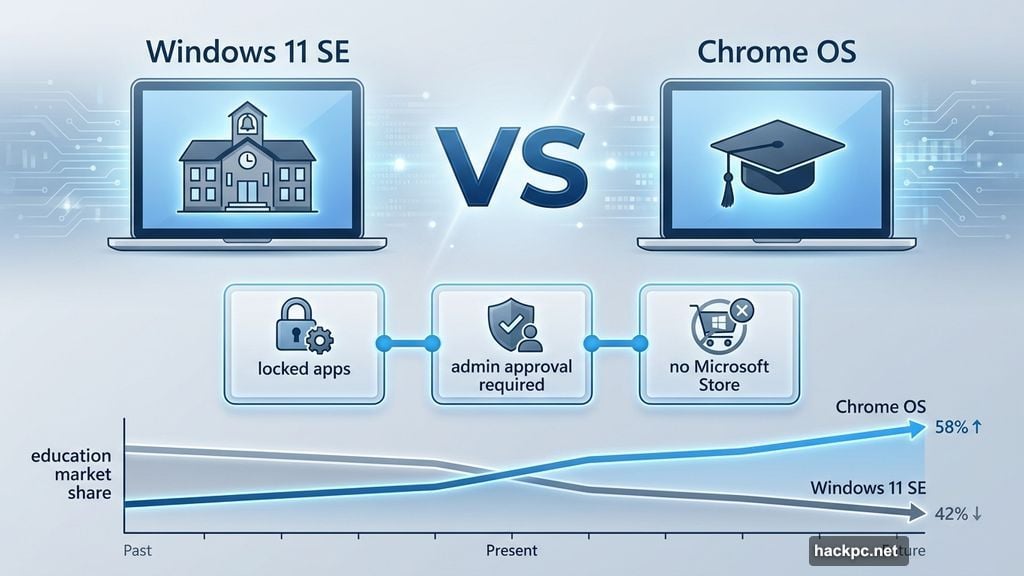
Windows 11 SE disappears alongside 24H2 in October 2026. Remember when Microsoft pitched SE as their Chrome OS killer back in November 2021?
That didn’t work out. SE targeted cheap school laptops but never gained traction. The locked-down design prevented standard users from installing most apps. Even Microsoft Store downloads needed admin approval.
Moreover, SE stripped out widgets and some Snap Layout options to stay “distraction-free.” But those restrictions made it less useful than standard Windows 11. School administrators stuck with what they knew instead.
Chrome OS kept dominating education markets. SE became another failed Windows experiment, following Windows 10 S into obscurity.
Updates stop in October 2026. After that, schools running SE face tough choices. Migrate to standard Windows 11, switch to Chromebooks, or keep running outdated systems with mounting security risks.
Enterprise Versions Get More Time
Windows 11 23H2 Enterprise, Education, and IoT Enterprise editions last until November 10th, 2026. That’s according to Microsoft’s official support documentation.
Meanwhile, Home and Pro versions of 23H2 already died in November 2025. So enterprise customers get an extra year of support compared to regular users.
Still, November 2026 arrives fast. Organizations running 23H2 Enterprise need upgrade plans now. Testing takes time. Deployment across hundreds or thousands of machines takes even longer.
Plus, many businesses delay major Windows updates to avoid compatibility nightmares. But waiting too long means choosing between rushed deployments or running unsupported systems.
Office 2021 Reaches End of Life
Office 2021 joins the discontinued list on October 13th, 2026. That includes both Office LTSC 2021 and the Mac version.
Here’s what bugs me about this timing. Office 2021 launched in October 2021. Microsoft promised extended support for perpetual license versions. But five years of support isn’t particularly generous compared to past Office releases.
After support ends, the software keeps working. But you’ll never get another security patch. Every vulnerability discovered after October 2026 stays unfixed forever.
That creates serious risk. Office files spread malware constantly. Attackers exploit document vulnerabilities to install ransomware, steal data, and compromise networks. Running unpatched Office is begging for trouble.
Microsoft wants users upgrading to Office 2024 or subscribing to Microsoft 365. But there’s no upgrade discount from 2021 to 2024. You’ll pay full price either way.
Your Two Office Options
Office 2024 costs $150-$250 depending on the edition. You buy it once and own it forever. But you only get security updates, not new features. Plus, that version will eventually reach end-of-life too.
Microsoft 365 subscriptions start at $70 per year for Personal or $100 per year for Family. You get feature updates, security patches, cloud storage, and access on multiple devices. But the cost never stops.
The math favors subscriptions if you use Office for more than 2-3 years. However, many users resent paying forever for software they used to buy once.
Microsoft clearly prefers the subscription model. They make more revenue that way. So expect Office 2024 support to end even faster than Office 2021’s five years.
Windows Features Quietly Removed
Microsoft also killed various Windows features throughout 2025. Most users won’t notice. But some removals matter.
Windows PowerShell 2.0 disappeared. Good riddance. That ancient version carried security risks. Newer PowerShell versions work better anyway.
Windows Maps got replaced by Bing Maps. The old Maps app never competed well against Google Maps. But forcing users to Bing Maps feels more about promoting Microsoft services than improving functionality.
Dev Home partially moved to Settings. The Windows Management Instrumentation Command-Line tool was replaced by PowerShell for WMI tasks. Legacy Web Components gave way to WebView2.
These changes mostly affect developers and IT professionals. Regular users probably never touched these features. Still, each removal eliminates options and forces users into Microsoft’s preferred tools.
What Disappears in 2026?
Microsoft hasn’t announced which features die in 2026. But the pattern is clear. Older technologies get replaced by newer Microsoft-controlled alternatives. Independent tools and protocols vanish in favor of proprietary options.
Expect more consolidation around Microsoft’s ecosystem. Third-party integration gets harder. User choice shrinks. The company calls it “streamlining.” Users call it lock-in.
Plus, feature removals often come with minimal warning. Microsoft publishes documentation but doesn’t actively notify affected users. You only discover the problem when something stops working.
Skip the Upgrade Treadmill
Here’s my advice. Don’t rush to upgrade just because Microsoft says so.
For Windows 11 24H2 users, wait until at least spring 2026 before moving to 25H2. Let early adopters find the bugs first. Microsoft’s track record with major updates suggests caution makes sense.
For Office 2021 users, evaluate whether you actually need Office at all. LibreOffice and Google Workspace handle most tasks free. If you need genuine Office features, consider Microsoft 365 Family split among several users to reduce per-person costs.
For Windows 11 SE schools, start planning migration now. Chromebooks offer better value and management tools for education. If you’re locked into Windows, budget for standard Windows 11 licenses and management overhead.
The upgrade treadmill never stops. Microsoft profits from forced obsolescence. So take control by upgrading strategically, not on Microsoft’s schedule.




Comments (0)