
Edge is showing up uninvited on Windows 11 PCs — and users are not happy about it.
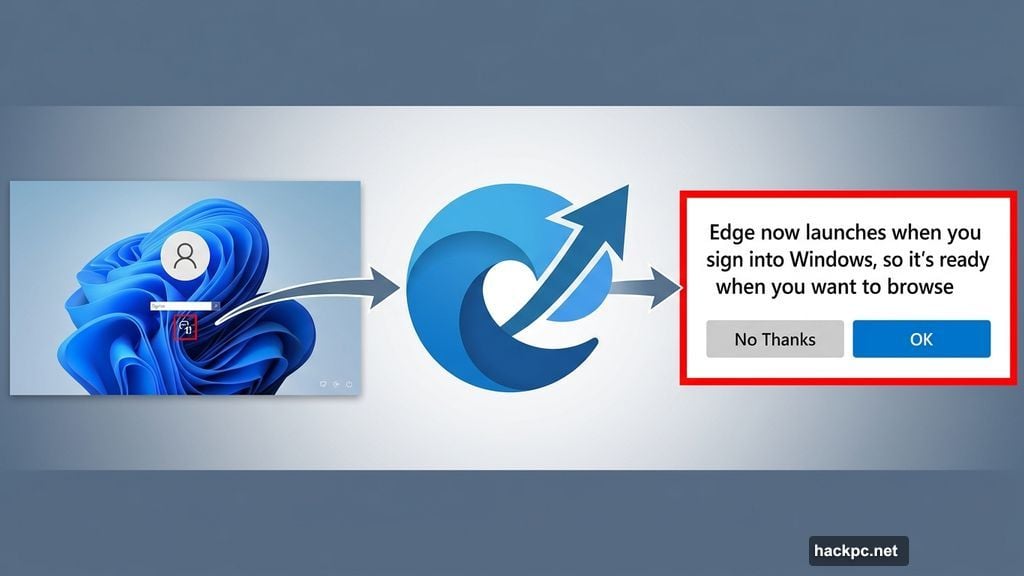
Microsoft is testing a feature in the latest Edge beta that automatically launches the browser every time you sign into Windows. No permission asked. No warning given. It just appears, along with a cheerful banner explaining that Edge now opens at startup “so it’s ready when you want to browse.”
For anyone who prefers Chrome, Firefox, or basically anything else, that message probably lands differently than Microsoft intended.
Edge Pops Up With a New Startup Banner
According to Windows Central, the browser launches at sign-in and displays a new notification that reads: “Edge now launches when you sign into Windows, so it’s ready when you want to browse. Change this anytime in Settings.”
The phrasing is friendly. The behavior, less so.
You can’t skip the initial pop-up entirely. But if you ignore it and do nothing, Edge will keep launching every time you start your PC. So you’ll want to deal with it sooner rather than later.
How to Turn Off Edge Auto-Launch
The good news is that stopping it is straightforward — at least for most users.
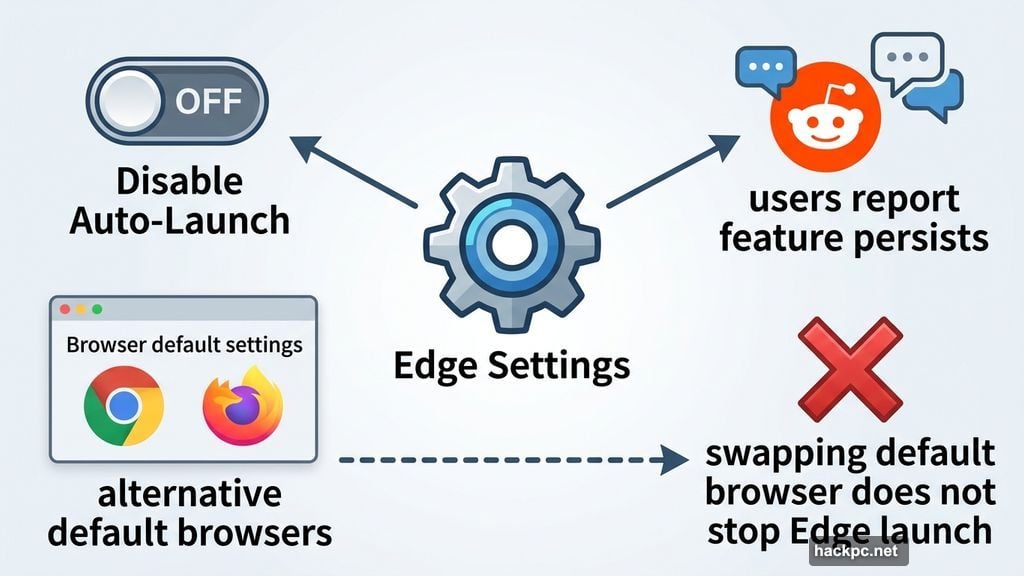
When the startup pop-up appears, simply select the “No Thanks” option. That should prevent Edge from launching automatically going forward. If you missed that prompt, you can also head into Edge settings and turn off the auto-launch option from there.
There’s a catch, though. Some Reddit users report that they can’t disable the feature at all, even after trying both methods. That’s a pretty frustrating position to be in, especially since this behavior kicks in without you ever agreeing to it.
It’s also unclear whether setting a different browser as your default stops Edge from launching. Windows Central tested this and found the Edge notification still appeared regardless. So swapping your default browser might not be enough on its own.
Microsoft Can’t Afford to Lose More Users
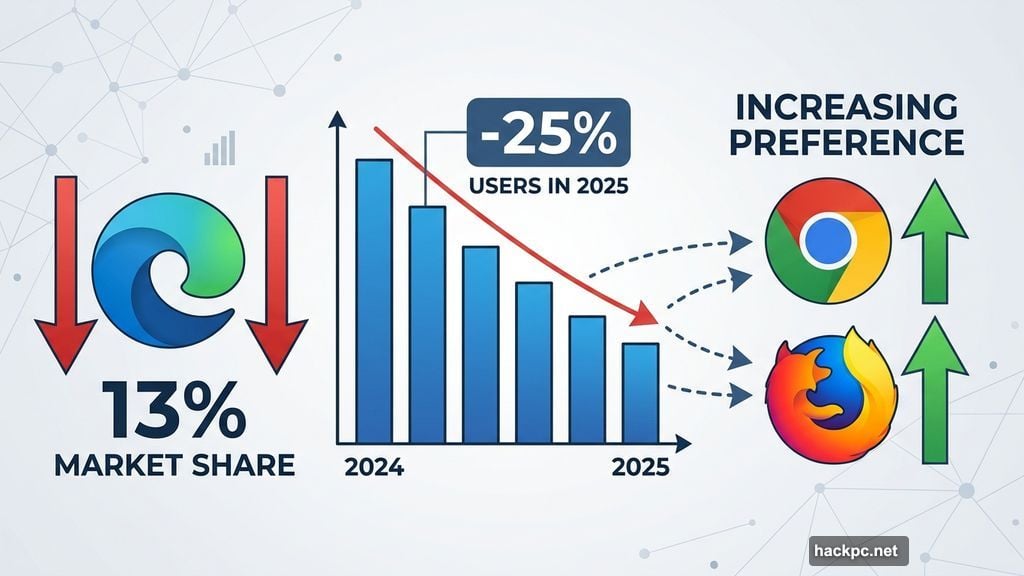
Here’s the thing — Edge is already struggling. The browser lost roughly a quarter of its user base in 2025 and now holds about 13% market share. That’s a significant slide.
Forcing a browser on people who clearly prefer other options is a bold strategy when you’re already losing ground. Users who feel pushed around tend to push back, and sometimes that means ditching the product entirely. So this move feels like a gamble Microsoft doesn’t really need to take right now.
Is This Feature Coming to Everyone?
Not necessarily — at least not yet. The auto-launch behavior is currently showing up in beta versions of Edge, and not every tester is seeing it. That suggests Microsoft is either doing a slow rollout or testing with specific user groups before a wider release.
Redditors have been flagging similar auto-launch behavior for months, so this isn’t completely new territory. But the addition of the startup banner message feels like a more formal, intentional push in this direction.
Whether it makes it into the stable Edge release remains to be seen. Microsoft has not responded to requests for comment on the feature.
If you’re on the Edge beta and you see that startup pop-up, act quickly. Hit “No Thanks” and save yourself the daily surprise. And if the setting doesn’t stick, you’re unfortunately not alone — it’s a known problem that Microsoft will hopefully address before this rolls out any further.




Comments (0)