
Google’s NotebookLM just got a batch of new features, and while none of them are flashy announcements on their own, together they make a genuinely better tool.
Think of it like a software update that fixes all the little things that bugged you. No single change is earth-shattering. But when you add them all up, the whole experience feels noticeably smoother and more capable.
Here’s what changed and why it matters.
Cinematic Video Overviews Push AI Content Creation Further
Earlier this month, Google rolled out Cinematic Video Overviews for NotebookLM. This is the feature most worth knowing about.
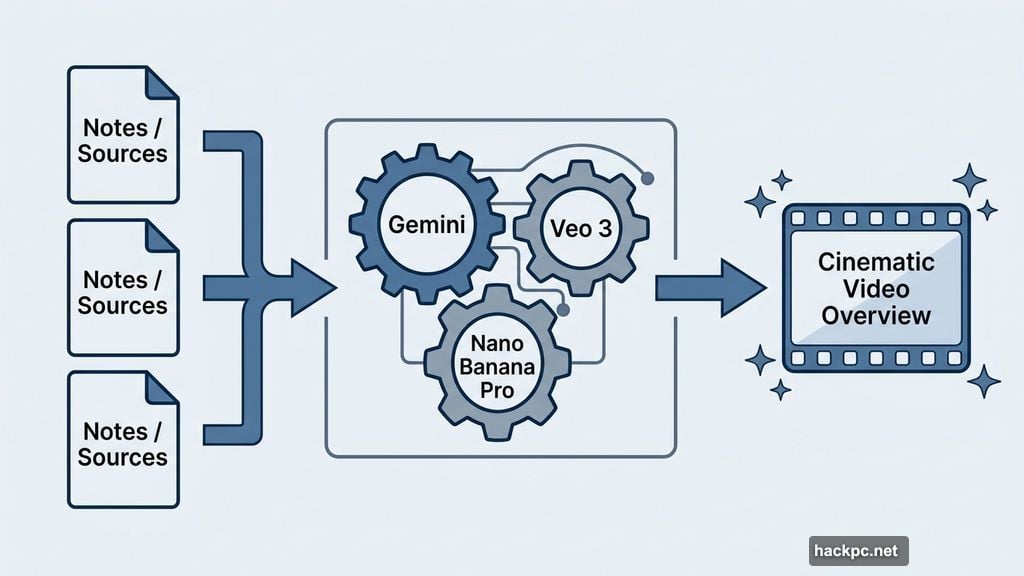
The original Video Overviews were already impressive. You could feed NotebookLM your notes or documents and it would generate a video summary. Now, the new Cinematic version adds rich animations and polished visual style to the output.
It runs on a combination of Gemini, Nano Banana Pro, and Veo 3 working together. The result feels less like a rough AI draft and more like something you’d actually want to share. For researchers, students, or anyone turning dense material into digestible content, this is a significant step forward.
Slide Revision Finally Fixes a Frustrating Limitation
If you’ve used NotebookLM to generate slide decks before, you probably hit the same wall everyone hits. Once the slides were created, that was it. Static images. No editing. No tweaking.
That’s now changed, and honestly, it was overdue.
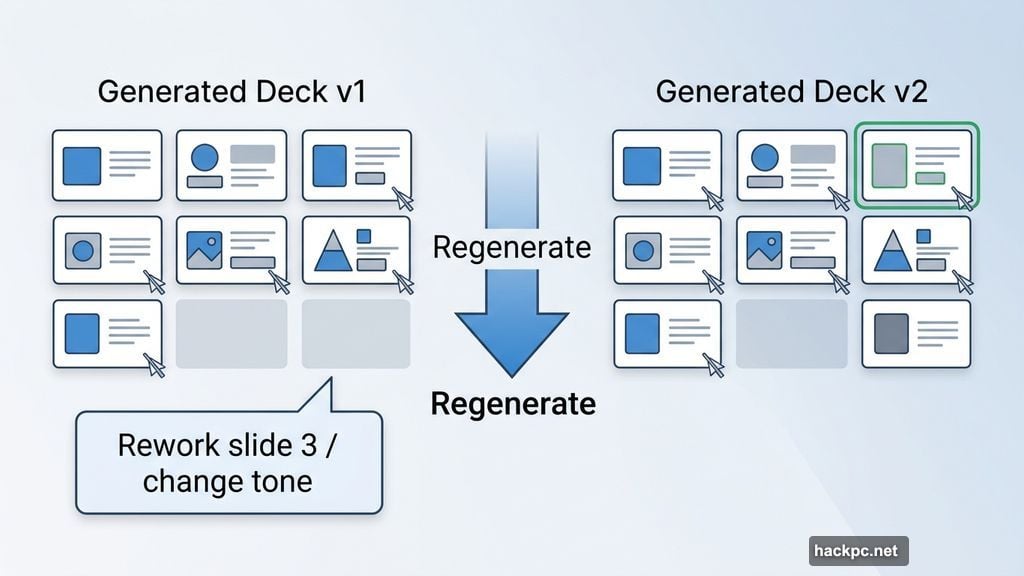
You can instruct NotebookLM to make specific changes to your slides, then regenerate the entire deck with those revisions applied. Want to rework the structure of slide three? Just ask. Need a different tone on the opening? Done.
There’s still one limitation worth knowing. You can’t manually click into individual slide elements and edit them directly. You regenerate the deck based on your instructions rather than fine-tuning each piece by hand. But this is a meaningful step toward full manual control, and the feature is available to all users over 18.
Ten New Infographic Styles Mean Better Visual Storytelling
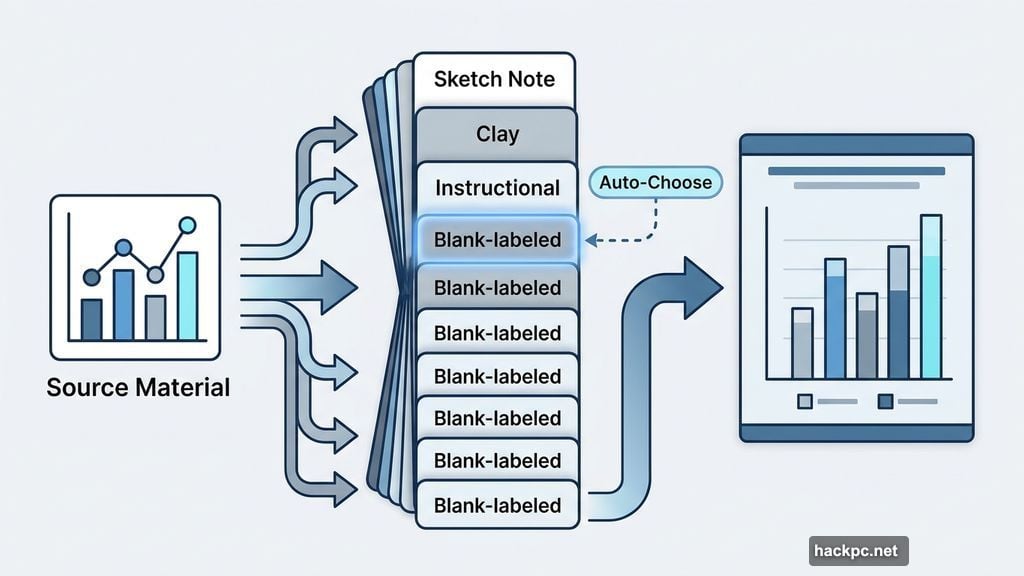
NotebookLM’s infographic generator already made it easy to visualize data. Now you have ten distinct style options to choose from, including sketch note, clay, and instructional formats.
That variety matters more than it might sound. The right visual format changes how people absorb information. A sketchy, hand-drawn style feels different from a clean instructional layout, and both serve different purposes.
Plus, if you don’t pick a style yourself, NotebookLM will automatically choose one based on your source material. So even the default experience got smarter. These styles are available to all users over 18.
Quiz and Flashcard Updates Make Studying More Practical
The quiz and flashcard tools got a handful of practical improvements that collectively make them much more useful for actual studying.
You can now delete individual questions you don’t need. Your progress saves automatically across sessions, so you don’t lose your place if you close the tab. And you can mark individual questions as “got it” or “missed it,” which lets you quickly identify where to focus when you return for another round.
The results page after completing a quiz also got a visual refresh for better readability. These updates are available to all users, no age restriction.
EPUB Support and PowerPoint Export Open Up New Workflows
Two file format additions are small but genuinely useful for specific use cases.
First, NotebookLM now accepts EPUB files as source material. EPUB is the standard format for ebooks, so this opens up a huge library of content you can now feed directly into the tool. If you’re researching a topic and working from ebook sources, that workflow just got a lot less clunky.
Second, slide decks generated by NotebookLM can now be exported as PPTX files. That means you can open them directly in Microsoft PowerPoint and edit them from there. For anyone working in professional environments where PowerPoint is the standard, this removes a major friction point.
Create Directly From Chat Without Switching Tabs
This last update is small but genuinely convenient. You can now generate audio overviews, reports, infographics, and other artifacts directly from your chat conversation with Gemini, without having to navigate to the Studio tab separately.
It sounds minor. But anyone who uses NotebookLM regularly knows how often you’re mid-conversation and want to turn something into a shareable output. Removing that extra click keeps the creative flow going instead of interrupting it.
NotebookLM has quietly become one of the more versatile AI tools available, and this update shows Google is paying attention to the friction points that real users actually experience. The slide revision feature and EPUB support alone make this a meaningful upgrade for students, researchers, and content creators who rely on the tool regularly.




Comments (0)