
PDF files run the digital world. You’ve got them on your phone, laptop, and probably stored in three different cloud services right now.
Most of us just need to view or comment on PDFs occasionally. For those moments, free readers work fine. But what happens when you need to actually edit content, reorganize pages, or collaborate on changes?
That’s when you need a real PDF editor. Not just a viewer with basic markup tools, but software that treats PDFs like editable documents.
Adobe Acrobat Still Owns the Category
Adobe Acrobat Pro remains the standard everyone else chases. For good reason too.
Its feature set covers everything. Creating PDFs from scratch, converting files seamlessly, editing text directly, reorganizing pages, and securing documents with multiple protection layers. Plus, the recent interface redesign dumped those nested menus that used to drive users crazy.
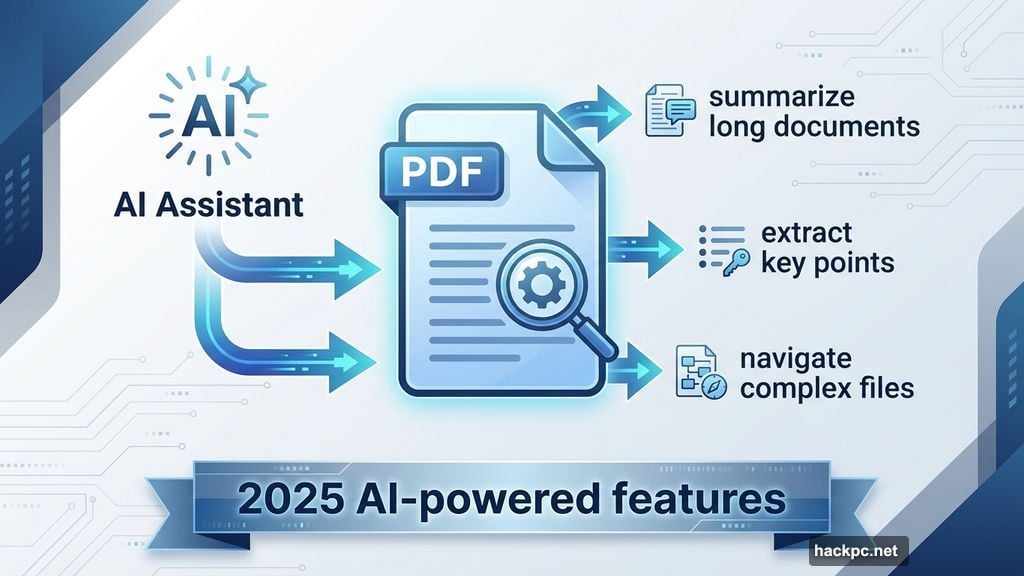
The 2025 version added AI assistance. That’s a first for PDF editors. The AI can summarize long documents, extract key points, and help navigate complex files.
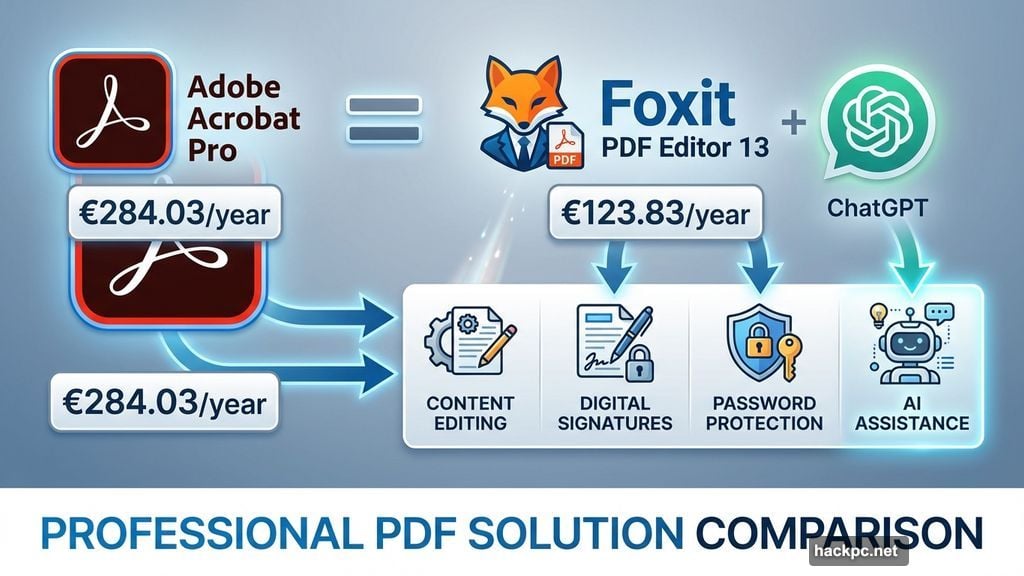
But here’s the catch. Acrobat Pro costs €284.03 annually. That’s a serious investment for individuals and small businesses.
So the question becomes: Do you actually need all that power?
Foxit Challenges Adobe Head-On
Foxit PDF Editor 13 deserves serious consideration as an Acrobat alternative.
It matches Adobe feature-for-feature in most areas. Content editing, markup tools, form filling, digital signatures, password protection. All present and accounted for. Moreover, it integrates ChatGPT directly into the interface for AI-powered document assistance.
The ribbon interface mimics Microsoft Office, which means zero learning curve if you use Word or Excel daily. Plus, Foxit supports tons of file formats and makes adding hyperlinks, images, and attachments completely painless.
Individual licenses run €123.83 yearly. Business users pay more (€159.99) but get eSign capabilities, AI-powered redaction, and 150GB cloud storage versus the standard 20GB.
Still expensive. But considerably cheaper than Adobe while delivering comparable functionality.
Budget Options That Actually Work
EaseUS PDF Editor proves you don’t need premium prices for solid editing.
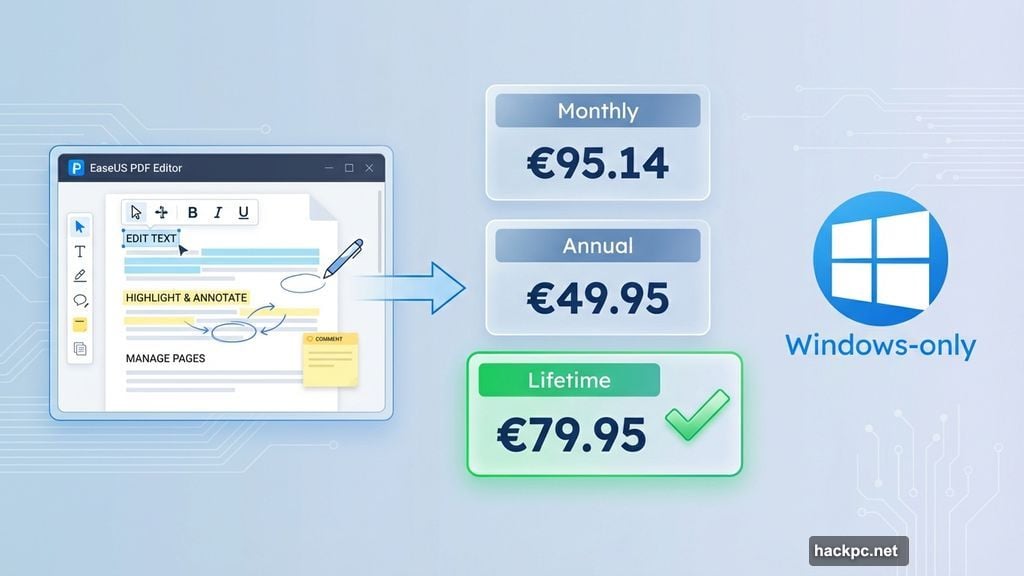
This Windows-only tool provides all essential PDF management features without the complexity. Text editing, annotations for collaboration, file conversion, page manipulation. Everything works exactly as expected through a straightforward interface.
The pricing makes it particularly attractive. Monthly plans cost €95.14, but annual subscriptions drop to €49.95. Better yet, lifetime licenses run just €79.95.
That’s remarkable value for anyone who regularly works with PDFs but doesn’t need enterprise-level features. Plus, EaseUS offers a fully functional free trial. The catch? Your edited documents carry watermarks until you pay.
Free Editors Worth Considering
PDF Candy stands out among free options by offering genuinely useful features.
Most free editors limit you to basic tasks. PDF Candy breaks that pattern with 44 tools including OCR functionality, scanning support, and multiple file-conversion options. Features you’d typically pay for elsewhere.
The interface feels somewhat disjointed. Tool icons lack logical organization, which creates a learning curve. But once you memorize where things live, it works surprisingly well.
Free users face one task per hour limits. That’s fine for occasional editing. Heavy users need the premium version at €99 annually for unlimited access.
Mac Users Get Special Treatment
PDF Expert dominates the Apple ecosystem for good reason.
It syncs seamlessly across Mac, iPhone, and iPad. The interface matches Apple’s design language perfectly, making it feel native to the platform. And it fills the iOS gap since iPhones and iPads lack built-in PDF editors.
Features include comprehensive page management, OCR for scanned documents, file format conversion, and annotation tools. The latest version adds AI chat assistance for summarizing complex documents and extracting key information.
Pricing sits at €85 annually. That’s considerably less than Adobe or Foxit, making it an obvious choice for Apple users.
Of course, Mac users already have basic PDF editing through Preview. For simple tasks like adding signatures, basic markup, and password protection, Preview handles everything without additional software. But it lacks advanced features and only works on macOS.
Online Editing Serves Quick Needs
pdfFiller represents the best browser-based option.
Everything happens through your web browser. Creating, editing, securing, sharing, and storing PDFs. No software installation required. The interface mimics desktop applications with familiar toolbars and thumbnail navigation.
Features extend beyond basic editing. The Premium plan includes a legal document library and SignNow integration. Three subscription tiers (Basic €8/mo, Plus €12/mo, Premium €15/mo) let you match features to needs without overpaying.
However, browser-based editing suits quick jobs better than intensive document work. Desktop editors provide more power and reliability for complex projects.
Making the Right Choice
Your workflow determines which editor makes sense.
Need comprehensive features, rock-solid reliability, and AI assistance? Adobe Acrobat Pro delivers everything at premium prices. Want comparable power for less money? Foxit PDF Editor 13 competes admirably.
Budget-conscious users should examine EaseUS PDF Editor seriously. It provides essential features at remarkably low prices. And free options like PDF Candy work perfectly for occasional editing needs.
Mac users can’t beat PDF Expert for seamless Apple ecosystem integration. Though Preview handles basic tasks without costing anything.
Consider what you actually do with PDFs. Occasional signature additions and basic comments? Free tools suffice. Regular editing, document creation, and team collaboration? Premium editors justify their costs through time savings and expanded capabilities.
The right editor matches your needs without forcing you to pay for features you’ll never use. Test free trials before committing. Most editors offer generous trial periods that reveal whether the feature set matches your workflow.




Comments (0)