
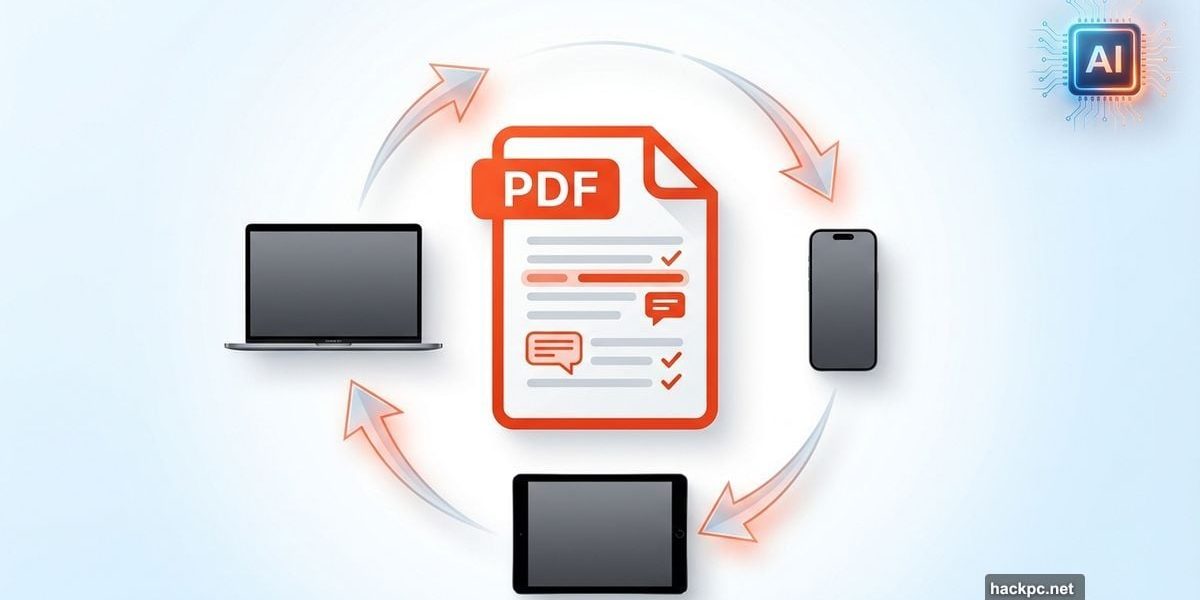
Apple’s Preview app handles basic PDF tasks on Mac. But iOS devices? They’re stuck without native PDF tools.
That’s where PDF Expert comes in. Readdle’s editor works across all your Apple devices, syncing edits seamlessly. Plus, it now packs an AI assistant that can summarize documents and extract key points instantly.
I tested it thoroughly. Here’s what Mac and iOS users need to know.
Clean Interface Gets You Working Fast
PDF Expert doesn’t waste your time. The interface puts essential tools right where you need them.
Tabs run across the top—Annotate, Edit, Export, Fill & Sign, Scan Tools, Measure. Click any tab and relevant tools appear immediately. No hunting through nested menus or dropdown lists.
The main pane displays your PDF. A left sidebar shows page thumbnails for easy navigation. When you select a tool, its options appear on the right. Choose the pen tool? You’ll see sliders for line width and opacity, plus a color palette.
This smart layout saves considerable time. Everything lives one click away instead of buried three menus deep.
Comprehensive Annotation Tools
PDF Expert handles every annotation task you’ll encounter. Highlight text, add margin notes, insert stamps and shapes—all standard features work exactly as expected.
Signature capture impresses me most. You can sign using your Mac’s trackpad, your iPhone’s camera, or an Apple Pencil on iPad. Better yet, that signature syncs across all devices automatically.
Forms get special treatment too. The editor detects fillable fields and highlights them, so you never miss a required box on contracts or applications.
Security features include text redaction—either erase sensitive information or cover it with black boxes. Password protection locks down confidential documents before you share them.
Page Management Made Simple
Reorganizing PDF pages should be painless. PDF Expert makes it exactly that.
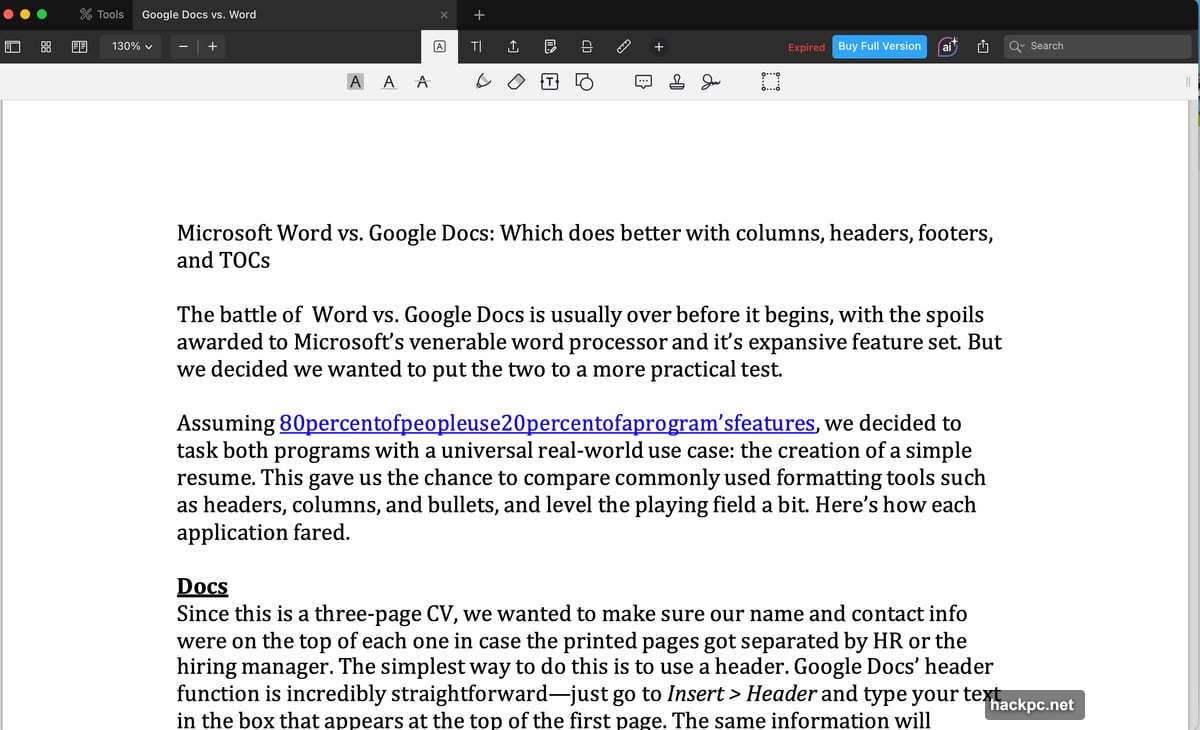
Want to reorder pages? Just drag thumbnails to new positions. Need to extract specific pages? A few clicks handle it. Adding pages from other documents? Dead simple.
The editor converts scanned documents into editable text with one button press. OCR accuracy impressed me during testing—even with mediocre scan quality, it captured text reliably.
You can also convert PDFs into Microsoft Office formats, plain text, or image files. The conversion process takes seconds, not minutes.
AI Assistant Speeds Document Review
Here’s where PDF Expert pulls ahead of basic editors. The new AI chat feature lets you ask questions about your document in natural language.
Need to know what a 50-page contract says about liability? Ask the AI. Want key points from a lengthy report? The assistant extracts them instantly. It even generates hashtags for social media posts based on document content.
This feature saves real time. Instead of skimming through pages hunting for specific clauses or details, you get direct answers. For anyone working with dense legal documents, technical manuals, or research papers, it’s legitimately useful.
Cross-Device Sync Actually Works
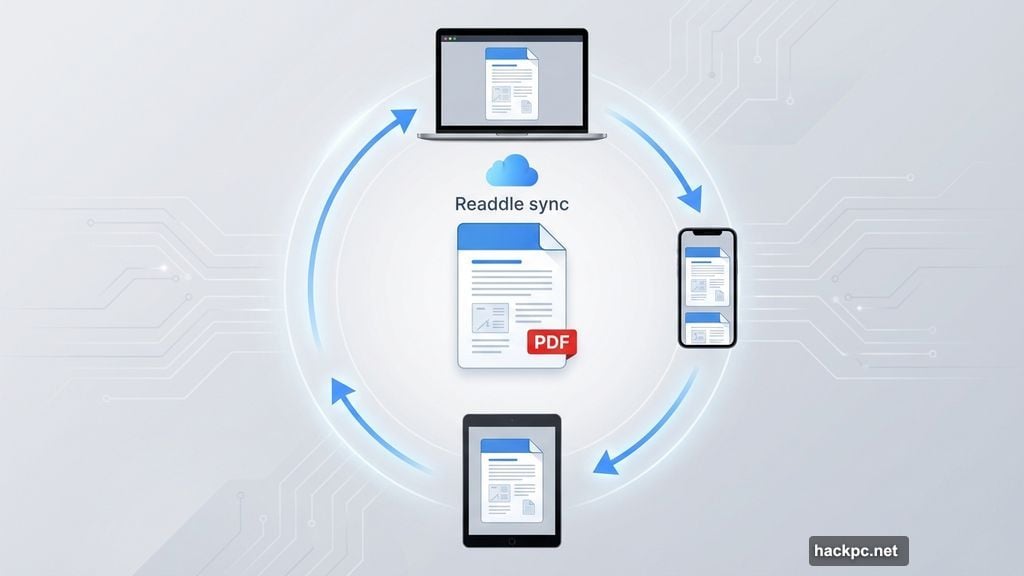
PDF Expert shines brightest when you’re working across multiple Apple devices. Edit a document on your Mac, continue on your iPad during your commute, make final tweaks on your iPhone.
Everything syncs automatically. Your annotations, edits, signatures—they all follow you seamlessly. No manual file transfers or cloud storage wrestling required.
This tight integration makes sense for the Apple ecosystem. If you’re already invested in Mac, iPad, and iPhone, PDF Expert fits naturally into your workflow.
Pricing Structure Has One Catch
The annual subscription costs $79.99, considerably less than Adobe Acrobat DC or Foxit PDF Editor. That price covers Mac, iPhone, and iPad usage.
A lifetime license exists for $139.99. But here’s the catch—it only works on Mac. Your iPhone and iPad get locked out.
That limitation frustrates me. If you’re paying $139.99 for permanent access, it should cover the entire Apple ecosystem, not just computers. The pricing model feels inconsistent with PDF Expert’s cross-device strengths.
The good news? A fully-functional 7-day trial lets you test everything before committing. No credit card required.
Should You Buy PDF Expert?
PDF Expert handled every task I threw at it. The interface stays out of your way. Tools work intuitively. The AI assistant actually adds value instead of feeling like a gimmick.
For Apple users with multiple devices, the annual subscription makes sense. You get robust PDF editing capabilities everywhere you work, and $79.99 yearly beats most alternatives.
The lifetime license presents a tougher call. Paying $139.99 for Mac-only access feels like an incomplete solution. Either stick with the annual plan or wait for Readdle to expand lifetime coverage to mobile devices.
Mac users who rarely edit PDFs on mobile might find the lifetime license worthwhile. But if you’re frequently working across devices—which is PDF Expert’s main selling point—the subscription delivers better value.
One thing’s certain: Apple’s ecosystem desperately needs solid PDF tools on mobile. PDF Expert fills that gap better than most alternatives.




Comments (0)