

Perplexity’s Comet AI browser has officially arrived on iPhone, and it’s completely free. That’s a pretty dramatic shift for a tool that launched on PC last summer with a $200 monthly price tag.
So what changed? Quite a lot, actually — and not all of it is straightforwardly good news.
What Comet Actually Does
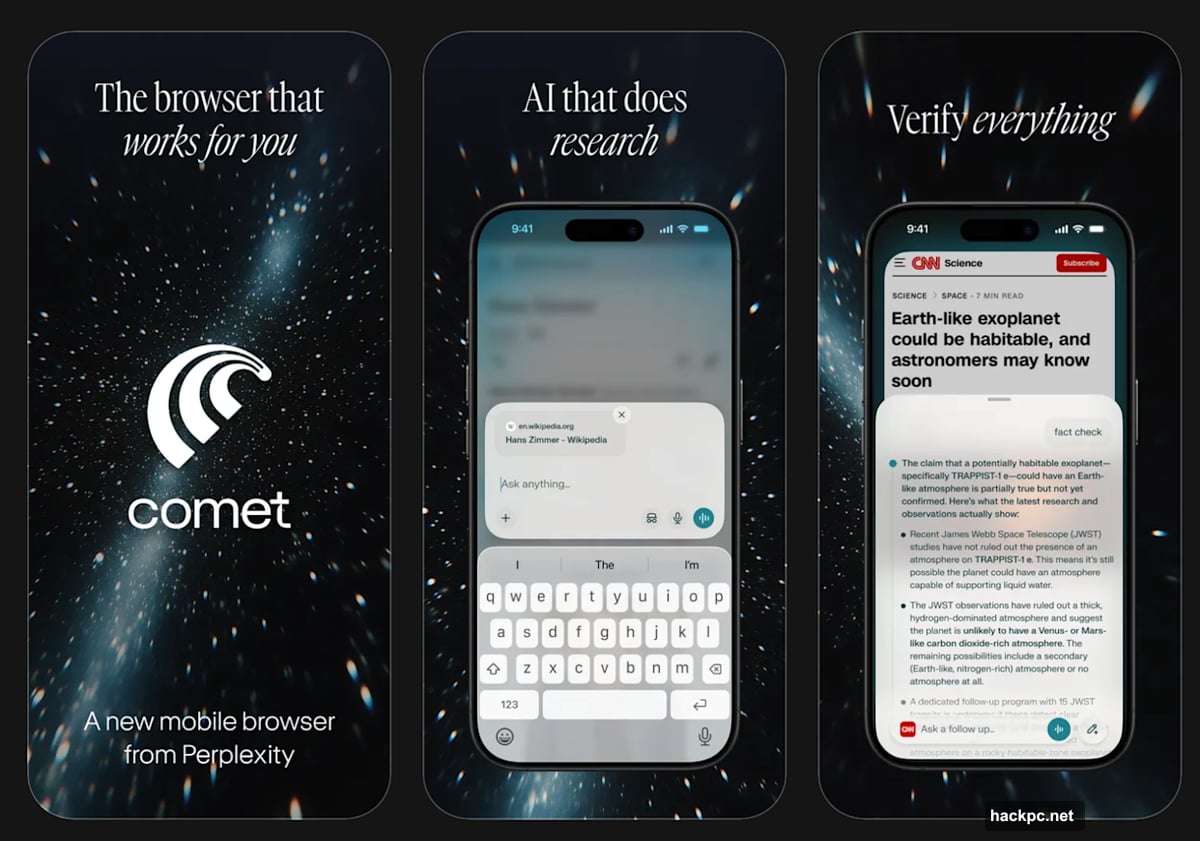
At its core, Comet is a web browser with a built-in AI assistant. Think of it like having a knowledgeable friend sitting next to you while you browse, ready to summarize pages, dig up extra context, or help you research a topic without jumping between a dozen tabs.
Perplexity describes it as a “personal assistant and thinking partner” that helps “turn curiosity into momentum.” Marketing speak aside, the practical features are genuinely useful. You can ask it to break down a complex article, compare products while you shop, or help you organize your schedule.
But a few of those use cases come with real caveats — more on that in a moment.
The Liquid Glass Glow-Up
One genuinely impressive thing about the iOS version is how well it uses Apple’s Liquid Glass design technology. The interface looks polished and modern, with an address bar that stands out cleanly against the rest of the UI. If aesthetics matter to you, Comet delivers a visually satisfying browsing experience that feels native to iPhone rather than like a hastily ported app.
It can also be set as your default browser, which is a meaningful step toward actually replacing Safari in your daily routine.
![Perplexity Comet AI browser running on an iPhone with Liquid Glass interface design and AI assistant panel visible]
Where Apple’s Walled Garden Gets in the Way

Here’s where iOS limitations start to show. According to a preview by MacStories, Comet on iPhone does not support third-party browser extensions. If you rely on ad blockers, password managers, or reading tools that plug directly into your browser, you’ll need to find workarounds or go without.
That’s not Perplexity’s fault, exactly — Apple’s ecosystem restricts extension support for third-party browsers in ways that don’t apply on Android or desktop. Still, it’s worth knowing before you commit to making Comet your go-to.
The Free App Question Worth Asking
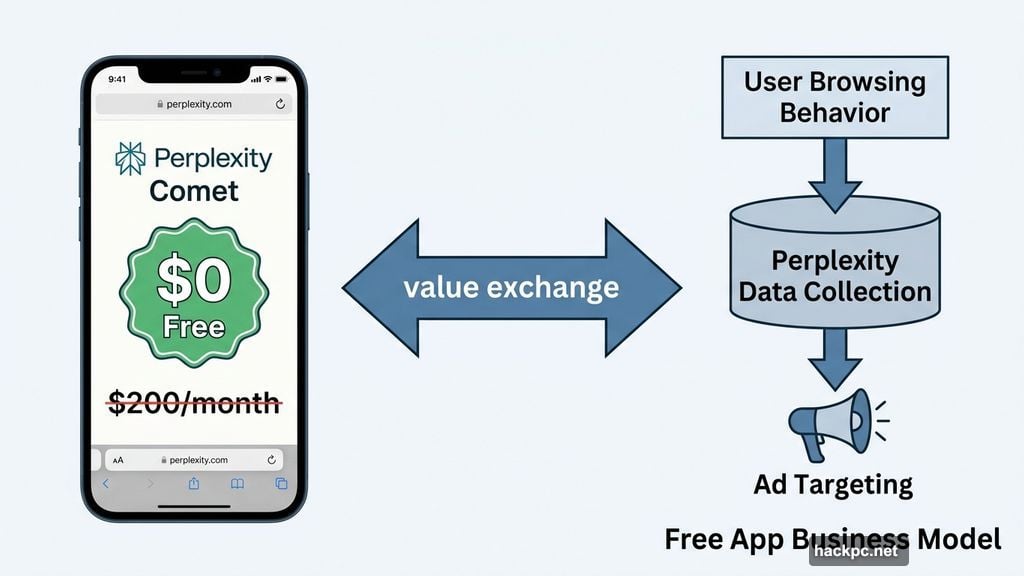
Here’s the part that deserves your full attention. Perplexity has been upfront about the fact that Comet collects user data to help power ad targeting. The company openly acknowledges this is part of the product’s purpose.
So when a tool that once cost $200 a month suddenly becomes free across iPhone, Android, Windows, and Mac, it’s reasonable to ask what the new business model looks like. In this case, your browsing behavior is part of the value exchange.
![Diagram illustrating how Perplexity Comet collects browsing data and integrates AI assistance alongside ad targeting in a mobile browser]
That doesn’t automatically make it a bad deal. Plenty of useful tools operate this way. But it does mean you should think carefully about which browsing sessions you route through Comet. Shopping, medical research, or anything else you’d prefer to keep private might be better handled elsewhere.
On a related note, AI browsers as a category have shown a troubling vulnerability to online scams. Malicious sites have found ways to manipulate AI-powered browsing tools into performing unintended actions. If Comet makes shopping suggestions or fills in forms on your behalf, treat its recommendations with the same healthy skepticism you’d bring to any automated system.
Where You Can Get It Right Now
Comet is currently available on iPhone, Android, Windows, and Mac. If you’re an iPad user, there’s no dedicated Comet app yet — though the standard Perplexity app works on Apple’s tablets, so a native iPad browser version could follow eventually.
For anyone curious about AI-assisted browsing, Comet is worth exploring. The free price makes it easy to try without committing. Just go in with clear expectations about what the app does with your data, what it can’t do thanks to Apple’s restrictions, and where its AI assistance might lead you astray. Used thoughtfully, it’s a genuinely interesting tool in a category that’s only going to grow.




Comments (0)