
AI-generated images have taken over the internet, and Pinterest is no exception. If your feed feels less like a curated mood board and more like a nightmare art project nobody asked for, you’re not alone.
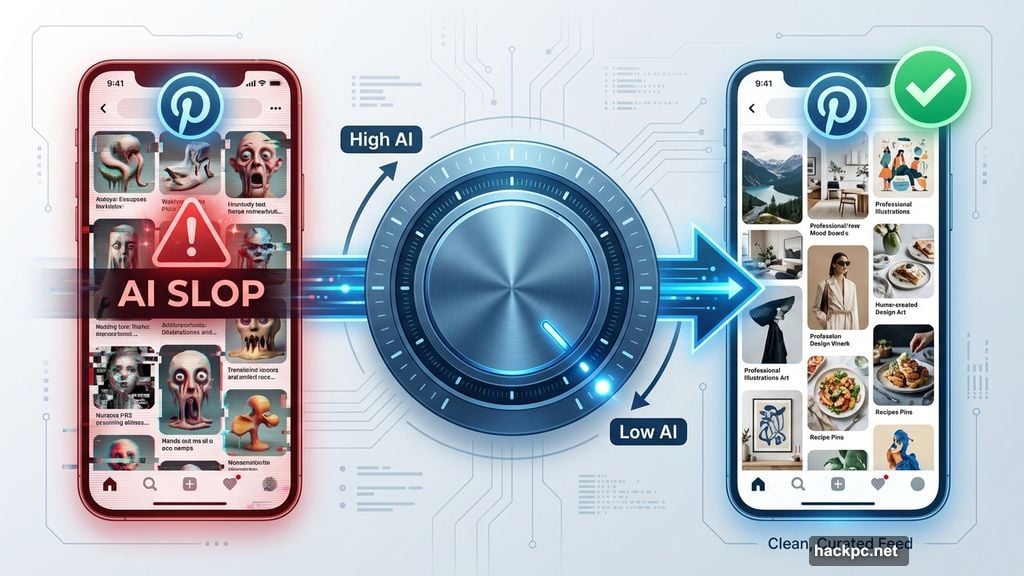
The good news? Pinterest just gave users a way to push back. New settings let you reduce how much AI-generated content shows up in your home feed. It won’t wipe the slate clean, but it’s a meaningful step toward reclaiming your scroll.
AI Slop Has Found a Cozy Home on Pinterest
Social media platforms have been quietly drowning in AI-generated content for a while now. Pinterest, with its heavy focus on visual inspiration, became a natural magnet for this stuff.
Some of it is harmless. But plenty of AI-generated posts spread misleading visuals, fake DIY projects that don’t actually work, or just pure visual noise that clogs up feeds people used to trust. For a platform built around genuine creativity and inspiration, that’s a real problem.
Pinterest clearly heard the complaints. So the company updated its platform settings on both web and mobile to give users actual control over what they see.
Where to Find Pinterest’s New AI Content Settings
The new controls live inside Pinterest’s home feed tuner, and they’re pretty easy to find once you know where to look.
Here’s how to get there:
- Navigate to the home feed tuner section inside your Pinterest account settings
- Look for the new GenAI Interests tab
- Toggle the relevant categories to the off position to reduce AI-generated posts in your feed
Pinterest is starting with content categories that tend to attract the most AI-generated or heavily AI-modified posts. The company plans to expand these options over time based on how users respond.
What These Settings Do and Don’t Do
Here’s the honest part. These controls won’t remove all AI content from your Pinterest experience.
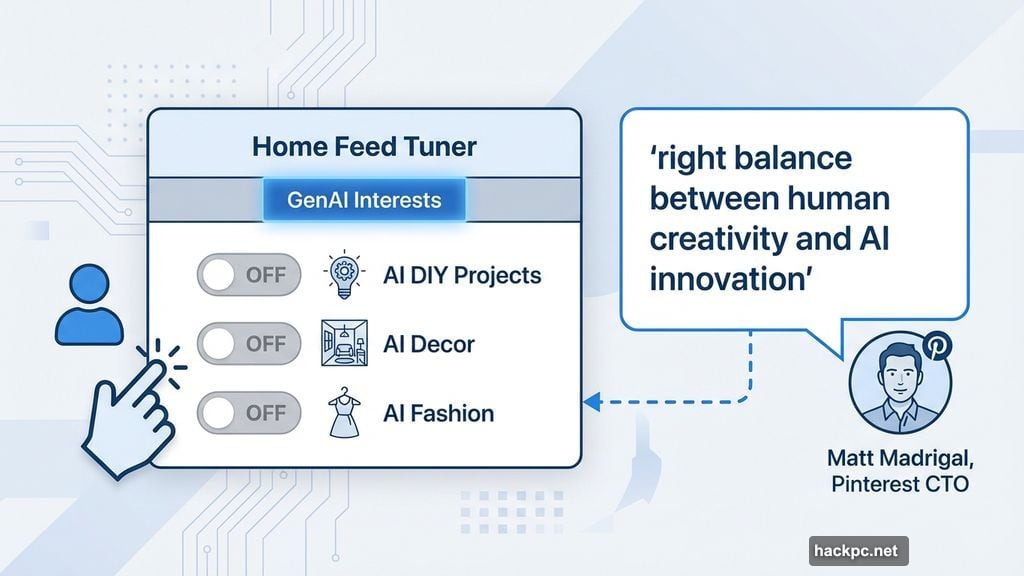
Pinterest Chief Technology Officer Matt Madrigal was pretty clear about that. He says the platform isn’t looking to eliminate AI-generated posts entirely. Instead, the goal is to strike what he calls “the right balance between human creativity and AI innovation.”
So think of this less like an off switch and more like a volume knob. You can turn it down. But you can’t turn it off completely.
That said, partial control is still genuinely useful. If certain categories of your feed have become completely overrun with AI slop, even a significant reduction makes browsing feel less exhausting. And because Pinterest is planning to add more category options based on user feedback, the controls should get more powerful over time.
Is This Enough?
Honestly, it depends on what you expected. If you were hoping to banish AI content from Pinterest forever, this update will feel underwhelming. Completely AI-free social media feeds are pretty much off the table for now, no matter which platform you’re on.
But if you’ve been frustrated and wanted at least some say in your own experience, this is a real step forward. Pinterest is doing something many platforms haven’t bothered with yet. Giving control back to the actual humans who use the thing.
Check your feed tuner settings today. Even small adjustments might make your daily Pinterest browsing feel a lot more like the creative escape it was always supposed to be.




Comments (0)