
Privacy-first tech doesn’t usually mean giving things up. Proton wants to prove you can have a full office suite, video calls, and iron-clad data protection all at once.
On Tuesday, the Swiss company launched Proton Workspace, a bundled office suite that brings together everything from encrypted email and cloud storage to a brand-new video conferencing app called Proton Meet. The pitch is simple: all the tools you get from Microsoft 365 or Google Workspace, but without handing your data over to Big Tech.
Breaking Free From Big Tech Dependency
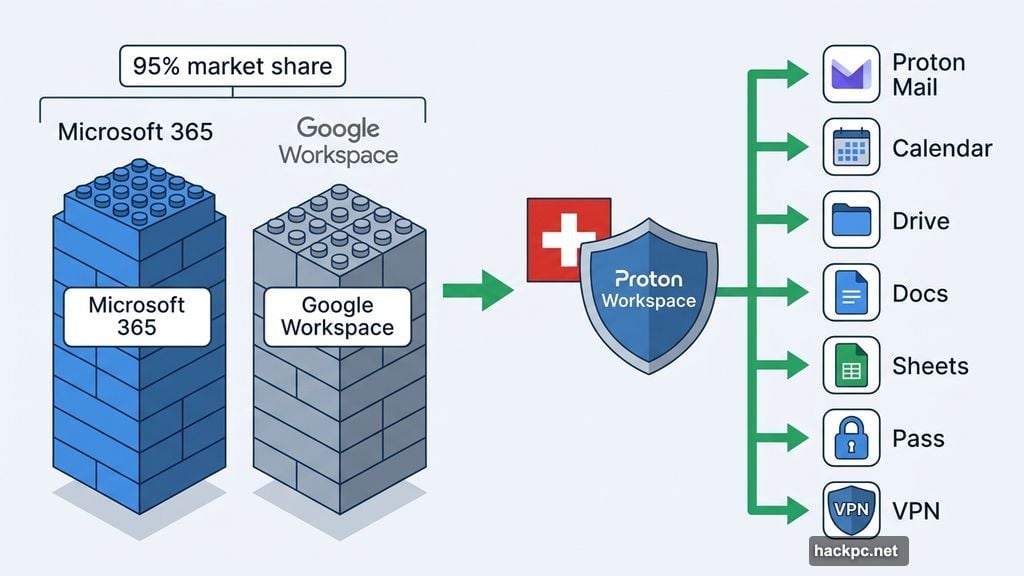
Microsoft and Google control more than 95% of the global office software market combined. That’s a staggering number. And for most businesses, switching feels like a massive leap into the unknown.
Proton CEO Andy Yen says that’s exactly what his company is trying to fix. Businesses are moving away from buying individual apps and toward full ecosystems, he explained. “We’re hearing more from customers, particularly those wary of Big Tech’s data practices, that they want a secure, bundled alternative that matches the ease of migration and integration of Google or Microsoft, but without the privacy trade-offs,” Yen said in a news release.
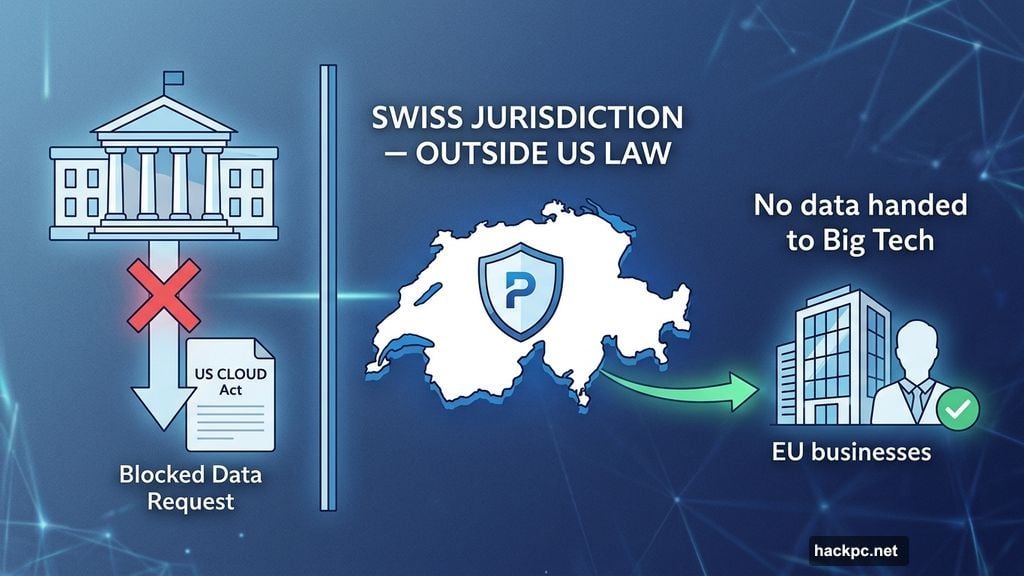
The timing makes sense. Privacy concerns around American tech giants have grown louder in Europe and beyond. Proton, being based in Switzerland, sits outside US jurisdiction. That means it can’t be compelled to hand over user data under the US CLOUD Act, which governs how American companies respond to government data requests.
What’s Actually Inside Proton Workspace
There are two tiers to choose from, and the differences are meaningful.
The Standard plan costs $15 per user per month, or $156 per user annually (about $13 per user per month). It includes Proton Mail, Calendar, Drive, Docs, Sheets, Meet for video conferencing, VPN, and Pass for password management.
The Premium plan runs $25 per user monthly or $240 per user annually. On top of everything in Standard, you get expanded storage, email data retention policies, higher participant limits on Meet calls, and access to Lumo, Proton’s AI assistant.
One thing worth noting: Proton says it doesn’t use customer data for AI training. That’s a meaningful distinction when compared to some of the larger platforms out there.
Proton Meet Is the Big New Addition
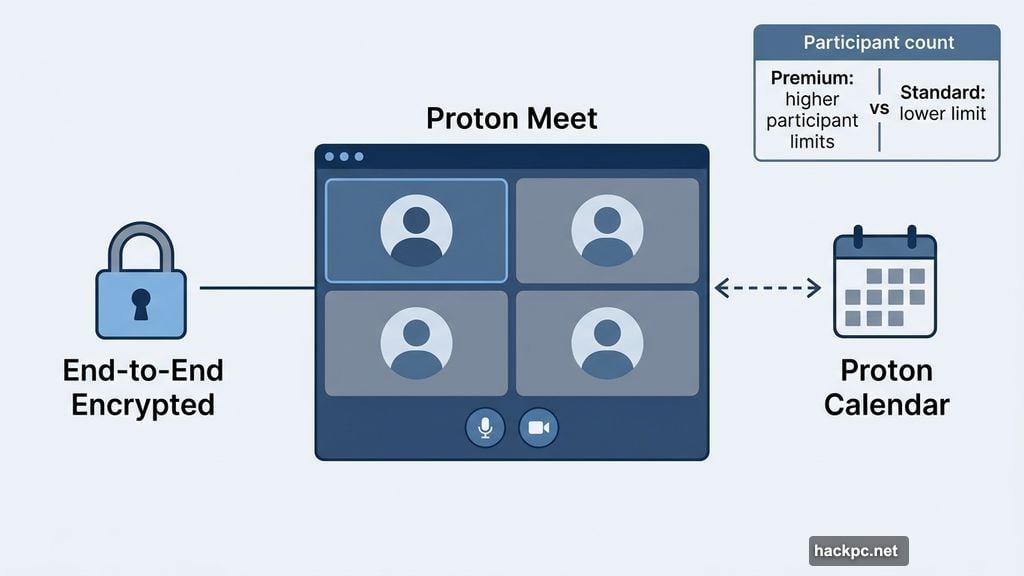
Most of the tools in Workspace already existed before Tuesday’s launch. The real newcomer here is Proton Meet, Proton’s encrypted video conferencing app.
Meet supports end-to-end encryption, which means nobody outside your call can access what’s being said or shared. Not even Proton. The company calls this combination of end-to-end encryption and zero-access encryption a core part of how all its Workspace tools operate.
Interestingly, Meet doesn’t require a Proton account to join a call. Anyone can hop in with just a link. Plus, it integrates with both Microsoft and Google calendars, which makes switching a lot less painful for teams still using those platforms for scheduling.
How Does Proton Unlimited Fit In?
If you’re not running a business and just want privacy for personal use, Proton Unlimited is worth a look instead. It costs $120 per year and includes Mail, VPN, Calendar, Drive, Pass, and Wallet.
You also get access to the free version of Meet, though with a one-hour call limit and a cap of 50 participants. The free version of Lumo, Proton’s AI chatbot, is also included. A paid Lumo Plus plan costs $13 per month or $120 per year if you want full access.
So Unlimited is the lighter, consumer-focused bundle. Workspace is the full-fat business version.
Is Proton Worth Switching To?
CNET senior editor Moe Long, who has tested a lot of Proton’s software, says it’s a genuinely solid option for everyday users. “I appreciate the focus on privacy and transparency that doesn’t sacrifice usability,” Long said. “Proton’s roster of apps offers an alternative to Google and Microsoft for the average person.” He added that he plans to try the free version of Meet himself.
And Proton isn’t the only player in this space. LibreOffice is free and capable. Zoho, OnlyOffice, FreeOffice, and CryptPad all offer alternatives too. But none of them package everything together with privacy protections quite the way Proton does.
Whether Workspace is right for your team depends on how much you value data privacy versus the deep integration that Microsoft and Google already offer. For many businesses, switching ecosystems is a real project. But for those already uncomfortable with how their data gets used, Proton just made that leap a lot easier to consider.




Comments (0)