

For nearly 20 years, R-Drive Image never created a bad backup. That flawless streak just ended.
Version 7.3 brings impressive new features like expanded cloud storage support and multi-destination backups. But it also introduces bugs, workflow quirks, and something I never expected: corrupted backups that won’t restore.
Let’s break down what changed and whether this backup stalwart still deserves your trust.
Cloud Support Finally Catches Up
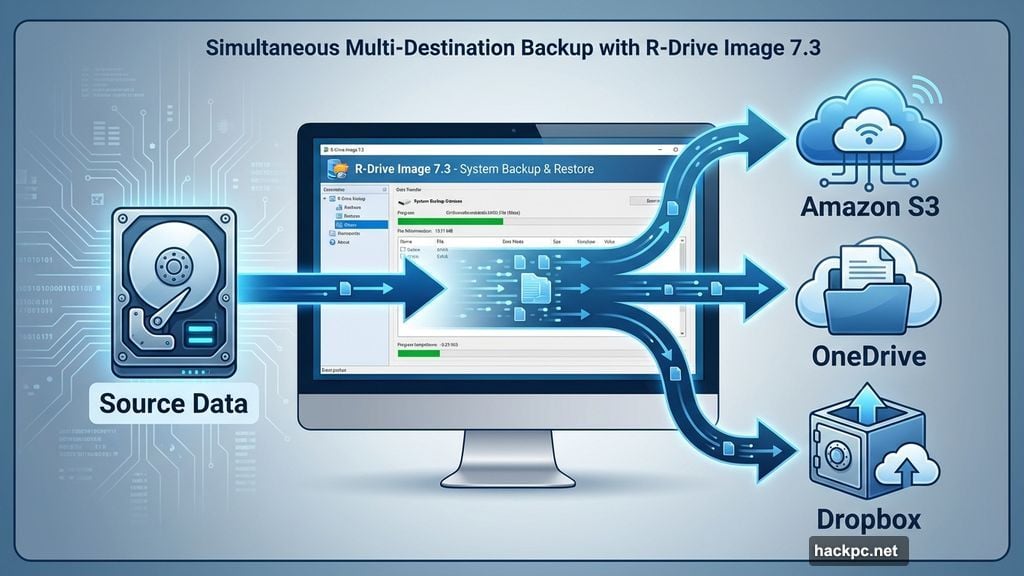
R-Drive Image 7.3 adds Amazon S3 and S3-compatible storage services. That’s huge for budget-conscious users who want reliable offsite backups without subscription fees.
The update also supports Microsoft Azure and Google Cloud. However, those options require pricier Technician or Corporate tiers. Most home users care more about the consumer tier’s new additions: Dropbox, OneDrive, and those cheaper S3-compatible services.
Plus, the program now handles multiple backup destinations per job. Define your data set once, then send copies to three different locations using the same configuration. That’s smart redundancy without extra work.
Core Features Remain Rock-Solid
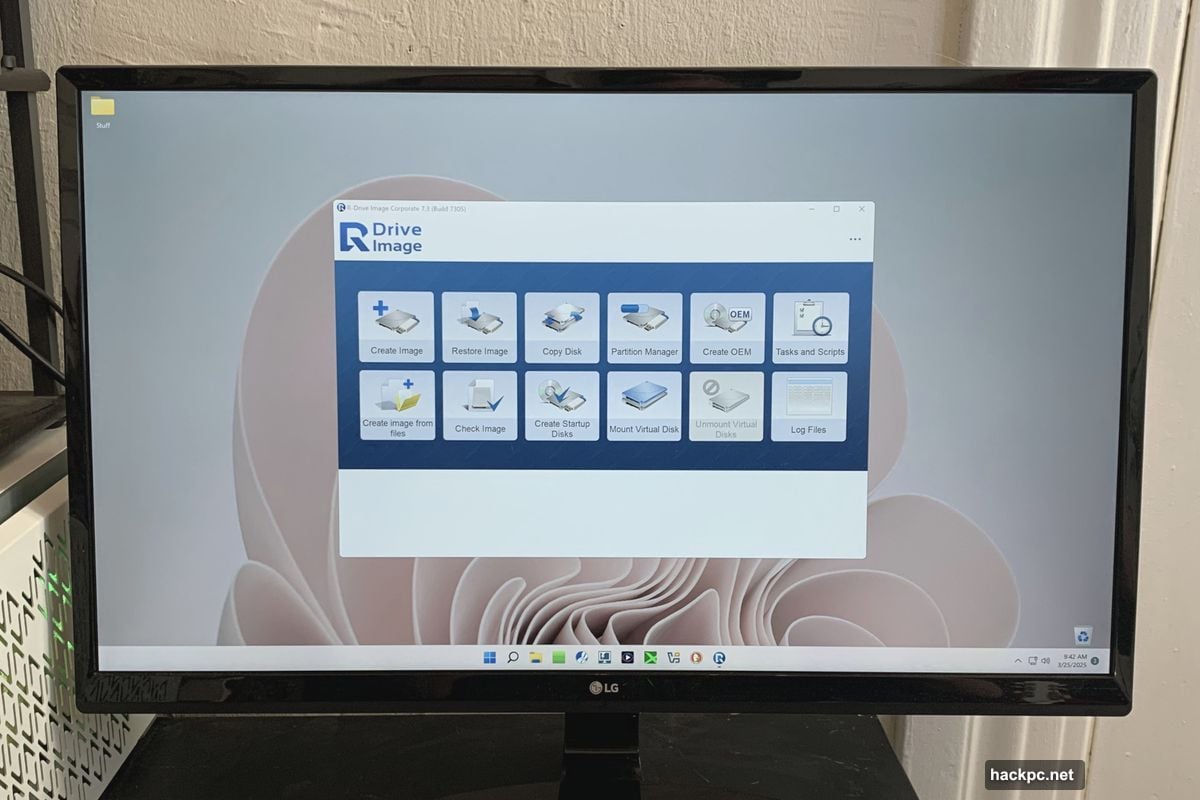
R-Drive Image still covers the basics exceptionally well. You can image files, folders, partitions, or entire drives in the program’s proprietary format.
Moreover, it backs up to industry-standard VHD, VHDX, and VMware formats. Though as we’ll discuss shortly, those formats proved problematic in my testing.
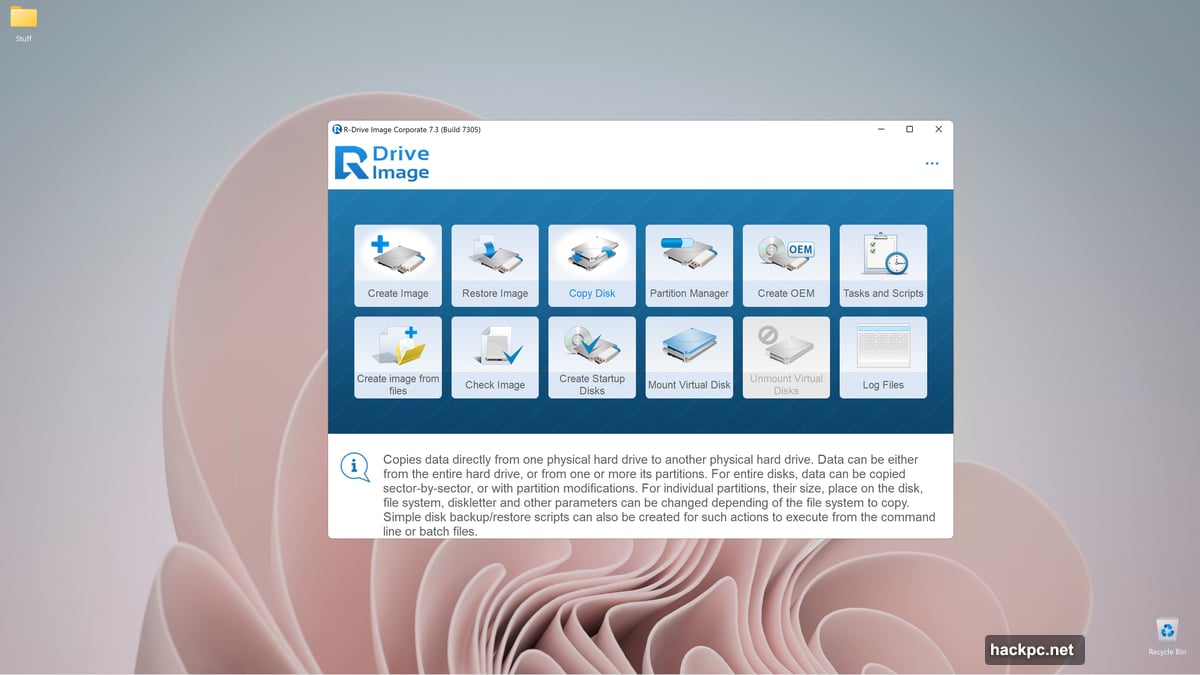
The built-in partition editor handles drive management tasks without launching separate tools. Copy entire discs. Clone partitions. Resize volumes. It’s all here in one interface.
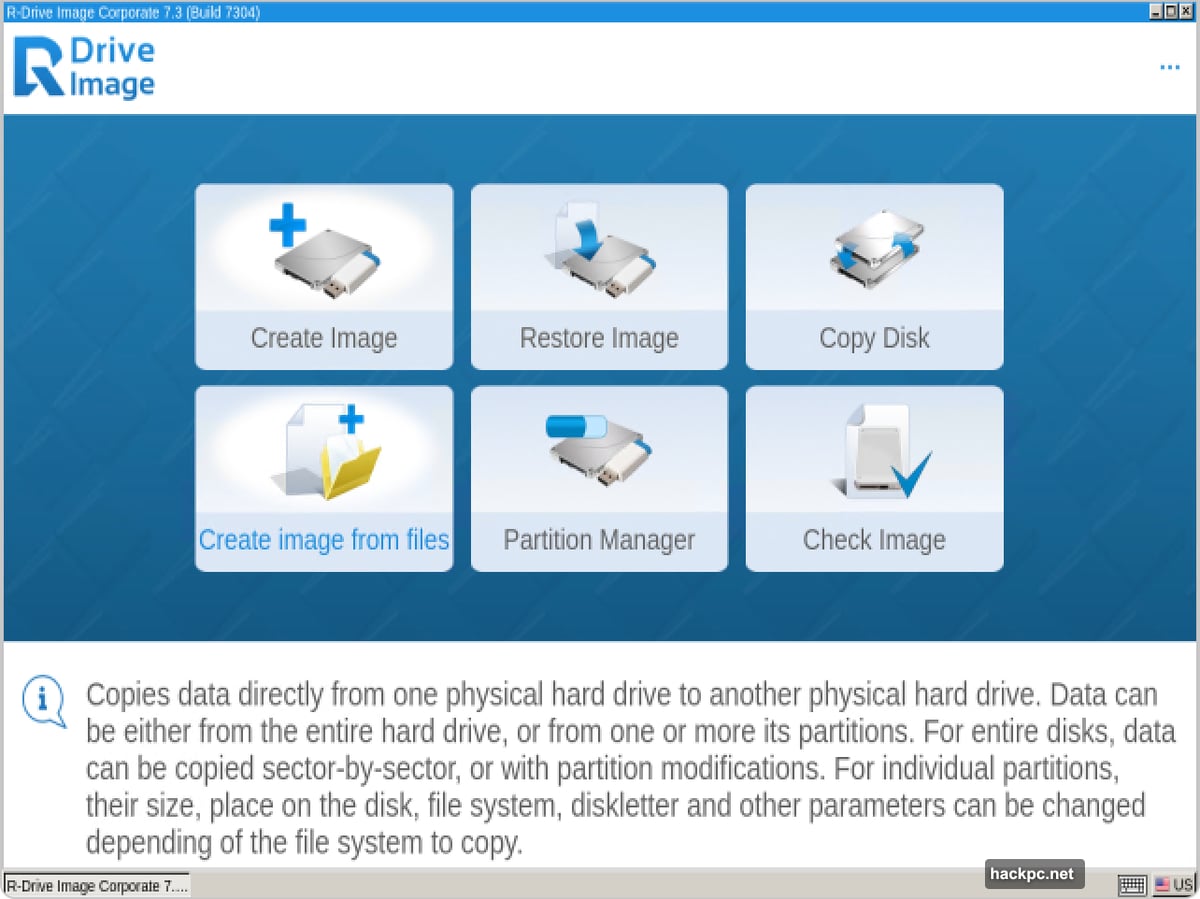
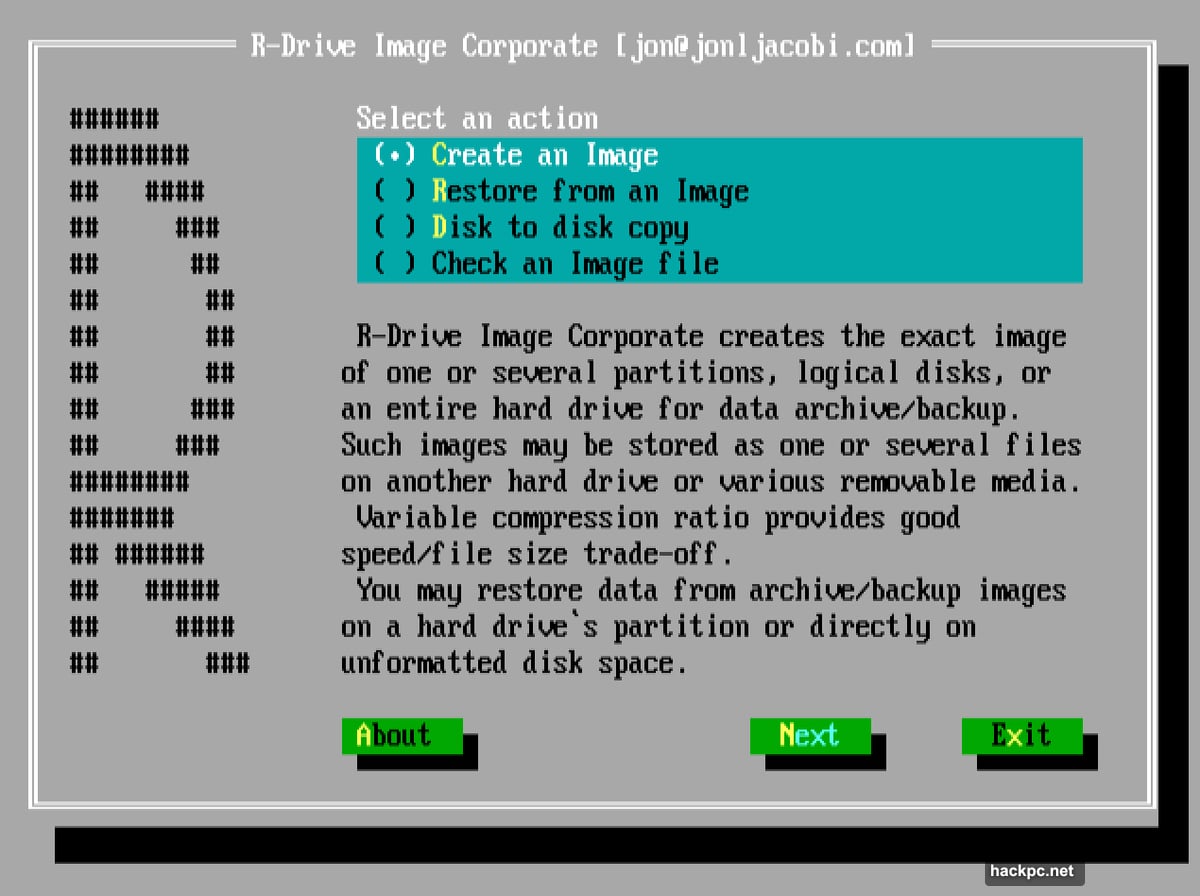
Then there’s the bootable recovery disk with two interface options. Most users prefer the modern Windows-style interface. But the character-based retro interface still works great for disaster recovery scenarios where every resource counts.
Reliability Concerns Surface
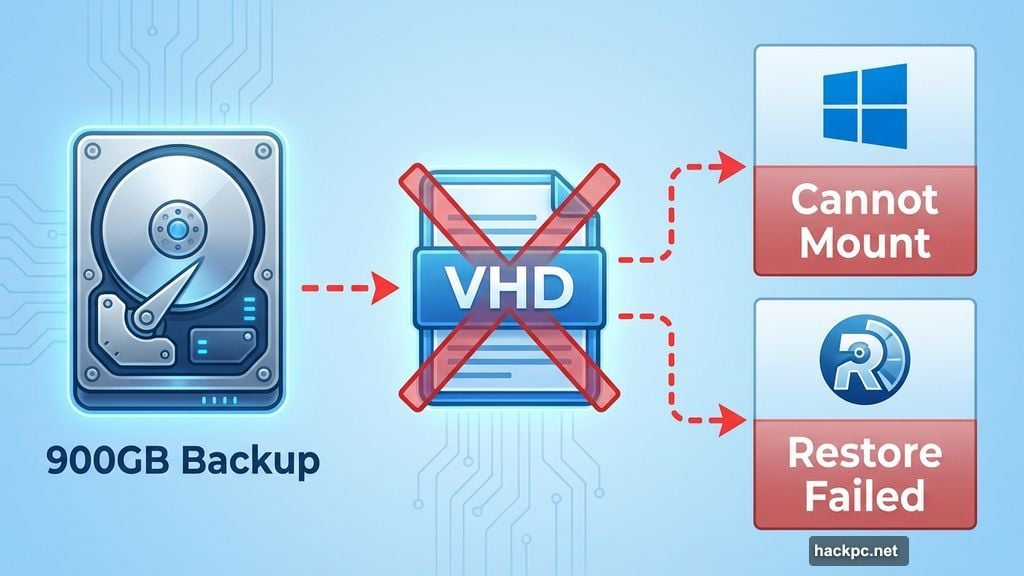
Here’s where things get uncomfortable. R-Drive Image created a corrupted 900GB backup to VHD format during testing. Neither Windows nor the program itself could mount or restore it.
This happened on my main storage test bed. Because R-Drive Image had never failed before, I didn’t maintain redundant backups with other tools. That’s confirmation bias biting hard.
To be clear, backups using R-Drive’s proprietary format still worked perfectly. Every single one restored without issues. But the VHD capability I’ve praised in recent reviews failed at a critical moment.
The company needs to acknowledge this. One corrupted backup might seem like an isolated incident. But when you’ve maintained a perfect track record for two decades, any failure demands serious attention.
Small Bugs Add Up
Beyond the major backup failure, version 7.3 ships with noticeable polish issues. Buttons overlap in the interface. Anyone using the program would spot them immediately.
Then there’s the insufficient space warning. When you try backing up to a destination without enough room, R-Drive Image warns you. But clicking “cancel” just brings up the error again. You have to force-quit via Task Manager.
The company fixed that issue after I reported it. But these problems suggest rushed releases without proper quality testing.
Network browsing requires typing URLs manually. You can’t click through folders like you would in any modern file manager. Either mount network locations as drive letters first or prepare to type.
Task Management Needs Work
Creating one-time backup jobs is straightforward. But recurring tasks require learning R-Drive’s specific terminology and workflow.
Tasks are for GUI use. Scripts are for command-line operations. The interface doesn’t make this distinction obvious at first glance. Plus, you can save ad-hoc jobs as scripts but not as tasks. That seems backwards.
Running a task requires right-clicking and selecting “Execute” from the context menu. There’s no toolbar button. Double-clicking starts editing instead of running the task. Most Windows users expect the opposite behavior.
Options that aren’t available appear in red text rather than being grayed out. That breaks convention with virtually every other Windows application.
Pricing Reflects Feature Depth
The single-computer license costs $45. That’s reasonable for home users who want solid backup protection.
Business users face steeper pricing. The Corporate version I tested runs $189. Technician licenses with transferable seats cost $299. Multi-seat options jump to $500 and $900 depending on your needs.
Each tier adds specific features. Only Corporate and higher versions include media rotation options for scheduled backups. Consumer licenses handle the basics well but lack enterprise scheduling capabilities.
Recovery Options Remain Strong
The bootable recovery disk saved backups successfully in every test. Both the modern interface and character-based option booted without problems.
R-Drive Image supports an impressive range of file systems. Beyond Windows formats like NTFS and ReFS, it handles Apple’s HFS, APFS, Linux ext4, FreeBSD’s UFS, and more.
However, backing up modern Macs requires workarounds Apple doesn’t officially support. The company’s security restrictions make booting from unsigned media nearly impossible. Search “OpenCore” if you’re determined, but most users won’t bother.
Speed Meets Expectations
When backups complete successfully, they run at competitive speeds. Internal drive imaging to external USB storage took about as long as competing products.
Cloud uploads depend entirely on your internet connection. R-Drive Image doesn’t slow things down or speed them up. It just sends data at whatever rate your bandwidth allows.
The partition editor performs operations quickly. Resizing volumes, copying partitions, and managing drive layouts all execute faster than launching Windows’ built-in Disk Management tool.
What Went Wrong With Version 7
Until version 7, R-Drive Image was bulletproof. I used it exclusively because it simply worked every single time.
But the push to add cloud services and new features appears to have compromised quality control. The VHD backup failure, UI glitches, and workflow problems all point to insufficient testing before release.
Software companies face pressure to ship new versions quickly. Users want new features. Competitors keep advancing. But rushing updates damages long-term reputation more than delayed releases ever could.
R-Drive Technology needs to slow down. Test thoroughly. Fix bugs before they reach customers. The company built a stellar reputation over two decades. Don’t throw that away for faster release cycles.
My Current Backup Strategy
I’ve returned to R-Drive Image’s text-based boot disk interface. That version uses the proven proprietary format without tempting me toward the less reliable VHD features.
Moreover, I now run Macrium Reflect 8 Free Edition as a secondary backup tool. That’s my hedge against future R-Drive Image surprises.
Using two backup programs doubles the work. But after losing faith in R-Drive’s formerly perfect reliability, I’m not taking chances with critical data.
Should You Trust R-Drive Image Now
For backups using R-Drive’s proprietary format, yes. That core functionality still works as well as ever.
But avoid VHD/VHDX formats until the company proves they’re reliable. Stick with what’s been tested and verified over decades of real-world use.
The expanded cloud support is genuinely useful. Multiple destinations per job save time. These features work properly when combined with R-Drive’s own backup format.
Just don’t expect the rock-solid perfection this program once delivered. Keep redundant backups with another tool. Verify your backups actually restore before you need them in an emergency.
R-Drive Image remains one of the most feature-complete backup solutions at its price point. But it’s no longer the unquestionably reliable choice it used to be. That’s disappointing after 20 years of flawless performance.
The company can fix this. Stop rushing releases. Test new features thoroughly. Restore the quality standards that built R-Drive Image’s reputation in the first place.




Comments (0)