
OpenAI just announced it’s pulling the plug on Sora. The AI video app goes dark on April 26, 2026, with API access ending September 24. So if you were counting on Sora for anything long-term, it’s time to find a new home.
The good news? The AI video space has exploded with seriously capable alternatives. Whether you need cinematic clips, commercial-safe content, or just something fun to post on social media, there’s a tool built for your needs.
Here’s what you need to know to pick the right one.
Sora 2 Still Works (For Now)
Yes, Sora is shutting down. But it’s still available until late April, and it’s still one of the best free AI video generators out there.
OpenAI’s second-generation Sora brought major upgrades, including synchronized audio and a social media app for sharing clips. The videos tend to be fun, expressive, and surprisingly realistic. That realism is actually a concern too. Sora’s cameo feature has raised legitimate deepfake worries, so use it responsibly.
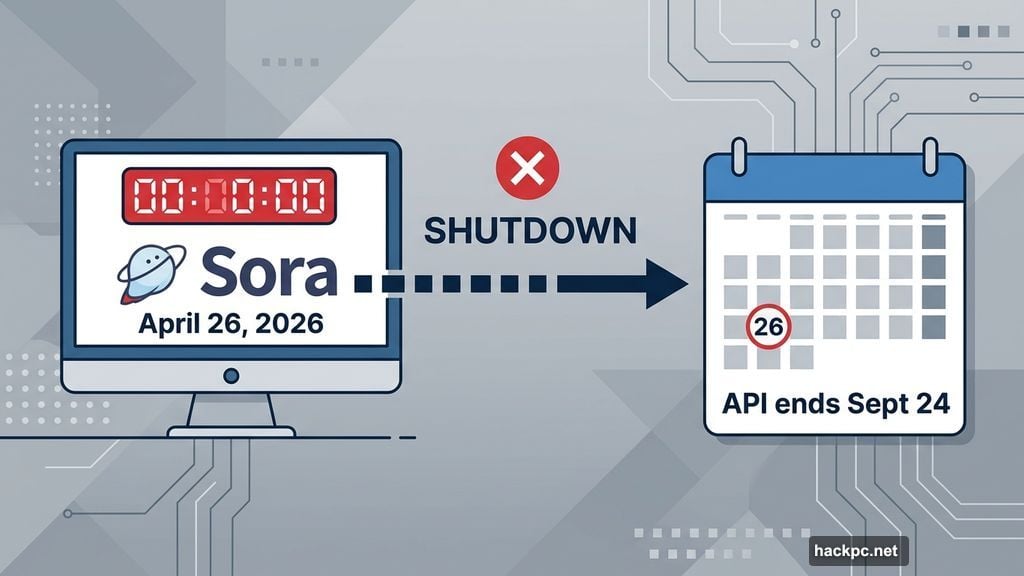
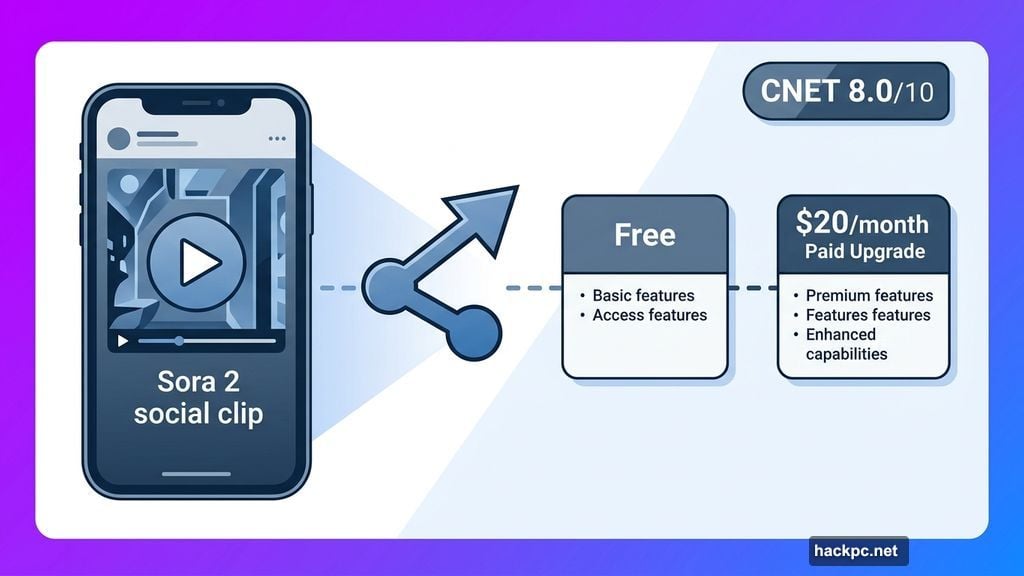
For short, social media-ready clips, Sora 2 scores an 8.0 out of 10 from CNET reviewers. It’s free with optional paid upgrades starting at $20 per month. But given the shutdown timeline, it’s not a smart bet for any project you want to keep running past April.
Veo 3 Delivers the Best Cinematic AI Video Quality
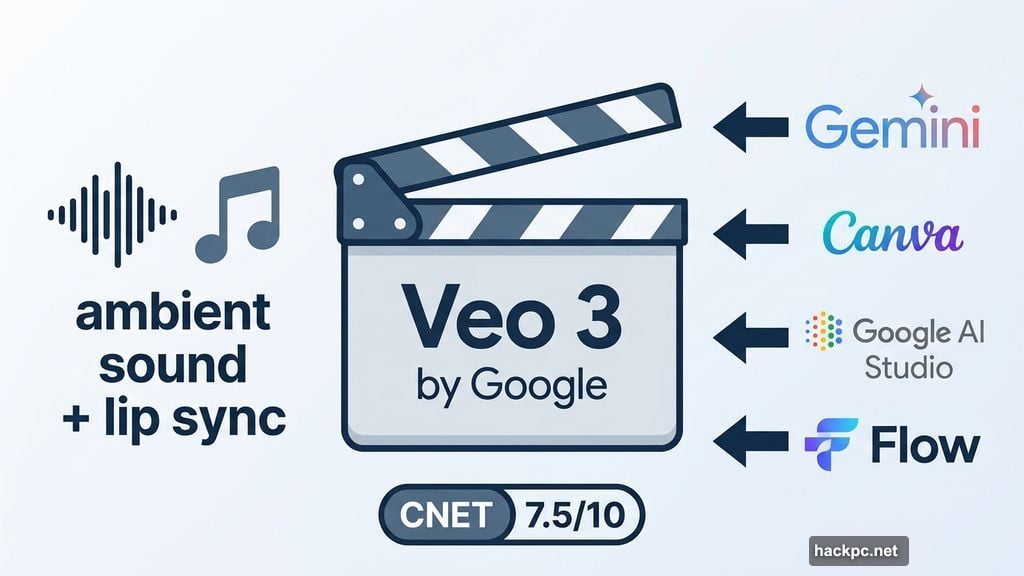
Google’s Veo 3 is the standout choice if you want polished, cinematic results. CNET gave it a 7.5 out of 10, and it earned that score by doing something genuinely impressive.
Veo 3 was the first AI video tool from a major tech company to automatically create and synchronize audio to its videos. That’s a big deal. Lip sync, ambient sound, music cues — all generated together, not stitched in afterward.
The videos feature smooth, natural motion that holds up well for professional use. Plus, Veo 3 works across multiple platforms, including Gemini, Canva, Google’s AI Studio, and Flow. If you’re already paying for Gemini, you likely have access right now. Plans start at $20 per month.
Adobe Firefly Is the Safest Bet for Professional Work
Here’s the thing most creators miss when picking an AI video tool. The quality of the output isn’t the only thing that matters. The legal status of that output matters just as much.
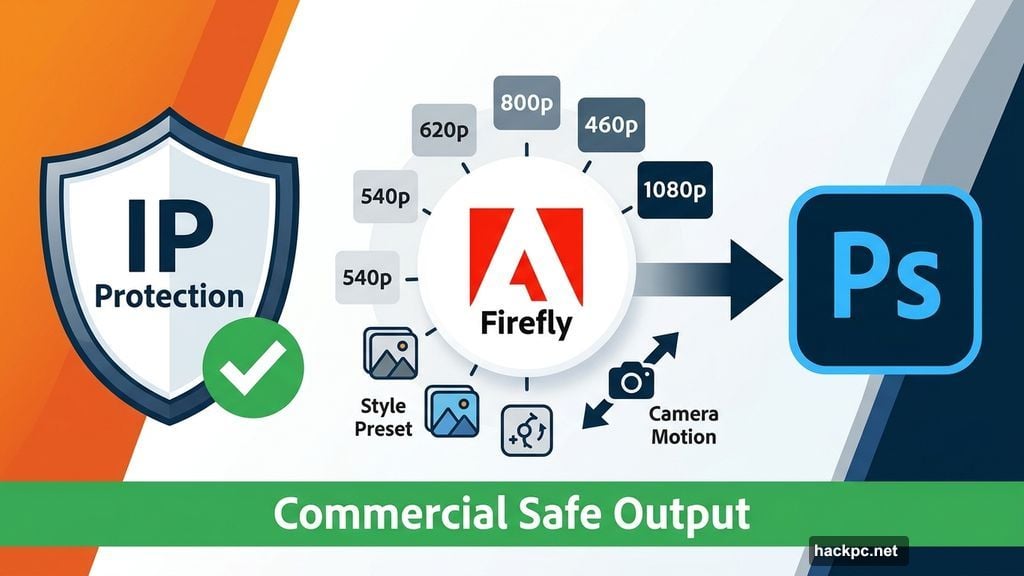
Adobe Firefly is one of the only AI video generators that guarantees commercial safety. That means anything you create with Firefly, including videos, images, and audio, is cleared for professional use without intellectual property concerns.
Firefly also integrates directly into Photoshop and other Adobe programs, which is a major workflow advantage for designers and creative professionals. You get resolution control from 540p up to 1080p, style presets, camera motion options, and reference video uploads. Plans start at $10 per month.
The one real gap is native audio. Firefly doesn’t automatically generate synchronized sound. You’ll need to add it separately. But for commercial work, that’s a small trade-off for the legal peace of mind.
Runway Gives Creative Professionals the Most Control
Runway might be the most powerful tool most people have never heard of. It scores a 7.0 out of 10 from CNET and packs serious capability for creators who want hands-on control over their AI video output.
The platform handles image generation, video generation, and audio layering all in one place. Before you hit generate, you can dial in a wide range of settings to shape the final result. That customization is exactly what experienced creators want when they need precise, detailed outputs.
Runway videos don’t auto-generate audio, but you can create and layer AI audio within the platform itself. It’s a few extra steps, but the results can be excellent. Free plans exist, with paid options starting at $15 per month.
Midjourney Keeps It Simple for Beginners
Midjourney built its reputation on AI image generation, and its V1 video model carries that same approachable energy. CNET scored it a 6.0 out of 10, which reflects its strengths and limitations honestly.
Setup is simple. Navigation is straightforward. And the open gallery lets you browse what other people are creating, which makes it a great source of inspiration and community.
The model shines at creative, stylized visuals but struggles with realistic outputs. It also doesn’t always follow prompts precisely. And there’s no audio generation at all. Still, for beginners or anyone who wants to animate existing Midjourney images, it’s a natural and easy starting point. Plans begin at $10 per month.
The Legal Side Nobody Wants to Talk About
AI video generation comes with real risks, and ignoring them doesn’t make them go away.
Deepfakes are the most visible concern. Several platforms, including Sora, have features that make it easier than ever to create convincing fake videos of real people. Most tools have guardrails, but those systems aren’t perfect.
Copyright is another issue. Several AI companies, including Midjourney, have faced lawsuits over training data and generated content that allegedly infringes existing protections. Before you use any platform for professional or commercial work, read the privacy and usage policy carefully.
Also worth noting: Gemini can use your information to improve its AI models. Runway’s policy states it trains on your prompts and generated videos, though it doesn’t claim ownership over them. Adobe, by contrast, does not train on your content.
The two simplest rules still apply. Don’t use someone’s likeness without permission. And always disclose when something was made with AI.
How to Pick the Right Tool
Different needs point to different tools. Here’s the short version.
If you want free AI video generation with audio and social sharing, Sora 2 is still your best option right now. Just don’t build anything long-term on it.
If you need cinematic quality and audio synchronization, Veo 3 is the clear leader. It’s especially convenient if you’re already in the Google ecosystem.
If you’re producing content for clients or commercial projects, Adobe Firefly is the only choice that fully protects you legally.
If you’re a creative professional who wants maximum control over outputs, Runway rewards the extra learning curve.
And if you’re just getting started and want something fun to experiment with, Midjourney is the most beginner-friendly option on this list.
The AI video space is moving fast. What’s best today might shift by next month. So keep an eye on model updates, especially as Veo continues rolling out improvements and other companies push to fill the gap Sora is leaving behind.



Comments (0)