

If you’ve ever opened Spotify just to listen to music and found yourself staring at a looping video clip instead, good news is coming your way.
Spotify is rolling out new video controls worldwide, giving users the ability to turn off every type of video in the app. That means Canvas clips, music videos, podcast video, and vertical video content can all be switched off with a few taps. The controls work across every platform and device Spotify supports.
Canvas Clips Have Been Around Since 2019
You probably know Canvas clips even if you don’t know their official name. They’re those short, looping videos that started appearing behind tracks back in 2019. Spotify already had a toggle to disable those. But until now, music videos and podcast video content had no equivalent off switch.
That changes with this update. The new settings add two fresh toggles alongside the existing Canvas control. One kills access to music videos entirely. The other disables all remaining video content, covering podcasts and vertical video formats.
Where to Find the New Settings
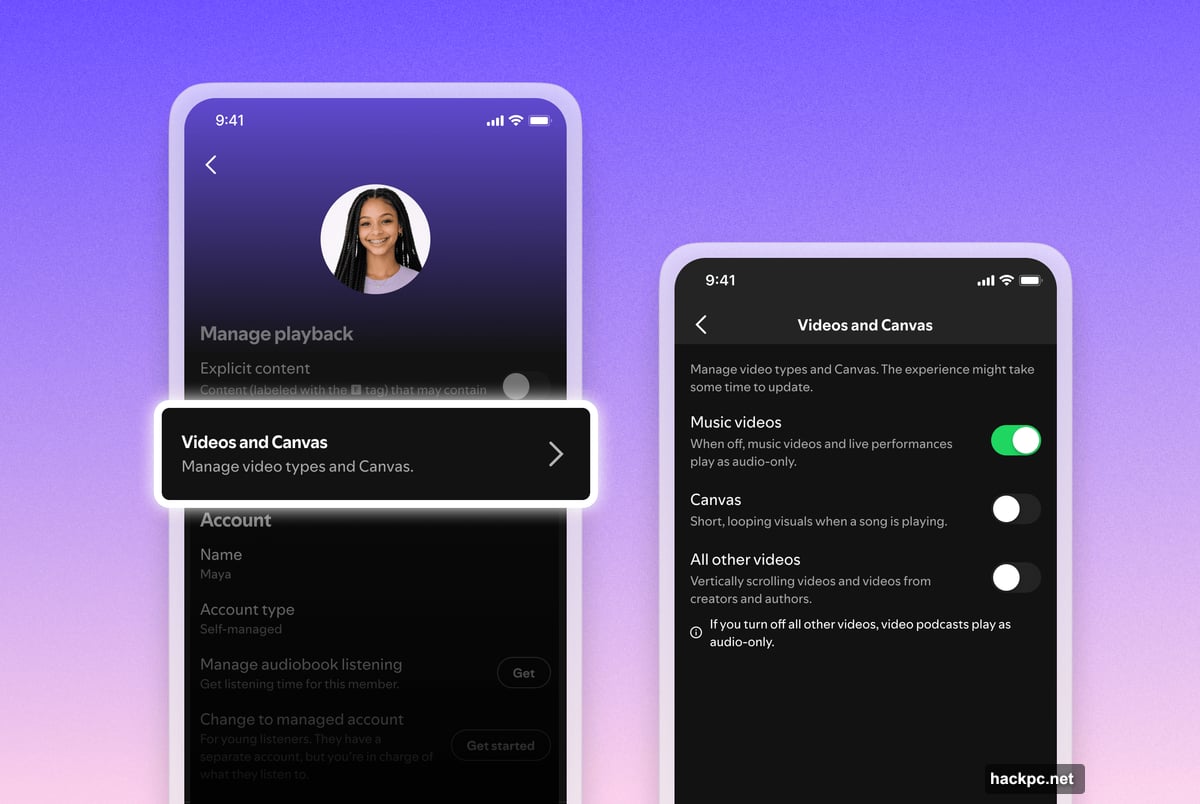
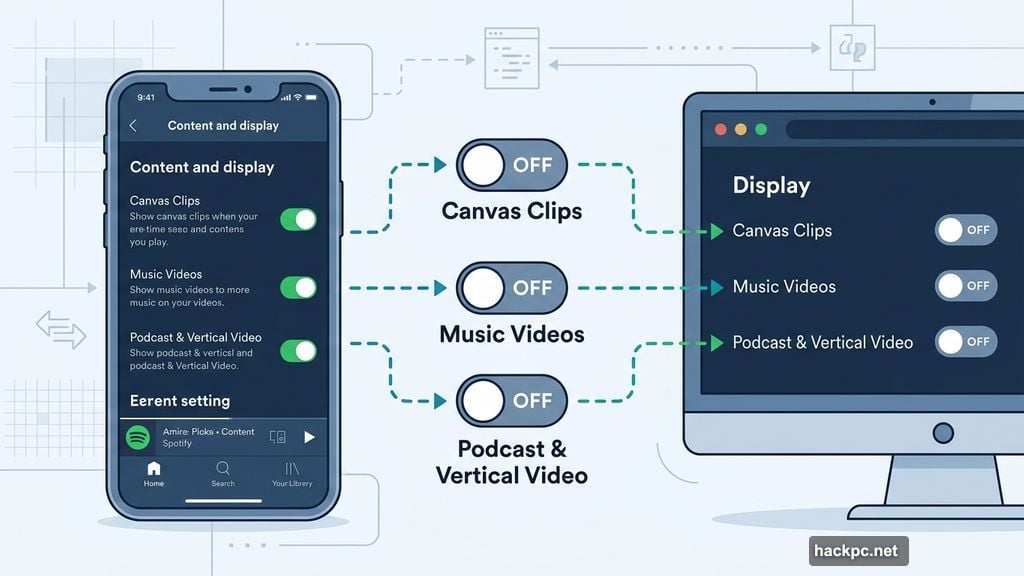
The controls live in different spots depending on how you use Spotify. On your phone, head to “Content and display” in settings. On desktop, look under the “Display” section. The rollout is still making its way around the world, so don’t panic if you don’t see the new toggles yet.
Worth noting: the author of the original report hadn’t seen the controls land on their UK account at the time of writing, so there may be a short wait depending on your region.
Family Plans Get Extra Control
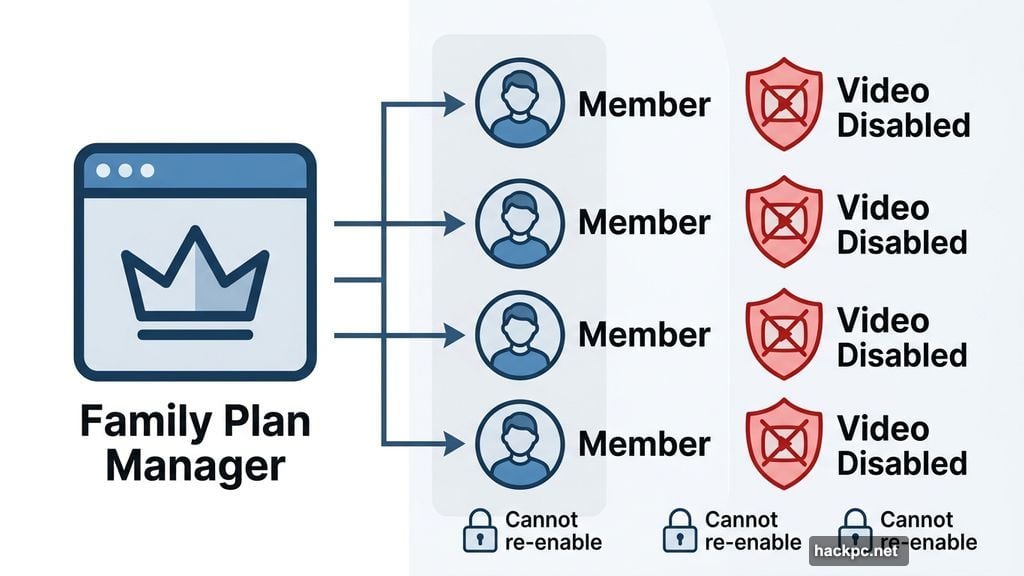
This is where things get genuinely useful for parents or anyone managing a Family Plan subscription. Plan managers can now apply these video settings to each individual member of the plan. Think of it like a content filter you can set once and forget.
Once video is disabled at the plan level, those members lose the option to switch back to video versions of songs or podcasts on their own. It’s a similar setup to the managed account controls Spotify already offers, just extended to cover video specifically.
Why This Matters More Than It Sounds
Spotify has been pushing video content hard over the past few years. Music videos, vertical video for podcasts, and Canvas clips all represent the platform’s push to compete with YouTube and TikTok for screen time. That strategy makes sense from a business perspective.
But plenty of people just want to listen. They open Spotify on the subway, at the gym, or while cooking dinner. Autoplay video chews through mobile data, drains battery faster, and frankly can feel intrusive when all you wanted was audio.
So giving users a clear, simple way to opt out is the right call. It respects that different people use the app in completely different ways, and not everyone signed up for a streaming video service.
These controls should be a welcome addition for anyone who’s felt like Spotify has been slowly turning into something it wasn’t when they first subscribed.




Comments (0)