

Indeed, we all know the pain of a bad playlist transition. For instance, one minute you’re vibing to a high-energy dance track. Then, an abrupt silence ruins the entire mood.
Fortunately, Spotify just solved this annoying problem. Plus, the streaming service now makes every playlist sound professionally mixed. Let’s explore how this update works.
Seamless Audio Mixing Arrives for Premium Users
In August of last year, Spotify introduced custom transitions. This gave listeners the power to blend songs together. Now, the platform is taking that concept much further.
Specifically, Premium users can access a new tool called Smart Reorder. Furthermore, this feature rearranges your tracks based on their musical key and BPM (beats per minute). So your music flows together naturally without jarring tempo changes.
[Supporting Image]
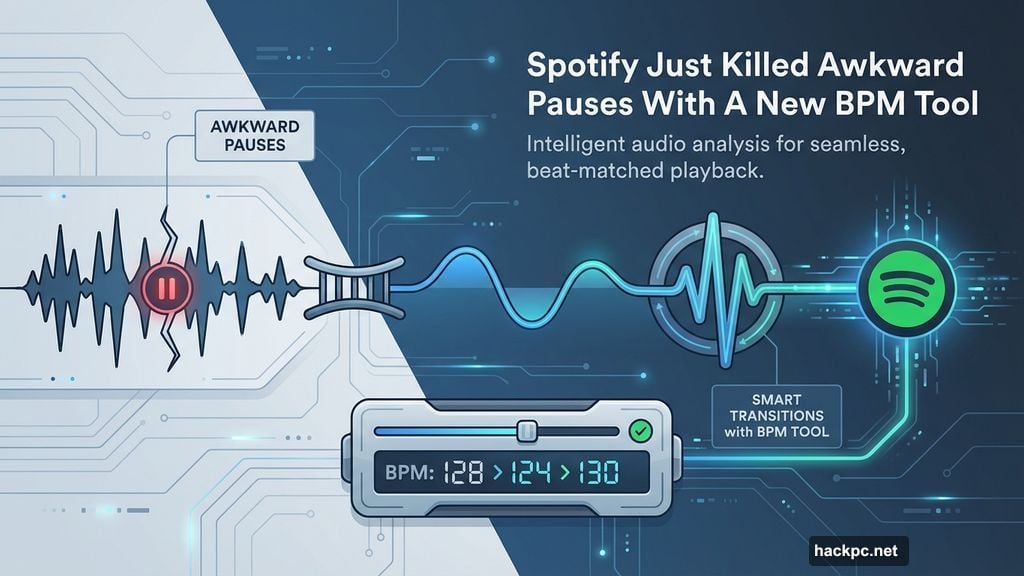
How the BPM Algorithm Fixes Your Playlists
Using this new feature is incredibly simple. First, you just tap the “Mix” button on any playlist. Next, hit the “Edit” button and scroll down your screen.
There, you’ll spot the Smart Reorder option. Then, tapping it instantly reorganizes your music library sequence. Finally, just hit “Save” to lock in the changes. Consequently, you don’t need any DJ experience to get perfect results.
Custom Track Sequencing Drives Huge Streaming Numbers
Clearly, people love smooth transitions. In fact, Spotify reports that users have streamed over 220 hours of mixed playlists since last August.
Already, some combinations are incredibly popular. For example, fans love blending The Weeknd’s “Wake Me Up” straight into “After Hours.” Also, Flo Rida’s “Low” transitioning into Rihanna’s “S&M” is a massive hit. Thus, these flawless pairings show exactly why this update matters.
Ultimately, bad playlist transitions are finally a thing of the past. If you pay for Premium, you should definitely test this out today.
Simply grab your favorite workout or party playlist and hit that Smart Reorder button. Instead of worrying about technical music theory, let the algorithm handle it. You just get to enjoy a continuous, flawless vibe.




Comments (0)