
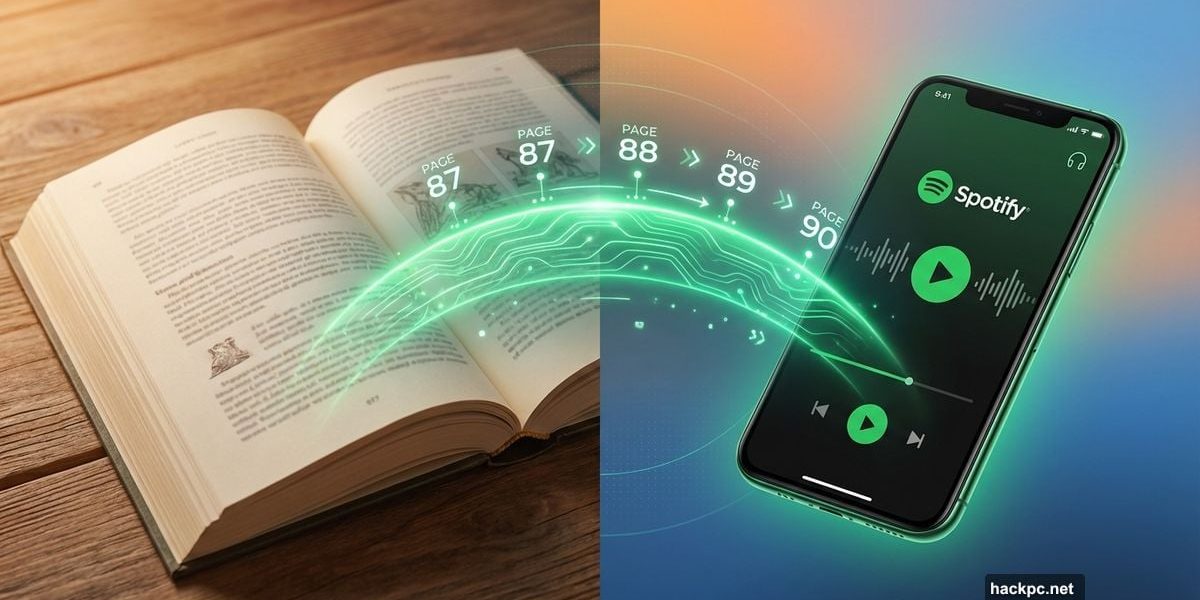
Switching between physical books and audiobooks just got stupid simple. Spotify rolled out a feature that actually works the way you’d hope it would.
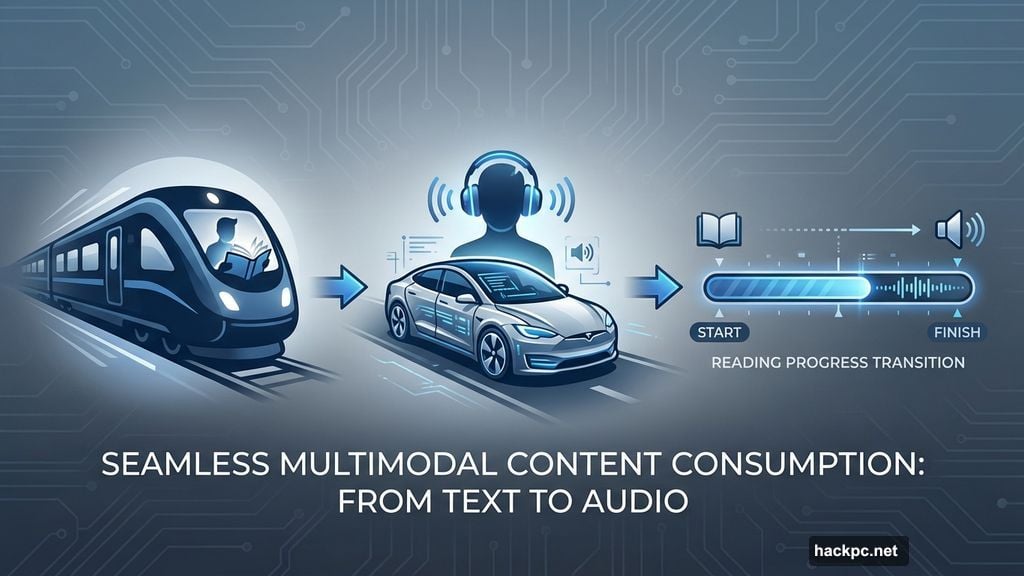
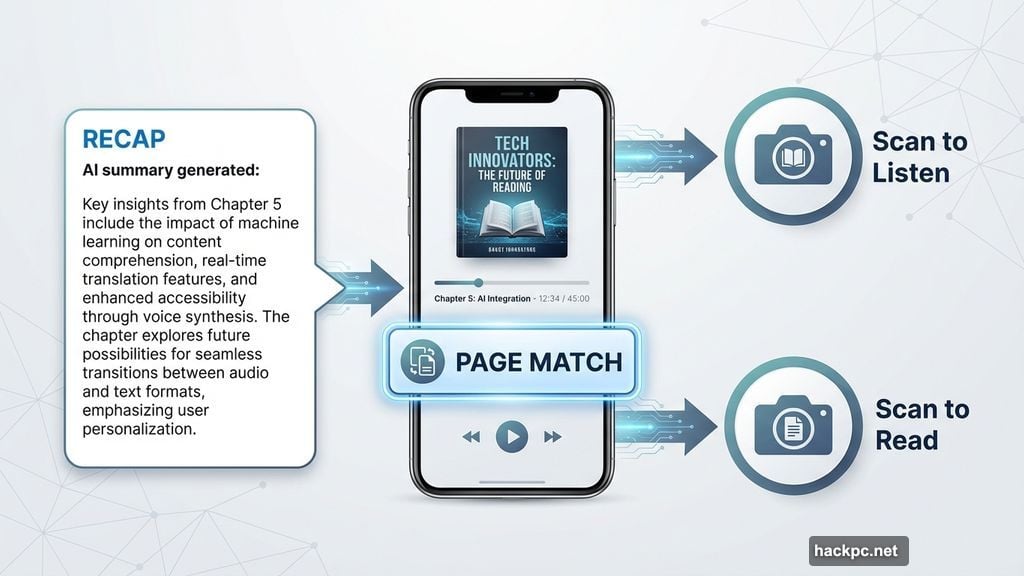
Page Match launched Thursday across 22 countries. It scans printed text with your phone’s camera to sync your exact spot between formats. So you can read on the train, then switch to audio for your drive home without losing your place.
Plus, it works with any English-language audiobook in Spotify’s 500,000-title catalog. Not just select books. Not just Kindle. Any physical book or e-reader you own.
How This Beats Amazon’s Version
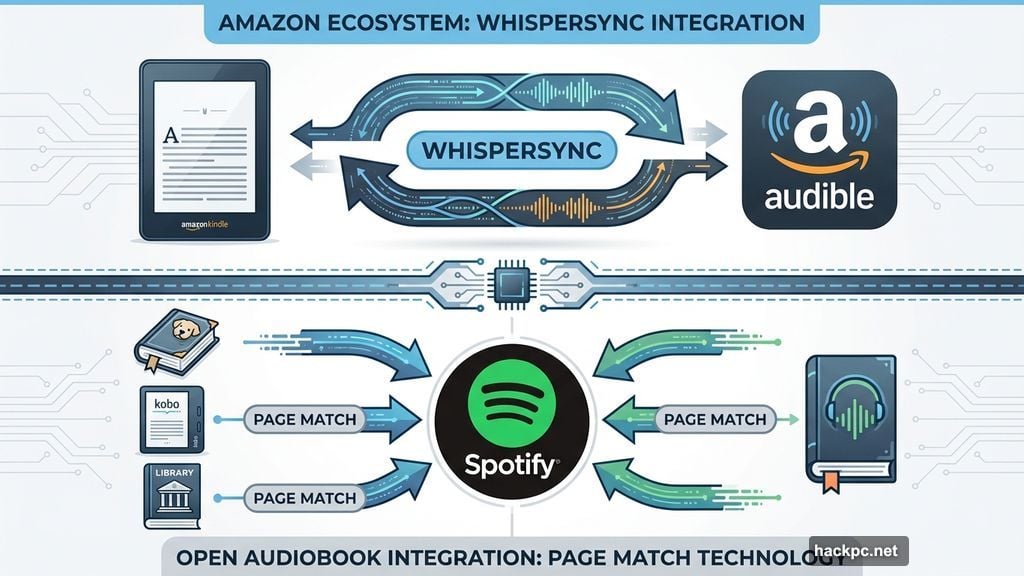
Remember Whispersync for Voice? Amazon’s been doing book-audiobook syncing for years. But here’s the catch: it only works between Kindle and Audible.
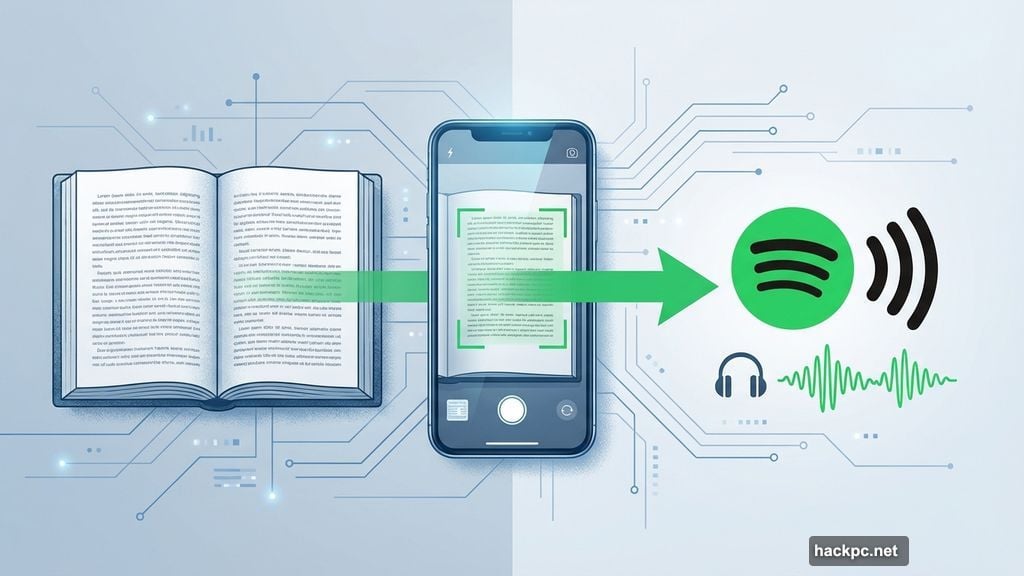
Page Match doesn’t care what device you’re reading on. Got a paperback? Fine. Kobo e-reader? Works. Even library books scan just fine. That’s a huge difference for anyone who doesn’t live entirely in Amazon’s ecosystem.
The feature also connects to Recap, Spotify’s AI summary tool. Forgot what happened three chapters ago? The app generates a quick refresher so you’re not lost when you pick the book back up.
The Scanning Actually Works (Mostly)
I tested Page Match at Spotify’s launch event. Going from book to audiobook? Dead simple. Point your camera at the page, and boom – the app jumps to that exact spot in the audio.
The reverse proved trickier. Finding your place in the physical book from the audiobook required more page flipping than expected. The app highlights the current section in green once it locates it. But I kept overshooting and had to backtrack.
Spotify staff blamed spotty venue Wi-Fi for the hiccups. Fair enough. Still, the experience showed this feature works better in one direction than the other.
Why Author Harlan Coben Is Excited
Mystery writer Harlan Coben showed up at the launch event. He called Page Match “the most exciting development I’ve heard about in years.”
His reasoning? More flexibility means more reading overall. Someone stuck in a waiting room can read for 10 minutes, then switch to audio when they get in the car. That book-in-progress doesn’t sit abandoned because switching formats felt like too much work.
It’s a solid point. Format friction kills reading momentum. Anything that removes barriers between formats helps people actually finish books instead of abandoning them halfway through.
How to Actually Use It
Book to audiobook:
Open the audiobook in Spotify’s mobile app. Tap Page Match, then Scan to Listen. Point your camera at the page you’re reading. The app finds that section and asks if you want to play from there or save it for later.
Audiobook to book:
Open the audiobook, tap Page Match, then Scan to Read. Scan any page near where you think you are. Spotify tells you whether to flip forward or backward until it finds your exact spot.
The feature requires Spotify Premium, which costs $13 monthly. That subscription includes 15 hours of audiobook listening plus unlimited music streaming. Books outside the included catalog can be purchased separately.
The Real Test Comes at Home
Launch event demos always look polished. The real question is whether Page Match holds up during actual daily use.
Does it work in dim lighting? How accurate is the scanning when pages are slightly bent or the text is small? Can it handle books with unusual formatting?
Those answers will come from regular users over the next few weeks. But the core idea solves a genuine problem. Anyone who’s tried to manually sync between book and audiobook knows how annoying it is to hunt for your place.
If Page Match delivers on its promise, it makes Spotify’s audiobook offering significantly more useful. Not because it adds more books, but because it removes friction from using the books already there.




Comments (0)