
Superhuman just flipped the script on email AI. The feature that used to help you write emails? Now it reads your entire digital life and acts on it.
This isn’t a minor update. It’s a fundamental shift in how AI assistants work with your inbox. Plus, it signals where email productivity tools are heading in 2025.
AI That Actually Understands Context
Remember when AI email helpers could only work on the draft you were writing? That’s over.
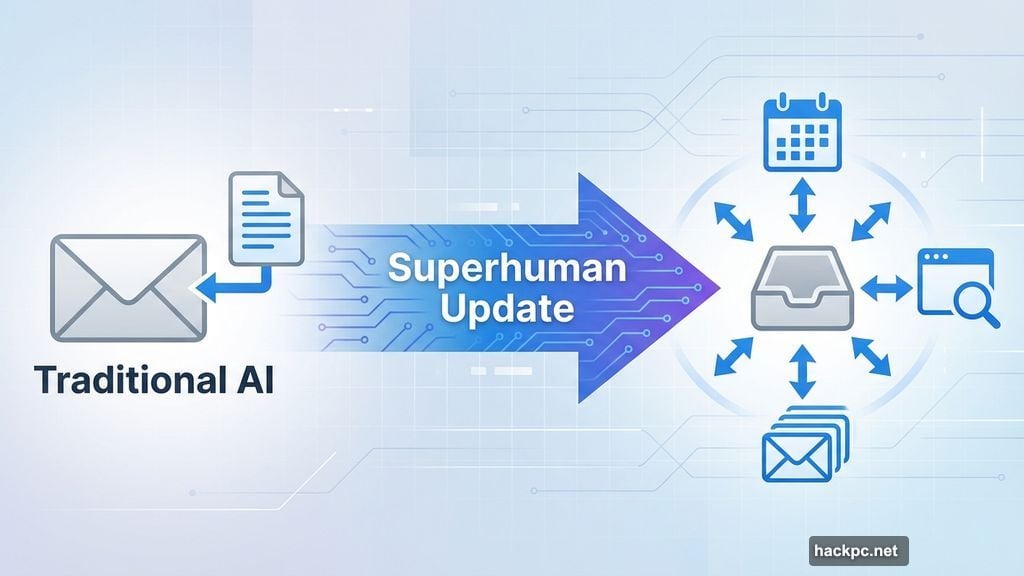
Superhuman’s “Write with AI” feature now pulls information from anywhere. It scans other emails in your inbox. It checks your calendar for scheduling conflicts. And it researches topics across the web when needed.
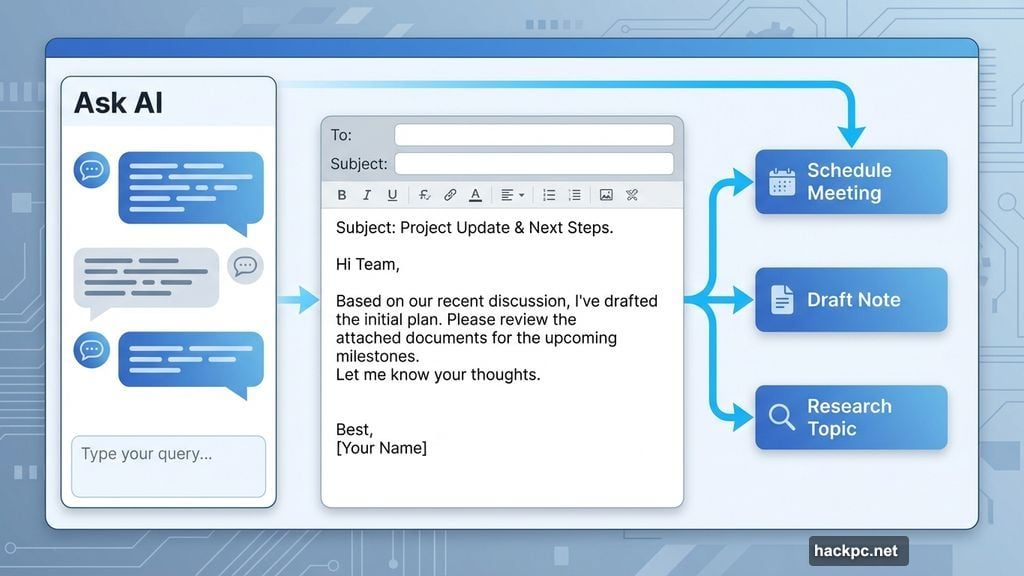
Here’s what makes this different. The AI doesn’t just respond instantly with generic answers anymore. Instead, it takes time to think through your request. Sometimes it opens the Ask AI tool to clarify what you actually need.
That thinking time matters. Quick AI responses often miss context or make assumptions. But an AI that pauses to consider? That’s closer to how a human assistant would work.
Sidebar Access Changes Everything
The company moved Ask AI into a permanent left sidebar on desktop. Sounds simple. But this one change transforms how you interact with the tool.

Now you don’t need to be drafting an email to access AI help. Need to schedule a meeting? Ask AI handles it without opening your calendar. Want to draft a quick note? Do it from the sidebar without switching apps.
Mobile users get this too. iOS already has the feature. Android users just got Write with AI and will see the other updates soon.
Plus, you can now review your Ask AI conversation history on desktop and iOS. That means you can reference previous AI interactions or pick up where you left off days ago.
The Grammarly Connection
Context matters here. Grammarly acquired Superhuman earlier this year. Then Grammarly rebranded its entire AI suite under the Superhuman name.
So this isn’t just one email app getting better. It’s Grammarly’s vision for workplace AI unfolding. They’re betting that agentic AI – systems that can act semi-independently – will dominate productivity tools.
The acquisition makes sense now. Grammarly needed a platform to showcase advanced AI capabilities beyond basic writing corrections. Superhuman provided that foundation.
Business Focus, Consumer Impact
These advanced AI features aren’t for everyone. Not yet, anyway.
The full version of Write with AI and Ask AI lives in Business and Enterprise plans. Those cost significantly more than consumer email services. The Starter plan includes a more basic version of Write with AI for desktop and mobile.
This business focus reveals Superhuman’s strategy. They’re targeting companies willing to pay premium prices for productivity gains. Individual consumers might benefit eventually. But right now, the best features require a corporate budget.
That said, the technology trickling down seems inevitable. What works for enterprises today often reaches consumers within a year or two. So even if you’re not using Superhuman now, expect similar features in your email service soon.
What “Agentic” Actually Means
Superhuman keeps using the word “agentic” to describe these updates. That’s not marketing fluff. It’s a technical distinction that matters.
Traditional AI assistants wait for commands. You ask, they respond. Agentic AI takes initiative. It anticipates needs, suggests actions, and completes multi-step tasks without constant prompting.
Think about the difference. A basic AI might help you write one email. An agentic AI notices you’ve scheduled three meetings about the same project and proactively drafts a summary email to all participants.
Superhuman promises more agentic features soon. They didn’t specify what’s coming. But the trend is clear. Email AI is evolving from passive helper to active participant in your workflow.
The Privacy Question Nobody’s Asking
Here’s what makes me nervous. This AI reads everything in your inbox. It scans your calendar. It researches topics on your behalf across the web.
That requires massive access to your data. Superhuman undoubtedly has privacy protections in place. But the more AI can see and do, the bigger the target for security breaches.
Companies adopting these tools need to think hard about data governance. What information should AI access? How long does it store conversation history? Who else can see those AI interactions?
These aren’t hypothetical concerns. They’re practical questions every business should answer before deploying agentic AI tools across their organization.
Where Email AI Goes Next
This update shows where productivity tools are heading. Passive AI is dying. Agentic AI is taking over.
Your email assistant won’t just help you write messages. It’ll read your entire work context, understand your goals, and take action to help you achieve them. That’s powerful. It’s also slightly terrifying.
The technology works. Whether we’re ready for AI that autonomous in our inboxes? That’s the real question.




Comments (0)