
Voice typing sucked for years. Slow transcription. Weird errors. Hours of fixing mistakes.
Not anymore. AI models crushed those problems in 2025. Now dictation apps nail context, fix grammar automatically, and strip filler words without breaking a sweat. Plus, they work for way more accents and speaking styles than before.
But that creates a new problem. Dozens of apps now claim they’re the best. So I tested the top contenders to find which ones actually deliver.
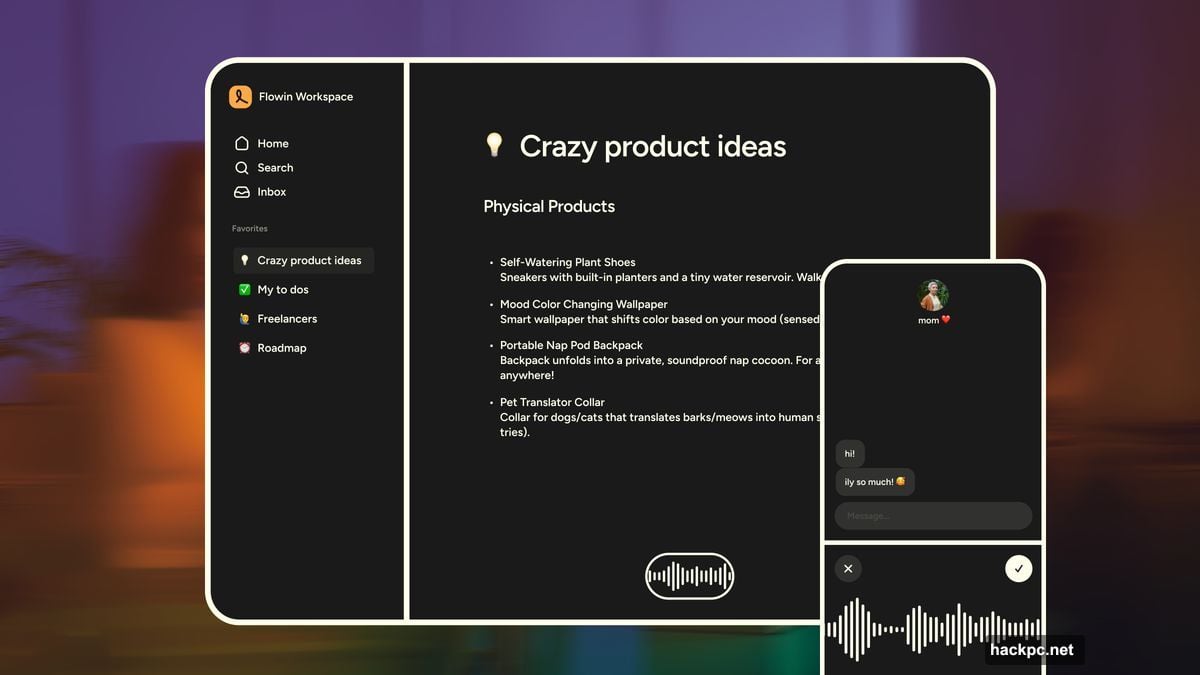
Wispr Flow Adapts to How You Write
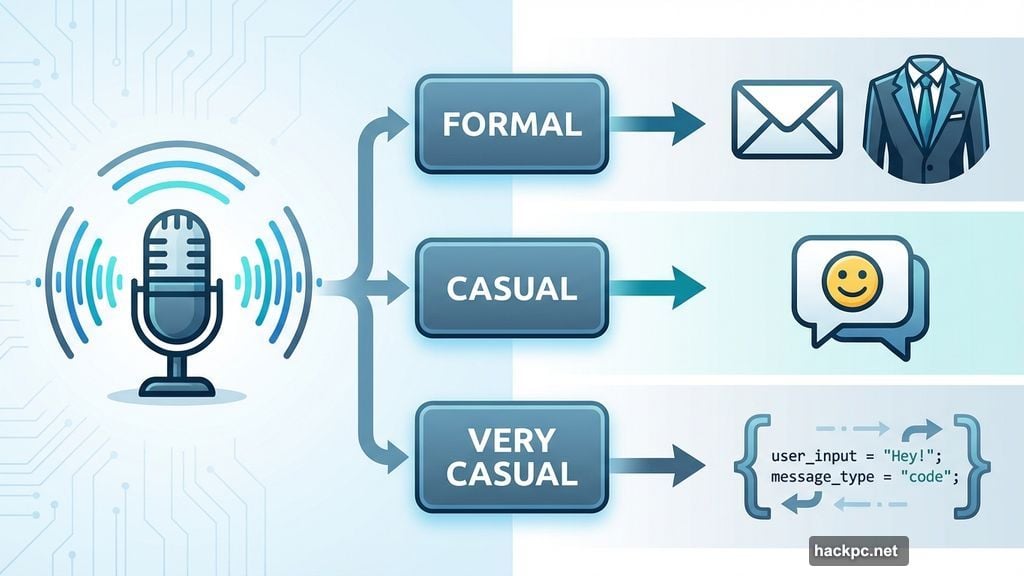
Wispr Flow stands out with custom dictation modes. You pick “formal,” “casual,” or “very casual” depending on what you’re writing.
Messaging friends? Very casual mode strips out extra formality. Writing work emails? Formal mode cleans up your rambling into professional prose. The app even recognizes code variables when you use it with Cursor or similar tools.
The system works across MacOS, Windows, and iOS. Android support is coming soon. And customization goes beyond tone. You can add industry jargon or specific terms the app should recognize.
Free tier gives you 2,000 words monthly on desktop, 1,000 on iOS. Paid plans start at $15 per month for unlimited transcription.
However, that’s pricier than some competitors. So you’re paying for the flexibility and polish.
Willow Generates Full Paragraphs From Brief Dictation
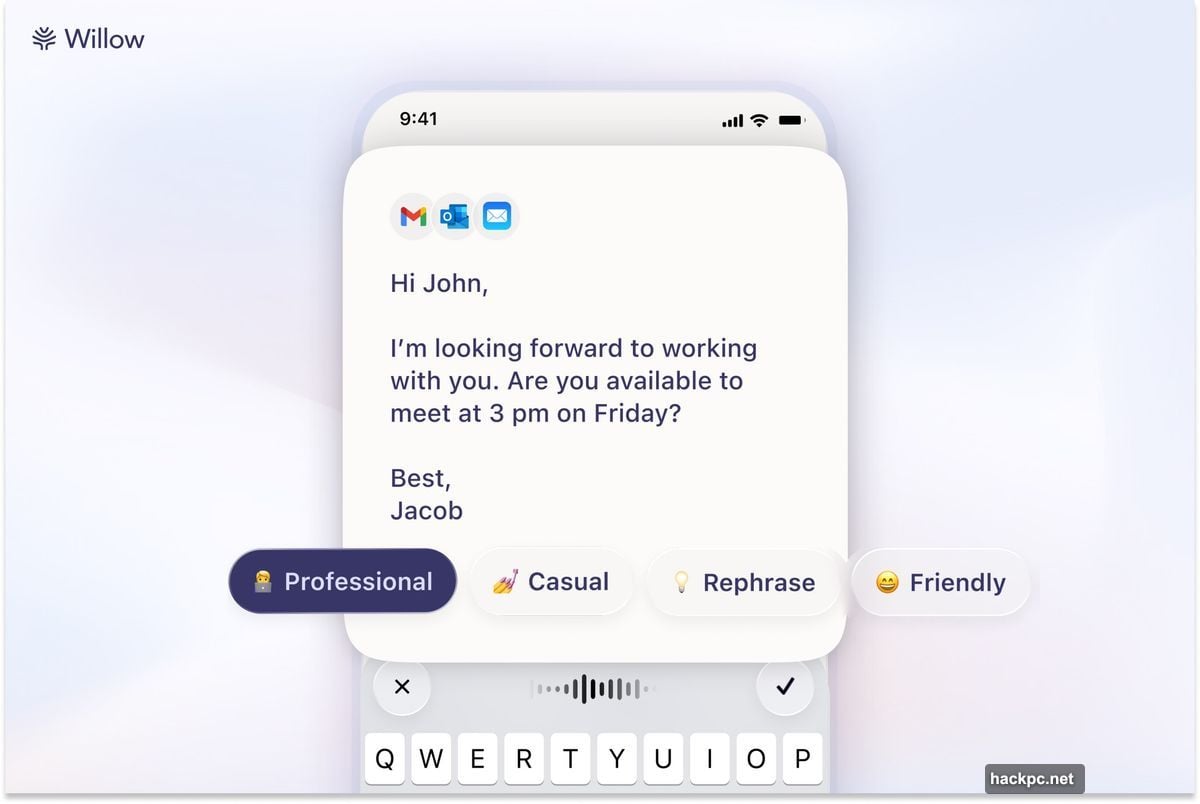
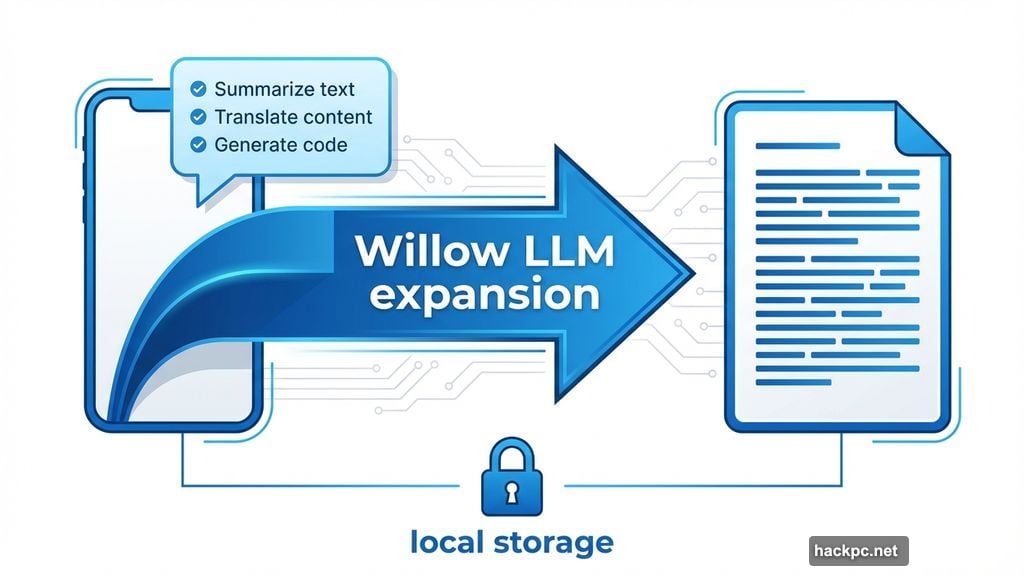
Willow takes a different approach. Instead of just transcribing, it can expand short voice notes into complete text using LLMs.
Say a few key points out loud. Willow builds them into full paragraphs. That’s huge for anyone who hates typing but also struggles with perfect dictation.
Plus, Willow focuses hard on privacy. All transcripts store locally on your device. You can opt out of model training entirely. And the app lets you add custom vocabulary for industry terms or dialect variations.
Free tier matches Wispr at 2,000 words monthly. Individual plans start at $15 per month with unlimited dictation and writing style memory.
The expansion feature sets Willow apart. But it requires trusting the AI to understand your intent correctly.
Monologue Runs Entirely On Your Device
Privacy matters? Monologue downloads its entire model to your machine. Zero cloud uploads. Zero data sharing.
The app also customizes tone based on where you’re typing. Different voice styles for Slack versus email versus documentation. So you don’t need to manually switch modes constantly.
Free tier gives you 1,000 words monthly. Paid subscription costs $10 monthly or $100 yearly. That’s cheaper than Wispr or Willow.
Best part? Top users get a limited edition “Monokey” hardware button. One physical key dedicated to voice dictation. Because why not make it fun?
Lower word limit on the free tier stings a bit. But the privacy-first approach and lower price compensate.
Superwhisper Lets You Swap AI Models
Superwhisper gives you control other apps don’t. Download different AI models. Pick speed versus accuracy tradeoffs. Even use NVIDIA’s Parakeet models.
The app also transcribes audio and video files, not just live dictation. And you can write custom prompts to guide output style.
Both processed and raw transcripts show up integrated with your system keyboard. So you can compare what you said versus what the AI generated.
Basic voice-to-text is completely free. Pro features like translation get 15 minutes free testing. After that, monthly costs $8.49, annual runs $84.99, or grab lifetime access for $249.99.
The flexibility appeals to power users. But casual users might feel overwhelmed by model choices.
VoiceTypr Works Offline With No Subscription
VoiceTypr takes the opposite approach. No subscriptions. No cloud services. Just local models running on your machine.
It supports 99 languages and works on Mac and Windows. There’s even a GitHub repo if you want to self-host the open source version.
Three day free trial lets you test it. After that, buy a lifetime license. One device costs $35. Two devices run $56. Four devices total $98.
That’s appealing math if you plan to use dictation for years. But the offline-only approach means slower model updates compared to cloud-based competitors.
Aqua Promises Lightning Fast Transcription
Aqua claims the lowest latency among dictation apps. Speed matters when you’re waiting for text to appear.
Beyond basic transcription, Aqua handles custom phrases. Say “my address” and it types your full address. Say “meeting template” and it pastes your standard meeting notes format.
The company also offers its own speech-to-text API for developers. So other apps can tap into Aqua’s speed.
Free tier gives 1,000 words monthly. Paid plans start at $8 monthly (billed annually) for unlimited words and 800 custom dictionary entries.
Lower free word count compared to Willow or Wispr. But the speed and custom phrase features could save serious time.
Handy Delivers Basic Free Transcription
Handy strips everything down. Open source. Completely free. Runs on Mac, Windows, and Linux.
You won’t get fancy features. No tone customization. No AI expansion. Just straightforward voice-to-text with push-to-talk and customizable hotkeys.
But if you just want to try voice typing without paying anything, Handy works. Plus the open source nature means you can modify it if you have coding skills.
Think of it as the starting point. Use Handy to see if dictation fits your workflow. Then upgrade to paid apps if you want more features.
Typeless Offers Generous Free Tier
Typeless gives you 4,000 words weekly for free. That’s roughly 16,000 words monthly. Way more than most competitors.
The app also suggests better phrasing if you fumble. Say something awkwardly and Typeless offers a cleaner version. That helps you learn better dictation patterns over time.
Privacy focus matches other top apps. No data retention. No model training on your content. Only available for Windows and MacOS though.
Paid tier costs $12 monthly (annual billing) for unlimited words. That’s competitive pricing given the high free limit.
Missing mobile support hurts. But for desktop-only users, Typeless delivers strong value.
Which App Fits Your Needs
Context matters more than rankings. Different tools excel at different tasks.
Pick Wispr or Willow if you want polish and flexibility. Multiple writing modes. Custom vocabulary. Strong accuracy. But expect to pay $15 monthly.
Choose Monologue for privacy-first dictation that runs locally. Lower cost at $10 monthly. Smaller free tier though.
Go with Superwhisper if you want control over AI models. Swap engines. Tune for speed or accuracy. Try it free, then pay $8.49 monthly.
Grab VoiceTypr for offline functionality and no subscription. $35 one-time cost beats endless monthly fees if you plan to use it for years.
Start with Handy if you just want to test voice typing without spending anything. Then upgrade once you know it fits your workflow.
Try Typeless for the most generous free tier. 16,000 words monthly lets you really test if dictation works for you.
The best choice depends on your priorities. Privacy versus features. Subscription versus lifetime. Local versus cloud. Test the free tiers and see what clicks.
Voice typing finally works reliably in 2025. So there’s no reason to keep pecking at keyboards if speaking works better for you.




Comments (0)