
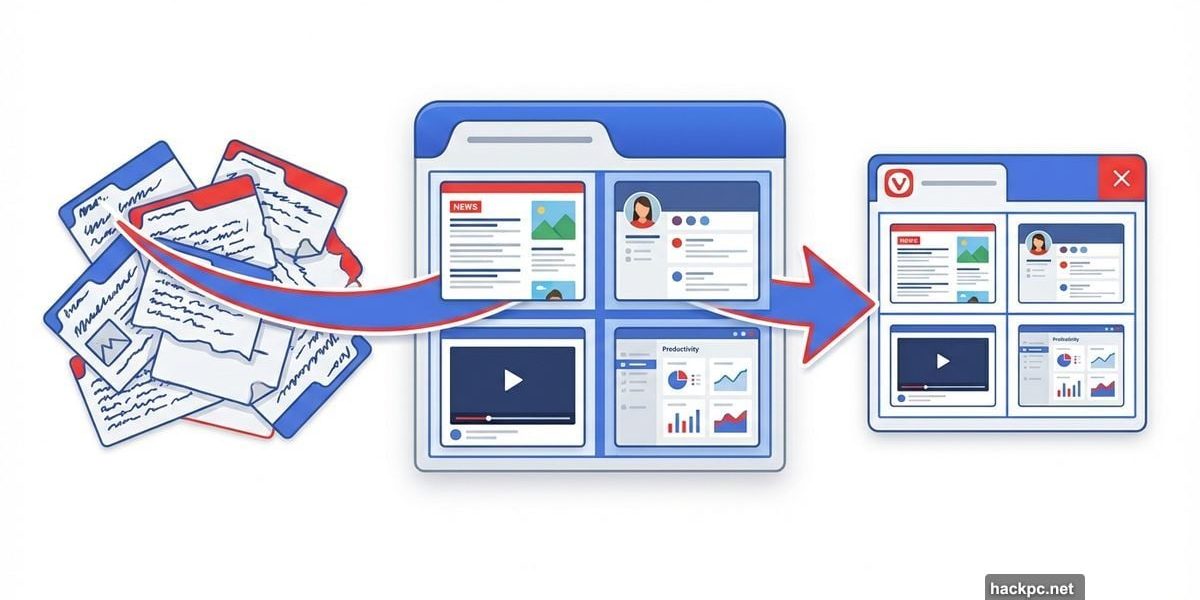
Browser tabs multiply like rabbits. One minute you’ve got three open. Next thing you know, 47 tabs clutter your screen and you can’t find anything.
Vivaldi 7.8 just dropped a solution that tab hoarders will love. Instead of juggling dozens of separate tabs, you can now tile multiple web pages inside a single browser tab. Plus, the update adds tab pinning to prevent you from accidentally reassigning important pages.
Let’s break down how these features actually work and why they matter for your daily workflow.
Multiple Pages Live in One Tab Space
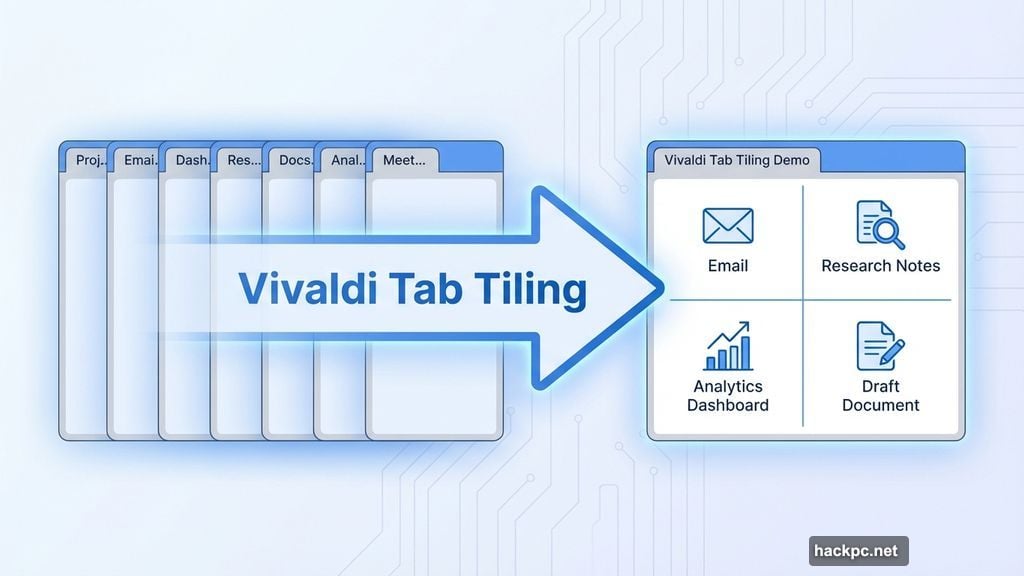
Tab tiling works like Windows‘ snap feature, but inside your browser instead of across your desktop. You pick several web pages and arrange them within one unified tab space.
The setup is flexible. You can split the view horizontally, vertically, or create custom grid layouts. Each section displays a different webpage. So you might have your email in one corner, research notes in another, and live analytics in a third section.
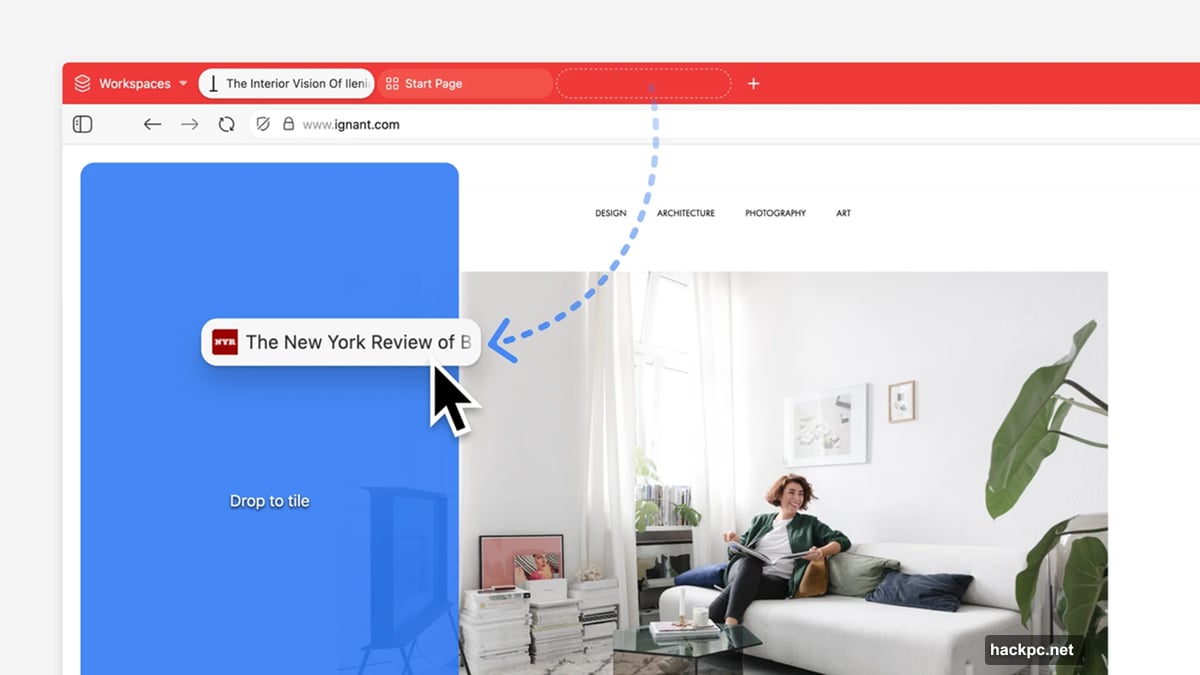
This approach solves a real problem. When you open dozens of tabs, each one takes up space in your tab bar. Titles get truncated. Finding the right tab becomes a scavenger hunt. Tiling consolidates related pages into organized groups that make sense for your workflow.
For instance, if you’re writing an article, you might tile your draft, research sources, and image references in one space. Everything you need sits in front of you without constant tab switching.
Tab Pinning Stops Accidental Page Hijacking
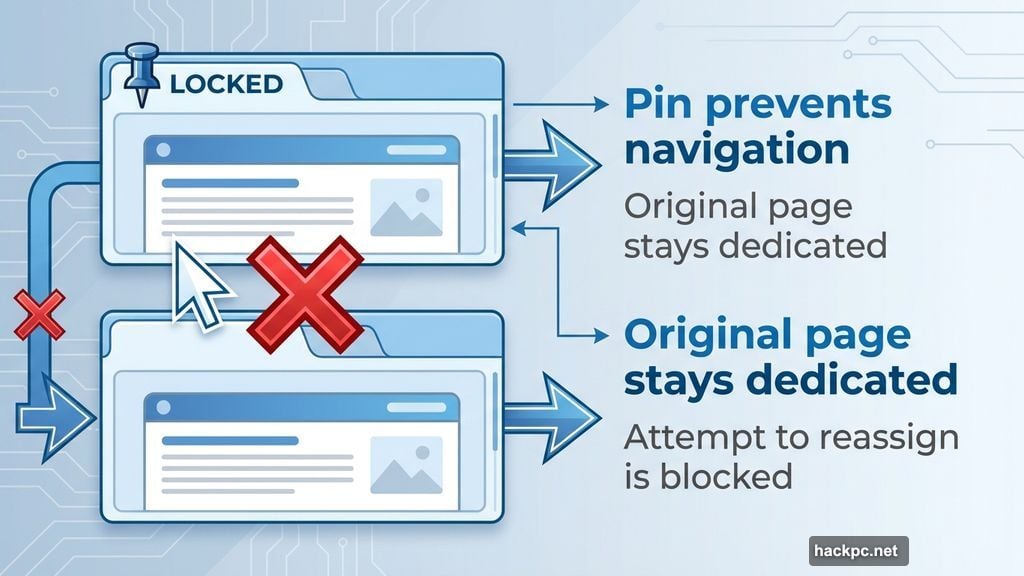
Ever grab a “free” tab for quick browsing, only to realize you just overwrote something important? Vivaldi’s new tab pinning prevents that mistake.
Pin a tab to a specific page and it stays locked. You can’t accidentally navigate away or reassign it to different content. The pinned tab remains dedicated to its original purpose until you manually unpin it.
This feature pairs well with tiling. You might create a tiled workspace for a project, then pin that entire arrangement. Now your carefully organized layout stays intact even when you’re juggling multiple tasks.
Moreover, Vivaldi Mail tabs now follow you across workspaces. Open your email in one workspace, switch to another project, and your mail tab travels with you. No more hunting for where you left your inbox.

The Screen Space Tradeoff
Tiling does come with one obvious limitation. Cram too many pages into one tab and each individual view shrinks. At some point, the content becomes too small to read comfortably.
So there’s a balance. Two or three tiled pages might work great. Six or seven gets cramped fast. You’ll need to experiment with arrangements that match your screen size and vision.
Plus, Vivaldi strips away most browser chrome when you tile pages. You lose the bookmarks bar, most toolbars, and extra interface elements. That gives you more pixels for content. But if you rely heavily on browser toolbars, the minimal interface might feel limiting.
Still, the refresh feature adds value. Set any tiled page to auto-refresh at intervals. Perfect for monitoring live dashboards, social feeds, or constantly updating content without manual reloading.
Why This Matters Beyond Tab Management
Browser productivity features often get overlooked. But small workflow improvements compound over time. If tab tiling saves you 30 seconds every hour by reducing tab hunting, that’s four minutes per workday. Over a year, that’s 16 hours reclaimed.
Beyond time savings, visual organization reduces cognitive load. When related information sits together in logical arrangements, your brain processes it faster. You spend less mental energy remembering where you put things and more energy on actual work.
Vivaldi continues building features that power users appreciate. Tab stacking, workspaces, built-in email, and now tiling all address real workflow friction. These aren’t flashy AI features or marketing gimmicks. They’re practical tools that make daily browsing less annoying.
The tab pinning feature deserves special mention. It respects how people actually work. We multitask. We get distracted. We accidentally close important things. Simple safeguards like pinning prevent those moments of “oh no, where did that go?”
Room for Improvement
One gap stands out. Vivaldi’s RSS reader and mail client work great locally. But they don’t sync across devices. Set up feeds on your desktop, then manually recreate them on your laptop.
Cloud sync would make Vivaldi’s productivity features genuinely portable. Your tab arrangements, pinned pages, and RSS subscriptions should follow you everywhere. That’s the missing piece that would elevate these features from “nice to have” to “indispensable.”
Still, tab tiling and pinning represent solid additions. They solve real problems that browser makers often ignore. Not everyone needs AI chatbots built into their browser. But almost everyone who works online deals with tab overload.
Should You Try Vivaldi?
If you’re drowning in browser tabs and current solutions aren’t working, Vivaldi 7.8 deserves a test run. Download it free and spend a week organizing your workflow with tiling.
The learning curve is minimal. Right-click tabs, select “open as tiled tab,” and arrange your layout. Pin the tabs you want protected. That’s basically it.
Plus, Vivaldi respects privacy. No data harvesting. No forced account creation. No selling your browsing history. Just a browser that focuses on giving users more control over their experience.
Will tab tiling change your life? Probably not. But it might save you enough daily frustration to be worth the switch. Sometimes the best features are the ones that simply get out of your way and let you work.




Comments (0)