
Your VPN keeps your browsing private. Your antivirus keeps your devices clean. But what if one subscription handled both jobs at once?
That’s exactly what bundled VPN and antivirus packages promise. And honestly, for most people, it’s a smart way to simplify your digital security without breaking the bank. Let’s look at the best options right now, and figure out whether bundling actually makes sense for you.
![Hero image showing a shield split in two halves – one representing VPN privacy protection and the other antivirus security, set against a dark blue digital background]
Why You Need Both Tools, Not Just One
A VPN is not an antivirus. This trips a lot of people up.
Your VPN encrypts your internet traffic and hides your online activity from your internet provider, advertisers, and anyone else snooping on your connection. It can also help you access region-restricted streaming content or stay connected to home services while traveling. That’s genuinely useful stuff.
But here’s the catch. If you accidentally download malware, your VPN does almost nothing to stop it from causing damage. It’s simply not built for that job.
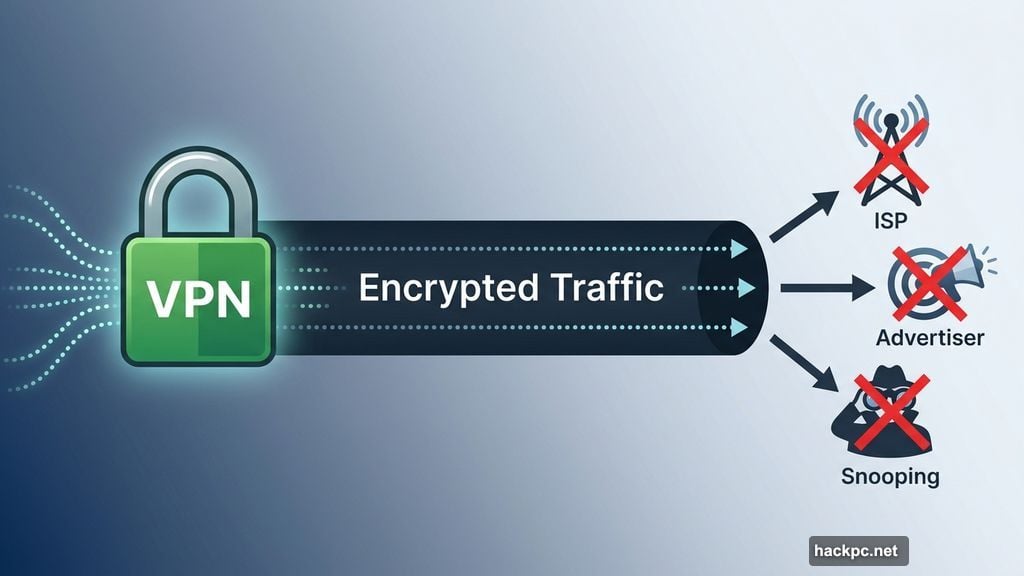
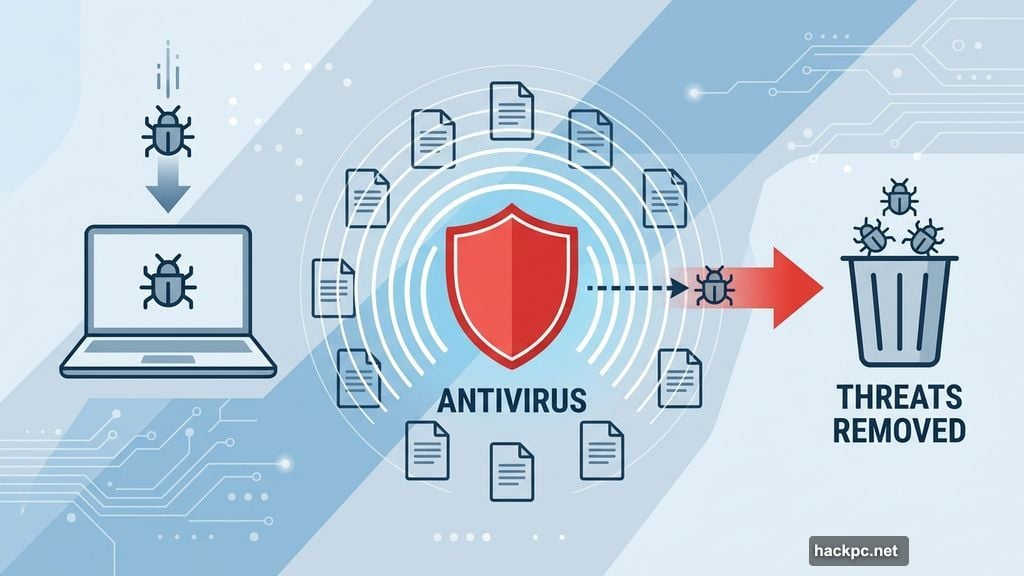
Antivirus software, on the other hand, scans your files, monitors your system in real time, and removes threats that have already made it onto your device. However, it can’t encrypt your traffic or hide what you’re doing online. So the two tools work on completely different problems.
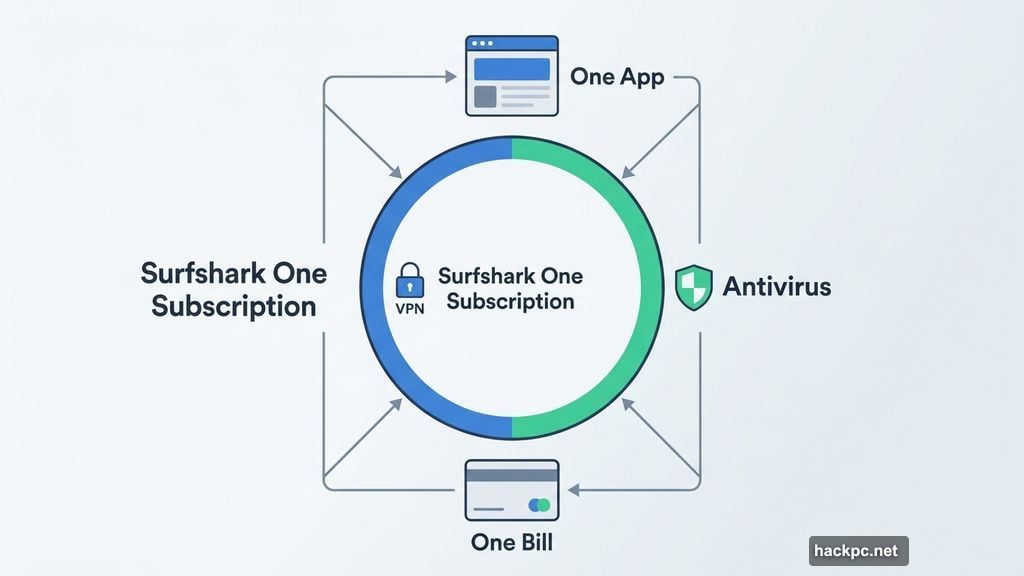
The good news? Some VPNs now bundle antivirus protection into their subscription plans. That means one app, one bill, and coverage across both threat categories.
Surfshark One: The Best All-Around Bundle
Surfshark earns the top spot here, and it’s not a particularly close contest.
As a VPN, Surfshark is already impressive. It covers over 4,500 servers across 100 countries, supports unlimited simultaneous connections, and recorded an average speed loss of just 21% in 2025 testing. That speed loss is technically a slight step back from previous years, but you genuinely won’t notice the difference during everyday use.
desktop]
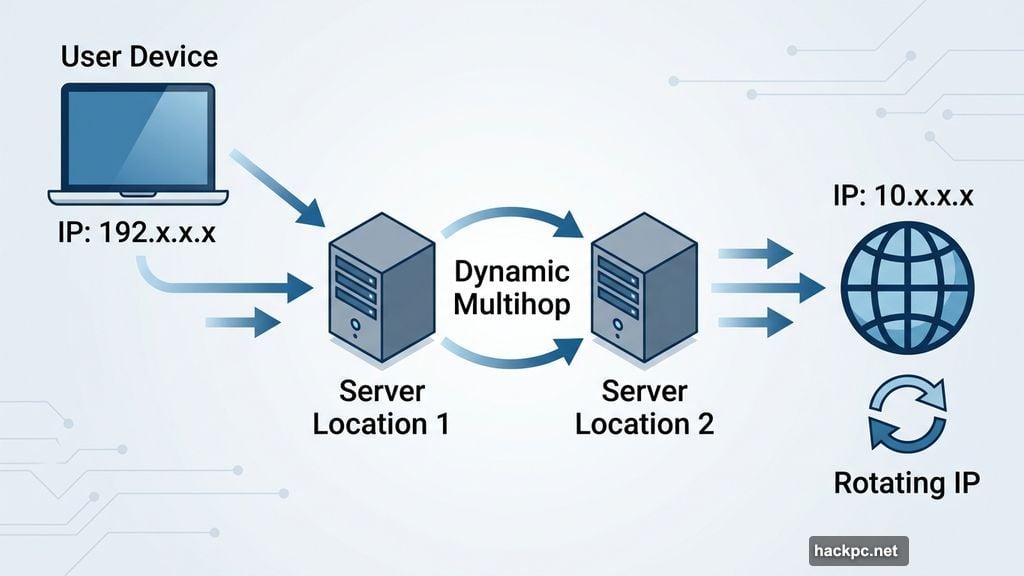
The privacy features go beyond the basics. Surfshark’s Dynamic Multihop lets you route traffic through two different server locations at once, adding an extra layer of protection. Rotating IP switches your IP address every few minutes, making it much harder for anyone to track your movements online. And in 2025, Surfshark rolled out post-quantum protections to guard against future threats from quantum computers, which is forward-thinking stuff.
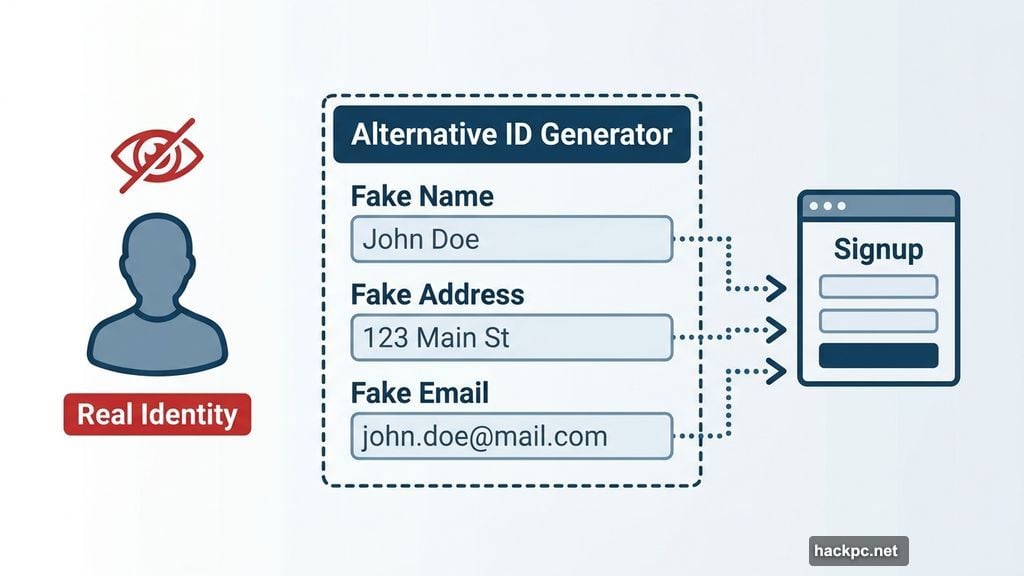
Then there’s Alternative ID. This lets you create a fake persona, complete with a name, address, and email, that you can use online without revealing who you really are. It’s a surprisingly handy tool for signing up to services you don’t fully trust.
Surfshark’s Antivirus Coverage Is the Real Deal
The antivirus side of Surfshark’s bundle isn’t just a checkbox feature. It’s AV-test certified, which means independent security labs have verified that it works properly.
You get real-time malware detection, virus scanning, and malicious website blocking. The antivirus is available on Windows, MacOS, and Android. Plus, Surfshark commits to annual third-party audits, which builds genuine trust in the product.
Antivirus kicks in starting from the Surfshark One plan. That costs $51 for the first year or $56 for the first two years combined, though renewal jumps to $119 annually. The higher-tier Surfshark One Plus adds Incogni, a data removal service that contacts data brokers on your behalf, plus identity theft protection. One Plus runs $105 for the first year or $113 for two years, renewing at $149 annually.
Both plans include a 30-day money-back guarantee if you change your mind.
PIA: A Budget Pick With Limitations Worth Knowing
Private Internet Access, commonly called PIA, is the budget-conscious alternative here. And it genuinely earns a place on this list, though with some caveats.
PIA’s pricing is hard to argue with. You’re looking at $40 for the first year, renewing at $50 annually, or a flat $79 for three full years. That’s cheaper than most standalone VPNs, let alone a bundle. PIA also offers unlimited simultaneous connections, which means you can protect every device in your home under one account.
The network is massive. PIA runs over 35,000 servers across 91 countries. And for anyone in the US, PIA covers servers in all 50 states, which is handy for streaming regional sports like NFL games.
On the privacy front, PIA’s apps are fully open-source. That means anyone can inspect the code for bugs or security holes. Only a handful of VPN providers, including Proton VPN and Mullvad, offer that same level of transparency. PIA also offers split tunneling on MacOS, which lets you send certain apps through the VPN while excluding others. That’s a rarity among VPN providers.
Where PIA Falls Short
Here’s where we have to be honest. PIA’s recent performance testing wasn’t great.
In 2025 speed tests, PIA recorded a 49% average speed loss. That’s meaningfully higher than the 25% benchmark most top VPNs hit. In practical terms, you might notice slower load times and buffering, especially on video-heavy tasks.
Streaming worked reasonably well, but required more server switching than with Surfshark or NordVPN. The app design is functional but clunky compared to smoother competitors. And during testing, the team ran into a surprising number of CAPTCHAs just while doing basic things like Google searches, which gets frustrating fast.
PIA’s antivirus add-on is also Windows-only, which rules it out entirely for Mac and mobile users looking for the full bundle experience. The antivirus itself covers standard features without many extras.
So if budget is your absolute top priority and you’re a Windows user, PIA delivers solid value. But if you can stretch a little further, Surfshark offers a noticeably better experience across the board.
What About NordVPN and Norton?
NordVPN deserves mention here, even though it doesn’t technically offer a full antivirus bundle.
Its Threat Protection Pro feature does a lot of antivirus-adjacent things. It scans downloaded files for threats, blocks malicious and phishing websites, removes trackers, and checks installed apps for vulnerabilities. NordVPN is actually the only VPN provider to earn AV-Comparatives’ anti-phishing certification. In February 2026, NordVPN also added CrowdStrike Threat Intelligence to Threat Protection Pro, which gives the feature a serious boost in detecting malware, phishing attempts, and scam sites.
However, Threat Protection Pro still lacks full system scans, quarantine capabilities, webcam protection, and automatic definition updates. So it’s not a true antivirus replacement. It’s more like a strong security layer that sits between a standard VPN and a dedicated antivirus program.
Norton goes the other direction. It’s a renowned antivirus brand that now offers a VPN as part of its security suite. But in testing, Norton’s VPN fell short in several areas, including IPv6 data leaks, significant personal data collection, and a smaller international server network compared to dedicated VPN providers. Norton has made improvements since our 2024 evaluation, including adding support for Apple TV and Google TV, but we haven’t fully retested it yet and can’t confidently recommend it.
The broader lesson here applies to most antivirus-first providers like Bitdefender and McAfee that now offer bundled VPNs. These VPN add-ons often haven’t been independently audited, tend to have smaller server networks, and frequently lack advanced features like obfuscation, Tor over VPN, or double-hop connections. They’re fine for basic privacy. But for anything more demanding, you’re better off with a proper VPN provider.
Should You Bundle or Buy Separately?
The honest answer depends on your situation.
Bundling makes the most sense when you want simplicity and savings. A standalone VPN subscription runs anywhere from $40 to $140 per year. Add a decent antivirus program on top, and you’re looking at another $20 to $100 annually. Buying both separately could cost $60 to $240 or more per year. A bundled plan typically lands somewhere between $60 and $100 per year total.
Plus, managing two separate apps with two different accounts and two renewal dates gets annoying. One subscription that covers everything just makes life easier.
On the other hand, if the antivirus bundled with your preferred VPN doesn’t cover the specific features you need, like webcam protection or advanced ransomware detection, you’ll want a dedicated antivirus program regardless. In that case, get the VPN you actually trust and add the best antivirus software separately.
Both Windows and MacOS do include built-in antivirus protection. So if you’re not dealing with high-risk situations or particularly sensitive data, you might not need a paid antivirus at all. But if you want comprehensive coverage, a bundle from Surfshark is the cleanest, most cost-effective option on the market right now.
Surfshark is the pick if you want the full package done well. PIA works if you’re watching every dollar and primarily use Windows. And if you’re already happy with NordVPN or another provider, pair it with a standalone antivirus app and you’ll be just as well covered.




Comments (0)