
Every time you go online, you leave tracks. Search terms, clicked links, purchased items, watched videos — it all gets collected, analyzed, and sold. That reality makes the promise of online anonymity incredibly tempting.
And VPN companies know it.
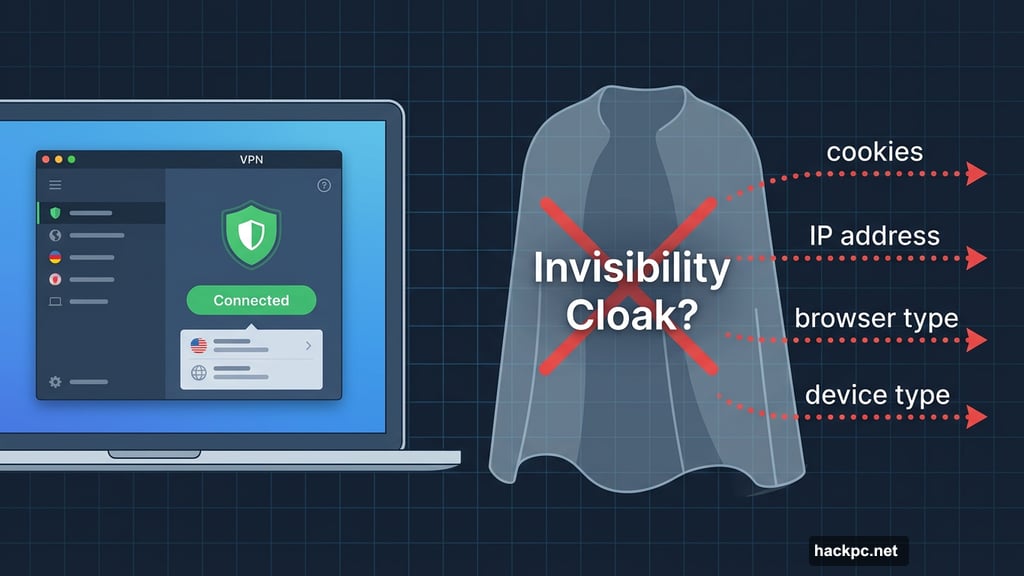
Too many of them market their products as invisibility cloaks, claiming they can make you “completely anonymous” on the internet. It’s a compelling pitch. It’s also completely false — and believing it can put you in real danger.
The “Total Anonymity” Myth That Won’t Die
Some VPN companies go surprisingly far with these claims. CyberGhost, one of the most recognized names in the industry, boldly states on its website that its service helps users “go completely anonymous and surf the internet without privacy worries.” It also promises users can “enjoy complete anonymity & protection online.”
To be fair, CyberGhost does acknowledge in an FAQ buried at the bottom of its homepage that “no VPN service can make you 100% anonymous online.” But that buried disclaimer doesn’t cancel out the bold claims splashed across the rest of the site. The messaging is confusing at best, reckless at worst.
This isn’t harmless marketing fluff. It’s dangerous misinformation. If you believe your VPN makes you untouchable, you might share sensitive information carelessly on social media. Or, if you’re an investigative journalist working in a country with oppressive digital surveillance, you might skip taking other crucial precautions — and face serious consequences.
A VPN is a useful tool. But it’s not an invisibility cloak. And pretending otherwise puts real people at real risk.
Your Data Is Everywhere, and Everyone Wants It
To understand why total anonymity is impossible, you first need to grasp how thoroughly your information is collected online.
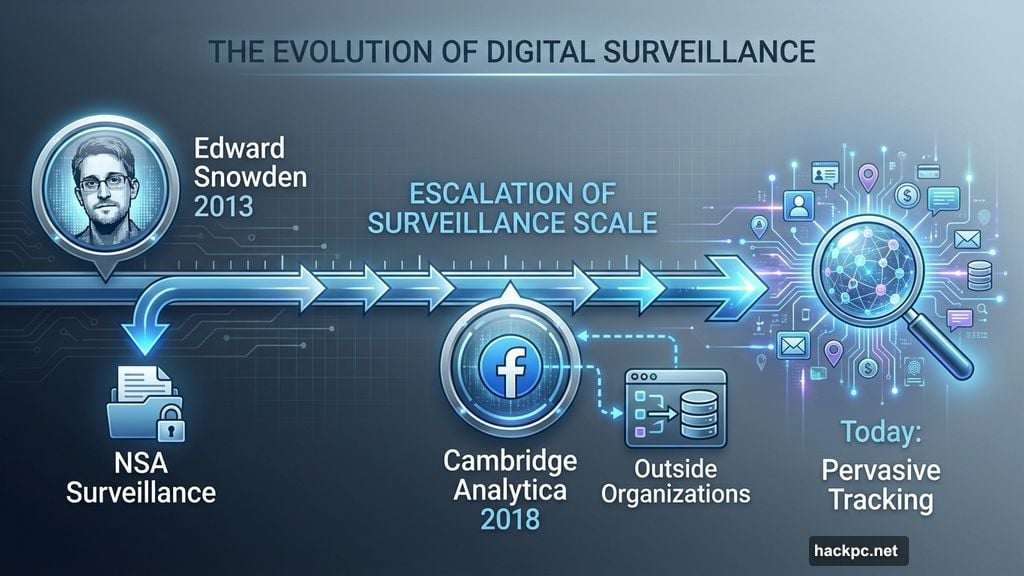
The scale of internet surveillance became clear to most people in 2013, when former NSA contractor Edward Snowden revealed how extensively governments spy on citizens. Then the 2018 Cambridge Analytica scandal showed just how much data Big Tech companies like Facebook were quietly harvesting — and how readily that data flowed to outside organizations.
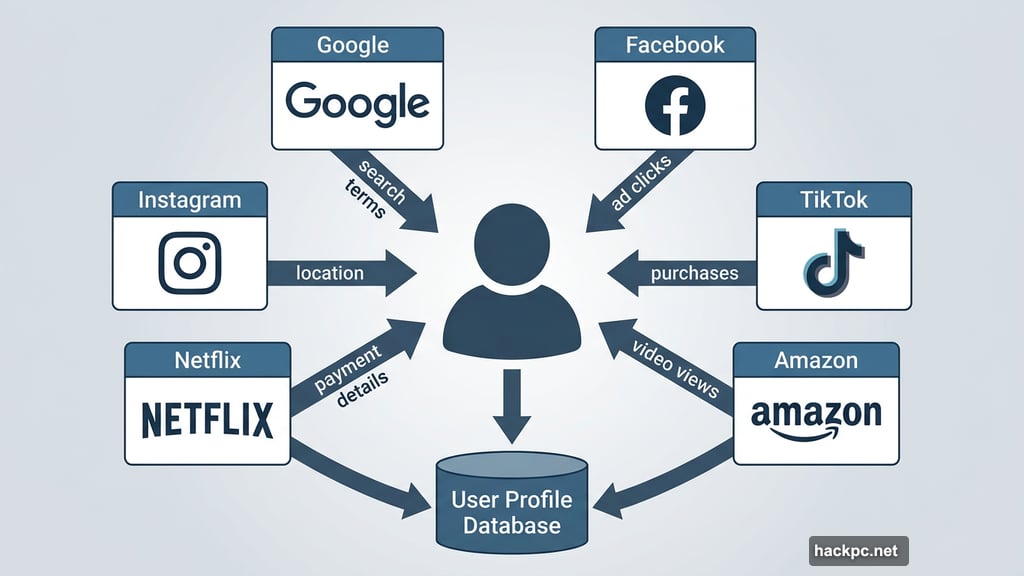
Today, the situation is even more pervasive. When you’re logged into Google, Facebook, TikTok, Instagram, Amazon, Netflix, or almost any major platform, everything you do gets tracked and linked directly back to you. Search terms, ad clicks, video views, purchases, shared content — all of it feeds into detailed profiles of your interests and habits.
Beyond that, platforms collect your name, address, payment details, email, IP address, browser type, device type, and operating system. Your internet provider tracks your browsing history, location, and app usage. Websites use cookies and device fingerprinting. Social media platforms use tracking pixels to follow you around the web. Data brokers then buy and sell all this information like a commodity.
Privacy laws like Europe’s GDPR and California’s CCPA help somewhat. But surveillance capitalism is so deeply woven into how Big Tech operates that avoiding all tracking is essentially impossible if you’re using the internet at all.
What a VPN Actually Does
So where does a VPN fit into all this? It does offer genuine privacy benefits — just not the sweeping, all-encompassing protection some companies advertise.
When you connect to a VPN, it encrypts your internet traffic and routes it through a server in a location you choose. This accomplishes two meaningful things. First, it hides your online activity from your internet provider, network administrator, government, and other outside observers. Second, it replaces your real IP address with the VPN server’s address, so websites can’t pinpoint your actual location or track you based on your IP.
That’s genuinely useful. VPNs are great for protecting your privacy on public Wi-Fi, preventing your internet provider from snooping on your browsing, bypassing geographic content restrictions, and limiting certain types of tracking and data collection.
But the list of what VPNs can’t do is equally long.
The Tracking That Slips Right Through
Most VPNs can’t protect against browser fingerprinting, one of the most powerful tracking methods advertisers and governments use today. Your browser fingerprint combines details like your screen resolution, time zone, browser type, operating system, installed extensions, and language preferences into a unique identifier. Advertisers use it to build profiles on you. Governments use it to surveil citizens. Cybercriminals use it for identity theft.
Windscribe offers an anti-fingerprinting feature, which puts it ahead of most competitors here. But the vast majority of VPNs simply don’t address this attack vector at all.
Also worth noting: a VPN does nothing to hide your identity on platforms where you’re already logged in. When you search on Google, scroll through Facebook, or shop on Amazon while connected to a VPN, those companies absolutely know it’s you. They’re still collecting all the data they normally would. A VPN doesn’t change that.
And then there are phishing and malware attacks. If you click a bad link and download malware, or enter your information into a fake site, a VPN won’t save you. That’s a job for antivirus software, not a VPN.
Finally, there’s the VPN provider itself. When you use a VPN, you’re essentially shifting visibility of your online activity from your internet provider to your VPN company. That’s a reasonable trade-off if your VPN has an independently audited no-logs policy and runs on RAM-only servers that wipe data on restart. But plenty of VPNs — especially free ones — misuse or expose user data. Choosing the wrong provider can make your privacy situation worse, not better.
Getting as Close to Anonymous as Possible
For everyday users, a solid VPN combined with a good password manager and antivirus software provides a strong baseline of protection.
However, if you’re a journalist, activist, whistleblower, attorney, or anyone else facing serious privacy threats, you need to go significantly further. Here’s what privacy experts recommend layering on top of a VPN:
- Tor: Routes your traffic through multiple volunteer-run relays worldwide, encrypting it multiple times and hiding where it came from and where it’s going.
- Tails operating system: A secure OS from the Tor Project that runs from a USB stick, completely separate from your computer’s regular system. It wipes itself clean every time you shut it down.
- Ad and tracker blockers: Browser extensions like Privacy Badger or Ghostery block advertisers and trackers from following you around the web.
- Signal: An encrypted messaging app that keeps your private conversations private.
- Proton Mail: An end-to-end encrypted email service with zero-access encryption, meaning even Proton can’t read your emails.
- Privacy-focused browsers: Mullvad Browser and Brave both block ads and trackers by default and actively fight fingerprinting.
- Private search engines: DuckDuckGo and Brave Search don’t track your searches the way Google does.
The Electronic Frontier Foundation’s Cover Your Tracks tool is also worth checking out. It shows you exactly how unique your browser fingerprint is and how visible you are to trackers.
Some VPNs also help you start more anonymously from the beginning. Mullvad and Windscribe let you sign up and pay without providing any personal information. Proton, NordVPN, ExpressVPN, and Surfshark offer bundled privacy and security tools that let you build a more comprehensive toolkit under one subscription.
Practical Steps to Shrink Your Digital Footprint
Beyond tools, smart habits matter just as much. A few genuinely impactful changes:
Limit your Big Tech exposure. Reducing how much you rely on Google services and social media platforms is one of the most effective ways to limit data collection.
Use alias accounts. Create temporary email addresses, phone numbers, and social media accounts for services that don’t need your real identity. Ditch them when you’re done.
Pay with cash or crypto. Credit cards, PayPal, and Venmo all create trails directly linked to you. Cash and cryptocurrency don’t.
Tighten your device settings. Review app permissions and grant only what’s necessary. Enable device encryption, use a strong passcode, and turn off ad tracking and location services when you don’t need them.
Clear cookies and cache regularly. This limits how websites track you across sessions and can also speed up your browser.
Be skeptical of downloads. Malware often arrives through unsolicited emails and sketchy files. If something feels off, don’t engage.
The honest truth is that no single tool can guarantee anonymity online. Complete anonymity is essentially impossible for anyone actively using the internet. But a thoughtful combination of the right tools, good habits, and realistic expectations can go a very long way toward protecting your privacy. The key is understanding what each tool actually does — and not letting anyone convince you one product does it all.



Comments (0)