

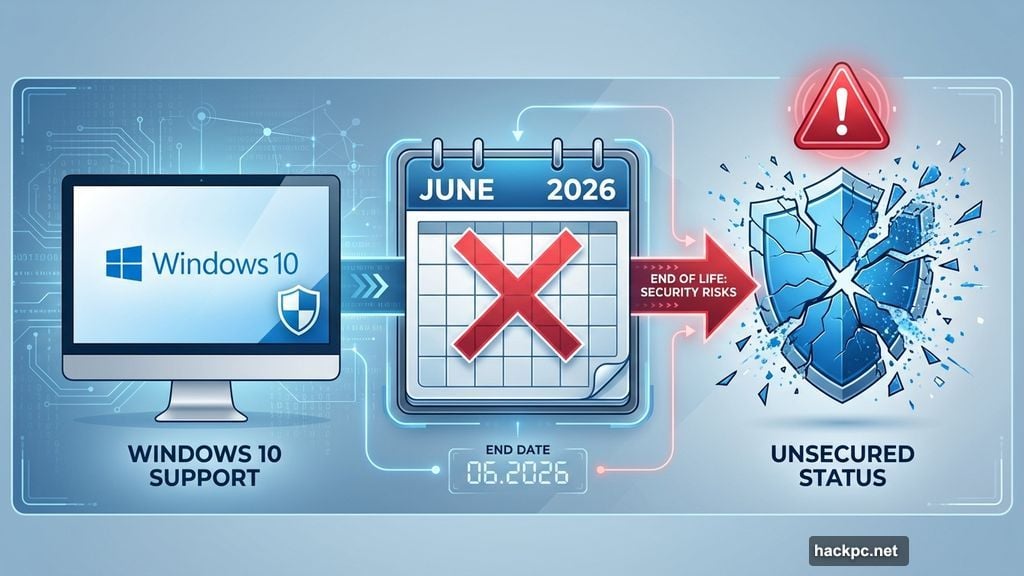
Microsoft just dropped another security bombshell for Windows 10 users. The original Secure Boot certificates expire in June 2026.
That means nearly 1 billion computers worldwide face a hard deadline. Security certificates protect your PC from malicious software. When they expire, your machine becomes vulnerable. So this isn’t just another “please upgrade” reminder from Microsoft.
Let’s break down what’s happening and your real options.
The Certificate Problem Nobody Saw Coming
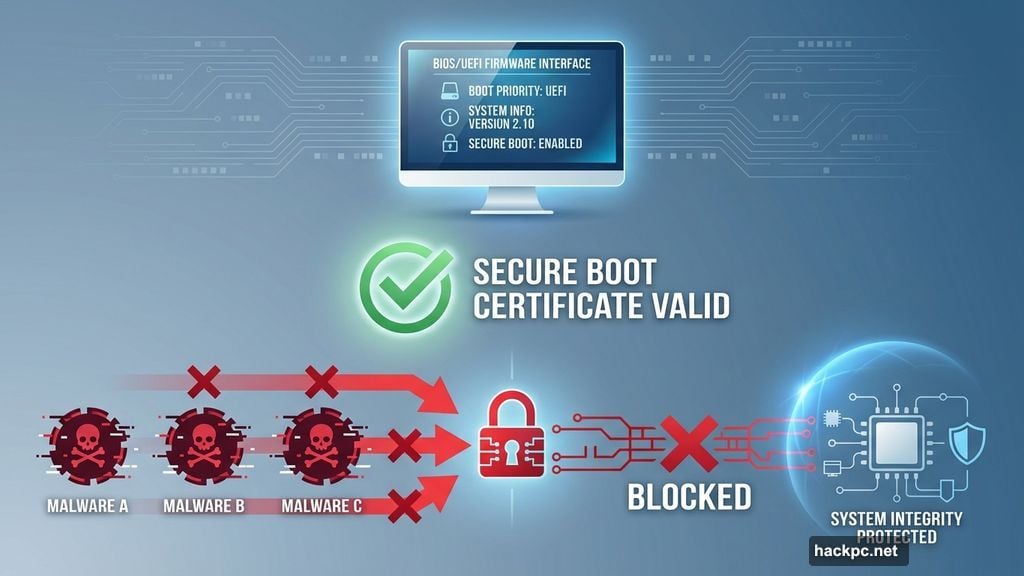
Secure Boot certificates verify that software running on your PC is legitimate. They prevent malware from hijacking your system during startup. Without valid certificates, Windows can’t guarantee what loads when you turn on your computer.
Microsoft announced Tuesday that these certificates expire in June 2026. After that? Your Windows 10 machine won’t receive the security protections it needs. Plus, expired certificates mean Windows can’t verify system integrity during boot.
Here’s the catch. Microsoft ended official Windows 10 support back in October 2025. Yet almost 1 billion PCs still run the outdated OS. So the company created a temporary bridge program to buy users more time.
Extended Security Updates: Your Safety Net
Microsoft offers the Extended Security Updates program specifically for this situation. It’s not a permanent fix. Instead, it’s designed to keep you secure while you plan your next move.
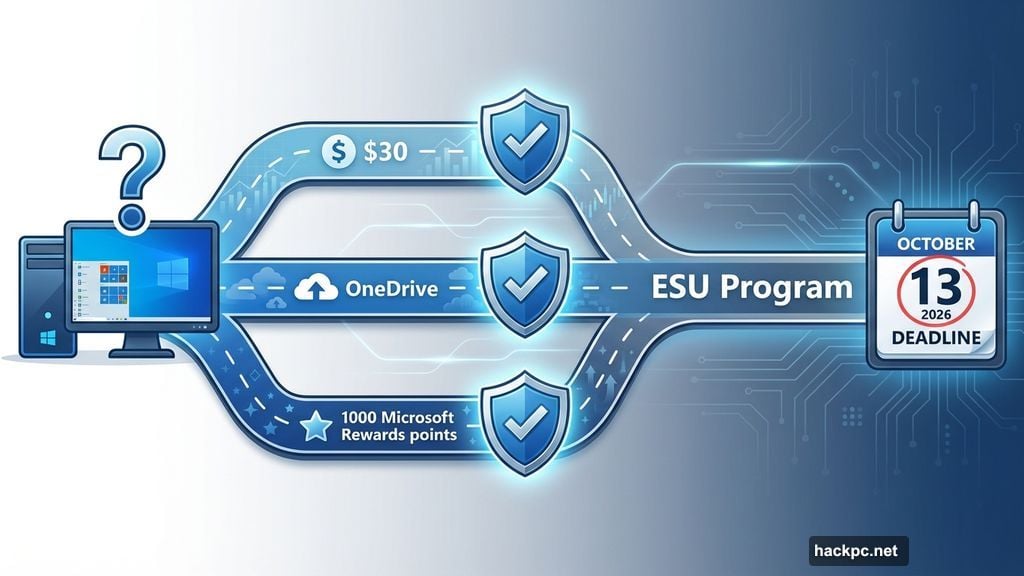
The ESU program costs $30 for most users. Europeans get it free. Everyone else has two free enrollment options: sync settings to OneDrive or redeem 1,000 Microsoft Rewards points.
But there’s a deadline. The ESU program only runs until October 13, 2026. After that, Windows 10 gets zero security updates. None. Microsoft explicitly calls this “not a long-term solution but rather a temporary bridge.”
How to Enroll Right Now
First, verify you’re running Windows 10 version 22H2. Open Settings, click Windows Update, then select View Update History. You need admin privileges on your PC for enrollment.
Next, visit Settings and navigate to Windows Update. Look for the enrollment message in the top right corner. It reads “Windows 10 support ends in October 2025” with a link to “Enroll in Extended Security Updates.”
Click that enrollment link. A wizard pops up with three payment options. Choose whether you’ll pay $30, sync OneDrive settings, or use Microsoft Rewards points. Then follow the prompts to complete enrollment.
However, the enrollment option isn’t live everywhere yet. Microsoft confirmed they’re “working to restore availability in a subset of markets.” So if you don’t see the enrollment link, check back in a few days.
The Free Enrollment Trick
Syncing Windows settings with OneDrive gets you free ESU access. This normally helps transfer files between PCs. But Microsoft accepts it as payment for security updates.
Open the ESU enrollment wizard and select “Back up your PC settings.” Click Next to start syncing with your Microsoft account. OneDrive handles the rest automatically.
One warning: Microsoft only provides 5GB of free OneDrive storage. If your settings data exceeds that limit, you’ll need paid storage. So the “free” option might cost more than the $30 direct payment for some users.
Check your current OneDrive usage before choosing this path. Settings backup typically uses less than 1GB. But if you’ve stored lots of files in OneDrive already, you might hit the cap.
What Happens After October 2026
Absolutely nothing. Zero security updates. No patches for vulnerabilities. No protection against new threats. Your PC becomes increasingly risky to use for anything connected to the internet.
Microsoft won’t budge on this timeline. The ESU program ends October 13, 2026. After that, you have three realistic options: upgrade to Windows 11, switch to Linux, or accept the security risks of an unsupported OS.
Businesses can purchase up to three additional years of extended updates. But consumer users get one year maximum. So personal Windows 10 PCs face a firm cutoff date regardless of enrollment.
Why This Matters More Than Previous Warnings
Previous Windows end-of-life announcements felt theoretical. This one includes specific technical failures. Secure Boot certificates expire on a fixed date. That’s not a policy decision Microsoft can reverse.
Plus, the certificate expiration creates immediate vulnerability. Malware developers know the deadline. They’re already developing exploits designed to take advantage of expired certificates. So the risk isn’t abstract anymore.
Combine expired certificates with no security patches, and you get a perfect storm. Any vulnerabilities discovered after October 2026 stay unpatched forever. Attackers will have permanent backdoors into Windows 10 systems.
The Upgrade Dilemma
Windows 11 requires specific hardware many older PCs lack. TPM 2.0 chips, compatible processors, and UEFI firmware create barriers for millions of users. So “just upgrade” isn’t realistic advice for everyone.
Microsoft knows this. That’s why they created the ESU program. But it only delays the inevitable. Eventually, Windows 10 users must choose between buying new hardware, switching operating systems, or accepting security risks.
For now, enroll in ESU if you’re staying on Windows 10. That buys you until October 2026 to figure out your long-term strategy. Just don’t treat it as a permanent solution.
The clock’s ticking. Plan accordingly.




Comments (0)