
Microsoft officially ended Windows 10 support in 2025. But millions of users still run the decade-old operating system on older PCs that can’t upgrade to Windows 11.
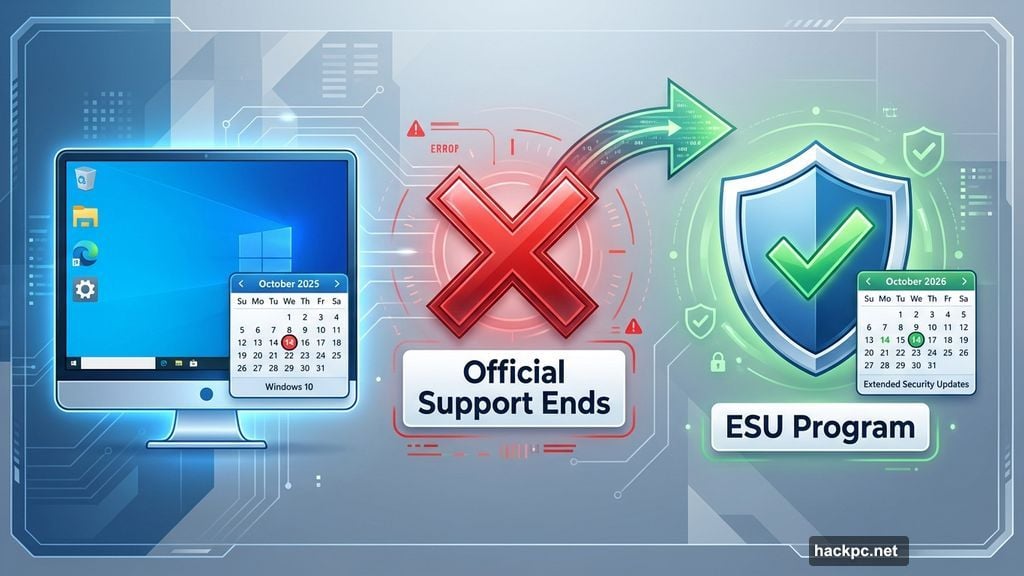
Good news? You can keep getting security patches for another year. Microsoft’s Extended Security Updates program extends protection through October 2026. Plus, most users can enroll completely free.
Here’s what you need to know about keeping your Windows 10 PC secure without spending a dime.
The ESU Program Buys You Time
Microsoft launched the Extended Security Updates program as a temporary bridge. It’s designed to give users more time to upgrade hardware or migrate to Windows 11.
But let’s be honest. Many people will stretch this “temporary” solution as long as possible. That’s fine. Security updates matter more than forced upgrades.
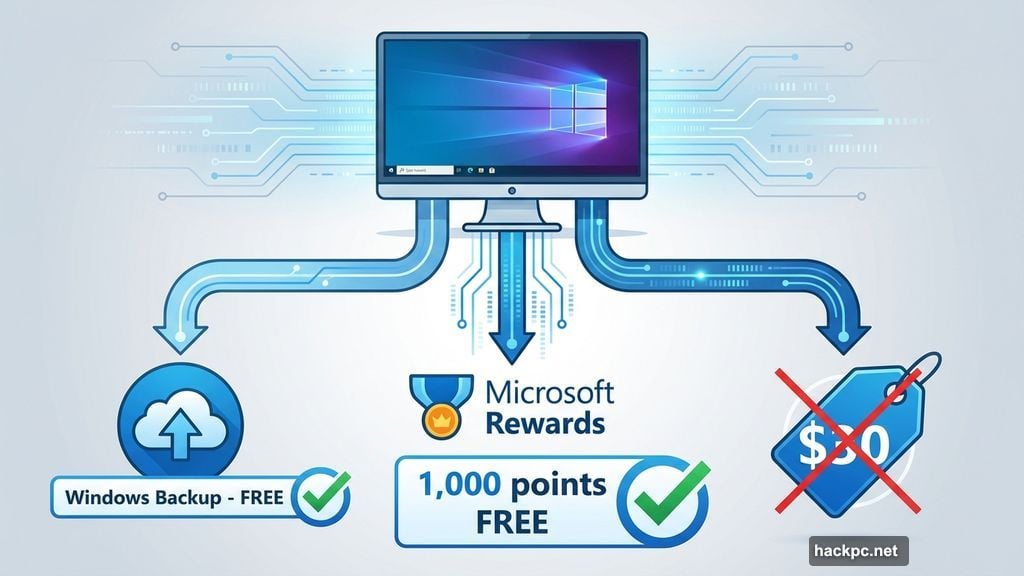
The program costs $30 officially. However, two free enrollment methods exist. Most users can access ESU without paying anything.
European users get automatic free enrollment. Everyone else can choose between syncing settings to OneDrive or redeeming Microsoft Rewards points.
Two Ways to Enroll Free
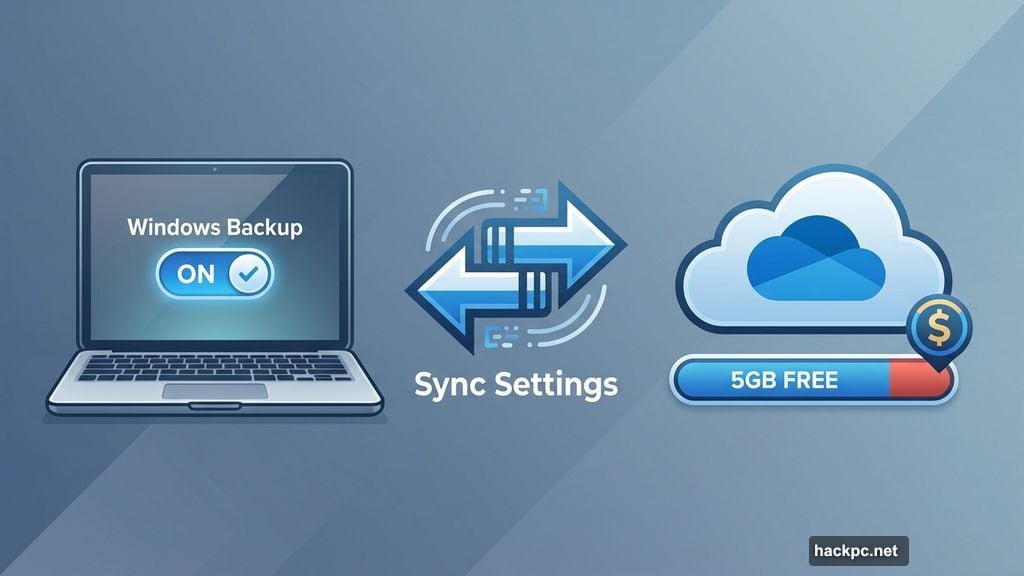
The easiest free option involves Windows Backup. Sync your PC settings to OneDrive through your Microsoft account. That’s it.
Microsoft technically designed this feature for transferring files between PCs. But it doubles as your ticket to free security updates. Smart workaround.
The second option requires 1,000 Microsoft Rewards points. If you’ve been collecting points through Bing searches or Microsoft Store purchases, you can redeem them for ESU access.
Most users will prefer the OneDrive method. It’s faster and doesn’t require point accumulation.
However, watch your storage space. Microsoft provides only 5GB of free OneDrive storage. Users with lots of settings data might hit that limit quickly. If you need more storage, you’ll pay monthly fees that could exceed the $30 ESU cost.
How to Actually Enroll
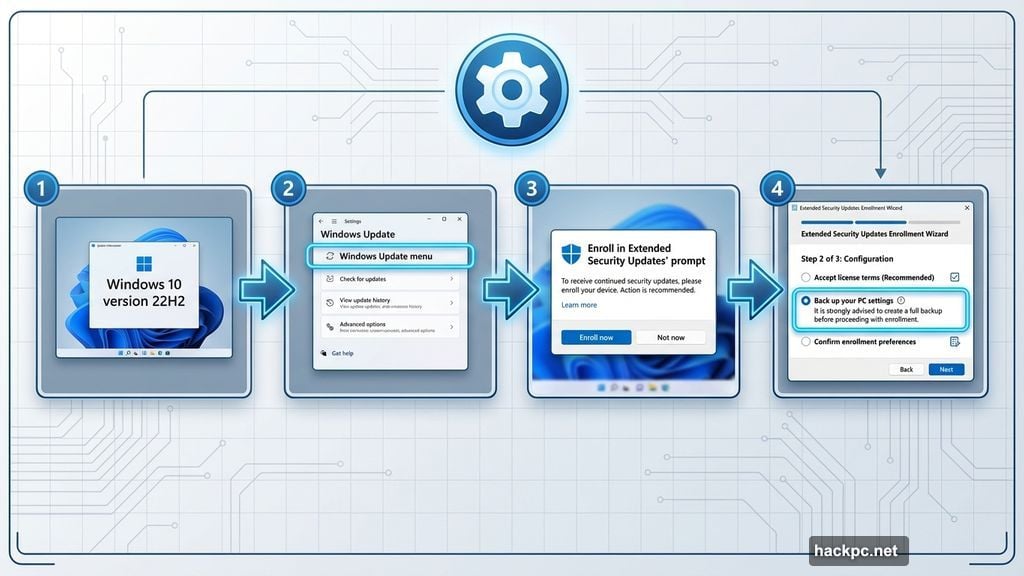
First, verify you’re running Windows 10 version 22H2. That’s the latest version required for ESU eligibility.
Check your version by opening Settings, clicking Windows Update, then selecting View Update History. You’ll need administrative privileges on your PC to proceed.
Once confirmed, return to Settings and Windows Update. Look for messaging in the top right corner. It should read “Windows 10 support ends in October 2025” with an “Enroll in Extended Security Updates” prompt below.
Click the enrollment link. The Extended Security Updates wizard pops up with three options. Choose “Back up your PC settings” for the free route. Hit Next to start syncing with OneDrive.
That’s the process. Simple enough. But there’s a catch.
Enrollment Isn’t Available Everywhere Yet
Microsoft is still rolling out the enrollment wizard to all users. Many eligible Windows 10 PCs don’t show the “Enroll now” option yet.
We tested this on a CNET Windows 10 machine. Despite installing the required August 2025 patch (KB5063709), the enrollment link never appeared. Frustrating.
Microsoft confirmed they’re “working to restore availability in a subset of markets.” No timeline provided. So you might need to wait before you can actually enroll.
Check back periodically if you don’t see the option. Microsoft has until October 2026 to get this working everywhere. But waiting until the last minute seems risky.
Why This Matters for Security
Windows security vulnerabilities are serious business. Cybercriminals actively target unpatched systems. Without security updates, your PC becomes an easy target.
The ESU program protects against new threats discovered after official support ended. Microsoft will continue patching critical vulnerabilities through October 13, 2026.
That’s significant. One extra year of protection gives users breathing room. You can plan hardware upgrades without rushing. Or stick with Windows 10 longer if it meets your needs.
Businesses can purchase up to three additional years of updates beyond 2026. But consumer access ends in October 2026 regardless.
The Upgrade Dilemma
Many PCs physically can’t run Windows 11. Microsoft’s hardware requirements eliminated millions of older machines that work perfectly fine otherwise.
TPM 2.0, specific CPU generations, secure boot capabilities—these requirements excluded tons of functional hardware. People understandably resist buying new computers just to run the latest Windows version.
That’s why ESU matters so much. It acknowledges that forced obsolescence frustrates users. The program provides an escape valve, even if temporary.
Still, Microsoft isn’t hiding its intentions. The company wants everyone on Windows 11 eventually. ESU is explicitly “not intended as a long-term solution.”
What Happens After October 2026
Once ESU ends, Windows 10 stops receiving any security patches. Your PC will still work. But every new vulnerability discovered stays unpatched forever.
At that point, you face three real options. Upgrade to Windows 11 if your hardware supports it. Buy new hardware that does. Or accept the security risks of running unsupported software.
Some users will install Linux distributions instead. That’s viable for basic computing needs. But it requires technical comfort most Windows users lack.
Others will simply keep using Windows 10 despite the risks. Not recommended. But inevitable for many people who can’t afford hardware upgrades or don’t understand security implications.
My Take on This Situation
Microsoft created this mess by setting arbitrary hardware requirements. Perfectly capable machines got excluded from Windows 11 for reasons that seem more about selling new PCs than actual technical necessity.
The ESU program feels like damage control. Microsoft knows forcing millions of users off Windows 10 immediately would cause backlash. So they’re gradually phasing it out instead.
That said, take advantage of ESU while it exists. Free security updates beat paying $30 or buying new hardware prematurely. Sync your settings to OneDrive and get another year of protection.
Just don’t treat October 2026 as some distant deadline. Start planning now for what comes next. Whether that’s upgrading hardware, migrating to Windows 11, or exploring alternatives.
Windows 10 had an impressive run. But its days are numbered. Use ESU to buy time, not delay the inevitable forever.




Comments (0)