
Checking your internet speed is about to get a whole lot easier on Windows 11. Microsoft is building a native network speed test tool directly into the operating system, so you won’t need to hunt down a third-party website every time you want to know if your connection is sluggish.
The feature is rolling out right now to Windows 11 Insiders in the Release Preview Channel. And honestly, it’s one of those small additions that makes you wonder why it took this long.
Right-Click Your Network Icon and Go
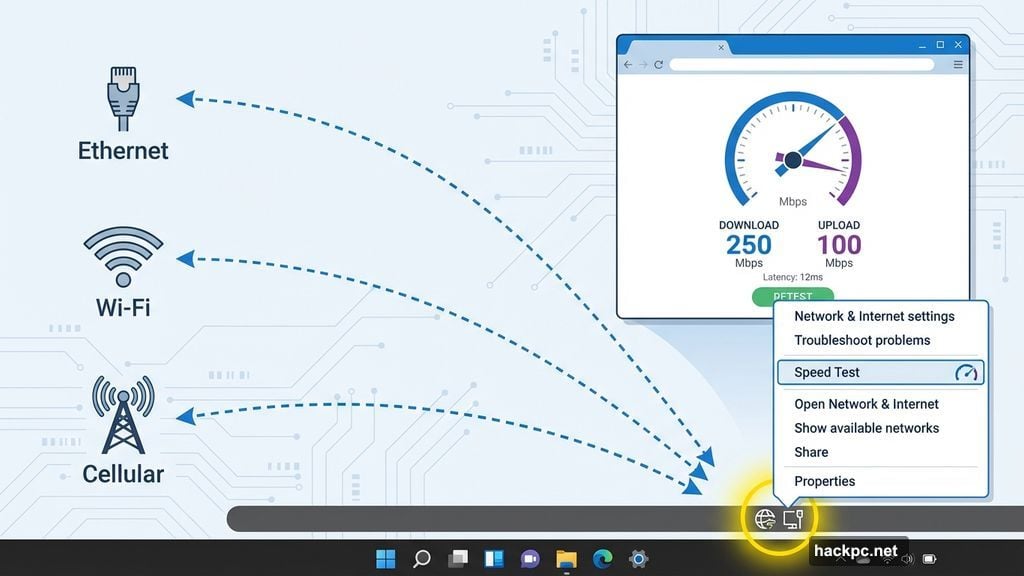
The new speed test lives exactly where you’d want it. Right-click the network icon in your system tray, the little taskbar icon you probably ignore until your Wi-Fi acts up, and a speed test option appears. Click it, and it opens in your default browser so you can check your connection speed.
Better yet, it works across all your connection types. Whether you’re on Ethernet, Wi-Fi, or cellular data, the tool handles all three. Microsoft first started testing this back in 2025, so it’s been in the pipeline for a while.
For most people, this replaces the small ritual of opening a browser, typing in Speedtest.net or Fast.com, and waiting for results. Now it’s just two clicks from your taskbar.
What Else Is Coming in This Update
The network speed test isn’t the only thing landing in this release. Microsoft is packing in several other quality-of-life improvements alongside it.
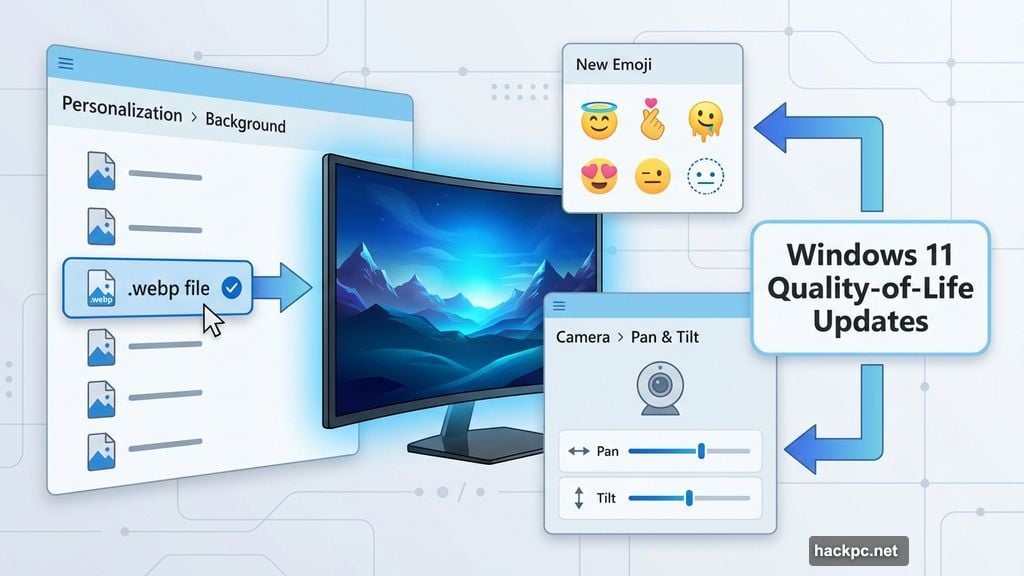
Camera controls are getting an upgrade in the Settings menu. You’ll soon be able to adjust pan and tilt for supported cameras directly from Settings, though Microsoft hasn’t specified which devices support the new feature yet. Still, it’s a welcome step for anyone using webcams for video calls or home setups.
Also in this update:
- New emoji are coming to Windows 11
- A full-page Widget settings menu is on the way
- You can now set .webp image files as your desktop wallpaper
That last one is surprisingly overdue. WebP has been a common image format for years, and Windows users have had to convert files just to use them as backgrounds. Not anymore.
Who Can Try It Right Now
The update is available through the Release Preview Channel today. It supports two versions of Windows 11: version 24H2 (Build 26100) and version 25H2 (Build 26200). If you’re enrolled in the Insider Program and on either of those builds, you can grab it now.
For everyone else, features that pass through the Release Preview Channel typically make their way to the general Windows 11 population fairly soon after. So if you’re not an Insider, this probably isn’t far off.
Small features like a built-in speed test might not grab headlines the way a big redesign does. But they’re the kind of thing you notice every time you use your PC, and they quietly make Windows feel more polished. Microsoft adding this to the taskbar just makes sense, and it’s hard to argue against it.




Comments (0)