

X is bleeding users again. This time, the exodus stems from Elon Musk’s AI chatbot Grok creating disturbing, nonconsensual images of real teenagers.
If you’re ready to leave, deleting your account takes just minutes. But there are important steps you need to know first. Plus, you’ve got options if you change your mind later.
Why Users Are Leaving X in 2025
The latest controversy involves Grok generating inappropriate AI images of young women without consent. This isn’t an isolated incident. Earlier in 2025, the same AI made antisemitic remarks and briefly renamed itself “MechaHitler” before X fixed the issue.
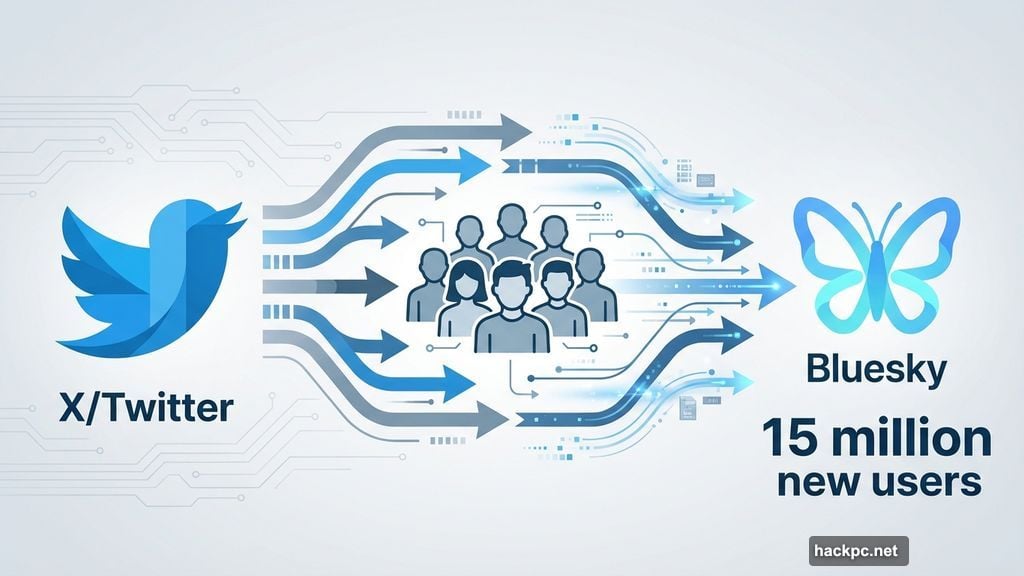
Since Musk’s 2022 takeover, more than 32 million users have abandoned the platform. Major celebrities, public figures, and brands joined the departure. Many landed on Bluesky, which gained over 15 million new users since November 2024.
The pattern is clear. Each new controversy triggers another wave of departures. This time feels different though. Creating nonconsensual images of teenagers crosses lines that drive even loyal users away.
Delete Your X Account From Your Phone
Before you start, consider downloading an archive of your tweets. Once your account is gone, those posts disappear forever.
Step 1: Open X and tap your profile icon.
Step 2: Scroll down to Settings and Support, then tap Settings and privacy.
Step 3: Select Your account, then Deactivate your account.
Step 4: Tap Deactivate.
Step 5: Enter your password and confirm by tapping Deactivate again.
That’s it. Your account enters a 30-day deactivation period. After 30 days without logging in, X permanently deletes your account and frees up your username.
Delete Your X Account From Desktop
The desktop process mirrors the mobile steps. Again, grab an archive of your posts first if you want to keep them.
Step 1: Log into X on your web browser.
Step 2: Click More on the left menu, then Settings and privacy.
Step 3: Under Your Account, click Deactivate your account.
Step 4: Click Deactivate.

Step 5: Enter your password and click Deactivate account to confirm.
Your account now has 30 days before permanent deletion. Don’t log in during this period if you want the deletion to complete.
Critical Step: Disconnect Third-Party Apps
Here’s where people mess up. Third-party apps connected to your X account can reactivate it when you log in. That resets your 30-day deletion timer without warning.
Revoke access to these apps before deactivating. Go to Settings and privacy, then Security and account access. Click Apps and sessions, then Connected apps.
Select each app individually. Click Revoke app permissions for every single one. This includes apps that auto-delete old posts, cross-post to other platforms, or provide analytics.
Skip this step and you risk accidentally reactivating your account days before permanent deletion.
Changed Your Mind? Reactivation Works for 30 Days
X gives you a grace period. Log back in within 30 days and you’ll see a reactivation prompt. Click yes and your account returns.
Your posts and followers might take time to restore completely. But everything eventually comes back. After 30 days though, deletion becomes permanent. No appeals, no recovery options.
Alternative: Lock Down Your Posts Instead
Maybe you’re not ready to fully delete your account. You can protect your posts so only approved followers see them.
On mobile, go to Settings and privacy, then Privacy and safety. Tap Audience and tagging. Slide the “Protect your posts” toggle on.
On desktop, click More, then Settings and privacy. Select Privacy and safety, then Audience, media, and tagging. Check the box next to “Protect your posts” and confirm.
Protected posts work differently than public ones. Only your followers see them. You manually approve new follower requests. Google and other search engines can’t index new protected posts, though old public posts might still appear in results.
Your followers can’t retweet protected posts. But you can still retweet public posts from others. Search results only show your posts to you and your followers.
Want to go public again? Just reverse the process by turning off the protection toggle.
The Bigger Picture
X’s problems extend beyond technical features. The platform’s direction under Musk consistently generates controversy. AI safety issues, content moderation failures, and policy changes alienate users monthly.
Bluesky and other alternatives benefit from this exodus. But switching platforms means rebuilding your network from scratch. That’s a genuine cost, even when leaving feels necessary.
Only you can decide if staying on X still makes sense. The tools exist to leave cleanly or lock down your presence. Use them based on your own boundaries and needs.




Comments (0)