
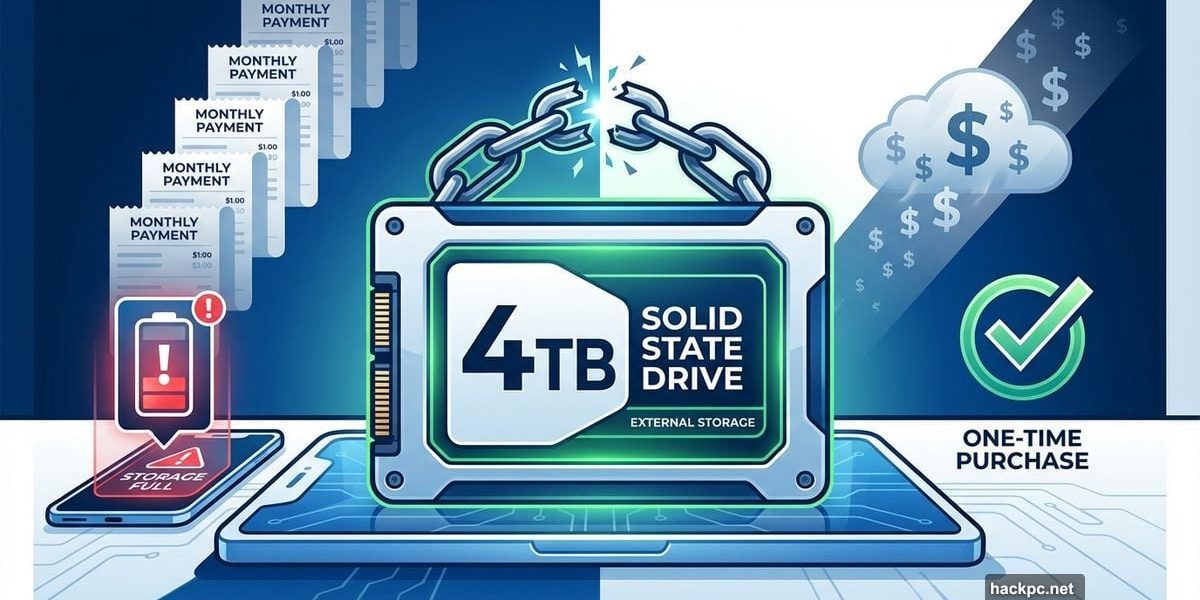
Cloud storage fees add up fast. You pay $10 monthly, which becomes $120 yearly, then $1,200 after a decade.
But here’s the thing. You don’t actually need Google One or iCloud to save your photos and videos. An external hard drive costs less than $100 and stores everything without monthly charges.
I switched to this method years ago. Now I own my memories instead of renting storage space on someone else’s server.
Google Photos Killed Its Free Ride
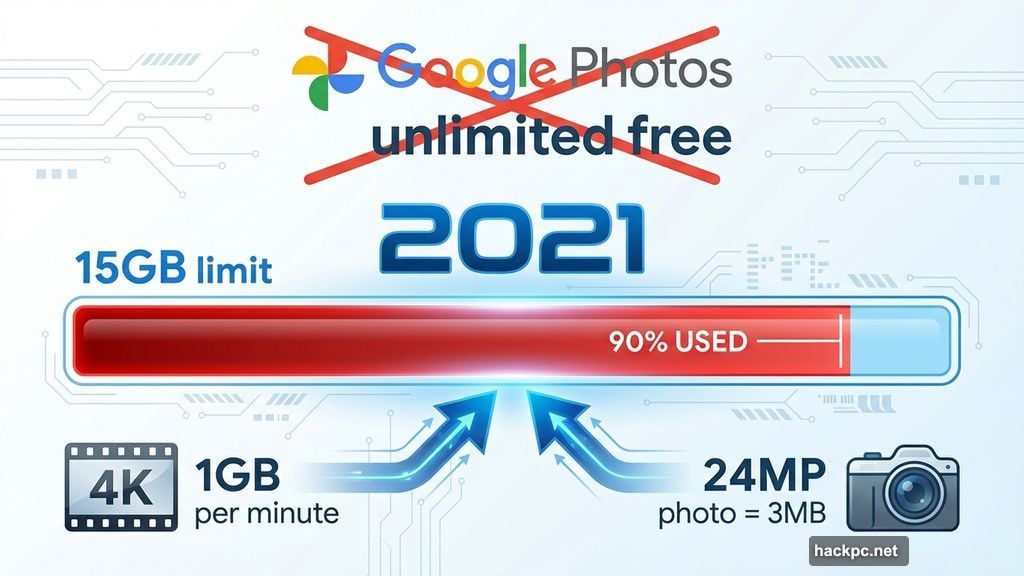
Remember when Google Photos offered unlimited free storage? Those days ended in 2021.
Google suddenly capped free accounts at 15GB. Every new photo started eating that limit. So millions of users faced a choice: pay for Google One or stop backing up files.
That 15GB fills up fast. A single minute of 4K video can exceed 1GB. Plus, modern phone cameras capture 24-megapixel images at 3MB each. Take a few vacation videos and you’ve burned through your free allowance.
Here’s what bothered me most. All my photos lived on Google’s servers, not mine. If I stopped paying, I’d lose access to files after two years. My memories were hostages to a subscription model.
Cloud Storage Isn’t Actually in the Sky
Cloud storage sounds magical. But those files exist on physical servers somewhere on Earth.
You’re basically renting space on someone else’s computer. And tech companies can change the terms anytime. Google did it once. They’ll probably do it again.
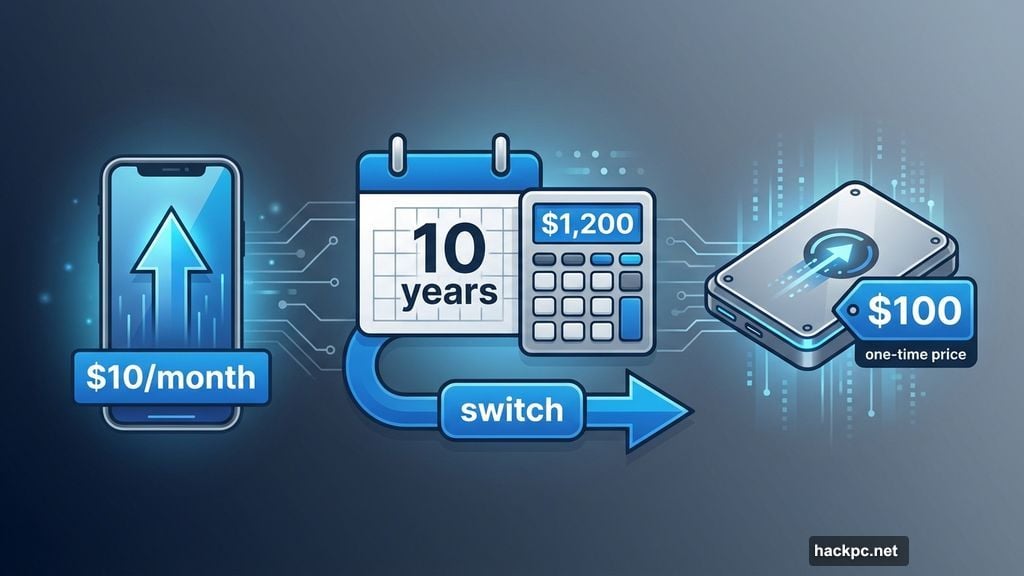
Subscription costs never stop climbing either. Start with $2 monthly for 100GB. Then you need 200GB, so that’s $3. Eventually you’re paying $10 for 2TB because your photo library keeps growing.
Meanwhile, hardware prices keep dropping. A 1TB solid-state drive costs less than a year of cloud storage. Plus, you own it forever.
External Drives Beat Phone Storage Upgrades
You might think buying a phone with more storage solves the problem. Not really.
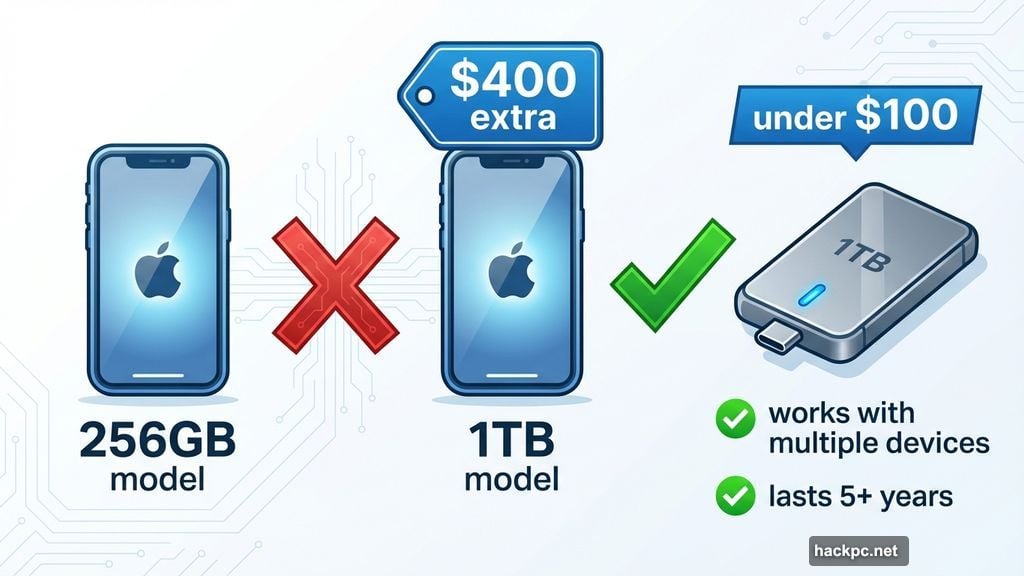
Apple charges $400 extra for the 1TB iPhone Air versus the 256GB model. That’s a huge premium. And what happens when you upgrade phones in three years? You’ll need to buy another expensive storage tier.
External drives make more sense financially. A quality 1TB SSD costs under $100. It works with multiple devices. You can keep using it long after replacing your phone.
SSDs last at least five years. Many survive much longer with proper care. So one drive can serve you through several phone upgrades.
My Monthly Backup Routine Takes 30 Minutes
Backing up to an external drive requires more effort than automatic cloud sync. But it’s not complicated.
I transfer files about once monthly, or after special events like vacations. The whole process takes maybe 30 minutes.
First, I connect my iPhone to my MacBook and import all new photos. The Photos app has a handy “Delete items after upload” checkbox that clears phone storage automatically.
Next, I plug in my external SSD. Then I select all newly imported photos (usually sorted by date) and drag them to the drive. If I have over 500 photos, I split them into batches of 200-300 to prevent transfer interruptions.
Finally, I organize everything into labeled folders. I name them either by date (“July 2025”) or occasion (“London Trip Summer 2024”). This simple system makes finding old photos surprisingly easy.
Always Keep Two Backup Copies
Here’s my most important rule: Make a backup of the backup.
I keep identical copies on two separate external drives. If one fails, I still have the other. Drive failures happen. Don’t risk losing everything because you skipped this step.
Those two drives live in different locations too. One stays near my computer for regular backups. The other sits in a drawer across the house. That way, even a fire or flood won’t destroy both copies.
Yes, this means buying two drives instead of one. But two 1TB SSDs still cost less than two years of cloud storage. And they’ll last much longer.
I Take Fewer Photos Now
Not having instant cloud backup changed my behavior. I became more selective about what I photograph.
Turns out I don’t need pictures of every meal, every sunset, every random moment. Most experiences work fine as memories alone.
I still keep certain photos on my phone indefinitely. Insurance documents. A few favorite family pictures. Images I actually look at regularly. But my camera roll stays lean instead of bloated with thousands of forgotten snapshots.
This actually feels better. My photo library became a curated collection instead of a digital landfill. Every image matters instead of drowning in clutter.
The Real Problem With Cloud Storage
Cloud companies don’t want you to own your files. They want you dependent on subscriptions.
What happens if Google changes its policy again? Or raises prices? You’ll pay whatever they demand because your memories are trapped on their servers.
Worse, what if the company shuts down someday? Kodak once dominated photography. Then they didn’t. Nothing lasts forever in tech.
External drives give you control. Your files exist on hardware you own, stored wherever you choose. No company can change the terms or hold them hostage.
This Method Isn’t For Everyone
Manual backups require discipline. You can’t just forget about storage and let everything sync automatically.
If you travel constantly and need immediate access to every photo, cloud storage might suit you better. Same if you share lots of files with family or collaborators.
But if you’re tired of subscription fees and want actual ownership of your photos? External drives work beautifully. They cost less long-term, last years, and give you complete control.
One upfront purchase beats endless monthly charges. Plus you get the satisfaction of knowing your memories live on hardware you own, not in some distant data center controlled by a corporation that might change its mind tomorrow.




Comments (0)