
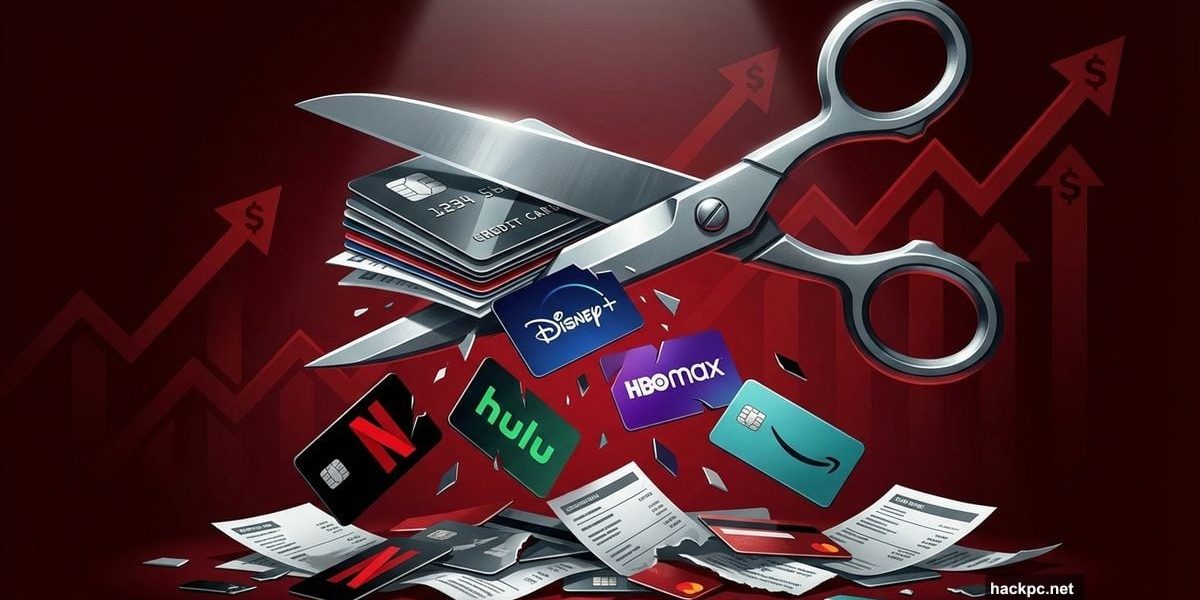
Streaming services promised to save us money. That didn’t last long.
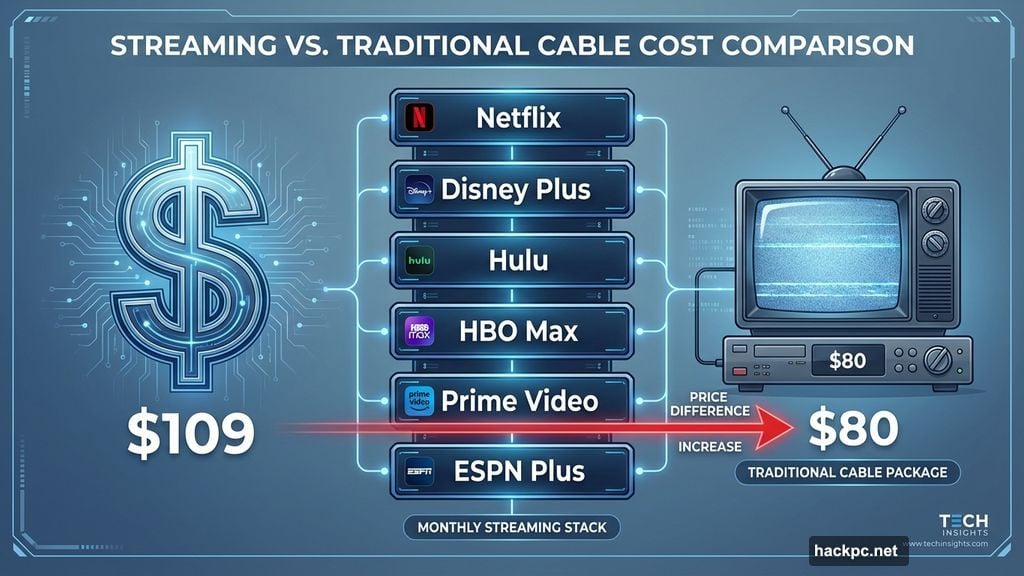
The average subscriber now pays $109 monthly for six streaming platforms, according to Park Associates research. That’s more than many old cable bills ever cost. Plus, prices keep jumping every few months like clockwork.
October alone brought hikes from Disney Plus, Hulu, and HBO Max. Meanwhile, contract disputes like the YouTube TV and Disney mess leave paying customers locked out of ESPN and ABC. So you’re paying more and getting less reliable access.
Here’s the fix: Cancel everything you’re not actively watching. Sounds obvious. But most people forget which services they even subscribe to anymore.
Find Your Hidden Subscriptions First
Before you can cancel anything, you need to know what you’re paying for. That roommate’s Netflix password doesn’t count. But those auto-renewing trials from three months ago? Those definitely do.
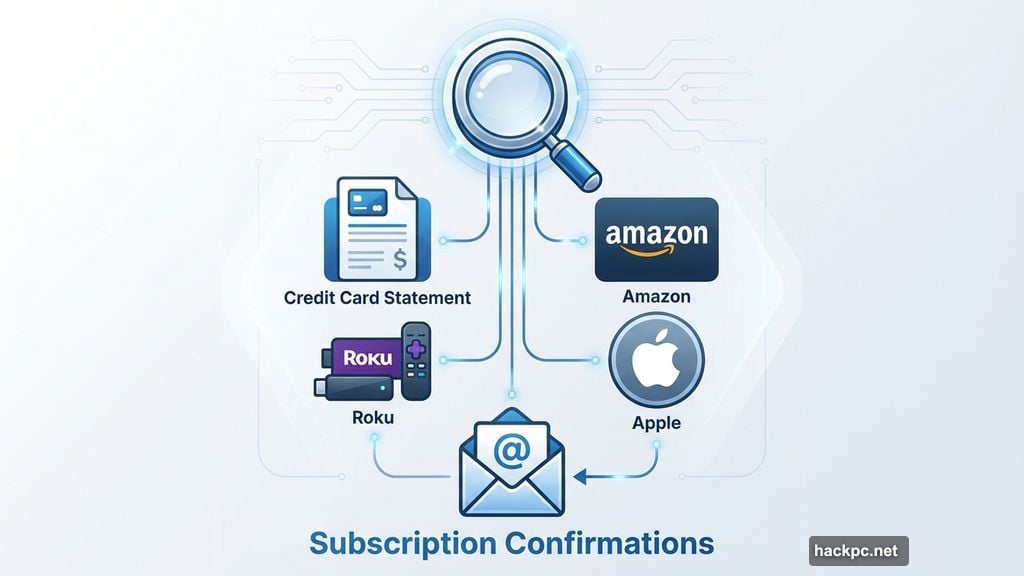
Tracking down subscriptions gets messy fast. Some bill through your cable provider. Others charge via Amazon, Apple, or Roku. Then there’s the services you signed up for directly.
Check your credit card statements for recurring charges. Look through your email for subscription confirmations. Gmail and similar platforms offer tools to help spot these recurring payments.
For Amazon, Roku, or Apple subscriptions, dive into your device settings. Navigate to the subscriptions section. You’ll find everything you’re paying for in one place. That makes canceling much simpler.
Once you’ve identified the dead weight, it’s time to cut loose.
Netflix: Dead Simple to Cancel
Netflix makes quitting almost too easy. Takes about sixty seconds total.
Sign into your Netflix account on the web. Navigate to the Manage Your Membership page. Hit Cancel. Then confirm with Finish Cancellation.
Done. You’ll keep access through your current billing cycle. After that, Netflix locks you out until you pay again.
Prime Video: Slightly More Complicated
Prime Video requires detective work first. Figure out whether you have a standalone subscription or if it’s bundled with Amazon Prime.
Interestingly, you can cancel Amazon Prime but keep Prime Video. That might make sense if you never use Prime shipping but still watch their shows.
Open Amazon and head to Account & Settings. Select Your Account. Then choose End Subscription under Prime Video.
That’s it. But remember, canceling Prime itself means losing all Prime benefits, not just video.
Disney Plus: Bundle Confusion
Disney Plus exists as a solo service and in bundles with Hulu, ESPN Plus, or HBO Max. If Disney provides your bundle, you can cancel everything at once through their website.
Log into Disney Plus. Click your profile icon. Select Account. Find your subscription under Subscription. Hit Cancel Subscription.
You’ll maintain access until your billing period ends. But Disney doesn’t refund partial months. So time your cancellation carefully.
Apple TV: Straightforward Once You Find Settings
Apple TV (formerly Apple TV Plus) cancellation lives in the settings menu. Getting there takes a few clicks.
Navigate to the Apple TV website. Sign in and click the Account icon at the top. Select Settings. Scroll down to Subscriptions and choose Manage. Then hit Cancel Subscription.
That’s all. Your access continues through the end of your current billing cycle.
HBO Max: Buried in Profile Settings
HBO Max hides cancellation options in profile settings. But it’s manageable once you know where to look.
Open HBO Max via app or website. Choose your profile. Select Subscription. Scroll to the bottom of that page. Click Cancel Subscription twice.
You’ll keep watching through your current billing period. If you have an Extra Member Add-On with time remaining, HBO Max refunds the unused days prorated.
Paramount Plus: Website Only
Paramount Plus requires website access to cancel. The app won’t let you do it.
Navigate to the Paramount Plus website and log in. Go to your Account Page. Select Cancel Subscription. Follow the prompts to finish.

Access continues through your current billing cycle. Trial users lose access immediately when the trial expires.
Peacock: Cancel But Keep Watching
Peacock offers something unique: free access to limited content after cancellation. So you’re not completely cut off.
Log into the Peacock website. Select Plans & Payments. Choose Cancel Plan. Confirm your cancellation.
You’ll receive email confirmation. Then you can still watch Peacock’s free tier content. Premium and Premium Plus access ends with your billing cycle.
The Real Problem Nobody Mentions
Streaming services used to be the cheap alternative. Now they’re becoming cable 2.0.
Every platform thinks it needs exclusive content. So they all raise prices to fund expensive originals. Meanwhile, your favorite shows get scattered across six different services.
Plus, contract disputes between providers and platforms create random blackouts. You’re paying but can’t watch what you want. That’s somehow worse than the old cable bundle.
The solution? Rotate subscriptions ruthlessly. Watch everything on one service. Cancel it. Move to the next. You’ll save hundreds annually and still see everything you want.
Most services let you cancel and resubscribe easily. Use that to your advantage. There’s no loyalty reward for staying subscribed year-round.
Cut what you don’t watch. Your wallet will thank you.




Comments (0)