
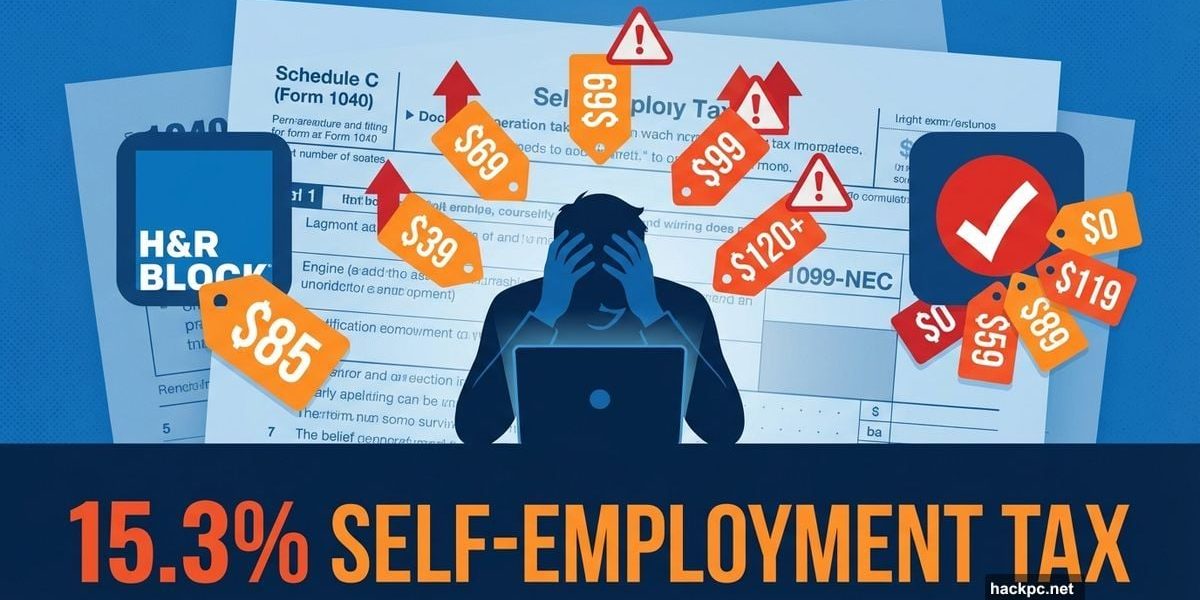
Tax software companies love showing you their cheapest tier. Then they hit you with the upgrade prompt.
If you’re self-employed, freelance, or gig work, that bait-and-switch gets expensive fast. Most platforms charge $70 to $200+ for packages that handle Schedule C, quarterly taxes, and business deductions properly.
Here’s what actually works after testing seven major tax services with real freelance scenarios.
The Self-Employment Tax Trap Nobody Warns You About
Being your own boss means handling taxes yourself. No employer withholds anything. You’re responsible for income taxes AND self-employment taxes.
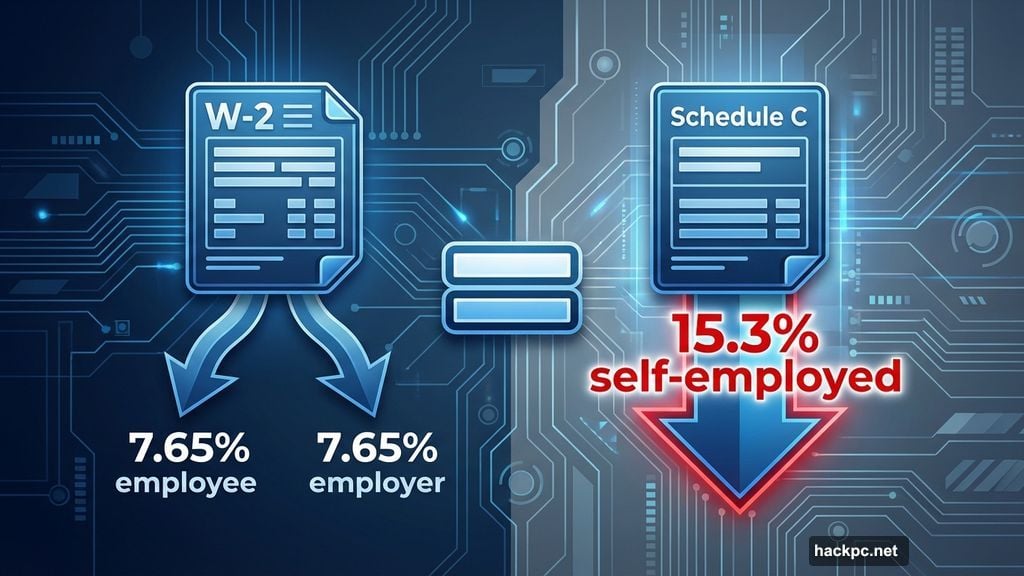
That second part catches people off guard. When you have a W-2 job, you and your employer each pay 7.65% toward Social Security and Medicare. Self-employed? You pay both halves. That’s 15.3% of your income right off the top.
Plus, the IRS expects quarterly payments. Miss those deadlines (Jan. 15, April 15, June 15, Sept. 15), and you’ll face penalties. So tax software that just files your return isn’t enough. You need tools that calculate quarterly estimates and track deductions year-round.
H&R Block Beats TurboTax on Price for Most Freelancers
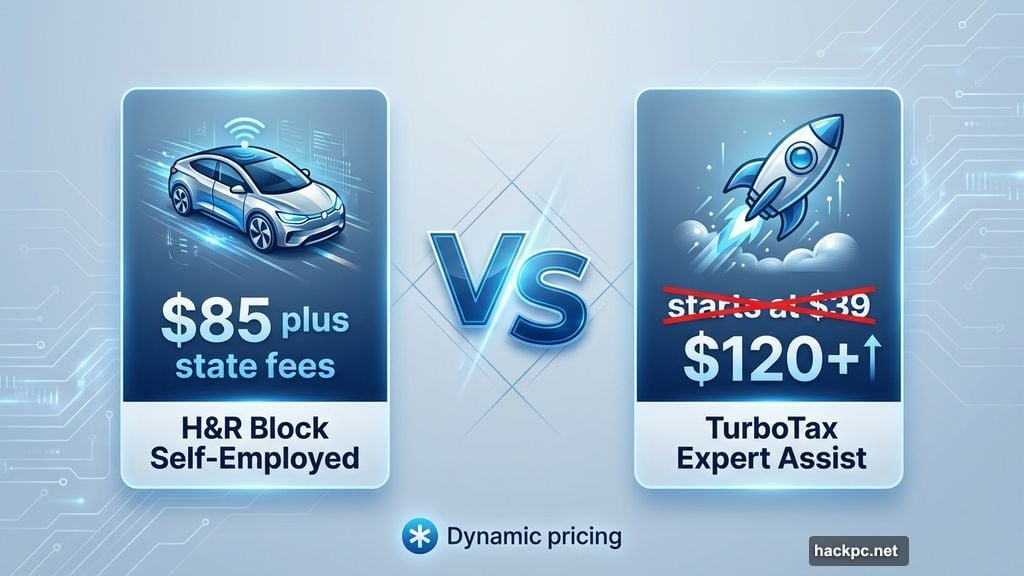
H&R Block’s Self-Employed package costs $85 plus state fees. Sounds steep. But it includes unlimited expert help and tools that save serious time.
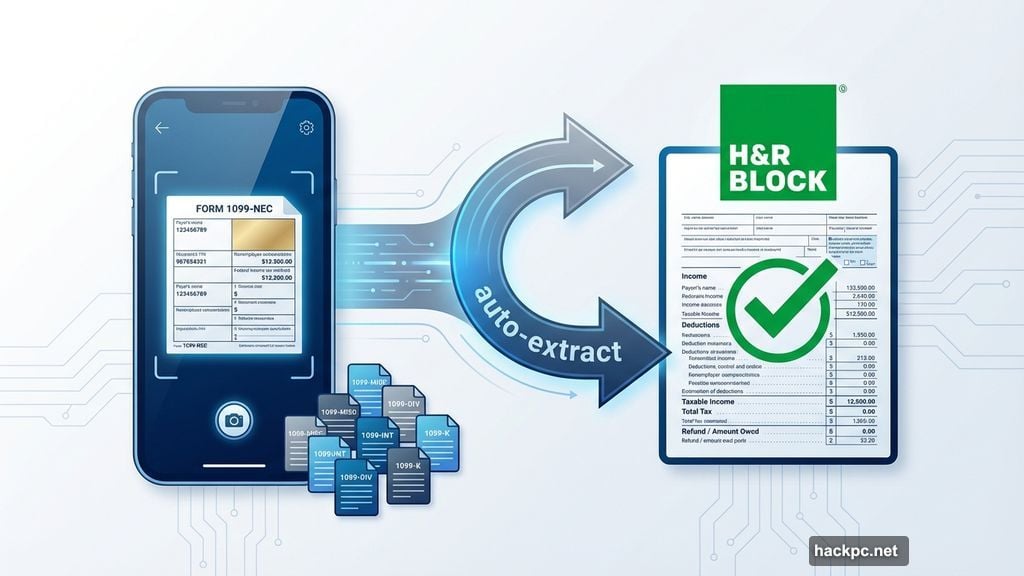
The photo upload feature alone justifies the cost. Snap a picture of each 1099-NEC with your phone. H&R Block autofills the information. If you juggle multiple clients, this beats manual entry by hours.
TurboTax advertises its Expert Assist tier starting at $39. However, when I tested it with self-employment scenarios, the platform tried charging $120 or more. Dynamic pricing strikes again.
Both platforms guide you through common deductions. Home office expenses, vehicle costs, equipment depreciation. H&R Block also searches for industry-specific breaks. Photographers can deduct studio rentals. Writers can deduct research materials. The software asks questions tailored to your field.
For new freelancers, H&R Block’s included expert access matters. You don’t know what you don’t know. Unlimited support means you can ask questions without watching the clock or paying per session.
TurboTax Wins on Document Import Speed
TurboTax’s photo upload works flawlessly. Multiple 1099-NECs and 1099-Ks? Snap them all with your phone. The software extracts data accurately and fills forms automatically.
This feature shines brightest for gig workers. If you drive for Uber and deliver for DoorDash and sell on Etsy, you’re swimming in tax documents. Manual entry takes hours. Photo upload takes minutes.
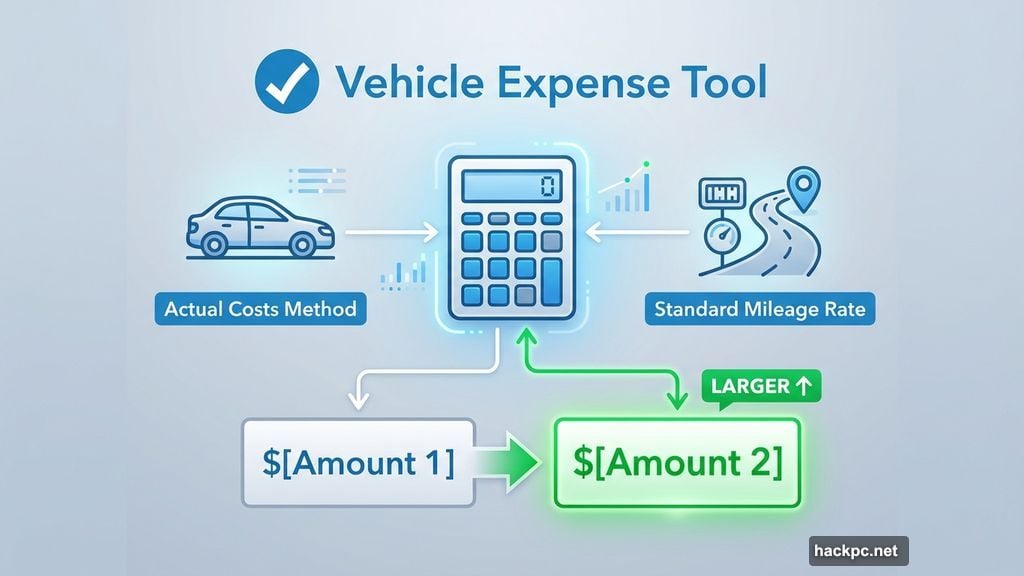
TurboTax also guides you through tricky deduction calculations. The vehicle expense tool compares actual costs versus standard mileage rate. It shows which method saves more money. Most software makes you calculate this yourself.
However, TurboTax’s pricing remains frustrating. The platform constantly nudges upgrades. Add rental income? Upgrade. Claim education credits? Upgrade. The final bill usually exceeds the advertised price.
For freelancers who want maximum automation and don’t mind paying premium prices, TurboTax delivers. Just budget $150-200 for the full experience.

TaxAct Offers Cheap Expert Help When You Need It
TaxAct’s Entrepreneur Self-Employed package costs $70 plus state fees. That’s competitive. But the real value comes from flexible expert access.
Most platforms bundle expert help into expensive tiers. TaxAct lets you pay per session instead. Need help with one tricky deduction? Pay for one session. Don’t need help? Save money.
The trade-off? TaxAct requires more manual work. Import tools are limited compared to H&R Block and TurboTax. You’ll type information instead of uploading documents.
This approach works fine if you’re organized and somewhat tax-savvy. If you track expenses throughout the year and understand basic concepts like depreciation, TaxAct gives you control without hand-holding.
But if you need extensive guidance, the per-session fees add up quickly. At that point, paying extra for H&R Block’s unlimited support makes more sense.
TaxSlayer Costs Least But Provides Least Guidance
TaxSlayer’s Self-Employed package costs $52.99 plus state fees. Cheapest option by far.
You get what you pay for. Minimal guidance. Basic tools. Limited expert access. If you’re comfortable preparing taxes and just need software to file, TaxSlayer works fine.
However, most freelancers benefit from more support. Tax rules get complicated fast. Home office deduction has specific requirements. Vehicle expenses must meet IRS standards. Health insurance premium deductions have eligibility rules.
Mess these up and you risk an audit. Or worse, you overpay because you missed valid deductions.
For experienced self-employed filers who’ve filed Schedule C multiple times, TaxSlayer offers no-frills value. First-time freelancers should spend more for better guidance.
Three Deductions Most Freelancers Miss
Tax software asks about obvious expenses. But several valuable deductions fly under the radar.
Health insurance premiums: You can usually deduct these when self-employed. The catch? You can’t claim months when you were covered by an employer plan. That includes a spouse’s employer plan. Many freelancers miss this nuance and either overclaim or underclaim.
Home office depreciation: If you own your home and claim the home office deduction, you can depreciate the business portion. This generates additional deductions beyond the obvious utilities and insurance costs. Most software calculates this automatically if you use their home office tools.
Retirement contributions: Self-employed people can contribute to SEP-IRAs, Solo 401(k)s, or SIMPLE IRAs. These contributions reduce taxable income significantly. A $10,000 SEP-IRA contribution could save $3,000+ in taxes depending on your bracket.
Premium tax software actively searches for these breaks. Budget options expect you to know about them already.
When Free Tax Software Stops Working
FreeTaxUSA, Cash App Taxes, and similar services advertise free filing. That works great for W-2 employees taking the standard deduction.
Self-employed? Those free tiers evaporate fast. Schedule C support always requires upgrading to paid packages.
FreeTaxUSA charges extra for expert help. Cash App Taxes provides zero professional support. Both require extensive manual data entry for business income and expenses.
Jackson Hewitt Online charges a flat $25 for federal and state filing. Sounds appealing. But it lacks the importing tools and educational resources that complex filings demand.
If your self-employment situation is straightforward – one or two 1099-NECs, minimal expenses, no home office – these budget options work. Most freelancers need more robust tools.
Quarterly Tax Estimates Matter More Than You Think
Filing your annual return is just one piece. Quarterly estimated taxes determine whether you owe penalties.
The IRS expects you to pay as you earn. Miss quarterly deadlines and you’ll face penalties even if you ultimately overpaid for the year. This catches many new freelancers off guard.
H&R Block and TurboTax both calculate quarterly estimates. They explain how much to pay and when to pay it. TaxAct and TaxSlayer provide basic calculators but less guidance.
Ideally, your tax software helps you set aside money throughout the year. Some platforms offer expense tracking between filing seasons. Others just help you file and abandon you until next April.
Consider how much support you need year-round, not just during tax season.
My Recommendation Based on Real Testing
After preparing multiple returns across seven platforms, H&R Block delivers the best value for most self-employed filers.
The $85 price includes unlimited expert help. Photo upload saves hours with multiple 1099 forms. Industry-specific deduction searches find money you’d otherwise miss. For freelancers new to self-employment, that support justifies the cost.
TurboTax works better if you prioritize automation over cost. Its document import tools are unmatched. But expect to pay $120-200 after upgrades.
TaxAct offers the best flexible expert access. Pay only when you need help. Great for experienced filers who want professional backup without paying for unlimited support.
Budget-conscious filers with simple self-employment situations can use TaxSlayer. But most people benefit from spending extra on better guidance.
Don’t choose based solely on advertised prices. Self-employment taxes get complicated fast. Paying $35 more for software that finds an extra $500 in deductions makes financial sense.




Comments (0)