
Finals week is stressful enough without hunting down the right study tools. Adobe just made that search a whole lot shorter.
The company introduced Student Spaces inside Adobe Acrobat, a personalized learning environment built specifically for college students. Upload your course materials, and Adobe’s AI gets to work creating everything you need to study smarter.
What Student Spaces Actually Builds for You
The tool generates a pretty impressive range of study materials from whatever documents you upload. We’re talking study guides, flashcards, quizzes, podcasts, video overviews, presentations, mind maps, and custom lesson plans — all pulled from your own course content.
That variety is intentional. Adobe VP Charlie Miller, who also spent years as a college professor himself, led the education team that built this. The goal was making it useful for every type of learner, not just the traditional read-and-highlight crowd.
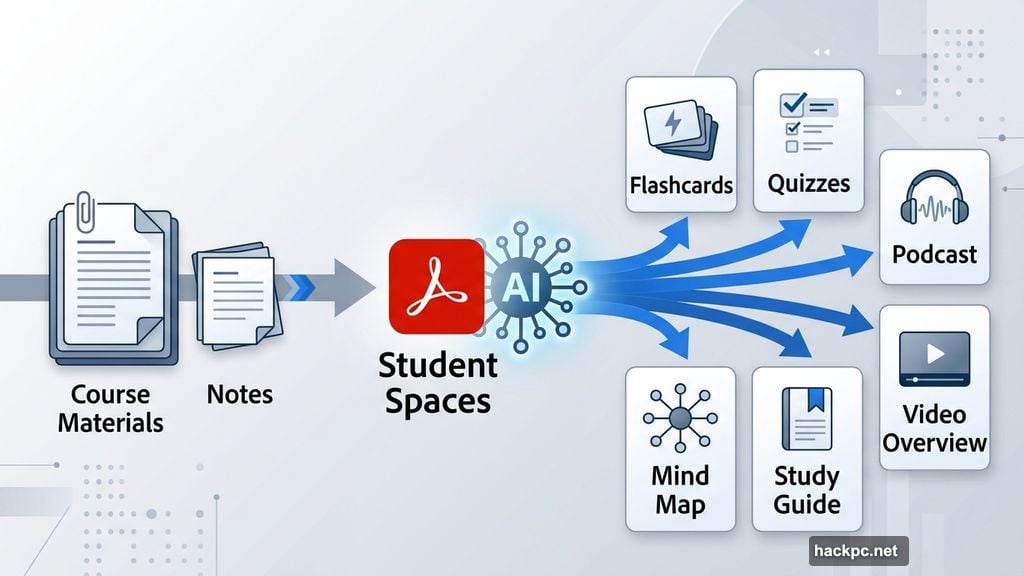
“As much as possible, we do want to be agnostic to the type of learning or the type of content,” Miller told CNET. So auditory learners can generate podcast-style summaries. Visual learners get video overviews. Math students can use the AI tutor to work through equations step by step, while history students might stick to flashcards and quizzes.
Source Citations Keep Everything Honest
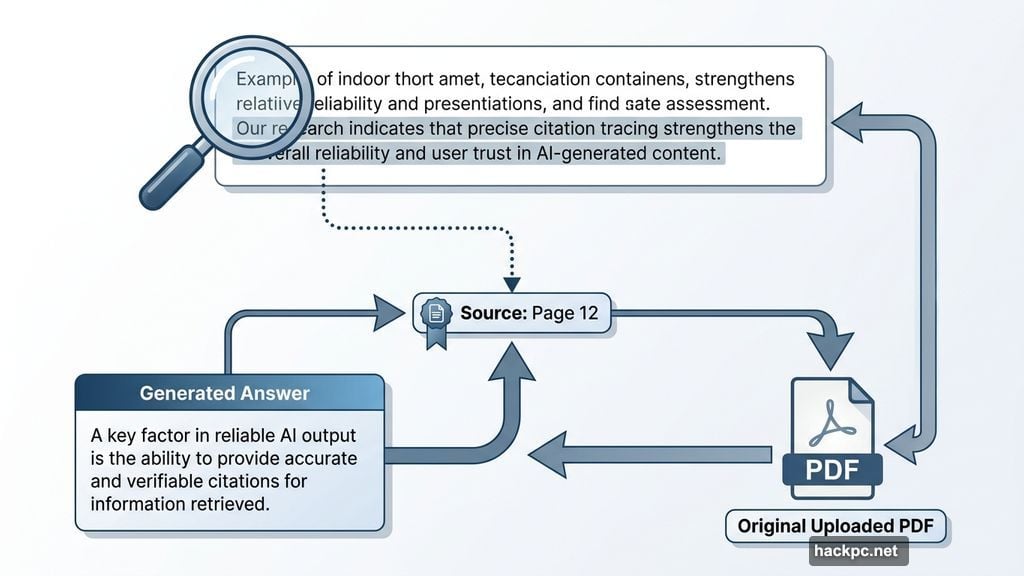
One of the smartest features here is how Student Spaces handles sourcing. Every answer and generated piece of content cites exactly where the information came from within your uploaded materials. So you’re not just trusting an AI’s output blindly — you can trace each fact back to the original document.
If you’ve spent time with Google’s NotebookLM, this will feel familiar. The experience is grounded in the “ground truth” of what you actually upload, not the AI’s general training data. That matters a lot when accuracy counts for an exam.
And yes, Adobe is clear about one important boundary: upload your own notes and course materials, not entire copyrighted textbooks. Work within those limits and you’re good to go.
Built With Students, Not Just For Them
Adobe didn’t just build Student Spaces and hope students would like it. The team gathered feedback from more than 500 students across six universities during development. That research shaped two features in particular.
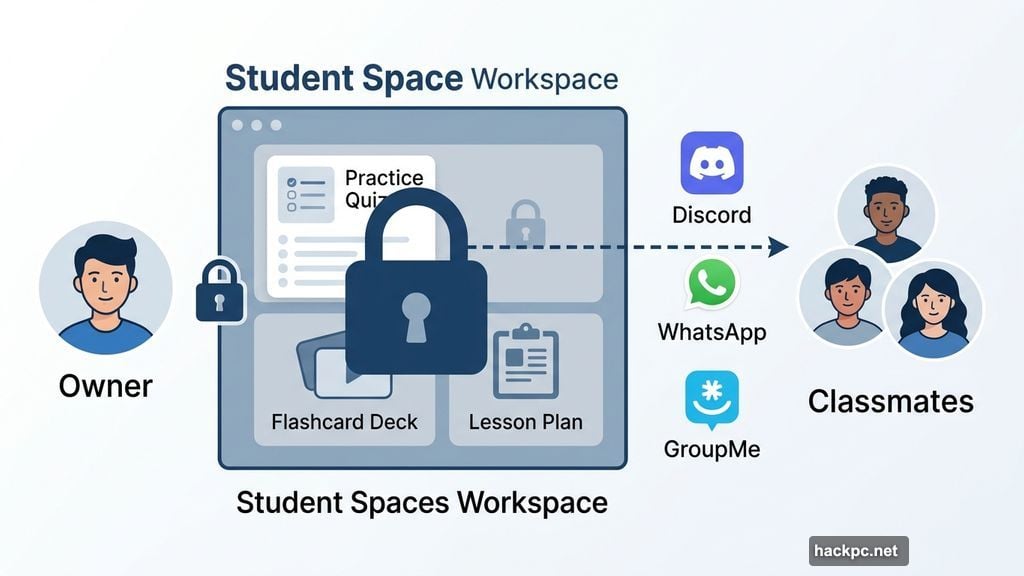
First, collaboration tools. Students want to study together, so Adobe made sharing easy through Discord, WhatsApp, and GroupMe. You can even share specific items — like a practice quiz — without giving classmates access to your entire workspace. That’s a genuinely thoughtful touch.
Second, everything lives in one place. No more jumping between five different apps to cover all your bases.
How This Fits Into the Bigger AI-in-Education Picture
AI tools in education are a genuinely complicated subject right now. Many educators and parents worry that general-use chatbots make it too easy for students to skip the actual thinking part of learning. Studies have found that AI-generated essays, for instance, can short-circuit critical thinking development.
Student Spaces takes a different approach. Instead of producing finished assignments, it builds interactive study tools that require students to actually engage with the material. Quizzes demand answers. Flashcards require recall. The AI tutor walks through problems rather than handing over solutions. That’s a meaningful distinction.
How to Get Started
Student Spaces is now in public beta and completely free to use. If you already have Adobe Acrobat, you should be able to jump in right now. No Acrobat access? Check whether your university provides Adobe Creative Cloud as part of its student software offerings — many do. If not, Adobe offers a heavily discounted subscription plan with a valid student email address.
With finals season bearing down, the timing couldn’t be better. It’s worth a look before you start panicking over that pile of lecture notes.


Comments (0)