
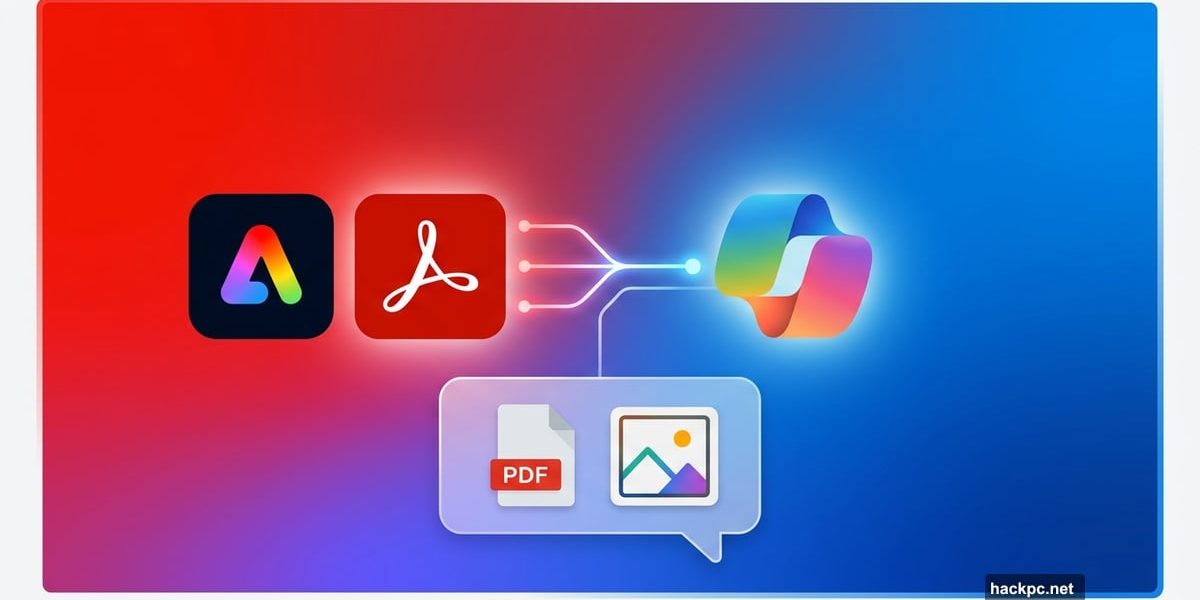
If you’ve ever felt intimidated by Adobe’s software, good news is coming. Adobe just confirmed it’s bringing both Express and Acrobat directly into Microsoft 365 Copilot, and the move could change how millions of workers handle everyday creative and document tasks.
The idea is simple but powerful. Instead of opening a separate Adobe app, you’ll handle common tasks right inside the Copilot chat interface you’re already using. Less switching between tools means less friction, and fewer steep learning curves to worry about.
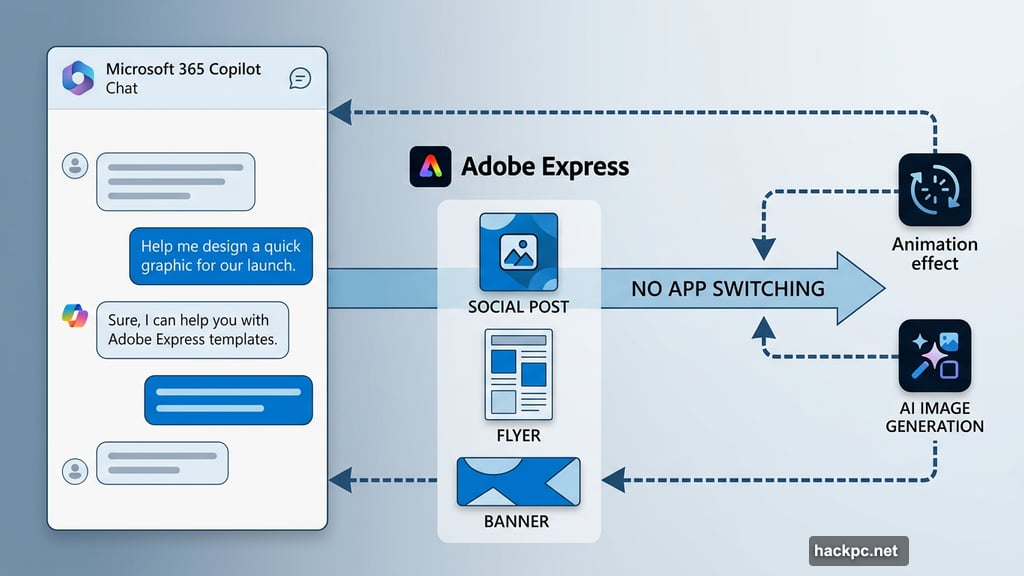
Adobe Express Lands in Copilot Chat
So what can you actually do with Express inside Copilot? Quite a bit, it turns out.
You’ll be able to browse Adobe Express design templates without leaving Microsoft 365. From there, you can adjust text and copy, swap images or generate new ones with AI, and even add animations and motion effects. It covers a lot of creative ground for people who aren’t professional designers.
Plus, the files live in the Express app too. So if you need to go deeper with edits, you can jump into the full application whenever you want. Copilot just handles the quick stuff.
Acrobat PDF Tools Come Along for the Ride
The Acrobat side of things is just as practical. Inside the Copilot chat interface, you’ll be able to create, organize, and edit PDF files directly.
For anyone who deals with documents regularly, that’s a meaningful upgrade. Right now, even basic PDF edits often require opening Acrobat separately. Bringing those tools into Copilot removes a step that most office workers repeat dozens of times a week.
When Does This Actually Happen?
Adobe Express SVP and GM Govind Balakrishnan confirmed the news through a LinkedIn post. He said the apps will land in the Microsoft 365 Agent Store within the coming weeks.
Balakrishnan framed the move as part of Adobe’s broader mission of “making creativity more accessible to everyone.” And honestly, that framing makes sense here. The biggest barrier to Adobe’s tools has never really been price. It’s been complexity.
Adobe Is Playing the AI Integration Game Hard
This Microsoft 365 move isn’t happening in isolation. Adobe has been aggressively pushing its tools into third-party AI platforms for a while now.
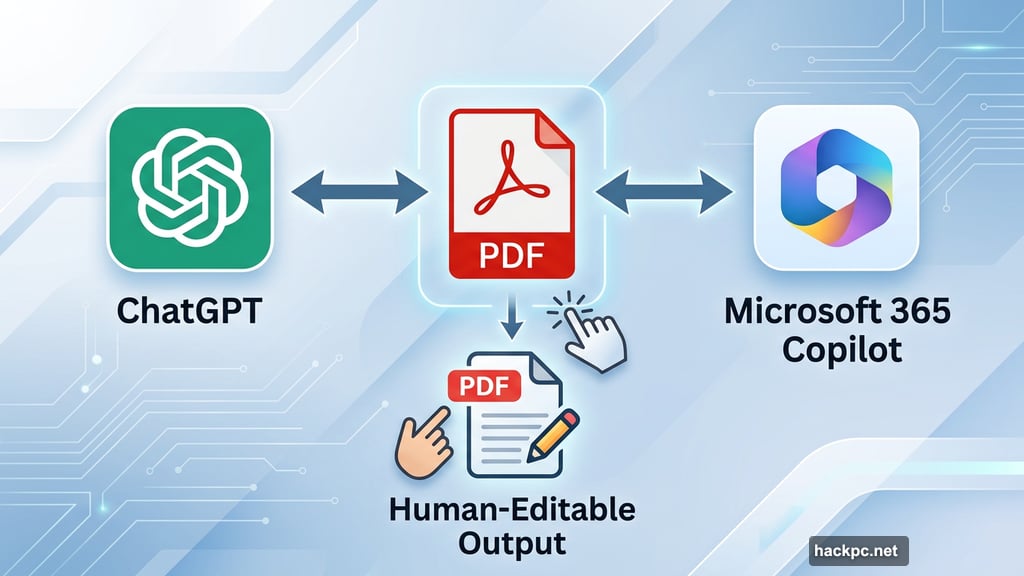
An earlier integration already brought Acrobat, Express, and Photoshop into ChatGPT. The pattern is clear. Adobe wants to meet users wherever they already spend their time, rather than waiting for people to come find its apps.
There’s also a smart technical angle here. Tools like ChatGPT and Copilot can generate image outputs from prompts, but refining those outputs usually requires more AI prompting. Adding Express and Acrobat into the mix creates a different solution. The AI generates a human-editable file from the start, which means you can tweak things yourself without wrestling with more prompts.
That’s a genuinely better workflow for anyone who needs precise creative control.
What This Means for Everyday Users
For most people, this isn’t about replacing professional design work. It’s about handling the small stuff faster.
Need to put together a quick presentation graphic? Browse Express templates in Copilot. Need to reorganize a PDF before sending it to a client? Do it without switching apps. These are the kinds of tasks that eat up time precisely because they feel too small to justify opening full software, but too important to skip.
Adobe and Microsoft are betting that reducing those micro-frustrations adds up to something significant. Based on how often these tasks come up in a typical workday, they’re probably right.
Watch for the apps to appear in the Microsoft 365 Agent Store soon.




Comments (0)