

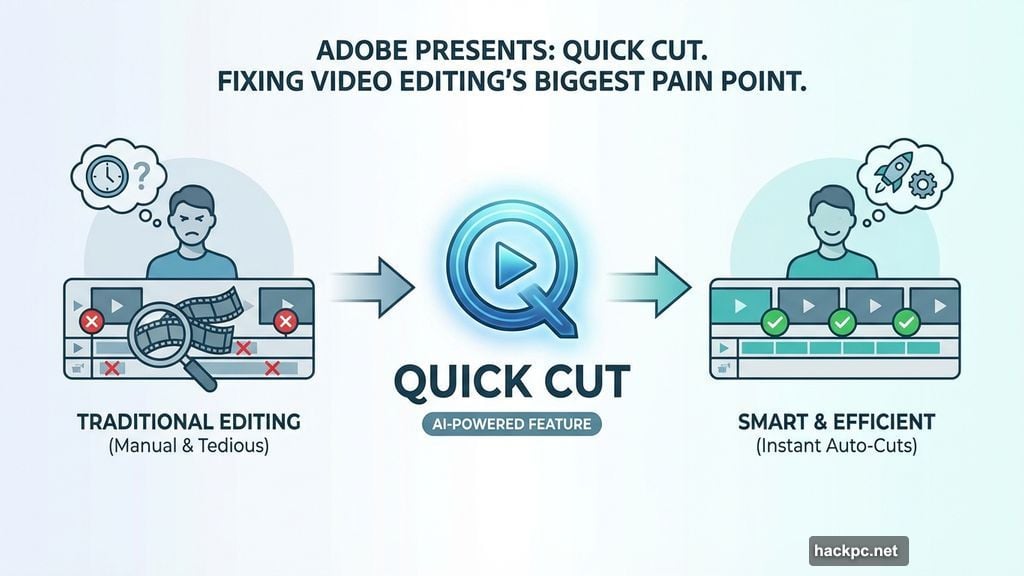
Nobody likes sorting through hours of raw video footage. It drains your time and kills your creative energy.
But that tedious process is finally changing. Adobe Firefly just released a brilliant new feature called Quick Cut.
So, let’s look at how this AI tool builds your video’s first draft automatically.
Skip the Tedious B-Roll Sorting Entirely
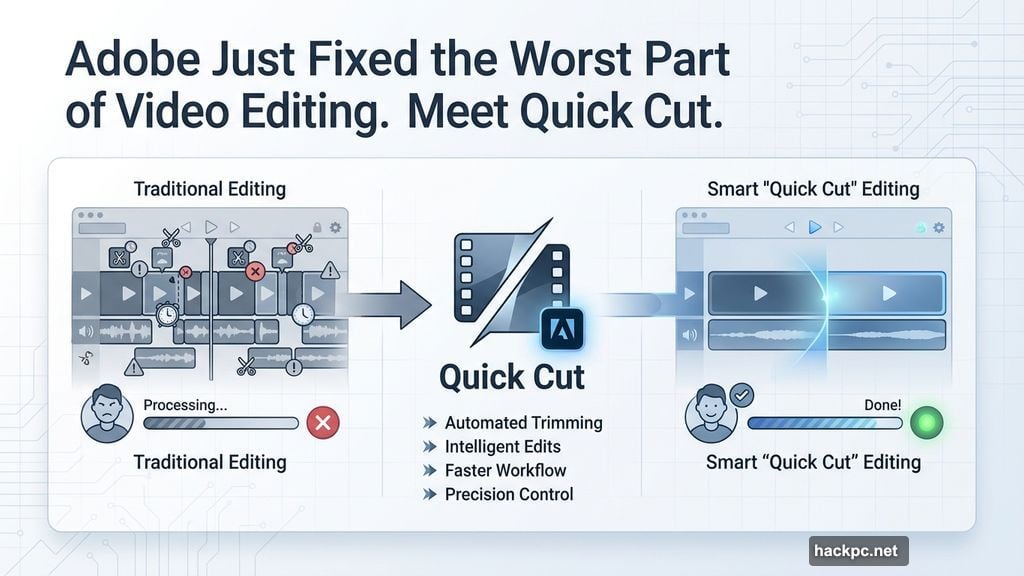
Normally, you dump all your clips into a timeline and start chopping. Then, you spend hours hunting for the perfect transition.

Instead, Quick Cut handles the heavy lifting for you. You simply type out what you want using natural language prompts.
Next, the AI automatically removes the useless footage. It pieces together your best takes and drops in appropriate B-roll seamlessly.
Firefly AI Models Give You Total Control
This isn’t just a rigid automation tool. You still hold the director’s chair.
For instance, the prompt box lets you adjust the exact aspect ratio. Plus, you can easily tweak the pacing between different cuts.
Furthermore, you can select specific frames from your extra footage. The built-in Firefly AI video models will instantly generate short, smooth transitions.
Also, you decide exactly where to apply these magical edits. You can target the entire project, one specific timeline, or just a few selected clips.
Why Creators Need This First Draft Instantly
Adobe built this because creators begged for faster turnarounds. Nobody finds joy in organizing raw media files.
Mike Folgner leads Adobe’s AI and next-generation video tools. He notes that editors just want to reach their creative vision faster.
Therefore, Quick Cut delivers a rapid “story cut” right away. As a result, editors save their energy for the fun part: adding their unique personal spin.
Remember, this feature just provides a first draft. You still need to refine the final product and paste takes together perfectly.
A Massive Leap for Timeline-Based Video Editors
This update builds on Adobe’s massive push into AI-assisted production. In fact, they completely overhauled their system late last year.
Back in December, Firefly introduced a brand-new timeline-based video editor. That update treated individual objects as completely separate layers.
So, editors could easily rotate, resize, and modify elements using simple text commands. Now, Quick Cut makes the entire platform even more powerful.
AI won’t steal the creative soul of video production anytime soon. However, it absolutely will eliminate the boring administrative work.
This Quick Cut feature saves hours of mindless clicking. Thus, you get to focus entirely on storytelling.
If you edit videos regularly, you need to try this workflow immediately. Stop fighting your raw footage and let the software do the dirty work.


Comments (0)