
Spring break is supposed to be legendary. Bags are packed, group chats are popping, and your out-of-office vibe is fully activated.
Then reality hits. Exams exist. Assignments have due dates. And your professors absolutely did not take a vacation when they scheduled that quiz for the week you get back.
Good news: AI tools can do the heavy lifting while you recharge. Here are a few smart ways to keep up with schoolwork without letting it ruin your well-earned break.
Double-Check Everything First
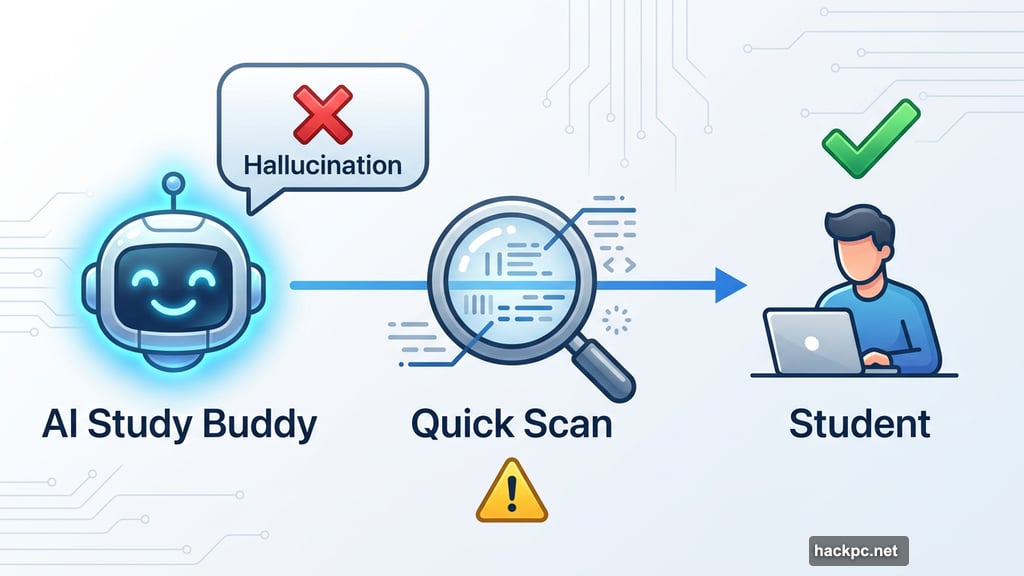
Before diving into any AI study trick, there’s one thing worth saying upfront. AI tools hallucinate. That means they can confidently present you with wrong information, which is the last thing you need heading into an exam.
So whatever AI generates for you, give it a quick scan before trusting it completely. Think of AI as a very enthusiastic study buddy who occasionally makes stuff up. Helpful, but needs supervision.
Now, onto the good stuff.
Microsoft Copilot Turns Dense Material Into Quick Summaries
Whether you’re freshly sunburned from a beach trip or thoroughly couch-rotted from a week of streaming, slogging through reading materials feels brutal after spring break.
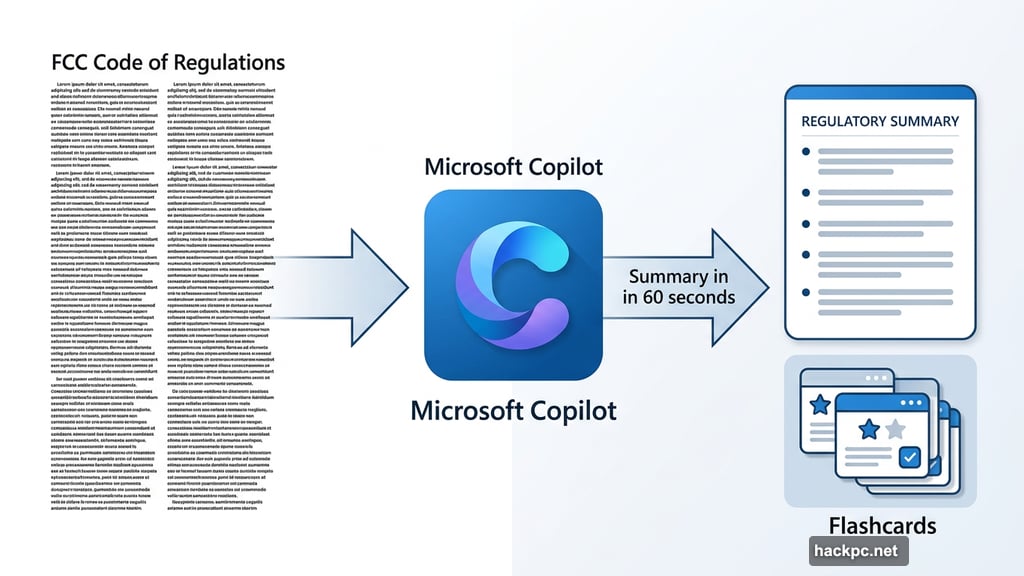
This is where Microsoft Copilot earns its keep. It can review large amounts of information right in your web browser and pull out the highlights for you. Just drop in a focused, simple prompt and let it do the work.
For example, Copilot can take something as dense as the Federal Communications Commission’s Code of Regulations and turn it into a readable summary in about a minute. Even better, it can format that summary into interactive flashcards for easy review. No highlighters required.
The key is keeping your prompt focused. Ask Copilot for a simple breakdown of what you’ve already covered, plus a heads-up on what’s coming next. Short, direct prompts get the cleanest results.
Google Gemini Builds Smarter Notes From Yours
Not everyone leaves class with pristine, organized notes. Some students have a few bullet points, a half-finished diagram, and a very detailed drawing of an anime character in the margin. No judgment.
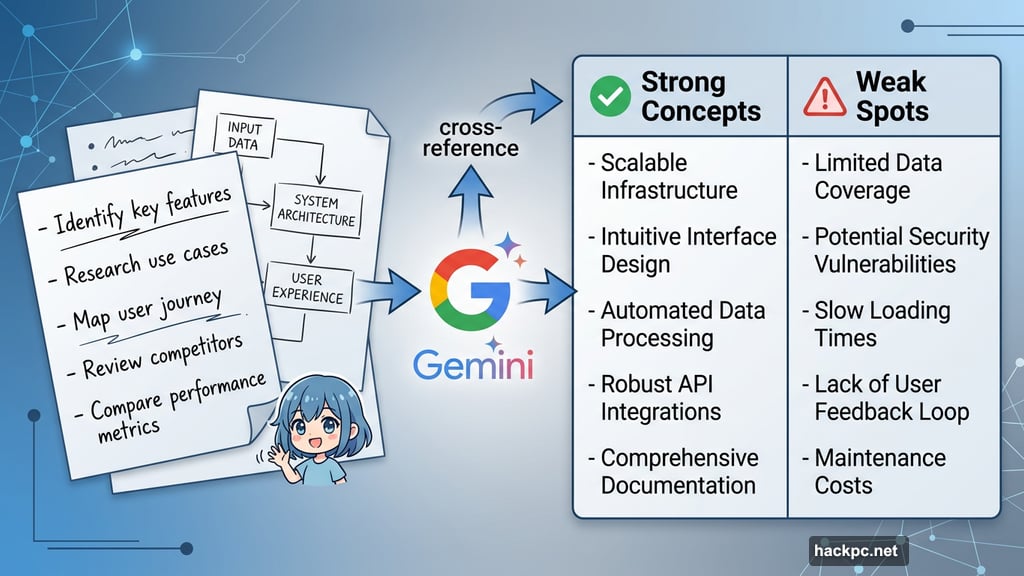
Google Gemini can take whatever notes you have, including photos of handwritten pages, and cross-reference them against your graded exams and assignments. From there, it creates a customized breakdown showing which concepts you’re solid on and which ones need more attention before the test.
That second part is particularly useful. Instead of reviewing everything equally, you get a targeted study plan built around your actual weak spots. Smart use of limited energy.
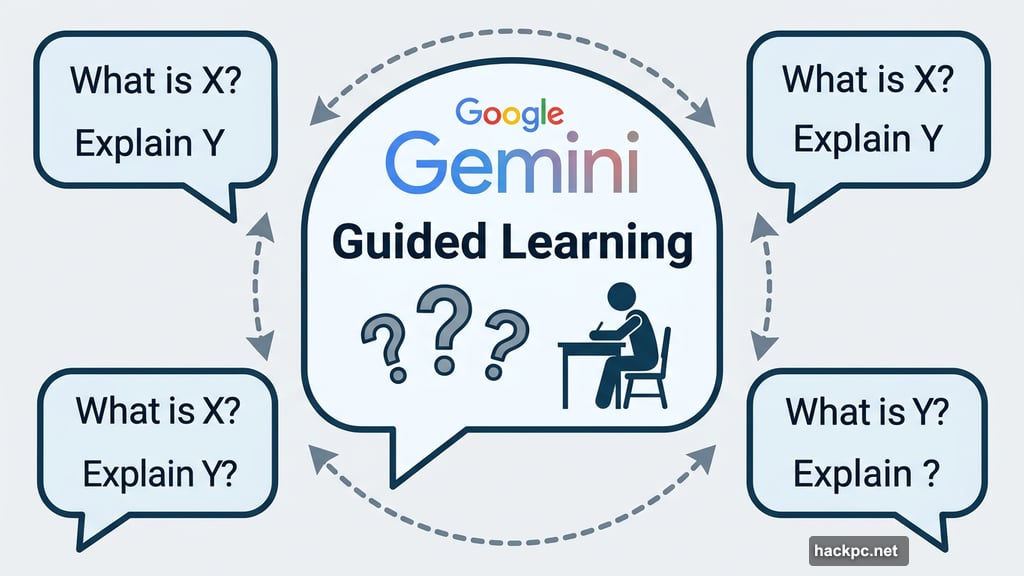
Plus, Gemini has a feature called Guided Learning that’s worth trying. Activating it turns the AI into an interactive teacher that asks you questions throughout your review session, mimicking a real classroom dynamic. It’s surprisingly effective for memorization-heavy subjects.
Keep It Focused and Honest
Using AI for studying works best when you treat it as a starting point, not a finished product. Feed it specific materials. Ask focused questions. Then review what it gives you before committing anything to memory.
Also, think about the bigger picture here. Your professors’ inboxes do not need a flood of confused emails the week after break. If AI-assisted review helps you walk into that exam with even a basic grip on the material, everyone wins.
Spring break should feel like a genuine reset, not a guilt spiral. With a little AI help, it genuinely can be both.




Comments (0)