
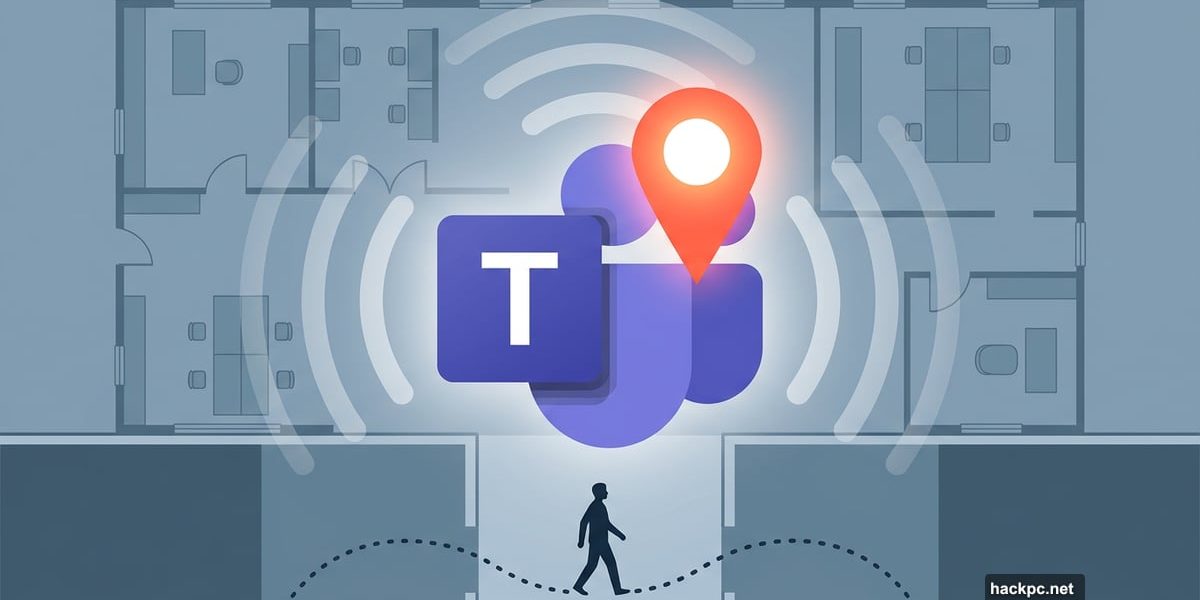
Microsoft is adding a feature to Teams that automatically updates your location as you move around the office. And yes, that sounds a little unsettling at first.
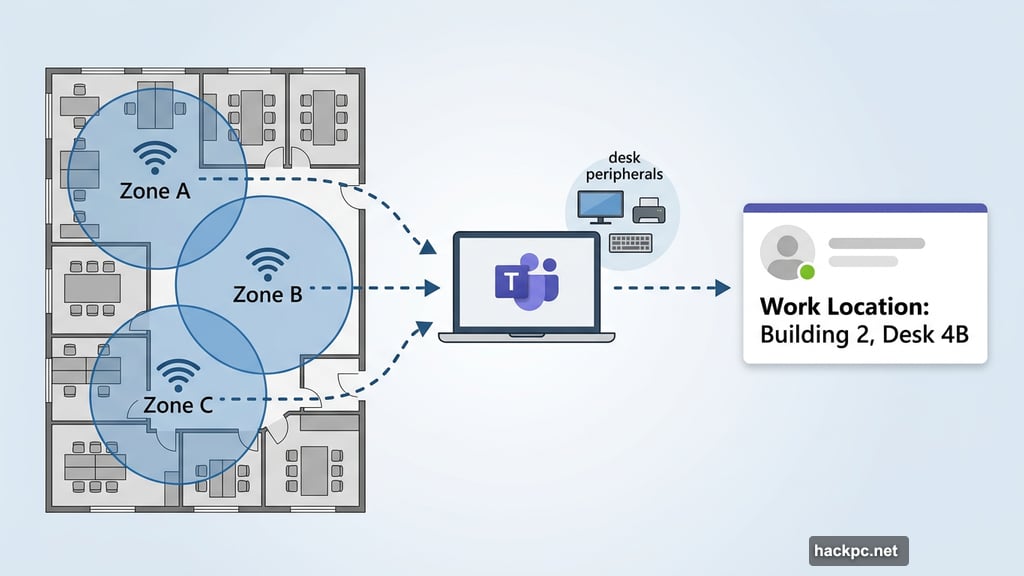
According to the Microsoft 365 Roadmap, the feature rolls out globally in April 2026 for both Windows and macOS. It uses Wi-Fi connections and desk peripherals like monitors to detect which building or workspace you’re in. Then it quietly updates your Teams location status to match.
So what does that actually mean for you?
How the Automatic Location Update Works
The feature tracks two separate signals. First, your planned work location, which is something you set yourself in Outlook or Teams calendar. Second, your actual work location, which the system detects automatically or you can set manually via check-in.
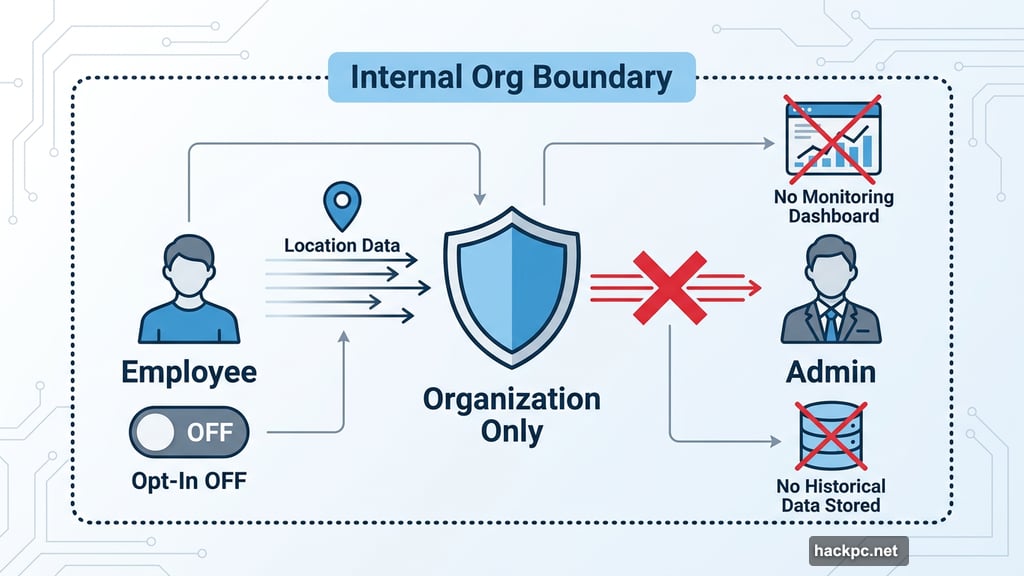
Importantly, you get to choose whether to share your location with coworkers at all. And the information stays strictly inside your organization. Microsoft itself cannot see your location data.
Also worth noting: the feature is off by default. Admins have to deliberately turn it on. Then individual users still need to opt in before anything gets shared. So nobody’s broadcasting your desk location without your knowledge.
The Obvious Concerns Are Real
Still, let’s be honest. The potential for misuse here is pretty clear.
Imagine a boss checking whether employees are actually showing up for in-office days. Or HR flagging someone who always seems to be in a quiet corner of the building. For companies already pushing aggressive return-to-office policies, this feature could easily become a compliance tool, even if that’s not the official intent.
Moreover, there’s something fundamentally uncomfortable about your location updating in real-time as you walk from one Wi-Fi zone to another. Right now, if you slip into a quiet conference room to focus, nobody needs to know. This feature changes that dynamic.
And while the opt-in design offers some protection, workplace power dynamics are complicated. “Optional” features can feel very mandatory depending on your manager.
What Microsoft Says This Isn’t
Microsoft posted a detailed support page specifically to address these fears. Their messaging is pretty direct.
They state clearly that Automatic Update is not a tracking tool and cannot monitor employee attendance. The feature, in their words, is designed to help people collaborate more easily, not to enforce compliance or oversee workers.
They also emphasize several important limitations. Admins get no monitoring dashboards. There’s no historical location data stored. The feature cannot prevent users from manually clearing or changing their own location at any time.
So technically, if you don’t want your location shared, you can clear it. The system won’t fight you on that.
Collaboration Is the Actual Goal
When you strip away the surveillance concerns, the intended use case is pretty practical. Knowing a colleague is in Building C right now makes it much easier to suggest a quick in-person meeting. Finding out someone just connected to the office network means they’re available to chat face-to-face rather than over video.
For large organizations spread across multiple floors or campuses, that kind of visibility genuinely helps. Teams already shows whether someone is available, in a meeting, or offline. This just adds a physical dimension to that presence information.
The feature also supports desk peripherals as a location signal, not just Wi-Fi. So plugging in your monitor at a specific workstation could trigger a location update. That level of precision might feel invasive to some, but it does make the data more accurate and useful.
The Rollout Has Been Slow for a Reason
Microsoft originally planned to launch this feature in December 2025. Then it slipped to February 2026, then March, and now April 2026. That’s three delays in a row.
It’s hard not to read that timeline as Microsoft responding to feedback and taking time to get the privacy framing right. The detailed support page addressing employee tracking concerns didn’t appear until recently, suggesting the company heard the criticism and wanted to get ahead of it.
Whether you find that reassuring or suspicious probably depends on how much you trust your own employer with this kind of tool.
Here’s my honest take: the feature itself is reasonably well-designed with opt-in controls and no admin surveillance dashboards. But no feature exists in a vacuum. In a healthy workplace with a culture of trust, this is a useful convenience tool. In a toxic return-to-office environment, it becomes another pressure point. The technology isn’t the problem. Workplace culture is.
Watch how your organization chooses to use it come April.




Comments (0)