
Google is rolling out its Gemini AI assistant to Chrome browsers across three new countries. Users in Canada, India and New Zealand can now access the feature directly from their browser, no extra downloads required.
This expansion builds on the U.S. debut from earlier this year. Plus, Google is bringing along support for 50 additional languages at the same time. That’s a big jump in accessibility for millions of new users.
The Sidebar That Changes How You Browse
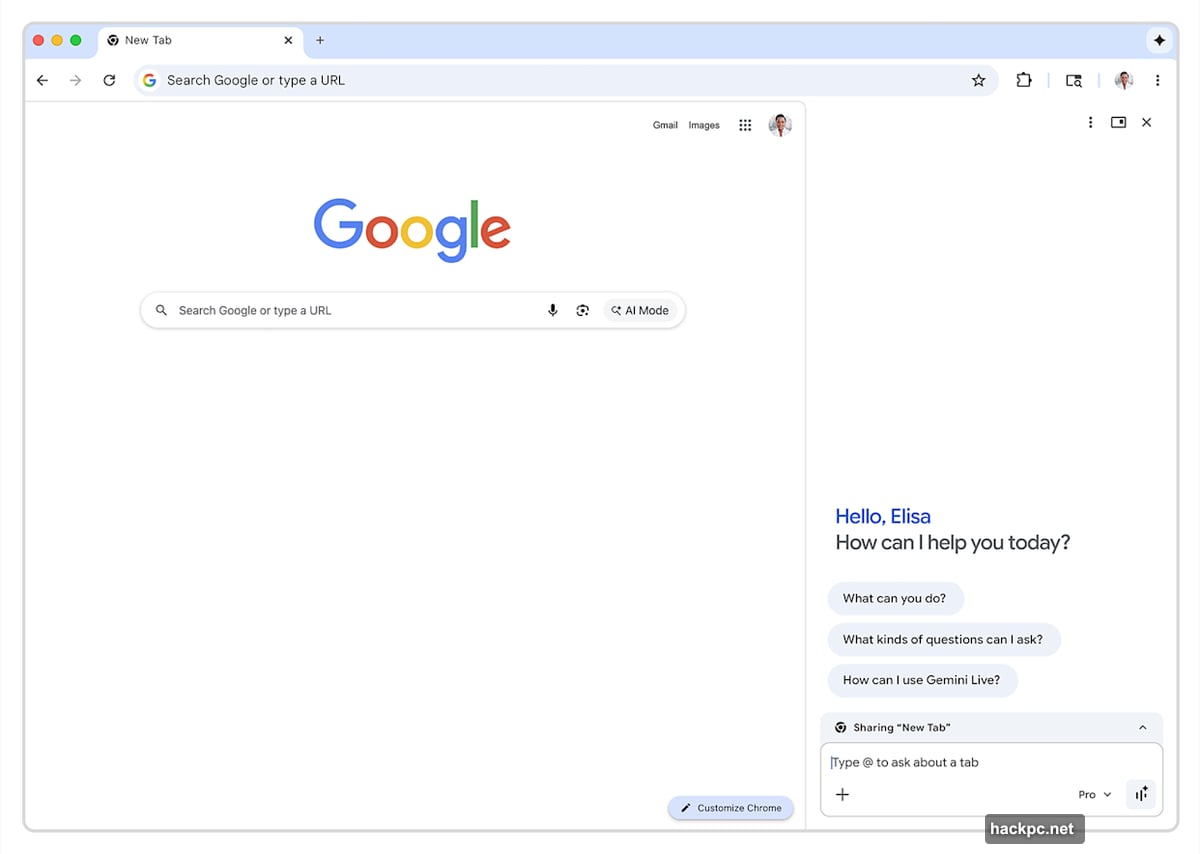
Finding Gemini in Chrome is simple. Look for the sparkle icon sitting in the top right corner of your browser. Tap it and a sidebar slides open right alongside whatever page you’re already viewing.
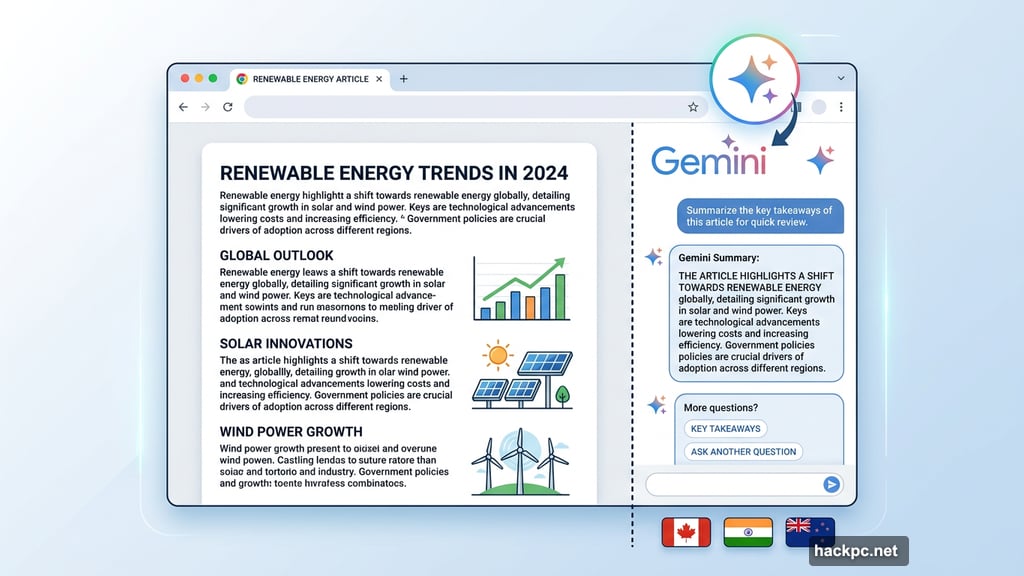
The beauty here is that you never lose your place. You can chat with Gemini while keeping your current tab open. So if you’re reading an article and want quick context or a summary, you don’t have to jump between windows or open a new tab. It just sits there, ready when you need it.
Built-In Image Generation With Nano Banana
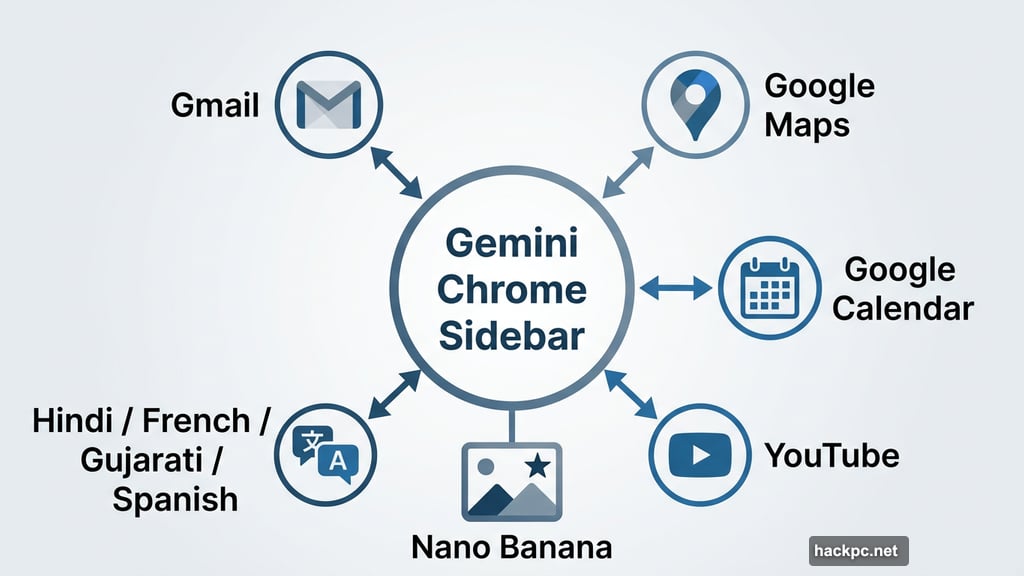
Beyond chatting, the sidebar gives you access to Google’s built-in image generator called Nano Banana. This feature launched in the U.S. back in January alongside the broader Gemini Chrome rollout.
So now users in Canada, India and New Zealand get the full package from day one. Want to generate a quick image without leaving your browser? The tool is right there in the sidebar.
Languages Getting the Gemini Treatment
Google isn’t just expanding by country. The new rollout adds support for 50 additional languages, which makes Gemini in Chrome far more useful for non-English speakers. Among the newly supported languages are French, Gujarati, Hindi and Spanish.
That Hindi support is particularly meaningful for Indian users, given it’s one of the most widely spoken languages in the world. And French makes the Canadian rollout feel genuinely complete rather than English-only.
Connected to Your Whole Google World
Gemini in Chrome doesn’t operate in isolation. From that same sidebar, you can tap into integrations with Gmail, Google Maps, Google Calendar, YouTube and other Google apps.
Think about what that means in practice. You could be browsing a restaurant’s website and quickly check your Calendar to see when you’re free. Or pull up a YouTube video recommendation without navigating away from what you’re reading. These little connections add up fast.
When Is the Rest of the World Getting It?
If you’re outside Canada, India and New Zealand, Google says more countries and languages are coming throughout the rest of 2026. No specific timeline was shared for individual regions, but the expansion seems to be moving at a steady pace.
And here’s something worth knowing for anyone who finds AI sidebars more annoying than helpful. You can right-click the sparkle icon and select “unpin” to make it disappear entirely. No Gemini, no sparkle icon, no sidebar. Just your regular Chrome experience, exactly as it was.
Worth Trying If You’re in a Supported Region
For users in Canada, India and New Zealand, this is a genuinely convenient addition. Having a capable AI assistant built directly into your browser without any extra setup is the kind of thing that sounds small but ends up saving real time.
The multi-language support makes it even more compelling. Getting Gemini in your native language, whether that’s Hindi, French, or Gujarati, is a very different experience than wrestling with an English-only tool.
Give the sparkle icon a tap. If you don’t love it, you know where the unpin option is.




Comments (0)