
Most people think of WordPress as a public blogging platform. You sign up, pick a host, register a domain, and publish for the world to see. But a new service called my.WordPress.net flips that idea completely on its head.
WordPress can now run entirely inside your web browser. No hosting plan. No domain registration. No account required. Just open it up and start building.
A Personal Publishing Space Nobody Else Can See
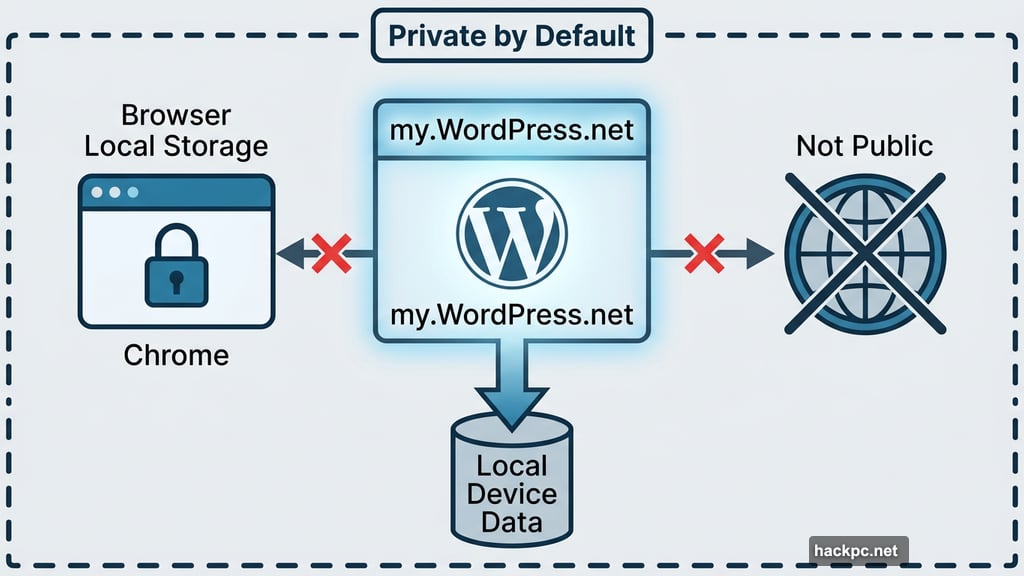
The big thing that sets my.WordPress.net apart is privacy. Sites created through this service are private by default and completely invisible to the public internet.
That’s intentional. As WordPress explains in their announcement, these sites “aren’t optimized for traffic, discovery, or presentation, and they don’t need to be.” Instead, the whole point is to give you a personal space where ideas can breathe before they’re ready to be shared — or where they never get shared at all.
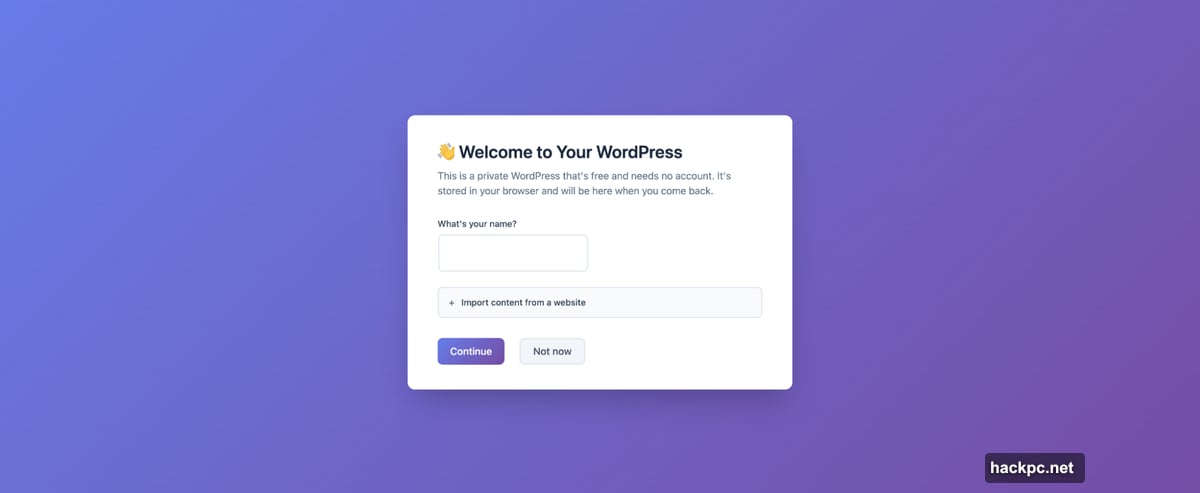
Think of it like a private journal that happens to have all the power of WordPress behind it. You could draft articles, organize research, or just think out loud without worrying about anyone stumbling across your work.
Browser Storage Means Your Site Stays on Your Device
Your my.WordPress.net site lives in your browser’s local storage. That means the data stays on your device rather than on a server somewhere.
The tradeoff is real, though. You can’t open your site on a different device or browser. What you build in Chrome on your laptop won’t show up in Safari on your phone.
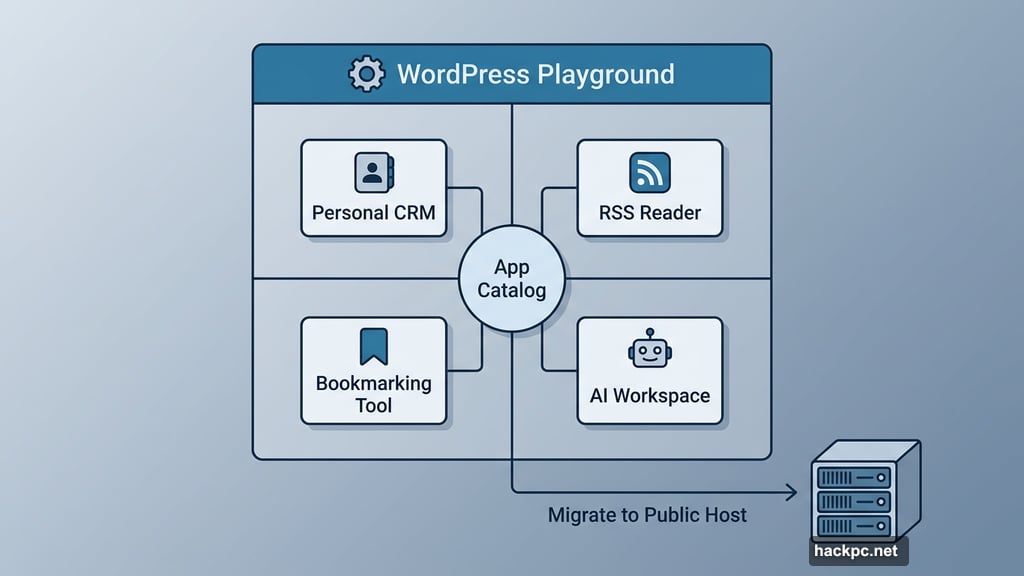
WordPress does offer an escape hatch, however. If you decide you want to go public at some point, you can migrate your site to a dedicated WordPress host. So nothing you build is locked away forever — it can grow into something bigger whenever you’re ready.
An App Catalog That Turns It Into a Personal Toolkit
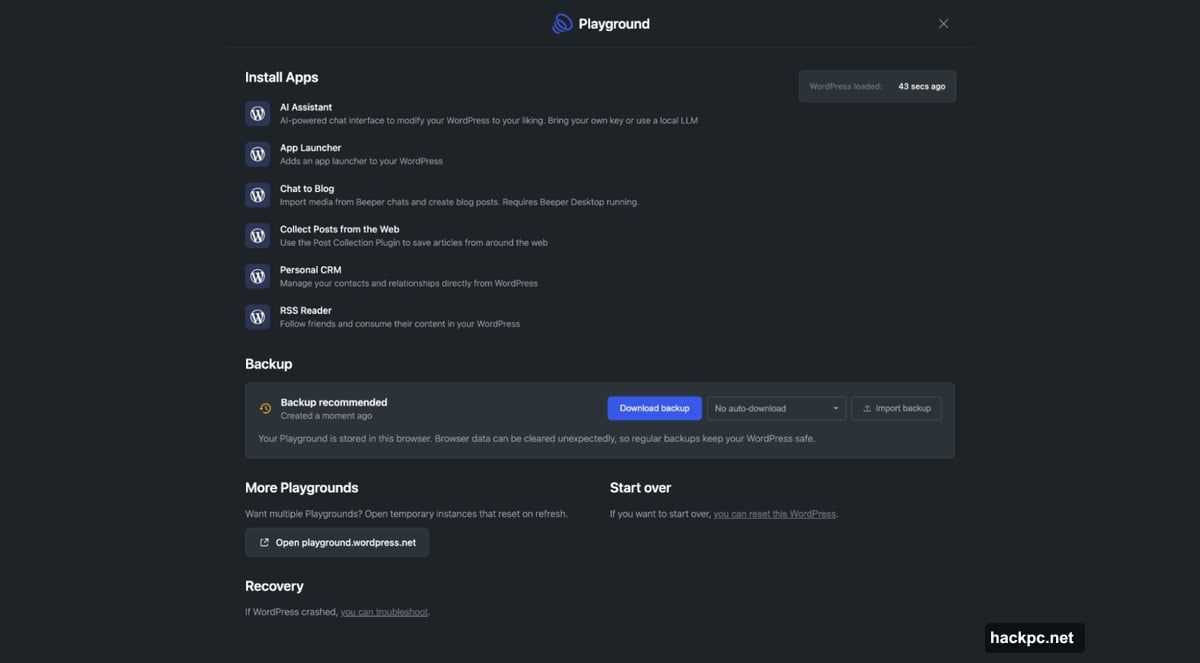
Here’s where things get genuinely interesting. my.WordPress.net ships with something called an App Catalog, packed with tools built on WordPress plug-ins.
The catalog includes a Personal CRM for managing contacts, a Personal RSS Reader for following your favorite sites, a bookmarking tool, and an AI Workspace. So beyond just writing, you can build a whole personal productivity setup inside the same environment.
This positions WordPress less as a blogging tool and more as a flexible personal workspace — closer to Notion or Obsidian than to a traditional website builder.
WordPress Playground Powers the Whole Thing
Under the hood, my.WordPress.net runs on WordPress Playground, the open source project that lets you install WordPress on any device in one click. Playground already powers WordPress demos, so the team essentially took that same technology and built a permanent, personal version of it.
The Playground integration also brings AI capabilities into the mix. You can use an AI assistant to tweak plug-ins, build new ones, or ask questions about data stored in your WordPress installation. That last part is particularly clever — WordPress can function as a personal knowledge base that your AI assistant can actually search and reference.
The connection to OpenAI and CLI apps means you’re not just writing in a box. You’re working in a living environment that learns and adapts.
A Few Practical Things Worth Knowing
WordPress is upfront about the limitations, which is refreshing. The service takes longer to load the first time you use it, so don’t panic if it feels slow out of the gate.
Storage starts at around 100MB, which keeps it better suited for personal projects and lighter use cases rather than media-heavy sites. Regular backups are strongly recommended since everything lives locally in your browser.
You also have two reset options. Click a button to wipe your current work and start fresh, or spin up a temporary instance that automatically clears itself when you refresh the browser. That second option is great for experimenting without any commitment.
WordPress Keeps Pushing Into AI Territory
This launch fits a clear pattern. WordPress formed a dedicated AI team last year with a focus on building new tools for developers and creators. Their commercial platform, WordPress.com, also launched an AI website builder around the same time — one that lets you design a site through a chatbot-style interface.
my.WordPress.net feels like the more personal, introspective side of that same push. One product builds public-facing sites with AI. The other creates a quiet, private space for thinking and creating.
For anyone who’s ever wanted to write without an audience, organize notes without a subscription, or experiment with WordPress without commitment, this new service is worth a serious look. It’s free, it’s browser-based, and it gets out of your way. That combination doesn’t come along often.




Comments (0)