
A new iPhone hacking toolkit called DarkSword is making waves in the cybersecurity world, and for good reason. Researchers from Google’s Threat Intelligence Group, along with firms Lookout and iVerify, identified it this week as a genuine threat to iPhone users’ personal data.
But here’s the reassuring part. Protecting yourself is simpler than you might think.
What Makes DarkSword Different From Normal Spyware
Most hacking attempts rely on tricks. You get a suspicious text, click a bad link, or download a sketchy app. DarkSword skips all of that.
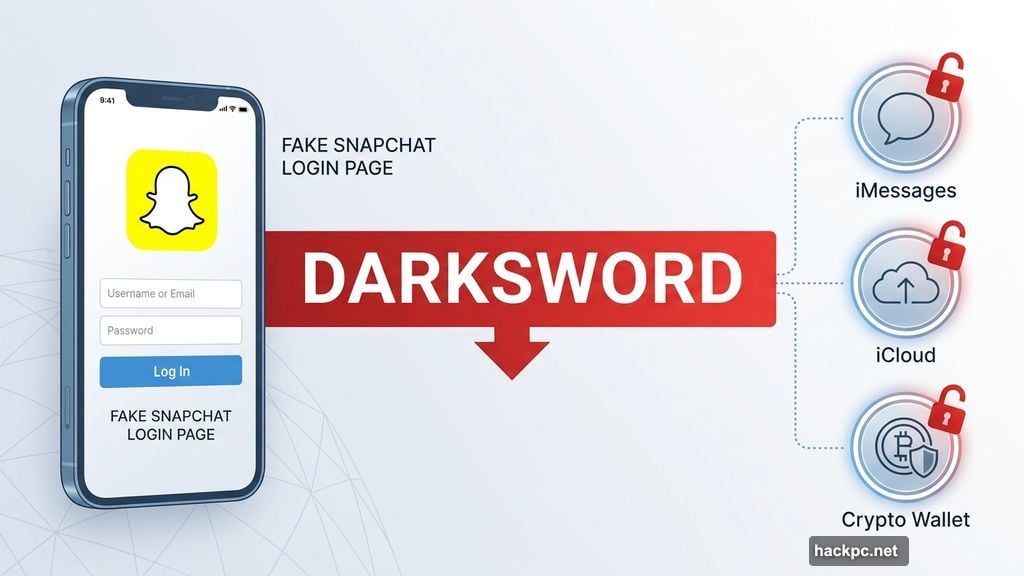
Instead, it operates through infected websites. Some of these sites are designed to look completely legitimate, including fake versions of Snapchat and government contractor pages. Just browsing one of those sites can activate the spyware, no clicking or downloading required.
Once active, DarkSword can reach sensitive data on your phone. According to Lookout’s report, it works by establishing privileged code execution, which is a technical way of saying it quietly gains permission to access things it shouldn’t. That includes your messages, iCloud content, and even cryptocurrency wallets.
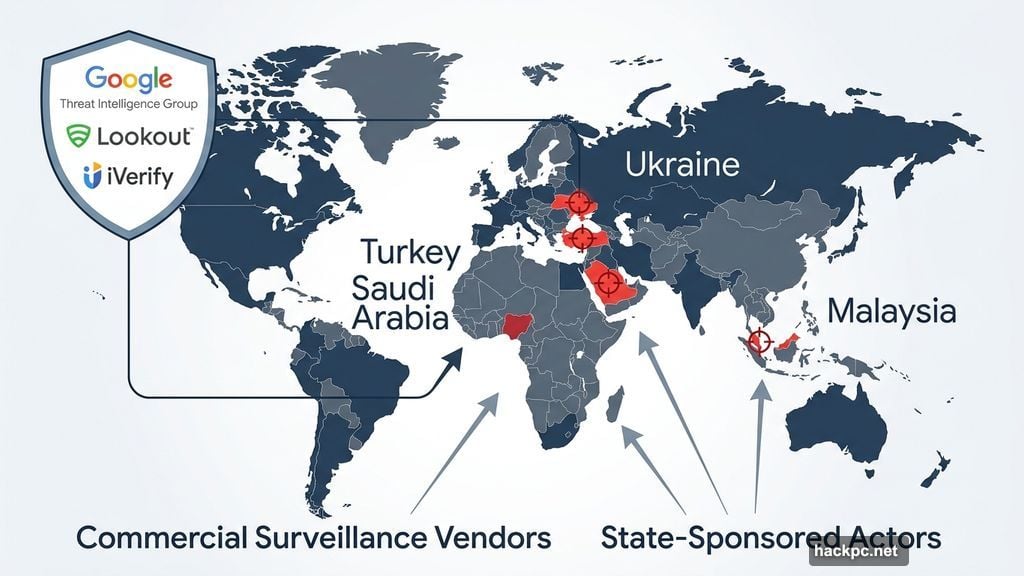
Google also noted that DarkSword is being used by commercial surveillance vendors and suspected state-sponsored actors. So this isn’t some lone hacker’s pet project. It’s a sophisticated, organized operation.
Should You Panic Right Now?
Probably not. The attacks so far have stayed outside the United States, with targets identified in Saudi Arabia, Turkey, Malaysia, and Ukraine, according to Google’s findings.
Still, that doesn’t mean the risk is zero. And the vulnerability that DarkSword exploits already exists on millions of iPhones right now.
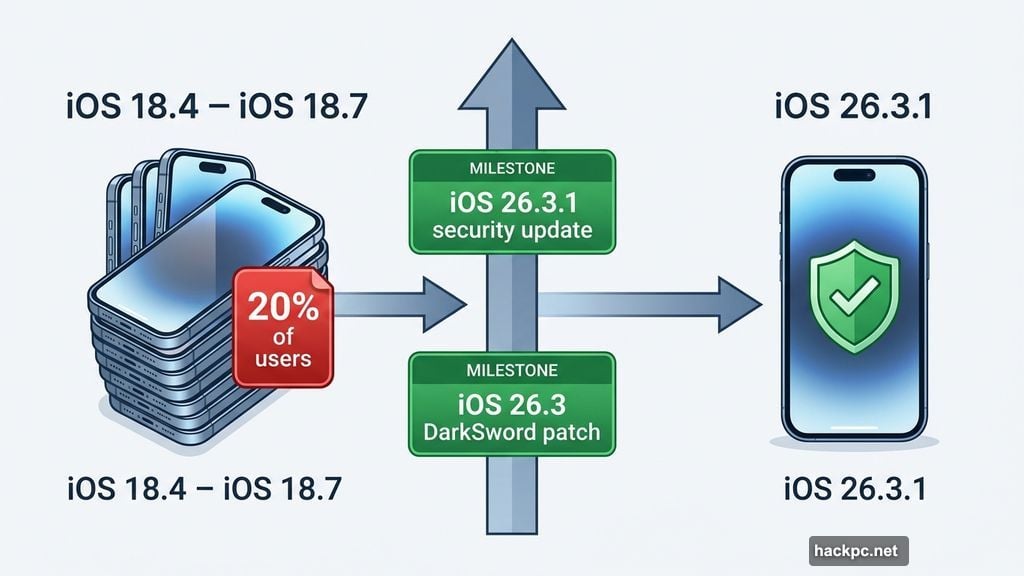
Here’s why. Researchers found that vulnerable devices were running older software versions, specifically iOS 18.4 through iOS 18.7. Apple’s own data confirms that about one-fifth of iPhone owners are still running iOS 18. That’s potentially millions of people walking around with phones that DarkSword could target.
iOS Updates Are Your Best Defense Against DarkSword
Apple confirmed it investigated these vulnerabilities and pushed fixes as quickly as possible once Google reported its findings in late 2025. The good news is those patches are already built into recent software updates.
iOS 26.3 includes specific fixes for DarkSword attacks. Beyond that, Apple also released iOS 26.3.1, a smaller security-focused update, earlier this week. If your iPhone is running either of those versions, you’re already protected.
Zachary McAuliffe, CNET’s iOS expert, puts it plainly: “I always recommend people update their iPhone to the latest iOS software as soon as they can. Updates usually include new features, but more importantly, they often patch security issues. Delaying an update means malicious actors could exploit a vulnerability on your iPhone, putting your personal data and system security at risk.”
Checking for an iOS update takes about thirty seconds. Head to Settings, tap General, then Software Update. If an update is waiting, install it.
What If Your iPhone Can’t Run iOS 26?
Some older iPhone models won’t support iOS 26, so updating to the very latest version isn’t always an option.
If that’s your situation, Apple recommends updating to at least iOS 15, which includes protection for older hardware. You can check Apple’s compatibility guide to see which version your specific model supports.
Apple also suggests enabling Lockdown Mode for users who want an extra layer of defense. This feature limits certain functions on your iPhone to reduce the attack surface for malicious web content, which is exactly how DarkSword operates. It’s not for everyone since it restricts some normal features, but it’s worth considering if you feel particularly exposed.
Don’t Wait on This One
Most cybersecurity advice feels abstract and easy to put off. This one is concrete and takes almost no effort.
DarkSword is sophisticated enough that even security researchers called it highly advanced. But its vulnerability, and Apple’s fix, are both clearly defined. You don’t need special software, a technical background, or any extra spending to stay protected.
Just update your iPhone. Do it today while you’re thinking about it. Your messages, your photos, your financial accounts, and yes, your crypto wallet will all be better off for it.




Comments (0)