
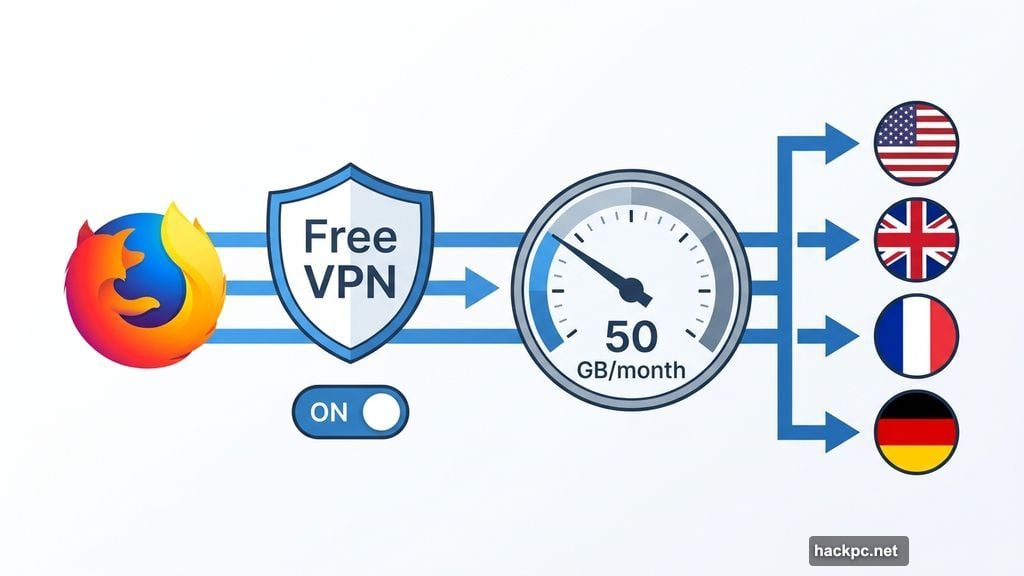
Mozilla just added something genuinely useful to your browser. Firefox version 149 ships with a free, built-in VPN service, and it’s available starting Tuesday for users in the US, UK, France, and Germany.
That’s a big deal for casual browsers who’ve been curious about VPN protection but didn’t want to pay for it. However, before you get too excited, there are some real limitations worth understanding before you rely on it for anything sensitive.
Firefox VPN Already Existed. So What Changed?
Mozilla has offered Firefox VPN as a standalone paid product for a while now. This update is different. Version 149 bakes a free tier directly into the browser itself, no separate subscription required.
The free version gives you over 50 gigabytes of data per month. For everyday web browsing, that’s genuinely generous. Most casual users won’t come close to hitting that ceiling.
Mozilla plans to expand the service to more countries over time. For now, it’s limited to four markets at launch.
WireGuard Protocol Powers the Security Foundation
Here’s where things get interesting for anyone worried about trusting a free VPN. Mozilla’s underlying VPN technology isn’t new or untested.
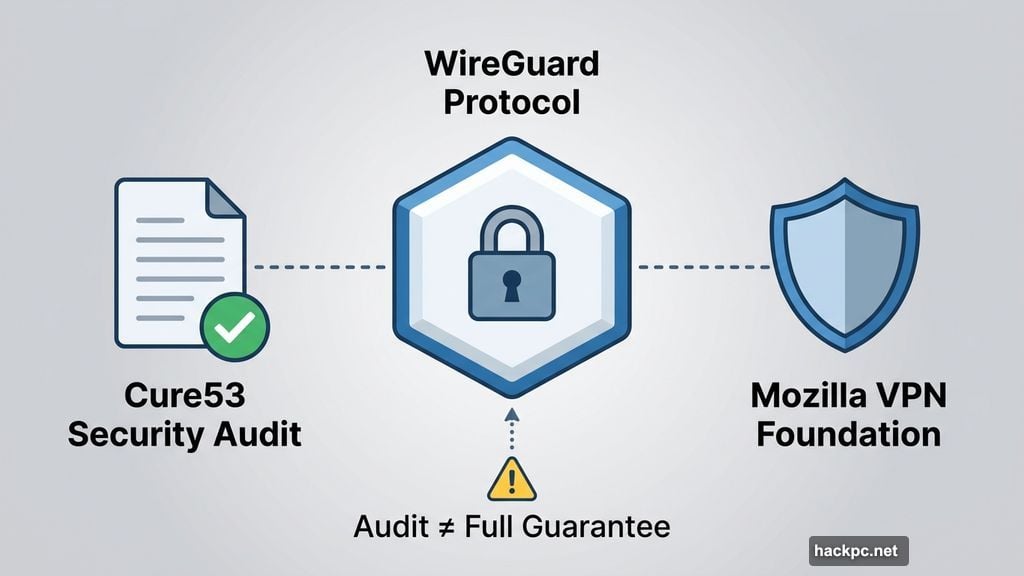
The service uses WireGuard, a modern VPN protocol known for its strong security and efficiency. Plus, Mozilla’s overall VPN technology has gone through independent security audits from Cure53, a respected cybersecurity firm. They’ve also fixed security issues over the years as they’ve been discovered.
That’s a meaningfully better starting point than most free VPNs out there, which often have sketchy business models or hidden privacy trade-offs. Mozilla addressed this directly: “Free VPNs can sometimes mean sketchy arrangements that end up compromising your privacy, but ours is built from our data principles and commitment to be the world’s most trusted browser.”
Worth noting, though: CNET’s research suggests that VPN audits don’t automatically guarantee a service is completely secure. So take that security foundation as a good sign, not an absolute guarantee.
Browser-Only Protection Creates an Important Gap
This is the part that matters most, especially if you’re planning to use Firefox’s VPN for anything beyond casual browsing.
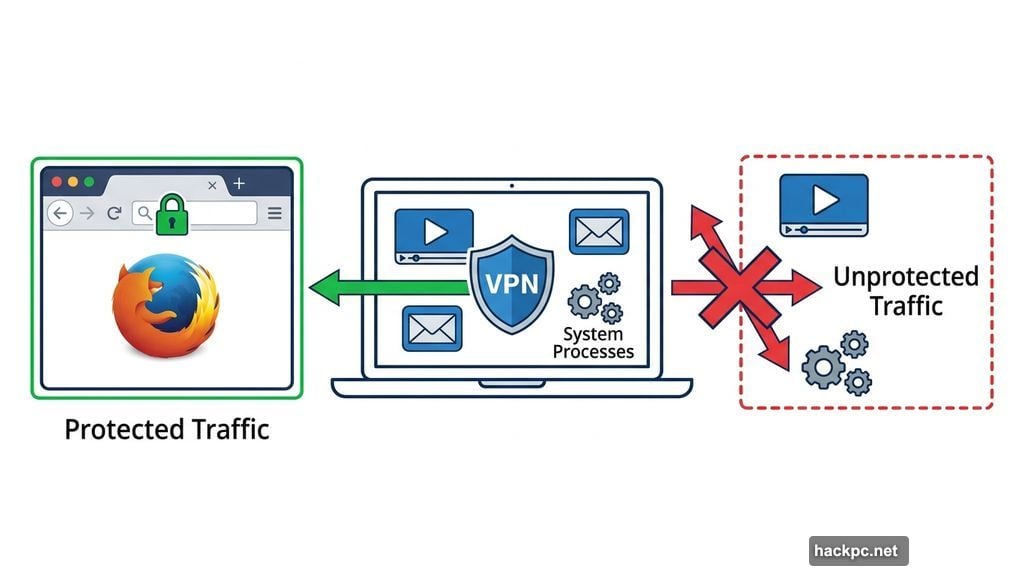
The free browser VPN only protects traffic flowing through Firefox itself. Your other apps, background system processes, and any other network activity on your device remain completely unprotected.
Jacob Kalvo, a cybersecurity expert and CEO of Live Proxies, put it plainly: “The fundamental limitation is scope. It only protects browser traffic, not apps, system processes, or other network activity. That creates a false sense of ‘full protection’ for less technical users.”
So if you’re streaming through a separate app, using a desktop email client, or running any software outside Firefox, that traffic moves without VPN protection. A full standalone VPN service covers everything on your device, not just one app.
When This Free VPN Makes Sense (And When It Doesn’t)
For plenty of people, the Firefox built-in VPN will be exactly what they need. If you mostly browse the web through Firefox and want basic privacy protection while doing so, this delivers real value at zero cost.
Kalvo agrees the 50GB monthly data limit is generous for browser-based use. That should cover most casual users comfortably.
But he’s clear about where it falls short. For anything involving sensitive data, competitive research, or situations where you genuinely need full device-level privacy, this isn’t the right tool. “This is a controlled, limited-use product rather than a full privacy solution,” he said.
For comparison, CNET’s current top pick among free VPN tiers is Proton VPN’s free plan. That service is the only free option CNET currently recommends outright. However, even Proton’s free tier has restrictions, including no manual server selection and no simultaneous multi-device connections. Firefox’s offering competes in that same space, for browser-only scenarios.
Split-Screen Tab Mode Also Arrives With Firefox 149
The VPN feature gets most of the attention, but Firefox 149 also introduces a new split-screen tab mode. You can now view two tabs side by side within a single browser window.
That’s a handy feature for anyone who regularly needs to reference one page while working in another, comparing prices, cross-referencing research, or following a tutorial step by step.
What This Means for Firefox Users
Mozilla making VPN protection free and built-in lowers the barrier for a lot of people who’ve never used a VPN before. That’s a win for everyday privacy online.
Just keep your expectations calibrated. This isn’t a replacement for a full VPN service if you need serious privacy coverage. But for checking news, shopping, or general browsing? It’s a solid free addition that costs you nothing to try.
If you’re already a Firefox user in the US, UK, France, or Germany, update to version 149 when it drops and see how the VPN fits into your routine. Just remember it’s guarding the browser window, not your whole digital life.




Comments (0)