
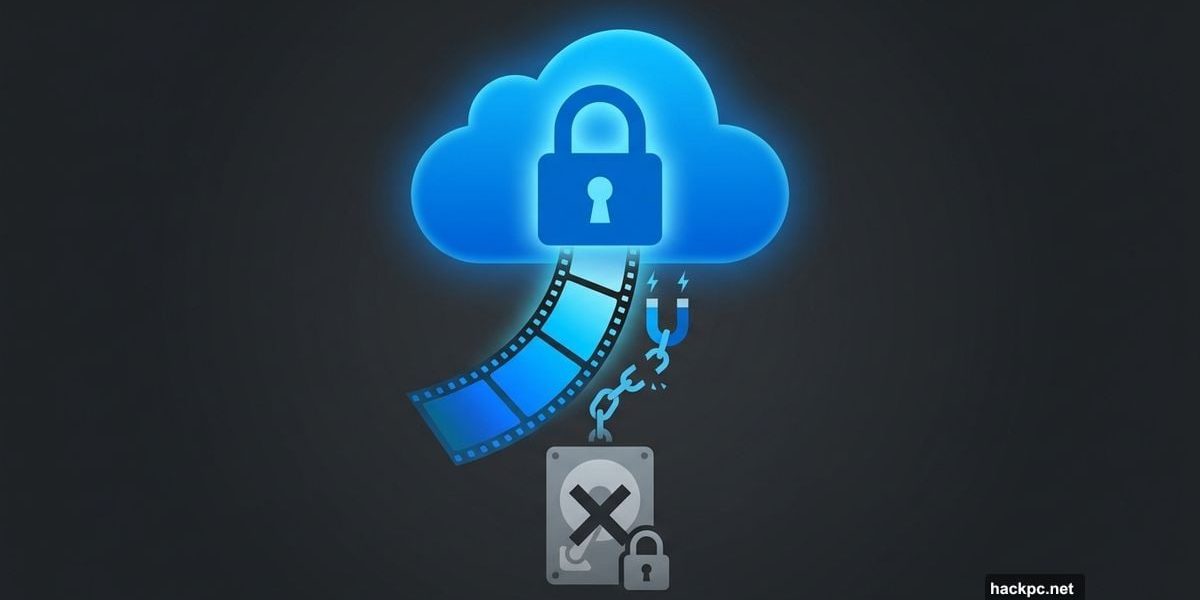
Microsoft just quietly changed how Clipchamp works, and if you use the built-in video editor on Windows 11, you’re going to notice.
The short version: you can no longer save and keep editing video projects on your local drive. OneDrive is now required to continue working on any project. And for users who prefer to keep their files off the cloud, that’s a pretty significant shift.
Local Storage Just Became a Dead End
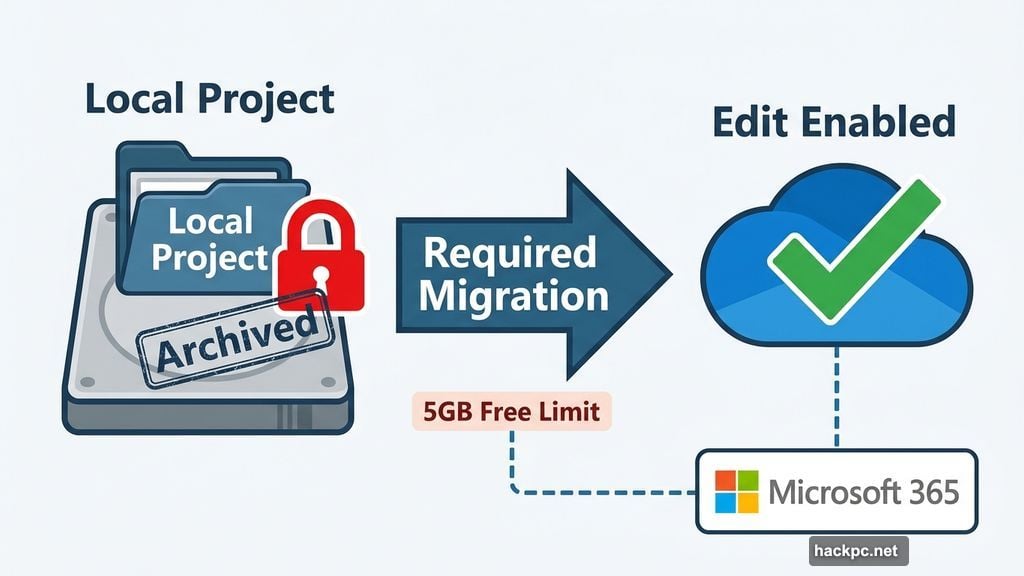
Here’s what the change actually means in practice. If you save a Clipchamp project to your computer instead of OneDrive, it gets archived. Not deleted, but effectively frozen. You can’t open it in edit mode anymore.
Want to go back and tweak that video you worked on last week? First, you’ll need to move it to OneDrive. Only then can you pick up where you left off. So local storage is no longer a real option if you plan to do any actual editing.
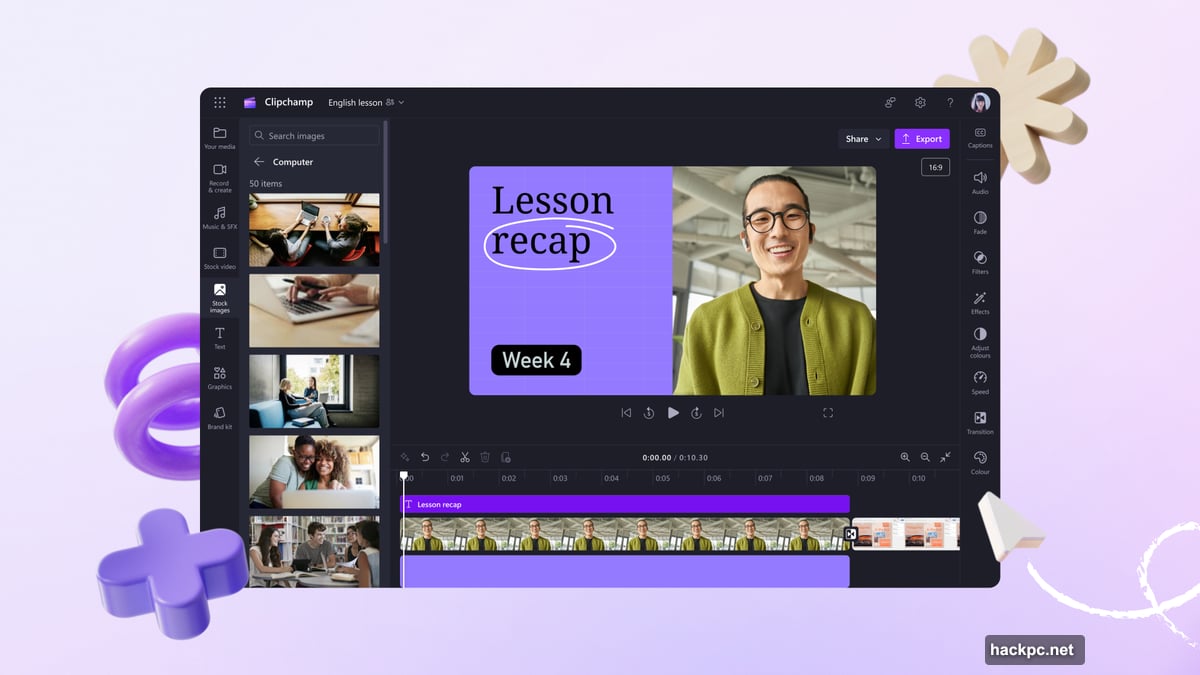
Previously, Clipchamp worked fine with files saved entirely on your machine. That flexibility is now gone.
What Happens to New Projects
Any new project you create in Clipchamp automatically syncs to your OneDrive account. You don’t get a choice in the matter. The app just sends it to the cloud from the start.
Microsoft does offer one small consolation here. The media files inside your project, things like video clips and images, don’t necessarily need to sync to the cloud themselves. But the project file? That lives in OneDrive now, full stop.
So while your raw footage might stay local, the project that organizes and edits everything moves to Microsoft’s servers. For many users, that distinction won’t make much practical difference.
Why This Matters More Than It Seems
Clipchamp ships free with Windows 11. It’s positioned as an easy, accessible tool for casual video editing. No subscription, no download required. Just open it and start cutting.
But requiring OneDrive changes the deal. OneDrive free accounts come with 5GB of storage. Video projects eat through that fast. Users who do any serious editing will bump up against that limit quickly, pushing them toward a paid Microsoft 365 subscription to get more space.
That’s not a coincidence. Tying Clipchamp to OneDrive nudges users deeper into Microsoft’s ecosystem. It’s a smart move for Microsoft and a frustrating one for anyone who values local control over their files.
What Your Options Look Like Now
If OneDrive works for you and you have enough storage, nothing changes much. Clipchamp continues to work as a capable free editor, and the automatic syncing might actually feel convenient.
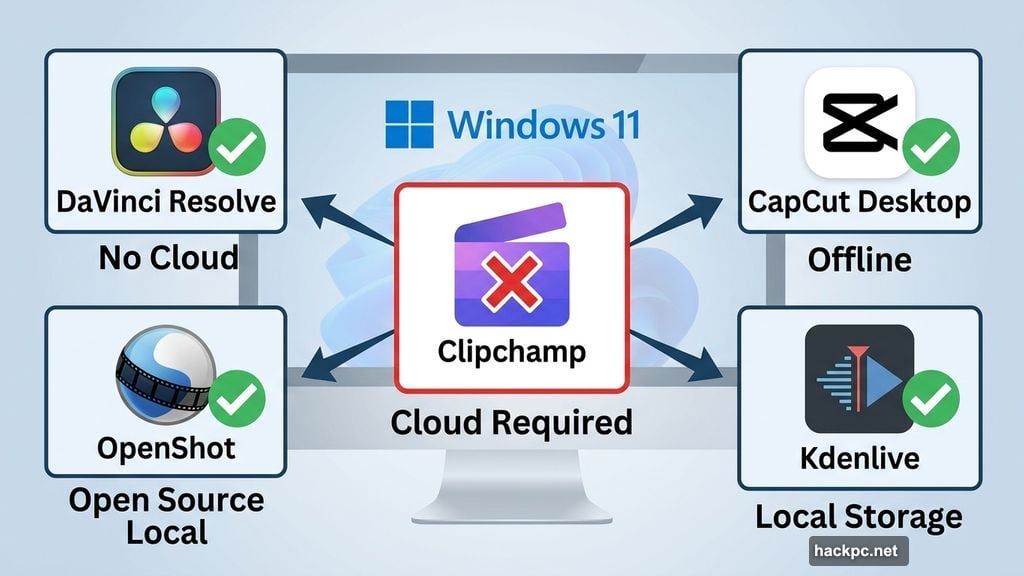
But if you’d rather keep your projects off the cloud, you’re looking at alternatives. DaVinci Resolve remains a powerful free option with no cloud requirements. CapCut for desktop works offline. OpenShot and Kdenlive are solid open-source choices that store everything locally.
None of those require a Microsoft account, an internet connection to edit, or cloud storage to save your work.
The fact that a built-in Windows tool now requires a cloud service to function fully is worth paying attention to. It reflects a broader trend of Microsoft weaving its subscription services into the operating system in ways that can feel less like added value and more like quiet pressure.
If you’re a casual Clipchamp user with OneDrive already set up, this change probably won’t disrupt your workflow. But if you’re someone who prefers staying local, now’s a good time to find a video editor that respects that preference.




Comments (0)