
Streaming on Apple TV is great. But geo-restrictions can make it frustrating when your favorite show isn’t available in your country. Or maybe you just want to keep your viewing habits private. Either way, a good VPN solves both problems at once.
The catch? Not every VPN plays nicely with Apple TV. Some are slow, some barely unblock anything, and some have apps that feel like they were designed as an afterthought. So I put the top options through their paces to find out which ones actually deliver.
After extensive testing, ExpressVPN remains the standout choice for Apple TV. But depending on your budget and priorities, there are solid alternatives worth knowing about.
What Makes a Great Apple TV VPN?
Before jumping into the picks, it helps to understand what separates good from great when it comes to Apple TV VPNs.
Streaming performance is the big one. A VPN might have servers in 100 countries, but that doesn’t guarantee it can unblock Netflix libraries or Disney Plus in those regions. Streaming services actively try to block VPN users, so it’s a constant back-and-forth between them and VPN providers.
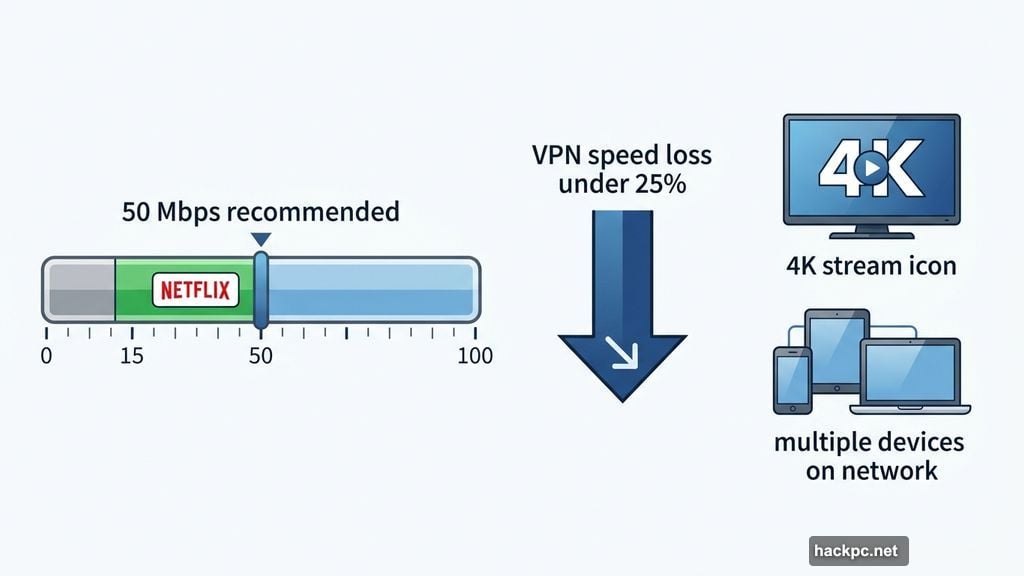
Speed matters a lot here too. VPNs slow your connection by routing traffic through extra servers. A fast VPN keeps that loss under 25%, which is barely noticeable on a quick connection. Netflix recommends at least 15Mbps for 4K streaming, but you’ll want closer to 50Mbps for a smooth experience, especially with multiple devices on your network.
The app itself needs to be painless. You’re navigating with a remote control, not a mouse. So if finding a server requires scrolling through endless menus, that’s a problem. The best Apple TV VPN apps connect quickly, stay out of your way, and just work.
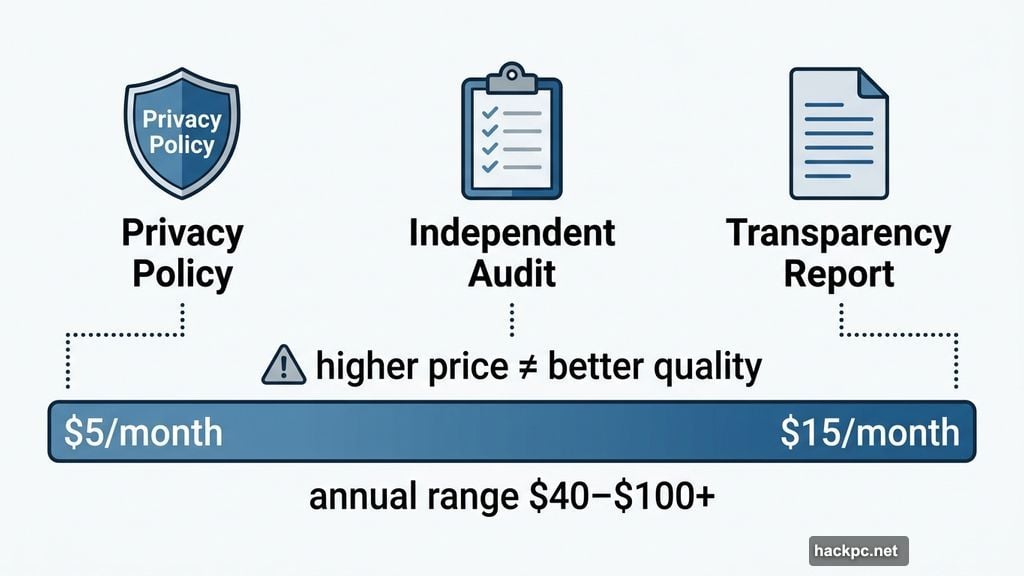
Privacy and pricing round things out. Always check a VPN’s privacy policy, independent audit history, and transparency reports before trusting it with your traffic. And on price, expect to pay anywhere from $5 to $15 per month, or $40 to over $100 annually. Higher price doesn’t always mean better quality, especially for Apple TV specifically.
ExpressVPN: Best Overall Pick
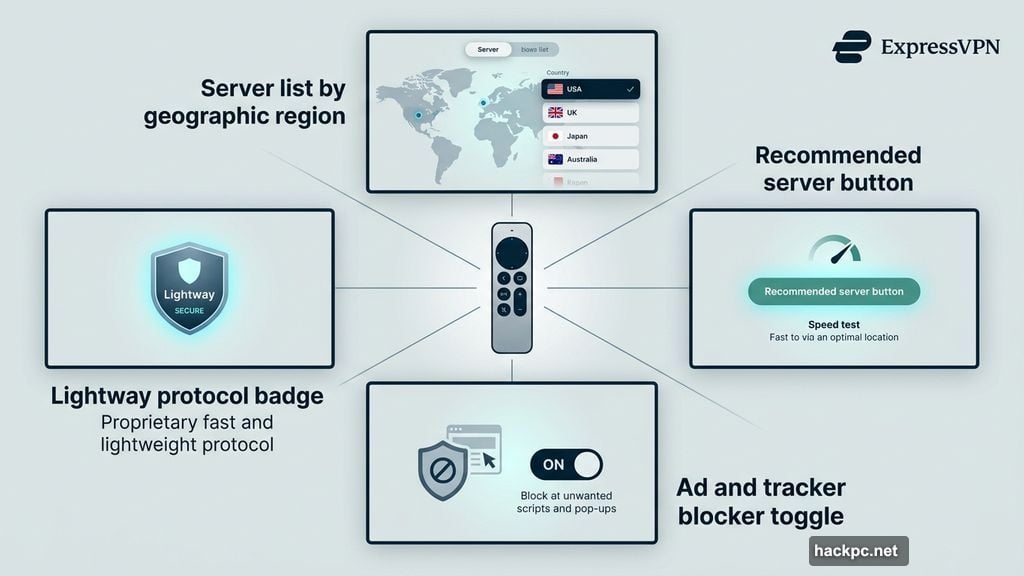
ExpressVPN earns its top spot through a combination of polish and reliability. The Apple TV app is the cleanest I’ve tested. Server locations are sorted by geographic region, making it easy to find what you need with a remote. You can also use the Recommended server option to automatically connect to the best available server for your location.
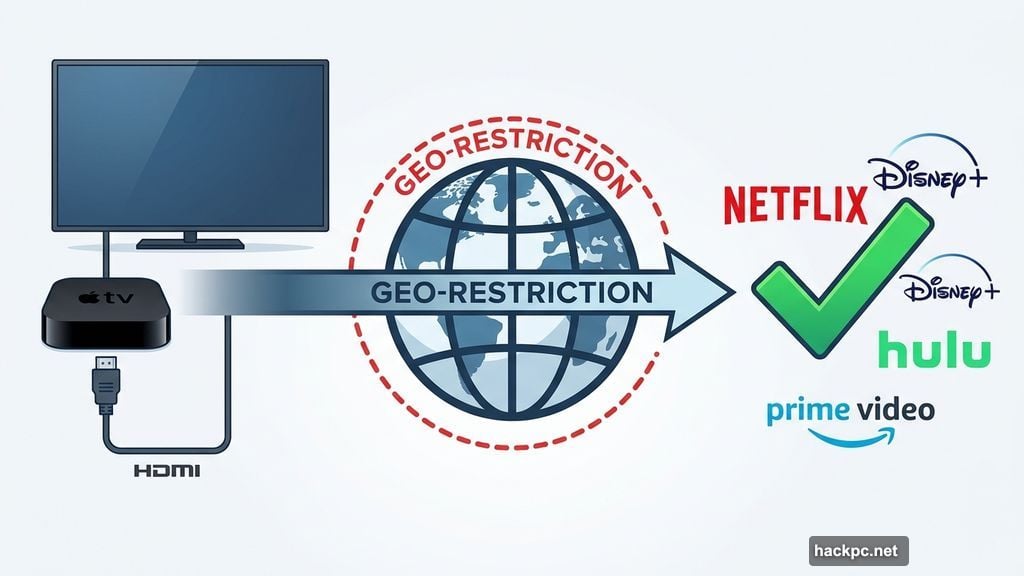
During testing, ExpressVPN unblocked everything I threw at it. Disney Plus, Amazon Prime Video, Hulu, Apple TV Plus, and multiple regional Netflix libraries all worked without a hitch. Streaming stayed smooth even when connecting to distant servers in Japan and Australia, where speeds naturally drop more.
Connections use ExpressVPN’s proprietary Lightway protocol. The only other toggle in the app is an ad and tracker blocker. That might sound limited, but honestly, Apple TV VPN apps are minimal by design, and ExpressVPN executes the basics better than anyone else.
Beyond the app, ExpressVPN’s privacy credentials are genuinely impressive. Its TrustedServer technology wipes all data and reinstalls the entire software stack with every server reboot. This means ExpressVPN can’t retain user data or hand anything useful over if served with a subpoena. The company was also one of the first VPNs to roll out post-quantum protection, guarding against potential future threats from quantum computers. Plus, a new email protection feature is live, and a privacy-focused AI tool is in development.
The downside? ExpressVPN is expensive. Plans run $13 per month, $75 for the first 15 months, or $98 for the first 28 months. Both annual options renew at $100 per year after the initial period. You’re paying for the best, and it shows, but budget shoppers should look elsewhere.
| Specs: 3,000+ servers in 105 countries | 18% speed loss in 2025 tests | British Virgin Islands jurisdiction |
|---|
Surfshark: Best Value for Streaming
Surfshark punches well above its price tag once you get past the monthly plan. At $15.45 per month, that monthly option is actually one of the priciest around. But the annual deal drops to $48 for the first 15 months, and the two-year plan costs $54 for the first 27 months. Those are genuinely strong prices for what you get.
Just read the fine print. Both plans more than double to $99 per year upon renewal. Surfshark doesn’t make that especially clear at checkout, which is worth knowing before you commit.
The Apple TV app impressed me during testing. I unblocked multiple regional Netflix libraries, Amazon Prime Video, Apple TV Plus, Disney Plus, and Hulu without any trouble. Streaming was consistently smooth and buffer-free, helped along by Surfshark’s solid speed performance, which showed just a 21% speed loss in our latest tests.
One quirk: the app sometimes takes a while to connect. It didn’t happen constantly, but there were moments when I could’ve made a sandwich before the connection finally established. Once connected, though, everything worked well. The app uses WireGuard and includes a NoBorders toggle, which helps you use the VPN on restricted networks like school Wi-Fi.
Surfshark also supports unlimited simultaneous connections across its 4,500+ servers in 100 countries. So one subscription covers your Apple TV, laptop, phone, and every other device in your home.
| Specs: 3,200+ servers in 100 countries | 21% speed loss in 2025 tests | Netherlands jurisdiction |
|---|
Proton VPN: Best Budget Option with Serious Unblocking Power
Proton VPN offers something unusual: a genuinely good free tier. For Apple TV streaming, though, you’ll want the paid plan.
The Apple TV app lists countries in a clean alphabetical grid, so finding a server is fast and intuitive. During testing, I connected instantly to every server I tried. Content unblocked on Netflix, Disney Plus, Apple TV Plus, Amazon Prime Video, Max, and Hulu without problems. Proton VPN’s unblocking performance was among the best I encountered in my tests.
However, the app is the most bare-bones of the bunch. There’s no search function, no way to set favorites, and no option to select specific cities within a country. You can connect to the fastest available server or choose from a small list of recommended countries, and that’s about it. For straightforward streaming, it’s perfectly functional. For power users, it’ll feel limiting.
Pricing is reasonable. Plans run $10 per month, $48 for the first year, or $72 for the first two years combined. Both renewal rates settle at $84 per year after the initial period. A 30-day money-back guarantee covers all plans.
Proton VPN’s network covers 117 countries with 12,000+ servers, and its 16% speed loss in our latest tests makes it one of the faster options here. The Switzerland-based company also has a strong reputation for privacy and transparency.
| Specs: 12,000+ servers in 117 countries | 16% speed loss in 2025 tests | Switzerland jurisdiction |
|---|
Private Internet Access (PIA): Best Cheap Option
PIA is the budget pick that still gets the job done. At $40 for the first year (renewing at $50 annually) or $79 for three years, it’s significantly cheaper than ExpressVPN or NordVPN.
The Apple TV app mirrors ExpressVPN’s clean layout, which is a compliment. Servers are easy to find, the interface is minimal, and the whole thing just works. PIA includes streaming-optimized servers in various locations, which helps ensure smooth playback.
Speed is where PIA gets complicated. Its WireGuard and OpenVPN speeds averaged a rough 48% loss in our latest tests. But the Apple TV app connects via IKEv2, and I had no streaming issues in practice. Streams were reliably smooth whether I was connected to nearby servers or ones halfway around the world.
I successfully accessed Netflix, Disney Plus, Hulu, Amazon Prime Video, and Apple TV Plus through PIA’s Apple TV app. Like Surfshark, PIA offers unlimited simultaneous connections, making it excellent value for households with lots of devices.
One genuinely unique feature: PIA has servers in all 50 US states, which is rare among VPN providers and useful if you want to access content specific to a particular state.
| Specs: 35,000 servers in 91 countries | 48% speed loss in 2025 tests | United States jurisdiction |
|---|
VPNs That Didn’t Make the Cut
NordVPN is excellent for almost everything but Apple TV. During testing, I hit error messages on every title I tried across every foreign Netflix library. Some services like Disney Plus and US Netflix worked fine, but if international Netflix is your main goal, NordVPN disappointed. The app’s server browsing is also oddly frustrating: there’s no organized layout, and the search function doesn’t start populating results until you’ve typed three characters. For everything else, NordVPN is a top-tier choice. For Apple TV streaming, skip it.
PrivadoVPN is a newer provider with a decent Apple TV app. I liked that you can browse servers by latency, which helps find the fastest option. Connections were instant and streaming was smooth during testing. However, its free plan caps you at 10GB monthly, barely enough for a couple of movies. The paid plan unlocks servers in 50 countries, which is limited compared to the competition. Introductory prices are attractive at $20 for the first year and $30 for two years, but those renew at $60 and $96 respectively.
IPVanish performed well enough during my tests. The app was easy to navigate, connections were fast, and I accessed Netflix, Disney Plus, Hulu, Amazon Prime Video, and Apple TV Plus without trouble. But at $13 per month or renewal rates of $90 per year, it’s priced like a premium option without offering anything that justifies the cost over better-priced competitors.
Setting Up a VPN on Apple TV
The process couldn’t be simpler. Open the App Store on your Apple TV, search for your chosen VPN provider, and download the app the same way you would any other. Sign in with your account credentials, connect to a server in your desired region, and start streaming. The whole thing takes about two minutes.
Your Apple TV needs to be running tvOS 17 or later for VPN apps to work. Apple TV HD devices from 2015 onward can support tvOS 17. To check, go to Settings > General > About. If you need to update, navigate to Settings > System > Software Updates > Update Software.
Should You Use a Free VPN for Apple TV?
Technically, you can. But I’d steer you away from it. Free VPNs usually come with data caps, slower speeds, and far weaker unblocking capabilities. They’re often not optimized for streaming at all. Worse, some free VPN providers collect your data and sell it to third parties, which defeats the whole privacy purpose of using a VPN in the first place.
Proton VPN is the only free plan worth mentioning, and even that has limitations for Apple TV streaming. For most people, a budget paid VPN like PIA is worth the investment.
The Right VPN Depends on What You Want
If you want the best experience and price isn’t a concern, ExpressVPN delivers. It’s polished, fast, and unblocks practically everything.
Surfshark is the smart pick if you want excellent performance at a lower long-term price, provided you’re comfortable with the renewal cost. Proton VPN is perfect if you care deeply about privacy and want solid unblocking without spending a lot. And PIA earns its spot as the budget champion that covers your whole household without breaking the bank.
Any of these four will make your Apple TV experience noticeably better. Pick based on your priorities, take advantage of the 30-day money-back guarantees to test things out, and enjoy the content you’ve been missing.




Comments (0)