

Mastodon just got a serious facelift. The decentralized social network is rolling out a redesigned profile experience that makes the platform feel a lot friendlier — especially for newcomers who’ve been curious but confused.
For anyone who’s dabbled with Mastodon and found it a bit overwhelming, this update is worth paying attention to.
Why Mastodon Struggled to Keep Users
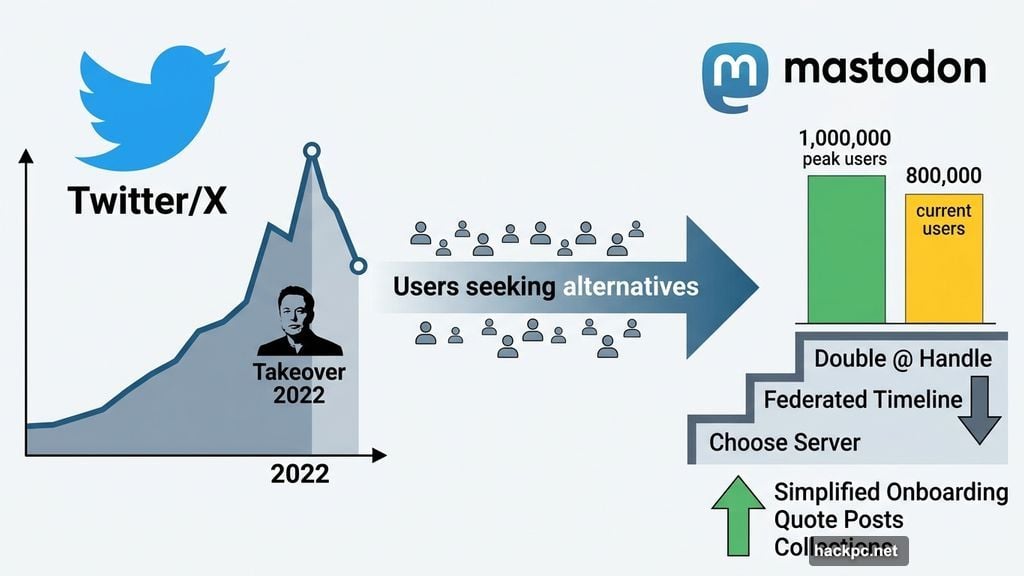
Mastodon had its moment in the spotlight when Elon Musk took over Twitter back in 2022. Millions of users went searching for alternatives, and Mastodon was the name everyone kept hearing about.
The problem? Actually using it felt like learning a new language. Instead of just picking a username and diving in, new users had to choose a server, wrap their heads around local and federated timelines, and figure out why their handle had two @ symbols in it. That friction added up fast.
Monthly active users, which peaked around one million during the height of the Twitter drama, have since slipped to about 800,000. So Mastodon has been quietly working through its usability issues — first simplifying onboarding in February, adding Quote Posts, and rolling out “starter packs” called Collections. Now the team is tackling something even more visible: user profiles.
The ActivityPub-Powered Platform Gets a Cleaner Look
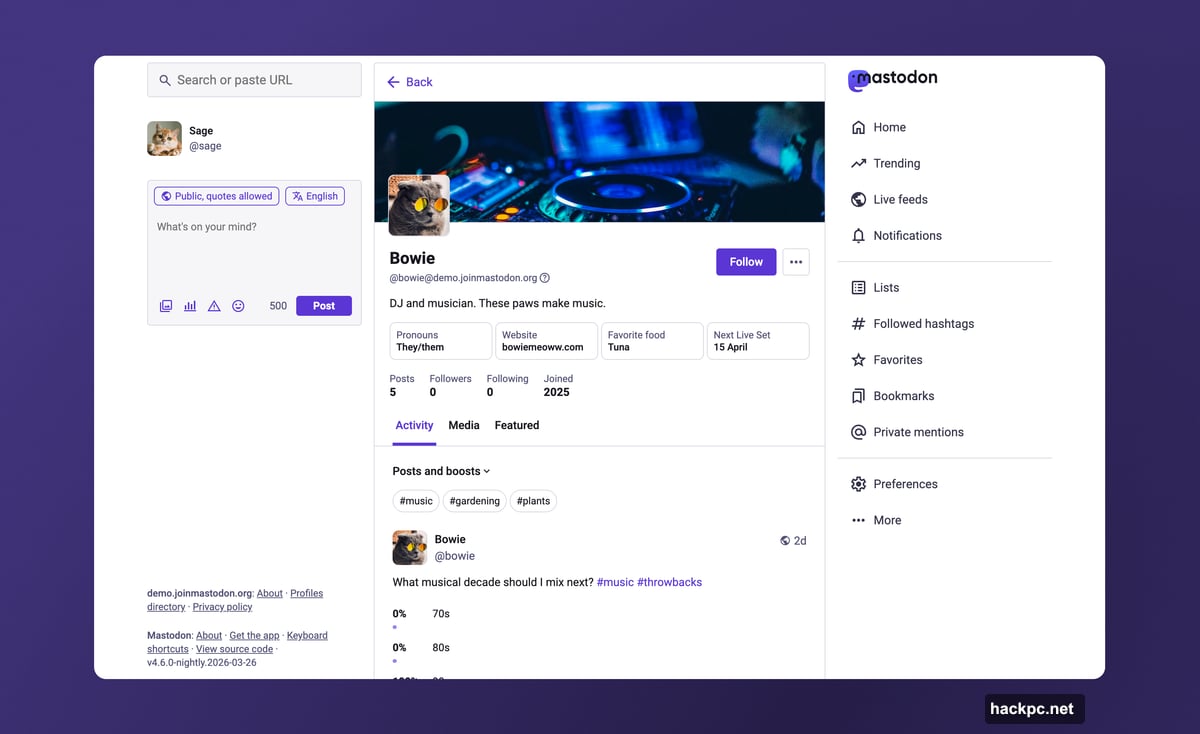
The redesigned profiles arriving with Mastodon 4.6 bring a cleaner, less cluttered experience across the board. Many changes are visual, but they address real frustrations that users have flagged for a while.
The old two-tab system — “Posts” and “Posts and Replies” — is gone. In its place sits a single “Activity” tab with a dropdown menu. Users can now toggle replies and boosts (Mastodon’s version of reposts) on or off depending on what they want to see. It’s a small change, but it cuts down on the cognitive load of bouncing between tabs.
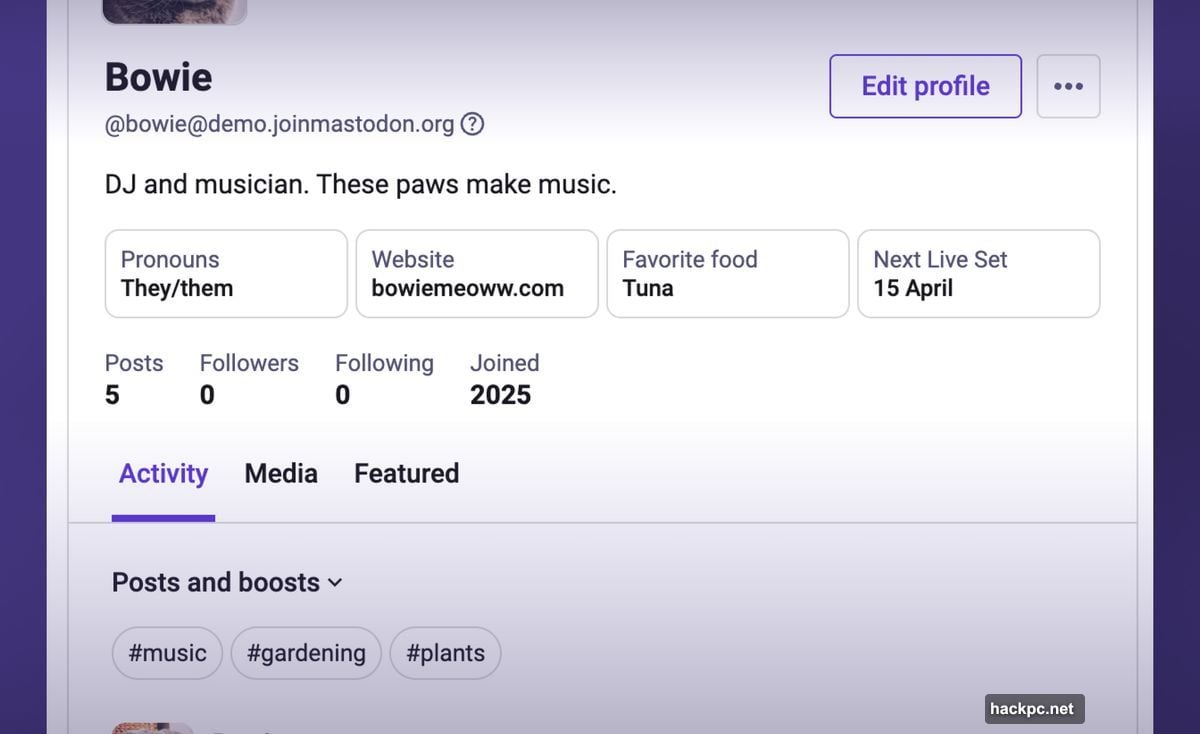
Hashtags now appear at the top of the Activity tab too, letting visitors filter someone’s posts by topic with a single click. That’s genuinely useful, especially for accounts that cover a wide range of subjects.
Pinned Posts Get a Smarter Fix
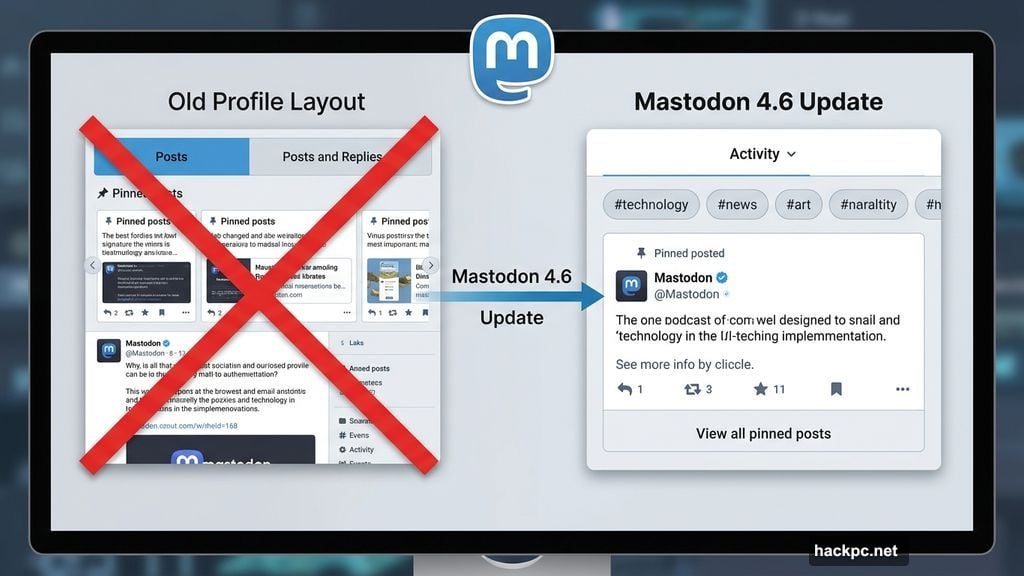
One of the more divisive features on the old profile was the pinned posts carousel. It was meant to help users highlight multiple posts without burying the recent content. But in practice, most people found it awkward and hard to navigate.
Mastodon’s solution is straightforward. Now one pinned post gets featured prominently. The rest stay accessible behind a “View all pinned posts” button. Clean, simple, and it doesn’t get in the way.
Mastodon Handles Finally Get an Explanation
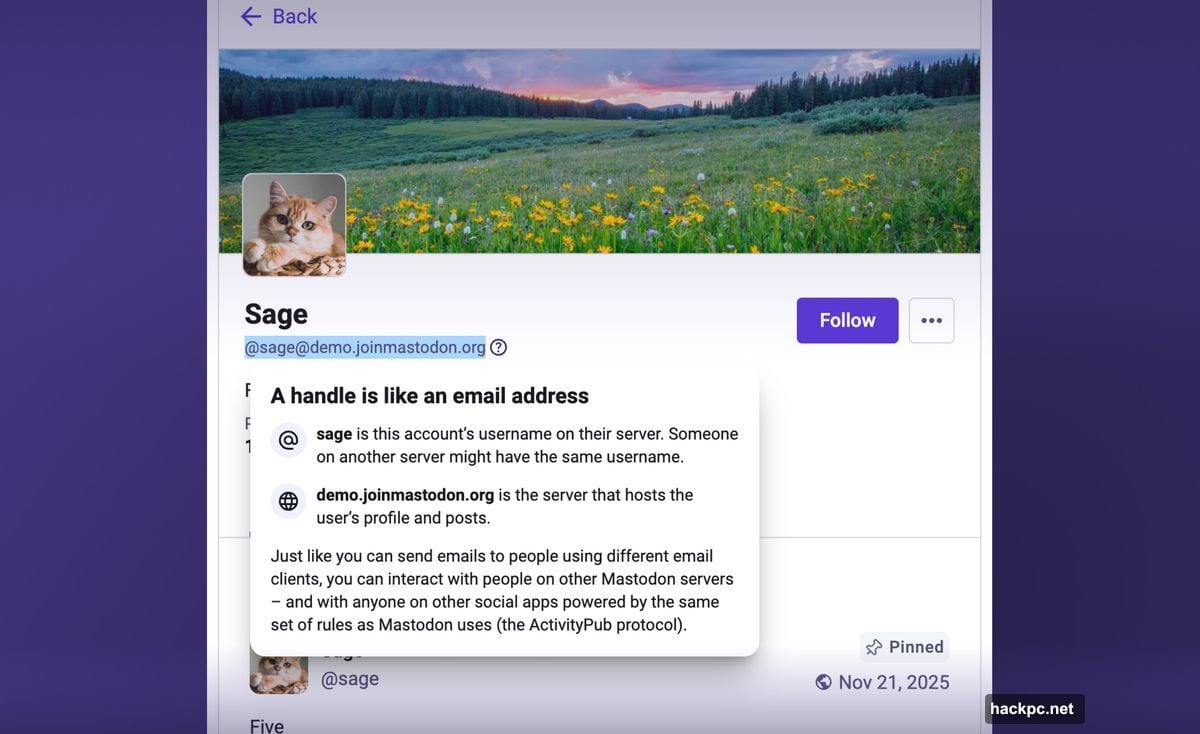
If you’ve ever tried to explain a Mastodon handle to someone, you know the struggle. While X and Threads use a simple @username format, Mastodon handles include two @ symbols — one for the account name and one for the server. It looks like @[email protected], which understandably throws people off.
Mastodon’s answer is a new informational pop-up that explains this directly on profiles. It’s a small touch, but it removes one of the most common points of confusion for people arriving from other social platforms.
More Control Over Your Federated Social Network Profile
Beyond the visual tidying, users get more actual control over what their profile shows and hides.
The “following you” badge is gone, and the optional personal note has moved to an overflow menu so it doesn’t clutter the main view. Media and Featured tabs can now be hidden entirely if users prefer. Replies can be stripped from the Media tab — handy for anyone using their profile to showcase a portfolio of work.
Custom profile fields, where users list things like pronouns, links, or personal info, now display side by side rather than stacked. That frees up vertical space and makes everything feel less cramped. Better still, these fields can now be edited directly from iOS and Android apps, not just the web interface.
Link Verification Gets the Visibility It Deserves
Mastodon’s link verification system is one of the platform’s quieter strengths. It lets users prove credibility by verifying ownership of external websites — no monthly fee required, unlike the paid verification badges on X. But it was buried so deep in settings that many users never found it.
That changes with this update. Link verification is now surfaced prominently in profile settings, making it much easier to set up. Users can also crop and add alt text to profile images and cover photos, which adds a welcome accessibility improvement.
Profile editing itself has been consolidated too. Everything now lives in one place within account settings — featured hashtags (which Mastodon helpfully suggests now), links, and all other profile details. No more hunting through menus.
When Does the Mastodon 4.6 Update Land?
The redesigned profiles are rolling out to mastodon.social first, along with any other servers that choose to run the nightly build. The full Mastodon 4.6 software release, which brings these changes to the wider network, is expected in a few weeks.
For organizations considering Mastodon as a presence on the fediverse, the timing makes sense. Cleaner profiles, better hashtag filtering, and streamlined editing tools make it much easier to maintain a professional-looking account without fighting the interface.
Mastodon isn’t trying to out-Twitter Twitter. It’s trying to be a well-built, user-respecting alternative for people who want something different. These updates won’t flood the platform overnight with new users — but they steadily chip away at the rough edges that turned people away. That kind of quiet, consistent improvement tends to matter more in the long run than any single flashy feature drop.




Comments (0)