
Picking the right antivirus software feels overwhelming. There are dozens of options, each claiming to be the best. So when a product genuinely stands out after hands-on testing, it’s worth talking about.
Malwarebytes has come a long way from its roots as a simple malware scanner. Today it’s a full cybersecurity suite — real-time antivirus protection, a built-in VPN, identity theft tools, browser privacy extensions, and even Windows optimization features you won’t find anywhere else. After extensive testing across multiple tools and devices, the overall package is impressive. Most of it works beautifully. One part, not so much.
Here’s everything you need to know before you buy.
What Malwarebytes Actually Offers
Malwarebytes runs four tiers: a free plan, Standard, Plus, and Ultimate. Each builds on the last.
The free plan gives you a malware scanner, a browser safety extension called Browser Guard, and a basic digital footprint tool. It’s solid for cleaning up an infected machine, but it won’t protect you in real time.
Standard ($60/year for three devices) adds real-time antivirus protection, phishing defense, ransomware protection, and scheduled scans. That’s your core protection layer, and it’s genuinely good.
Plus ($80/year for three devices) layers in the VPN. More on that in a moment — it has some issues.
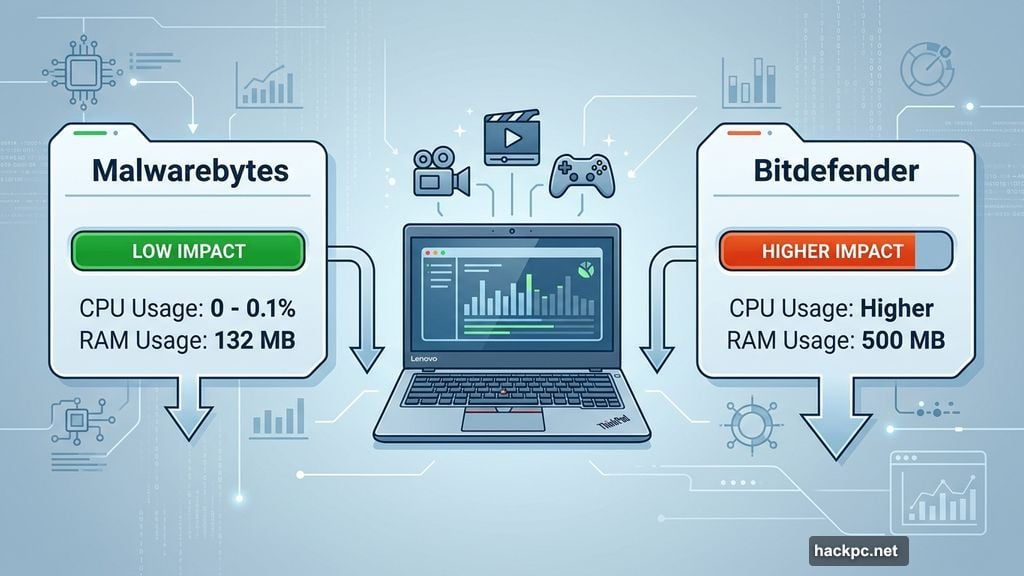
Ultimate ($140 for the first year, then $280/year) brings identity theft protection with three-bureau credit monitoring, bank and investment account alerts, dark web monitoring, social media scanning, and up to $2 million in identity theft insurance. US users also get the Personal Data Remover, which automatically requests deletion of your data from brokers online.
One thing Malwarebytes doesn’t offer is email scanning — a feature Bitdefender and McAfee bundle in. Honestly, most email clients like Gmail already filter threats pretty well, so this isn’t a dealbreaker for most people.
Real-World Performance: Lean, Fast, and Efficient
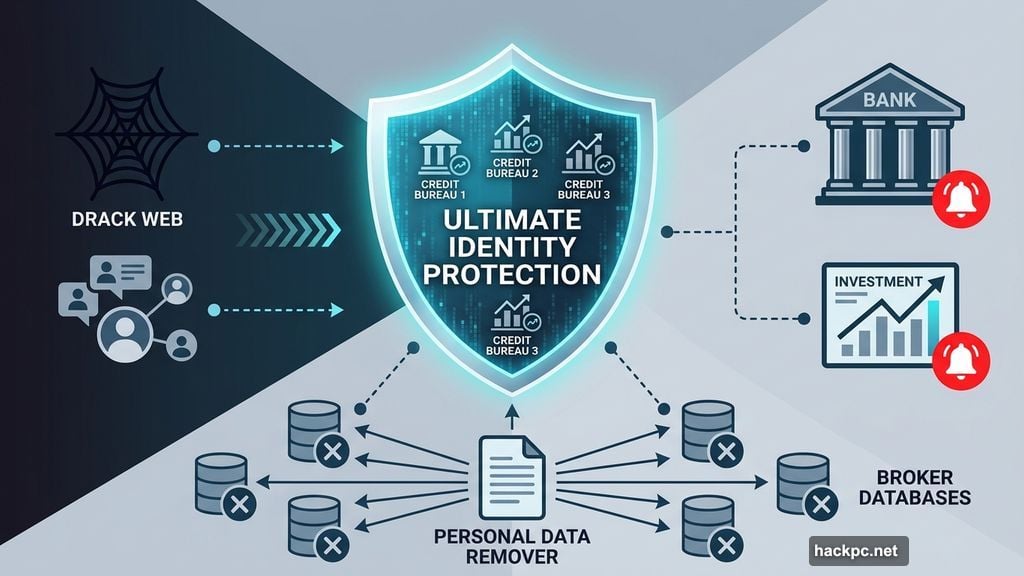
This is where Malwarebytes genuinely shines. During testing on a Lenovo ThinkPad with an Intel i5 processor, the software barely touched system resources.
Running in the background, Malwarebytes used just 0% to 0.1% of CPU power and about 132MB of memory. That’s almost nothing. You can edit video, run games, or stream without any slowdown. Compare that to Bitdefender, which uses around 500MB of memory in the background, and you get a sense of how lean Malwarebytes really is.
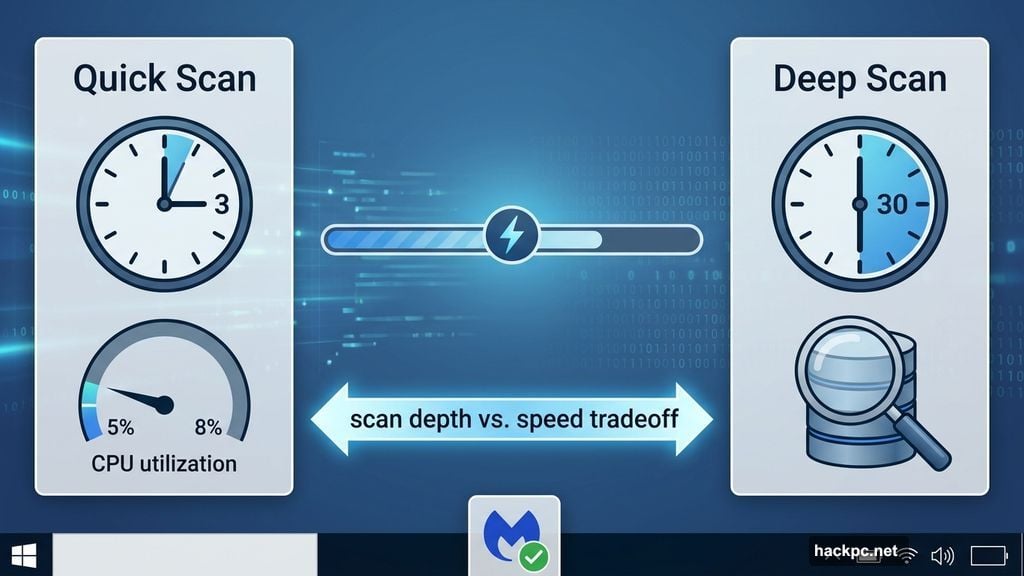
Quick scans finished in under three minutes and used between 5% and 8% of CPU power. That’s fast enough that you barely need to step away from what you’re doing. Deep scans took around 30 minutes, which is longer than Bitdefender’s two to three minute follow-up scans. But Malwarebytes only used 3% to 6% CPU during those deep scans, so you can keep working while it runs.
Android performance was similarly smooth. The first scan finished in under a minute, with follow-ups wrapping up in under 30 seconds.
Dark Web Monitoring Found 50 Breaches
The identity protection tools are some of the most thorough I’ve tested. After setting up an account and entering basic personal details, Malwarebytes started scanning the dark web immediately.
By the next morning, it had found around 50 data breaches connected to my information. That’s nearly twice what Bitdefender found. Seeing that number is alarming — but it’s also reassuring to know the tool is actually digging deep.
Social media monitoring connects to Facebook, Instagram, X, and YouTube almost instantly. Bluesky and TikTok aren’t supported yet, which is a gap worth noting. Still, the tool scans connected accounts for threatening activity, cyberbullying, and suspicious behavior.
The Scam Guard feature deserves a special mention. It works like a chatbot — you paste in a suspicious email or website, and an AI analyzes it in seconds. I submitted an obvious spam email, and Scam Guard correctly flagged it as suspicious while explaining exactly why. That educational element makes it useful for people who aren’t sure what to look for in phishing attempts.
Browser Guard: Quiet, Effective, Unobtrusive
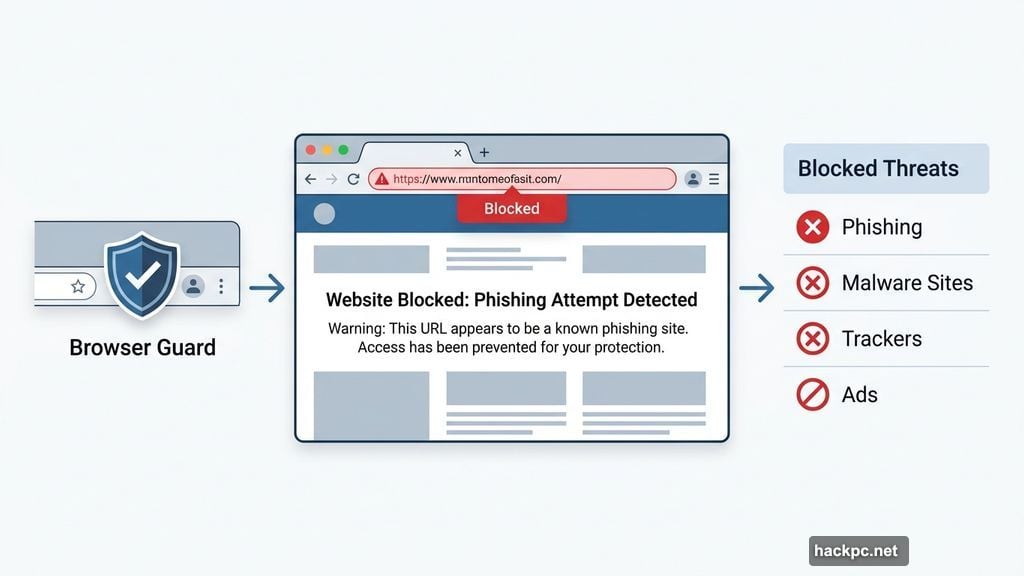
Browser Guard is available as a free extension for Chrome, Firefox, Edge, and Safari. Setup takes about 30 seconds.
During two days of regular browsing, it blocked hundreds of ads and trackers across various websites without slowing Firefox down at all. The toolbar icon shows a count of blocked items per page, and clicking it reveals exactly what was stopped.
The one limitation compared to Bitdefender’s comparable extension is that you can’t pause Browser Guard on a specific site. You have to disable it entirely if a website isn’t loading correctly because of a blocked element. That’s a minor annoyance, but worth knowing.
Windows Privacy Tools: Nothing Else Does This
One of the most distinctive features in Malwarebytes is the Windows privacy and optimization panel. Accessible through the desktop app’s sidebar, it lets you toggle off specific Windows features that collect your personal data — granular controls you simply won’t find in other antivirus suites.
Beyond privacy controls, there’s a tools section with options for disk cleanup, file system integrity checks, dark mode settings, and Windows Firewall customization. These aren’t as extensive as dedicated optimization software from AVG or Avira, but they’re genuinely useful for anyone who isn’t comfortable digging into Windows settings manually.
The VPN: Usable Nearby, Frustrating Far Away
Here’s the honest part. Malwarebytes’ VPN, powered by AzireVPN, has some impressive technical credentials — AES-256 encryption, a strict no-logs policy, RAM-only diskless servers, and regular transparency reports. That’s a strong privacy foundation.
But speed is a real problem. Testing showed an average speed loss of 41.89%, well above the 25% threshold I consider acceptable. The biggest drops happened with distant servers.
Testing from Canada, the Toronto server actually improved speeds slightly (download went from 535.96 Mbps to 685.03 Mbps). The US server performed well too. But Singapore and Australia servers caused dramatic slowdowns — upload speeds dropped to just 8 and 14 Mbps respectively, from a baseline of 824 Mbps.
So if you’re in North America and just want to watch region-locked US or UK content, the VPN is workable. For international servers or privacy-critical use, stick with a dedicated provider like ExpressVPN, NordVPN, or Proton VPN.
A third-party security audit by X41 was underway at the time of writing. Once that’s published, it’ll be easier to make a stronger recommendation.
Security Test Results: Highly Effective
Malwarebytes doesn’t have recent AV-Test results — the company says it has concerns about AV-Test’s methodology. That’s a gap, but not a disqualifying one.
AV-Comparatives tested Malwarebytes as recently as September 2025. The results were strong. Online threat detection came in at 98.8%, matching Bitdefender exactly. The online protection rate — how many viruses were actually blocked from reaching devices — hit 99.88%. McAfee scored 100% here, and Bitdefender reached 99.99%, so Malwarebytes is close but not quite at the top.
Offline detection (threats on USB drives, for example) scored 94.7%, which is notably better than McAfee’s 87.3% on the same metric.
Malwarebytes also won a Product of the Year award from the AVLab Cybersecurity Foundation in 2025, a recognized member of AMTSO (Anti-Malware Testing Standards Organization). That’s a meaningful credential.
Customer Support: Live Chat Is the Clear Winner
Malwarebytes offers a knowledge base, 24/7 live chat, and email support. No phone support.
The live chat experience was genuinely good. A human agent responded within about three minutes — no jumping through endless bot hoops like with Bitdefender or Norton. The conversation was professional, helpful, and wrapped up in under 10 minutes.
Email support was slower. My support ticket took about six hours to receive a response. That’s improved from the 12-hour wait I experienced in 2025 testing, but still much slower than Bitdefender’s roughly one-hour turnaround.
If phone support matters to you, Bitdefender is the better choice. But for most people, live chat handles the job well.
Pricing: Great for Small Households, Gets Pricey at Scale
Malwarebytes competes fairly well on price for one to three devices, and importantly, most plans don’t carry the steep auto-renewal price hikes that Bitdefender, McAfee, and Norton do. That’s a real advantage for long-term budgeting.
But the math changes fast once you need more devices. Bitdefender covers five devices for competitive prices and offers 25-device family plans that are more cost-effective at scale. McAfee covers unlimited devices on many plans. Malwarebytes’ Ultimate plan for 10 devices costs $200 the first year and $400 annually after that. Bitdefender’s comparable family plan offers 25 devices for $200 the first year and $350 annually — clearly the better deal at that level.
For one to three devices, especially if you want identity protection available internationally, Malwarebytes makes a lot of sense. For bigger households, look elsewhere.
So, Should You Get Malwarebytes?
If you have one to three devices to protect and want a clean, lightweight security suite that doesn’t slow your computer down, Malwarebytes is a genuinely excellent choice. The antivirus performance is strong, the dark web monitoring is thorough, the Windows optimization tools are unique, and Browser Guard works quietly and well.
The VPN is the weakest link, but it’s skippable — just grab a dedicated VPN separately and treat Malwarebytes as your core security layer.
For households with four or more devices, Bitdefender or McAfee offer better value. But for individuals and small families, Malwarebytes earns its spot as one of the best cybersecurity suites available in 2026.




Comments (0)