

We’ve all been there. You leave a comment, hit post, and immediately spot the typo. Or worse, you realize the emoji you chose sends completely the wrong vibe. Until now, your only option was to delete the whole thing and start over. Instagram just changed that.
The Meta-owned platform rolled out comment editing on Thursday, giving you a short but useful window to fix your mistakes before they live on forever.
You’ve Got 15 Minutes. Use Them Well.
Instagram’s new editing feature works exactly like you’d hope. After posting a comment, you have 15 minutes to tweak it however you like. There’s no cap on how many times you can edit within that window, so feel free to rework it until it reads exactly right.
Once the 15 minutes are up, though, that comment is locked in. So you’ll want to proofread sooner rather than later.
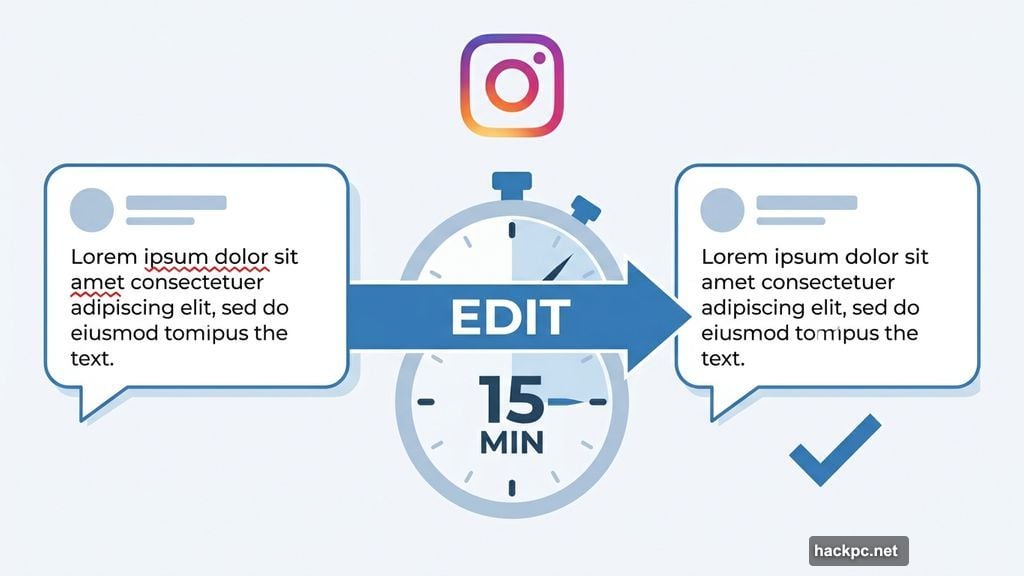
The editing process itself is refreshingly simple. Open the Instagram app, find your comment, and tap the edit option that appears directly on it. Make your changes, then tap the blue check mark to save. Done.
What Others Can See After You Edit
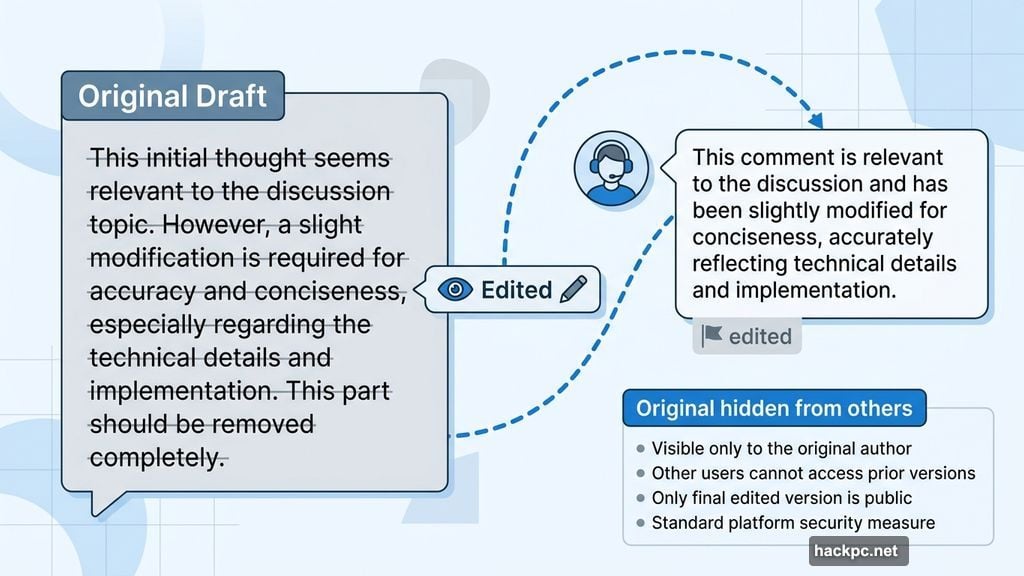
Here’s something worth knowing. When you edit a comment, other people can see that it’s been edited. Instagram flags the change visibly.
But the good news? Nobody can scroll through your comment history. They’ll see the current version and know it was tweaked, but the original embarrassing draft stays between you and your phone screen. That’s a pretty reasonable balance between transparency and privacy.
There’s one small limitation to keep in mind. If your comment includes both text and a photo, only the text portion is editable. The image stays as-is.
Where the Feature Works
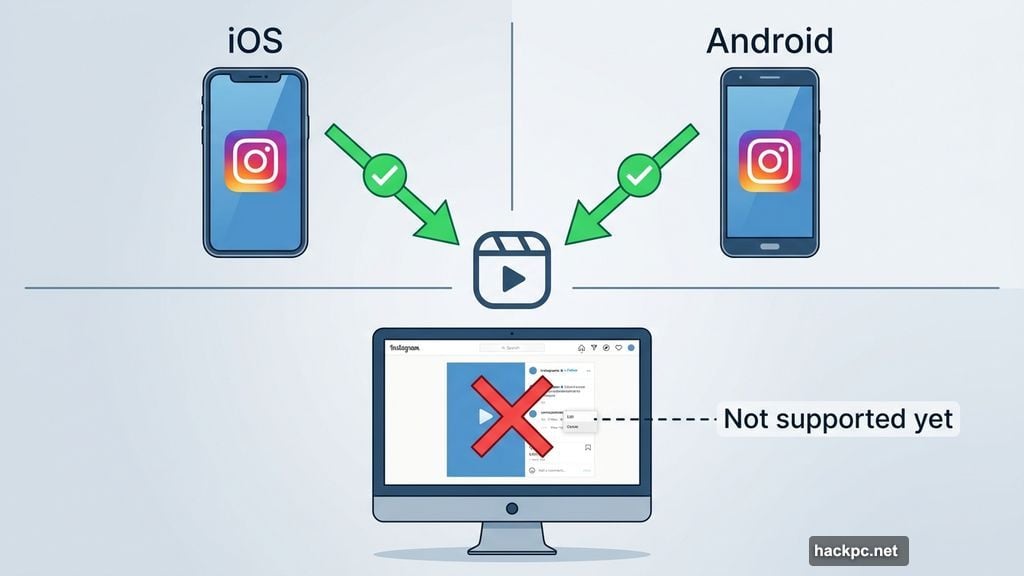
Comment editing is available in both the Instagram iOS and Android apps right now. However, it doesn’t work on the web version of Instagram yet, so desktop users are still stuck deleting and reposting if something goes wrong.
The feature also covers Instagram Reels comments, which is great news given how much engagement happens there. So whether you’re commenting on a friend’s photo or dropping thoughts on a viral video, you’ve got that editing window available.
And if you decide you want to wipe a comment entirely? That still works the same way. Tap and hold the comment to bring up the delete option. You can also still remove other people’s comments from your own posts, which hasn’t changed.
Part of a Bigger Instagram Push
This comment editing update is one of several new features Instagram has been testing lately. Many of the platform’s newer experiments lean toward premium territory, with paywalled options being trialed in select overseas markets.
Those paid features include things like spotlighting one of your stories each week, previewing stories anonymously without appearing as a viewer, and extending stories beyond the standard time limit. So while comment editing lands for everyone for free, Instagram is clearly building toward a subscription tier for more advanced tools.
For now, though, the ability to fix a comment in 15 minutes is a genuinely useful quality-of-life improvement. It’s the kind of small tweak that makes the platform feel a little less like you’re writing in permanent marker.
So next time you spot that typo two seconds after posting? Don’t panic. You’ve got a quarter hour to make it right.




Comments (0)