

If you’ve ever typed the same AI prompt for the fifth time in a row, you know how tedious that gets. Google Chrome just solved that problem in the most satisfying way possible.
Starting Tuesday, Google is rolling out Skills in Chrome — a feature that lets you save your favorite AI prompts and rerun them with a single click. No more retyping. No more hunting through old chat windows. Just one tap and your workflow kicks off instantly.
Save Custom Prompts Right in Your Gemini Chat
The setup is refreshingly simple. When you’re chatting with Gemini in Chrome, you can save any prompt directly from your chat history as a Skill.
Once it’s saved, accessing it is just as easy. Type a forward slash (/) or tap the plus sign (+) button, and your saved Skill runs immediately. Plus, you can edit existing Skills or create brand-new ones directly from the Gemini interface whenever your needs change.
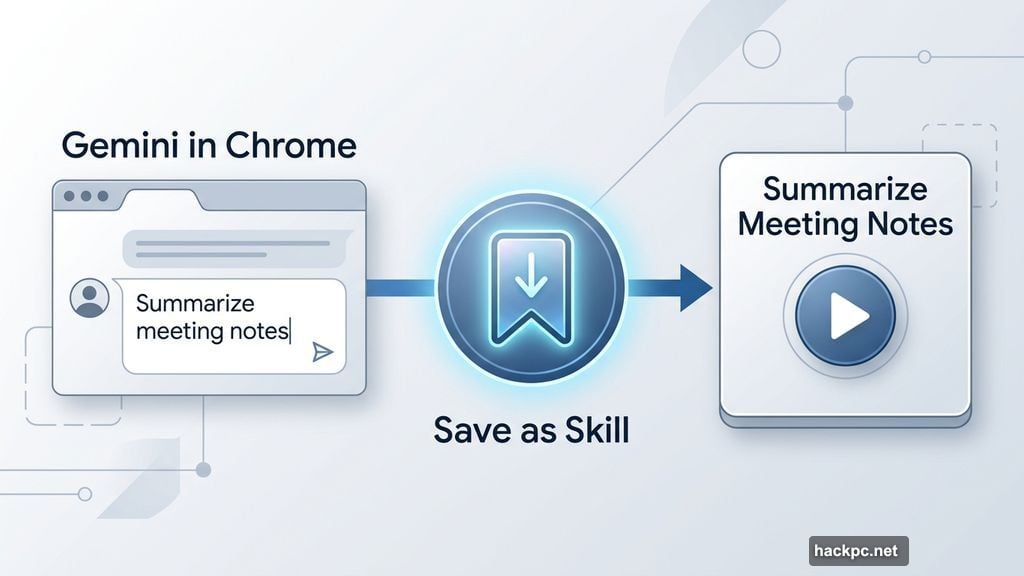
Think about how often you ask an AI to do the same thing. Summarize meeting notes. Format research into bullet points. Scan a long article for key facts. Skills turns any of those repeated tasks into a one-click button, and that’s genuinely useful.
Not Sure What Prompts to Save? Chrome Has a Library Ready
Building great prompts from scratch isn’t everyone’s strong suit. Fortunately, Google is also launching a ready-to-use Skills library packed with the most common AI tasks people actually need.
Some highlights from that pre-built collection include listing product ingredients, generating side-by-side price comparisons, and scanning long documents quickly. These aren’t niche edge cases — they’re the everyday tasks that most people end up repeating constantly.
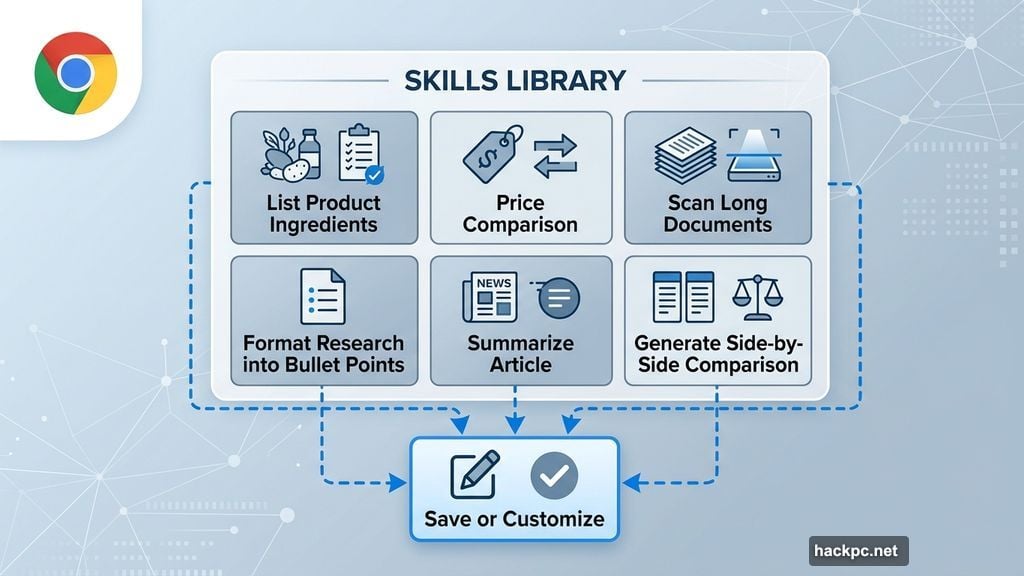
Found one that fits your needs? You can save it exactly as-is or tweak it to match your specific workflow. So it’s flexible without being overwhelming.
Privacy Still in Your Hands
One concern people reasonably have with automation features is losing control. Google addressed this directly.
Skills in Chrome carries the same safety and privacy protections as your regular Gemini prompts. Better yet, the interface asks for your confirmation before running sensitive tasks — like sending an email — so nothing happens without your final approval. That’s a smart guardrail that keeps you in the driver’s seat.
Google Isn’t Alone Here
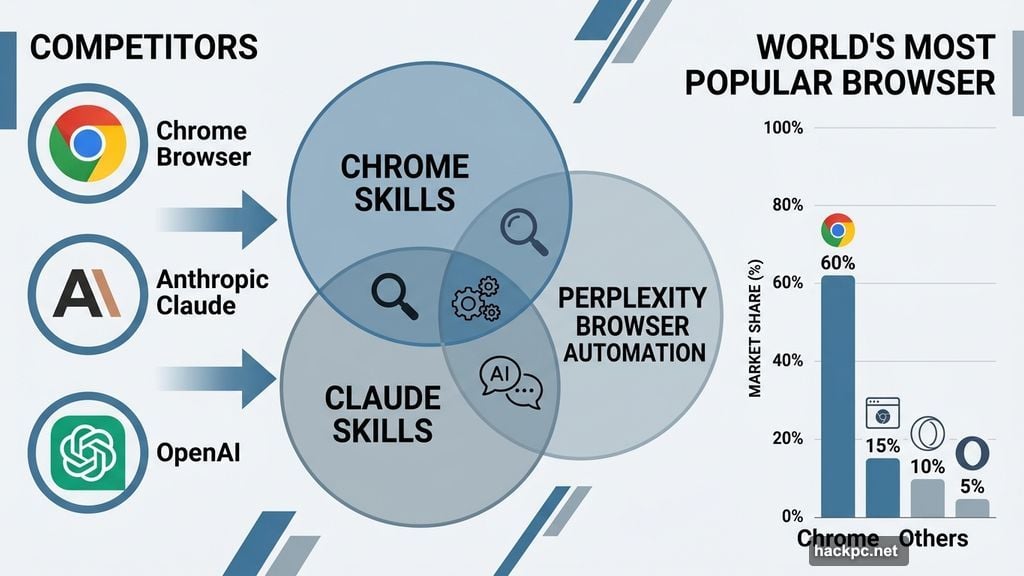
It’s worth noting that Google isn’t pioneering this concept entirely on its own. Anthropic’s Claude already has its own Skills features, and both Perplexity and OpenAI have launched their own browsers designed to handle similar task automation.
Still, bringing this capability directly into Chrome — the world’s most popular browser — puts it in front of an enormous audience. For millions of everyday users, Skills in Chrome will be their first taste of reusable AI workflows without needing to download anything new.
Who Can Use It Right Now
Skills in Chrome is available starting Tuesday for anyone using Chrome with their language set to English-US. If that’s you, the feature is live and ready to explore.
Honestly, this is one of those small features that quietly changes how you work. Once you stop retyping the same prompts and start running them in a single click, going back feels unnecessarily clunky. Give it a try and see which of your daily tasks suddenly becomes a one-click habit.




Comments (0)