
Your computer probably already has decent malware protection built right in. But is it enough? And what free options exist if you want something better?
Good news: you have real choices here. Whether you stick with what came pre-installed or grab a free third-party tool, strong protection doesn’t have to cost anything. Let’s walk through what’s worth your time and what to skip.
Your Built-In Protection Is Better Than You Think
Before downloading anything, check what you already have. Windows ships with Microsoft Defender, and Macs run XProtect automatically in the background.
Both tools deliver solid real-time malware protection right out of the box. No setup, no activation, no nothing. Just turn on your computer and you’re already covered.
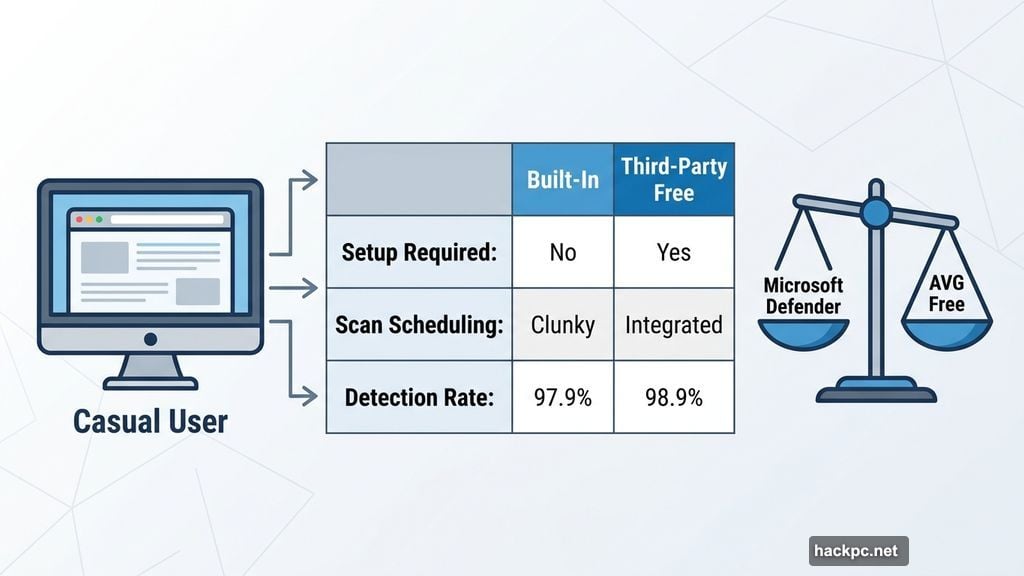
Microsoft Defender earned a 97.9% online detection rate in AV-Comparatives’ September 2025 testing. That’s genuinely impressive for something you didn’t even choose. For casual users who don’t click sketchy links or download random files, this might be all you ever need.
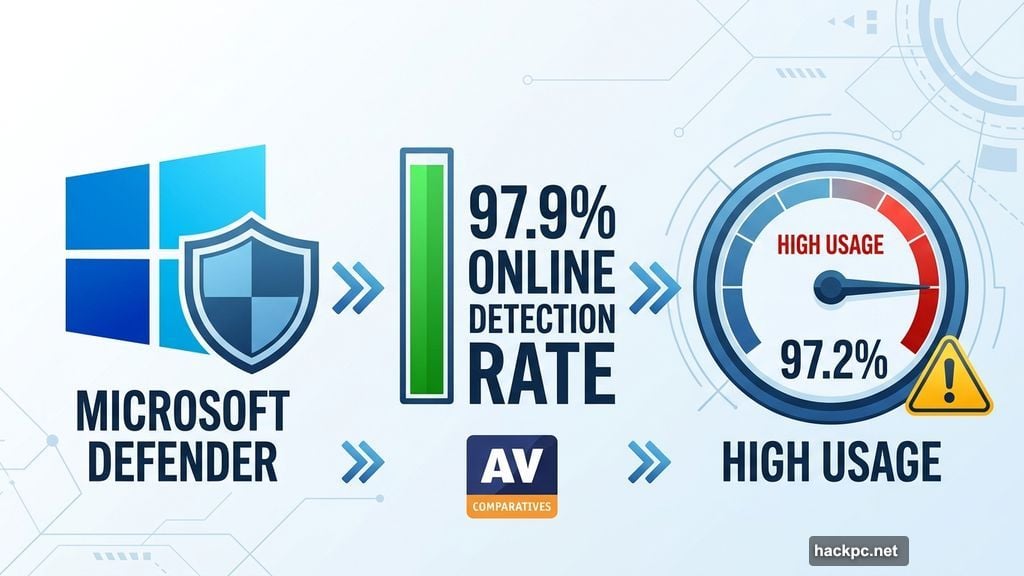
There are some real drawbacks, though. Microsoft Defender used up to 97.2% of CPU during active scans in testing, which is surprisingly heavy. Scan scheduling also requires jumping through a separate program, which feels clunky compared to third-party alternatives.
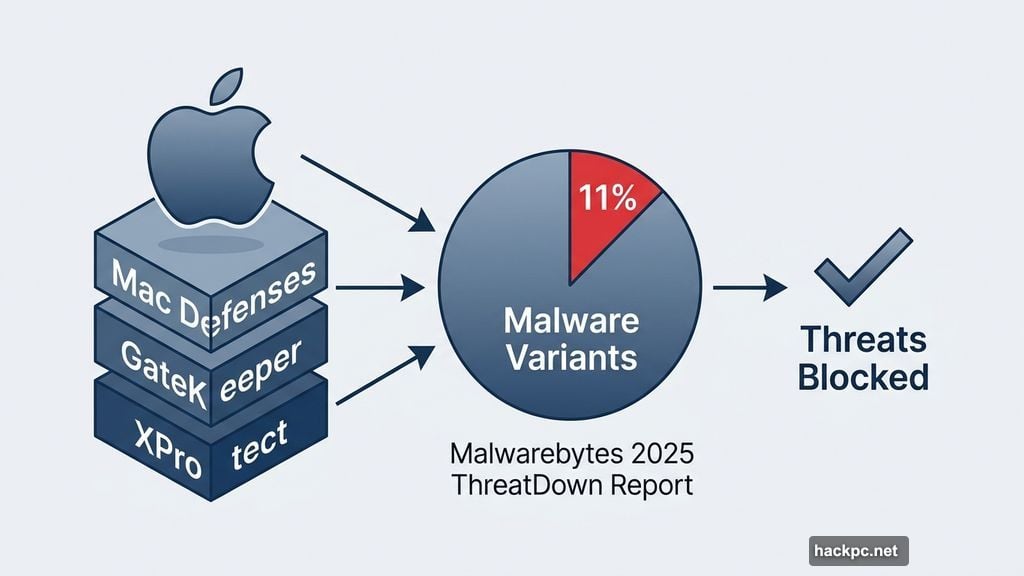
Mac users get XProtect plus additional layers like GateKeeper. According to Malwarebytes’ 2025 ThreatDown State of Malware report, 11% of all detections by its Mac software were actual malware variants. Apple’s built-in defenses handle most of these threats effectively, but scheduling manual scans isn’t exactly convenient.
AVG Antivirus Free Wins the Overall Category
If you want more than the basics without pulling out your wallet, AVG Antivirus Free is the standout choice.
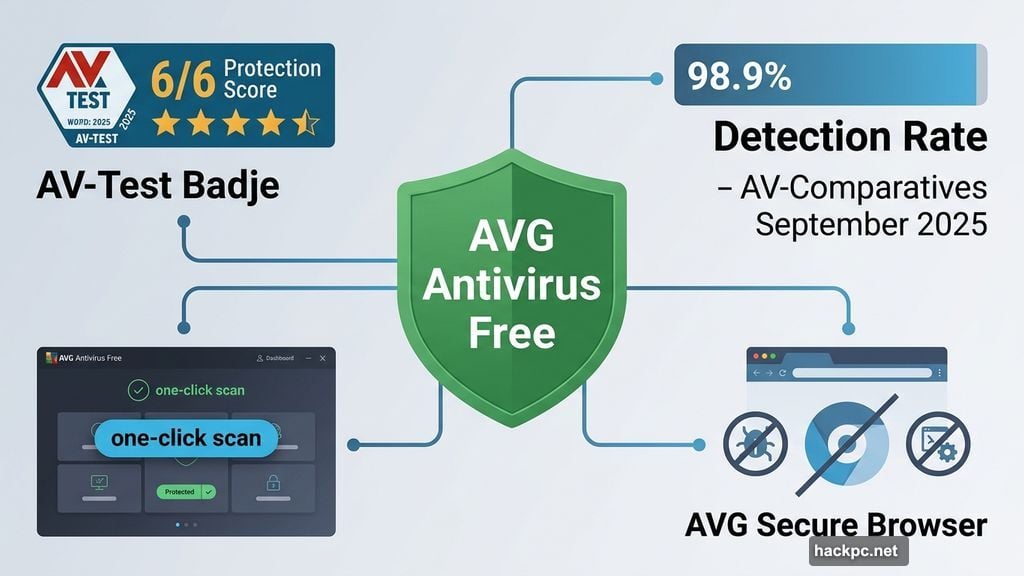
AVG uses the same antivirus engine as its premium version, which has earned a perfect 6 out of 6 protection score from AV-Test consistently since early 2022. Its online detection rate hit 98.9% in AV-Comparatives’ September 2025 tests, beating Microsoft Defender’s 97.9% by a meaningful margin for anyone storing sensitive data.
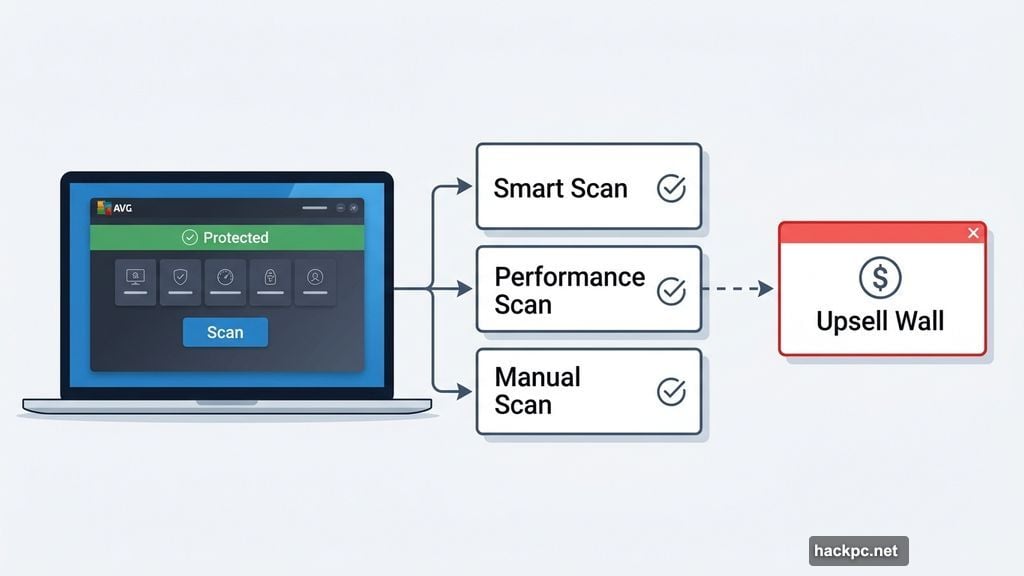
The dashboard is genuinely user-friendly. You see your protection status at a glance, and running a manual scan takes one click. Smart scans go beyond basic malware detection to flag security settings you could improve. Performance scans suggest ways to speed things up, though you’ll hit an upsell wall if you actually want to act on those suggestions.
AVG also bundles its Secure Browser for free. This browser blocks ad trackers and other spyware that regular browsers let slip through. It even includes built-in tools like a notes app, which is a nice bonus.
Fair warning: AVG loves reminding you that paid features exist. The upsells pop up frequently enough to get annoying. But if you can tolerate that, you’re getting multilayered cybersecurity protection at zero cost.
Bitdefender Free Is Featherlight and Surprisingly Powerful
Bitdefender earned CNET’s Editors’ Choice award for best antivirus software in both 2025 and 2026. The free version runs on the exact same antivirus engine.
What makes Bitdefender special is how little it gets in your way. During active scans, it used less than 10% of CPU in testing. Compare that to Microsoft Defender’s 92.7% CPU usage during scans, and the difference is staggering. If you have an older laptop that struggles to multitask, Bitdefender is genuinely worth trying.
Protection quality doesn’t suffer despite the lightweight footprint. Bitdefender has received a 6 out of 6 protection score from AV-Test consistently since summer 2022. Its 98.8% online detection rate also edges out Microsoft Defender in AV-Comparatives’ September 2025 results, with particularly strong ransomware and phishing protection.
Scan scheduling is dead simple, which matters if you want automated protection without fiddling with Windows Task Scheduler. The whole interface works well whether you’re a cybersecurity veteran or someone who just wants to set it and forget it.
One significant catch: Bitdefender Free works fully on Windows and Android. Mac users only get a basic on-demand scanner, not real-time protection. And iOS isn’t supported at all for the free tier.
Malwarebytes: The Best Scanner to Add Alongside Your Main Antivirus
Malwarebytes takes a different approach. The free version doesn’t offer real-time protection at all. Instead, it gives you an exceptional on-demand malware scanner designed to catch threats that your primary antivirus might miss.
Think of it as a second opinion tool. Run it monthly, or whenever something feels off. Its 98.8% online detection rate matches Bitdefender and beats Microsoft Defender, making it a genuinely useful complement to whatever real-time protection you already have.
In 2025, the free version expanded to include a device security toolkit for Windows users. This toolkit helps optimize your Windows firewall, security settings, and startup processes. Some features are Windows 11 exclusive, so earlier Windows versions and Macs won’t get the full package.
Malwarebytes also offers Browser Guard as a free extension. It works with Chrome, Firefox, Safari, and Microsoft Edge. Browser Guard blocks ads, trackers, and malicious websites including phishing sites. You can even control exactly what it blocks per site, which is a nice level of granularity for privacy-conscious users.
What to Watch Out For With Free Antivirus Tools
Not all free antivirus software plays fair. Some free tools make money by selling your data or bundling third-party adware. Two names worth flagging specifically:
Avast was fined $16.5 million by the FTC in 2024 after charges that it sold customer data to over 100 third parties between 2014 and 2020. Gen Digital, which also owns AVG and Norton, acquired Avast in 2021. Things have likely changed since then, but we haven’t retested Avast and can’t currently recommend it.
Kaspersky was federally banned in the US in 2024. Secretary of Commerce Gina Raimondo stated the ban was because “Russia has shown time and again they have the capability and intent to exploit Russian companies, like Kaspersky Lab, to collect and weaponize sensitive US information.” Kaspersky denied these claims, but the ban remains in effect as of 2026.
Also worth checking: how much CPU your antivirus uses in the background. The best free tools stay well under 5% during normal operation. During active scans, anything over 40% CPU consistently is worth reconsidering, especially on older machines.
Free vs. Paid: Do You Actually Need to Spend Money?
Honestly, most people don’t. The combination of your built-in antivirus and good browsing habits covers the vast majority of threats.
That said, paid antivirus suites do add useful extras. Things like VPNs, password managers, dark web monitoring, data broker removal tools, and identity theft protection often come bundled together at a better price than buying each separately. Bitdefender’s plans start at $25 for the first year for single-device coverage, which is reasonable for what you get.
One exception worth noting: if a paid antivirus includes a VPN, consider whether you actually want that VPN. Antivirus-first companies’ VPNs frequently lack advanced privacy features and noticeably slowed down internet speeds during testing. A dedicated VPN service is almost always the smarter choice.
For anyone deciding between free options today, here’s the simple version. Start with Microsoft Defender or XProtect since they’re already there. Add AVG Free if you want better scheduling and browser privacy tools. Switch to Bitdefender Free if you’re on Windows and want superior ransomware protection with minimal system impact. And toss Malwarebytes Free into the mix regardless, since it costs nothing and gives you a powerful second scanner.
That combination, all completely free, covers most people better than they realize.




Comments (0)