
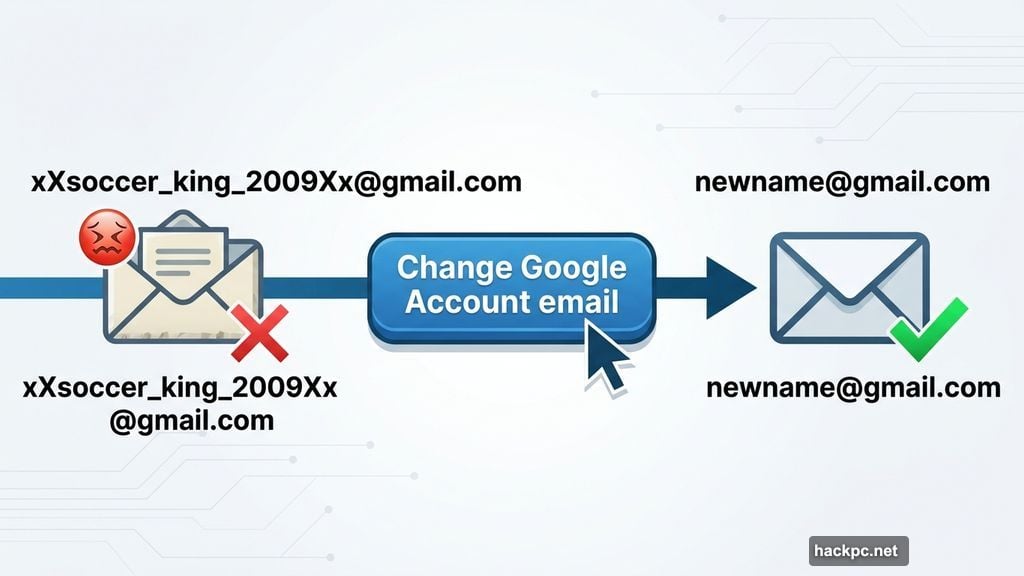
We’ve all been there. You’re handing out your email address and suddenly remember it’s something like “xXsoccerking[email protected].” The cringe is real.
For years, Gmail users had exactly one option: live with that old username forever, or start completely fresh and lose everything. Your emails, your Google Drive, your YouTube history — all of it gone. Neither choice was great.
But Google just changed the game in a genuinely helpful way, and the fix is finally rolling out to US users right now.
Your Old Username Won’t Disappear
Here’s the smartest part of how Google handled this. When you switch to a new Gmail address, your old one doesn’t just vanish into the void.
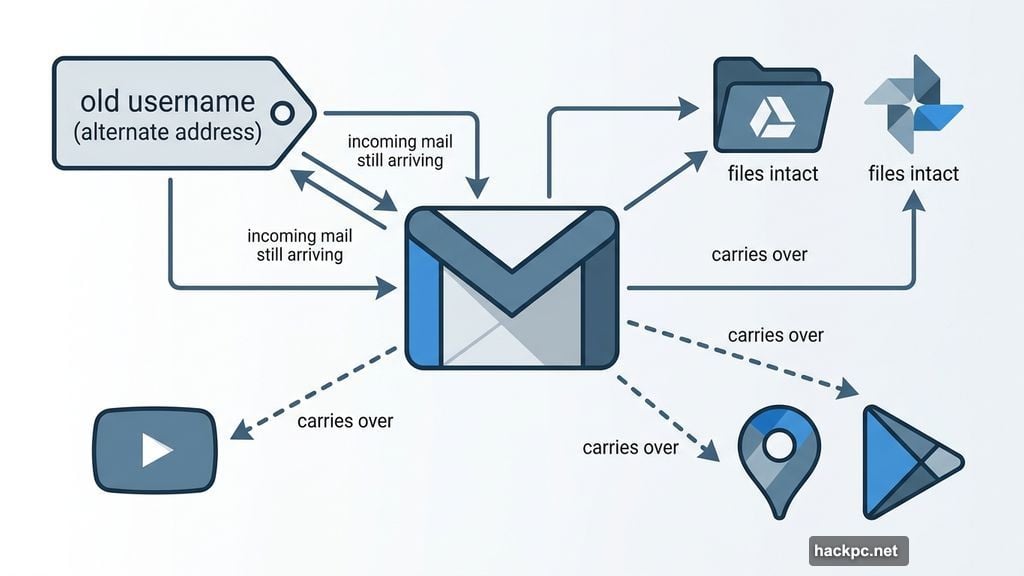
Instead, Google automatically adds your previous username as an alternate address. So anyone who still emails your old address? You’ll still get those messages. Nothing falls through the cracks.
Your archived emails stay intact too. Photos, Drive files, old messages — all of it remains right where it was. The transition is surprisingly clean for a change this significant.
What Carries Over (And What Gets a Little Bumpy)
Most of your Google life transfers over without a hitch. You can use your new address to sign into Gmail, YouTube, Google Maps, Google Play, and Google Drive without missing a beat.
But a few edge cases are worth knowing about before you click that change button.
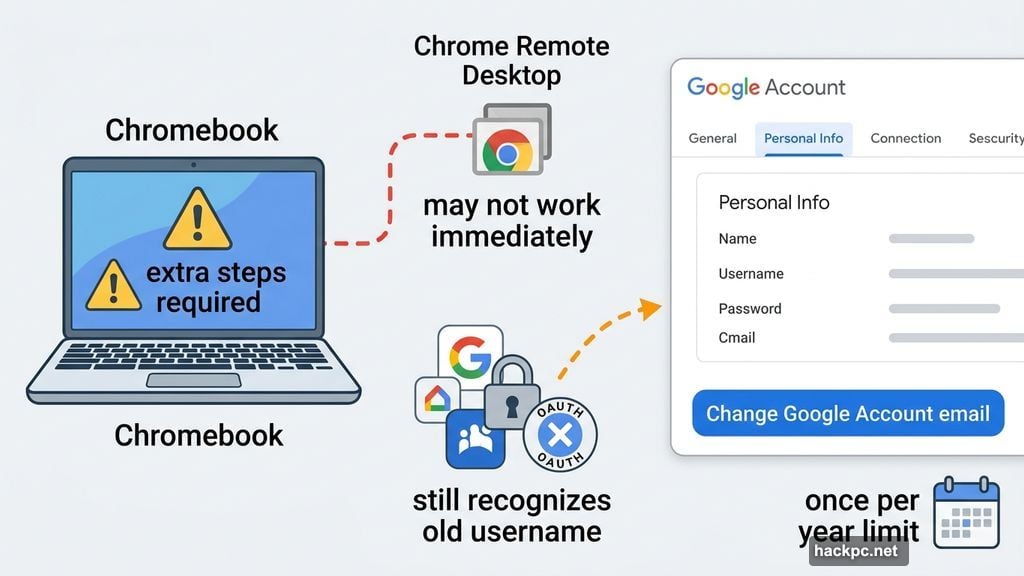
Chromebook users need to be a bit more careful. Since your Gmail is tied directly to your device login, the switch requires some extra steps on your end. Third-party apps and websites that use Google sign-in may also still recognize only your old username for a while. Chrome Remote Desktop connections might not play nicely with the new address right away either.
These aren’t dealbreakers. They’re just things worth being aware of before you commit.
How to Actually Change Your Gmail Username
The process is pretty straightforward once the feature hits your account.
Start by heading to your Google Account settings and clicking on the Personal Info tab. From there, look for the Email button. Navigate through those menus and you’ll find a bright blue “Change Google Account email” button waiting for you.
Click it, pick your new username, and you’re done. One important catch, though: you can only make this change once a year. So take your time and choose something you’ll actually want to stick with.
Don’t See the Option Yet? Stay Patient
Google is rolling this feature out gradually across US accounts. If you go looking and don’t see the option, your account just hasn’t received it yet.
That’s not a bug. That’s just Google doing a staged rollout, which is pretty standard for big account-level changes like this. Check back in a few days or a couple of weeks.
This One Took Way Too Long
Honestly, the fact that Gmail users couldn’t change their usernames for over two decades feels a bit absurd in hindsight. But better late than never.
For anyone who created their first Gmail account at age 12 and has been quietly mortified by it ever since, this update is genuinely welcome. You no longer have to choose between your embarrassing handle and starting your entire digital life over from scratch.
Your emails stay. Your files stay. Your sanity returns. That’s a pretty good deal.




Comments (0)