
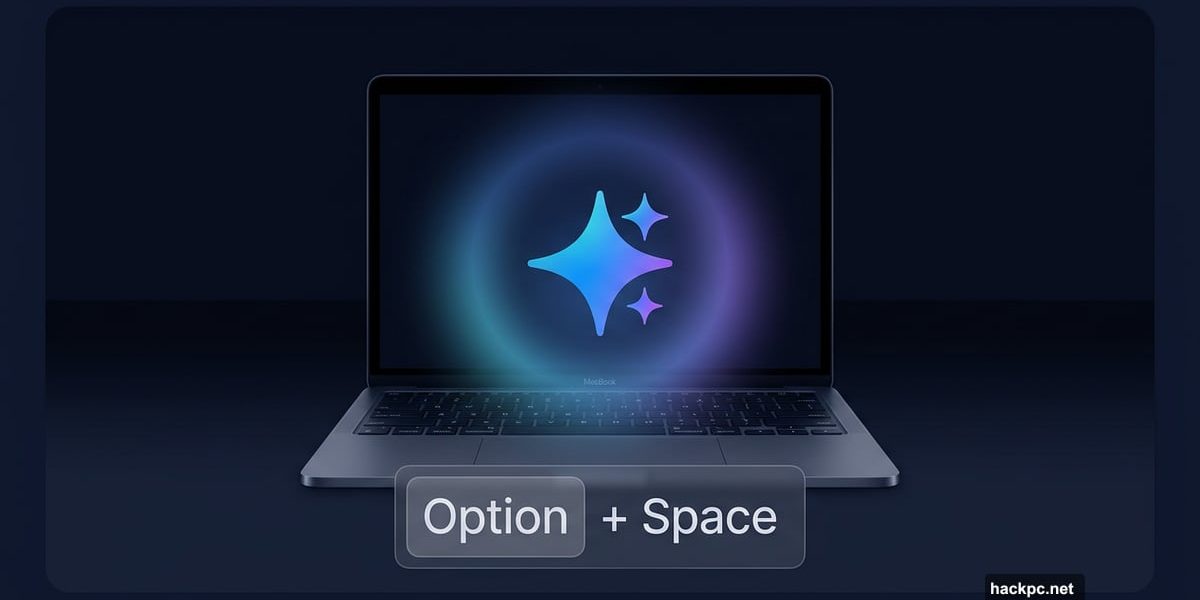
Jumping between browser tabs to chat with an AI assistant gets old fast. Google clearly agrees, because Gemini just landed on MacOS as a proper standalone app.
And honestly? It’s about time.
A Keyboard Shortcut Away
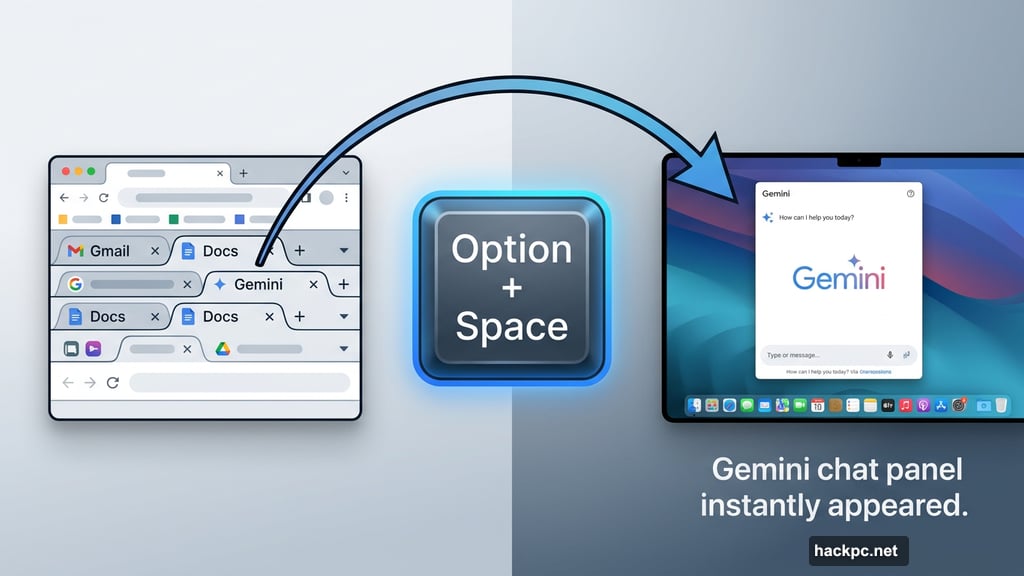
The biggest selling point here is speed. On MacOS 15 or later, you can pull up Gemini instantly by pressing Option and Space. No browser switch, no hunting for the right tab, no waiting for a webpage to load.
That’s the same kind of quick-access experience iPhone and Android users already enjoy with mobile AI assistants. Desktop users have been waiting for something similar, and this delivers it cleanly.
Gemini’s Best Features, Now on Your Desktop
The native app brings Google’s full feature set to your Mac. That includes Nano Banana image generation, plus video and music generation tools that were previously buried inside browser tabs.
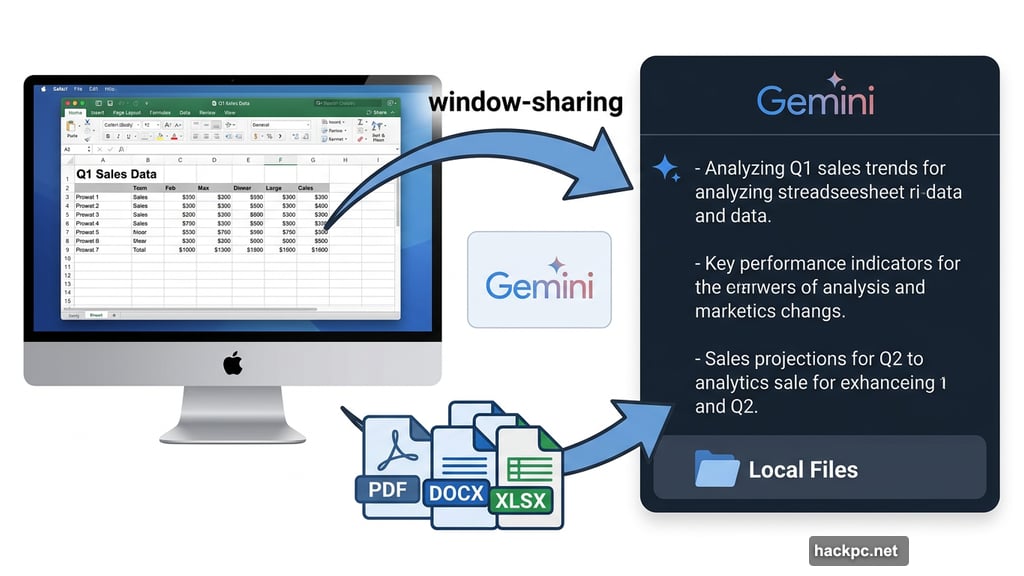
Plus, there’s a genuinely useful window-sharing feature. Much like the Gemini mobile app, you can share context from whatever you’re currently viewing on screen. So if you’re reading an article, editing a document, or reviewing a spreadsheet, you can get instant AI insight without copying and pasting anything.
Even better, it works with local files too. Google says the app isn’t limited to web content. So your saved documents, downloads, and local files are all fair game for Gemini to analyze and help with.
Free and Available Right Now
The app costs nothing and is ready to download today. Head over to gemini.google/mac and you’re good to go, as long as your Mac runs MacOS 15 or higher.
Google described this launch as “just the beginning,” with plans to build toward a “personal, proactive and powerful desktop assistant.” That framing suggests more features are coming, though we don’t have specifics on what yet.
For now, though, the Option + Space shortcut alone makes this worth installing. If you use Gemini even occasionally, having it a keypress away instead of buried in a browser tab is a real quality-of-life improvement. Give it a try and see how it fits into your workflow.




Comments (0)