
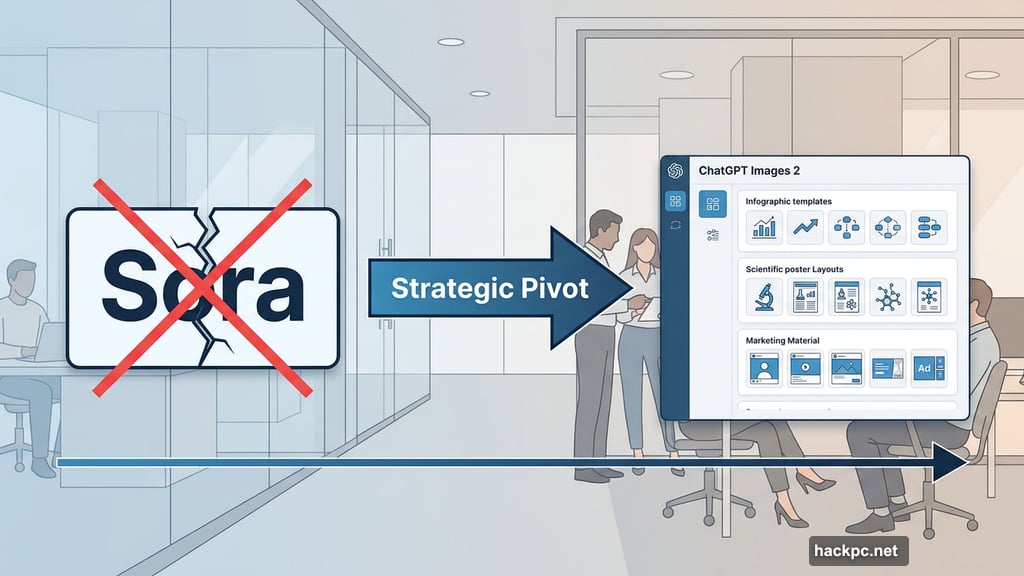
OpenAI shut down Sora last month. Now it’s launching a brand new image model. That sounds like a contradiction. But once you understand what ChatGPT Images 2 actually does, the strategy makes complete sense.
This isn’t about pretty AI art or viral memes. OpenAI is building something much more deliberate — and it might change how millions of working professionals create content every day.
Sora Is Gone. Professional Image Generation Is In.
Just a month ago, OpenAI announced it was killing Sora, its once-viral AI video app. The reason? The company wanted to focus on enterprise-ready “core products” instead.
ChatGPT Images 2 fits exactly that description. It’s designed specifically for text-heavy visual content — think infographics, scientific posters, study guides, and marketing materials. The Studio Ghibli memes and surreal AI art? That’s not what this model is chasing.
OpenAI product lead Adele Li put it plainly in a press briefing: “The aperture and use cases for visual intelligence just expand so broadly, and we believe that this is so critical to ChatGPT’s vision for developing your own personal assistant, because your creative assistant is a huge part of who you are as an individual.”
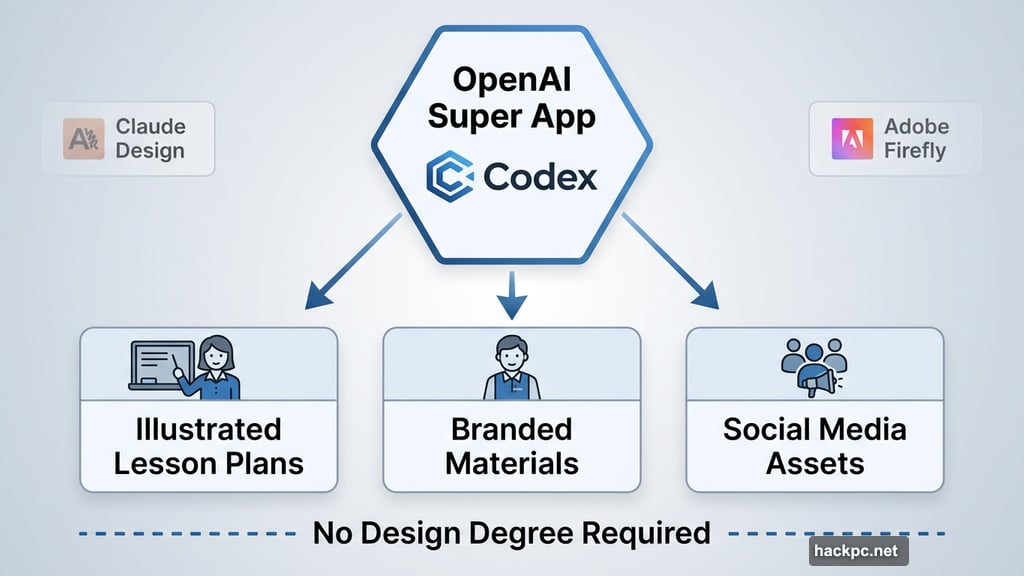
So this isn’t a random product launch. It’s the creative layer of OpenAI’s super app ambition, built on its Codex platform.
Typography and Legible Text Generation Finally Work
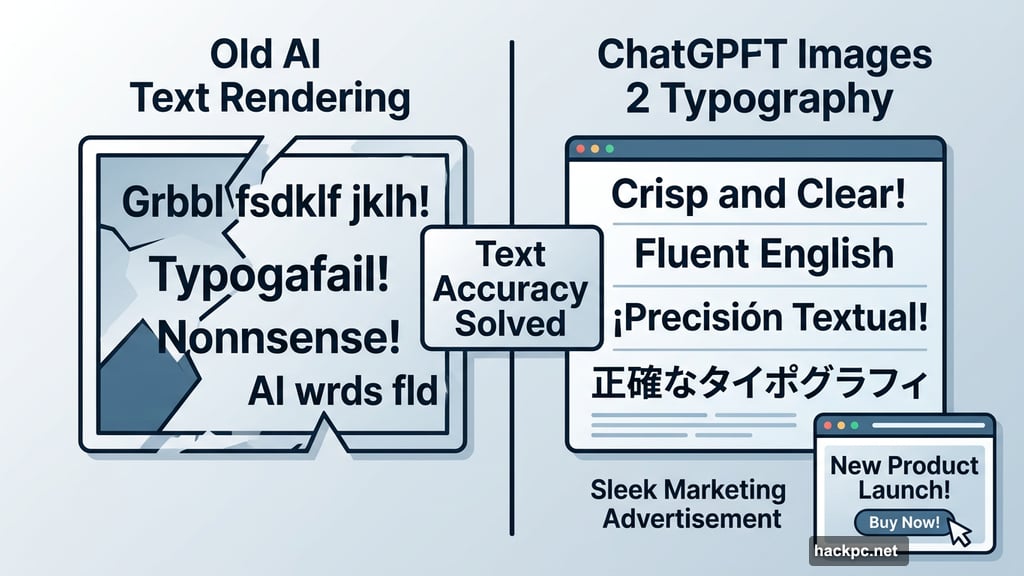
Here’s one of the biggest pain points in AI image generation: text. AI image models have historically been terrible at rendering readable, accurate words inside images. Garbled letters, misspelled words, and nonsense typography have plagued the industry for years.
ChatGPT Images 2 tackles this directly. The model improves typography, iconography, and overall composition to produce cleaner, more professional results. It also generates text across multiple languages, which opens up use cases beyond English-speaking markets.
Google tried solving this problem with its Imagen model updates, but even its strongest versions struggled with accuracy. OpenAI is claiming this is its best text-rendering model yet — and early examples back that up.
For working professionals, that matters enormously. A marketing manager can’t use an AI tool that misspells words on a product ad.
Who ChatGPT Images 2 Is Actually Built For
This model isn’t chasing Midjourney’s artistic crowd or Adobe Firefly’s professional editors. Instead, it sits in the middle — aimed at people who need attractive, functional content without a design degree.
Teachers can build illustrated lesson plans and study guides. Marketing teams can spin up social media assets and visual reports. Small business owners can create branded materials without hiring a designer.
Anthropic’s recently launched Claude Design is targeting the same audience. The competition for professional creative AI tools is heating up fast.
One genuinely useful feature: you can generate up to eight images from a single prompt while maintaining visual consistency across all of them. So a three-page report or multi-slide presentation comes out looking like it belongs together. That’s harder than it sounds, and most AI image tools fail at it.
Resolution, Reasoning, and Real Limitations
ChatGPT Images 2 is rolling out to all users now. Your generation limit depends on your subscription plan — more expensive plans unlock more images.
Developers using the API can generate images in 2K and 4K resolution, though those higher resolutions are still in beta and may produce inconsistent results. Paying users also get access to thinking and reasoning models, which can search the web, pull relevant information, compile it into a visual design, and fact-check the output automatically.
That’s a meaningful upgrade. Instead of just generating an image from a prompt, the model can research and verify before creating.
But there’s a real catch worth knowing. If you want to tweak a generated image, you’ll need to regenerate it entirely rather than making targeted edits. For text-heavy designs, that’s going to come up frequently. You’ll burn through your generation credits faster than you might expect.
OpenAI says it’s keeping the editing flow prompt-based and simple on purpose. Whether that’s a feature or a limitation depends on how much control you need.
Safety Standards Stay Consistent
OpenAI hasn’t made major changes to its safety approach with this model. Images still carry metadata through the C2PA standard, which allows AI-generated content to be identified and traced back to its source.
Abusive and illegal imagery remains prohibited under OpenAI’s policies. Given recent concerns around AI-generated deepfakes and nonconsensual intimate imagery, that’s not a small thing. It’s one of the more important guardrails the industry needs to take seriously.
ChatGPT Images 2 isn’t trying to be the most powerful creative AI tool on the market. It’s trying to be the most useful one for the widest range of everyday professionals. Whether that bet pays off depends on how well it actually performs at scale — and whether users find the credit limits frustrating enough to look elsewhere.
OpenAI is clearly betting that practical beats artistic. For most people, that’s probably the right call.




Comments (0)