
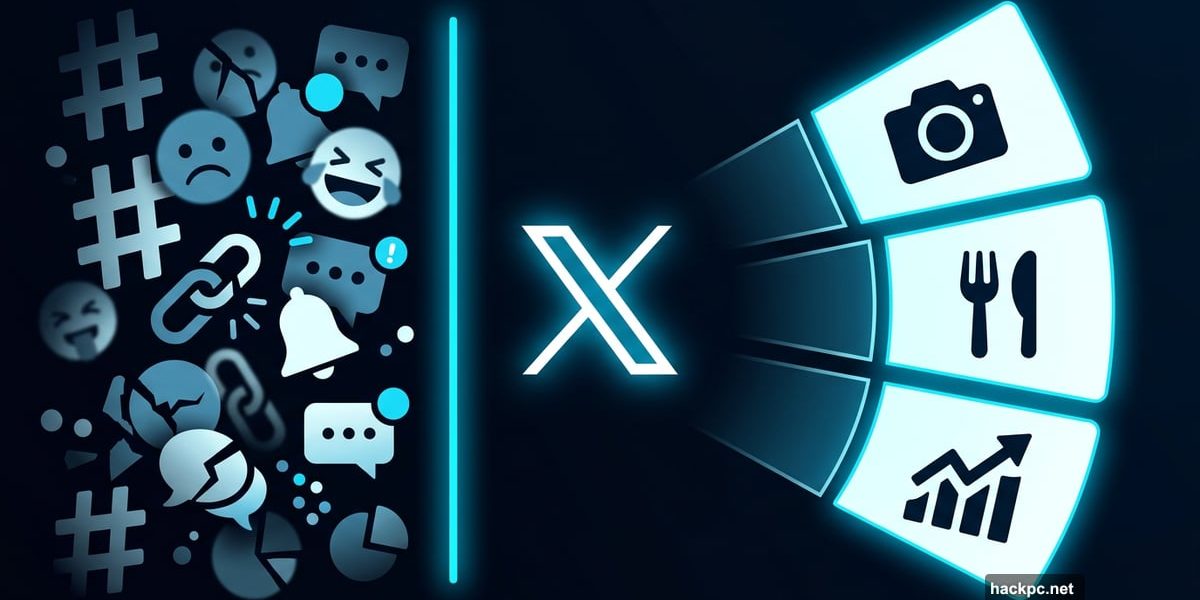
Your X feed has always felt a little chaotic. Sports mixed with politics, mixed with cooking tips, mixed with breaking news. Now X is doing something about that.
Nikita Bier, X’s head of product, just announced the launch of custom timelines. He called it “one of the biggest changes to X” and said it took the team “many months” to build. That’s a big claim, so let’s talk about what it actually does.
Pin Your Favorite Topics Right to the Home Tab
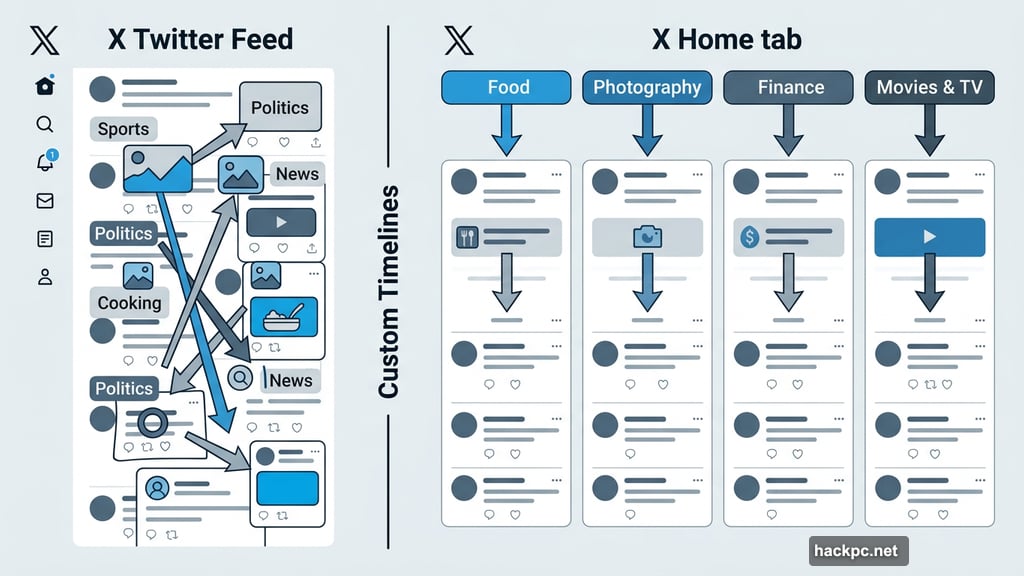
The idea is simple. You pick topics you care about, and X pins them directly to your home tab as separate timelines. Want to jump from food discussions to photography news without wading through everything else? Now you can.
X gives you 75 topics to choose from. The list covers a wide range, including food, art, photography, business, finance, and movies and TV. So whether you’re a film buff or a finance nerd, there’s likely something here for you.

Plus, the feature gets smarter the more you use it. Bier said custom timelines are “powered by Grok’s understanding of every post with the algorithm’s personalization.” That means topics you already engage with regularly will feel more accurate and relevant right away.
AI-Powered Personalization Under the Hood
Grok, X’s in-house AI, does the heavy lifting behind the scenes. It reads and categorizes every post on the platform, then surfaces the ones most relevant to your chosen topics.
Think of it like having a knowledgeable friend who knows exactly what you’re into and pulls the best stuff from the pile for you. The more you interact with a topic, the better that friend gets at knowing what you want to see.
That said, if you’re brand new to a topic, the feed might feel a bit rough at first. The personalization sharpens over time as X learns your preferences. So stick with it.
X Is Playing Catch-Up Here
Here’s some honest context. This feature isn’t entirely new territory. Bluesky introduced topic-based custom feeds in 2023. Threads followed with something similar in 2024. Their users have been enjoying this kind of control for a while now.
So X is arriving a little late to the party. Still, better late than never, and having 75 topic categories from launch is a solid starting point. The Grok-powered personalization could also give X’s version a unique edge, depending on how well it performs in practice.
There’s Also a Topic Snooze Tool
On top of custom timelines, Bier announced another handy addition. X has rolled out a snooze tool for topics on the For You tab.
Tired of seeing politics for a few days? Or maybe you want a break from sports coverage during the off-season? You can now hide specific topics from your feed for 24 hours at a time. It’s a small but genuinely useful quality-of-life improvement, especially during noisy news cycles.

The snooze tool is currently available for Premium users on iOS and the web.
Who Can Use It Right Now
Custom timelines are currently in early access and limited to Premium subscribers on iOS. Android support is coming “very soon,” according to Bier.
So if you’re on Android, you’ll need to hang tight a little longer. And if you’re not a Premium subscriber, these features aren’t available to you yet. Whether they eventually roll out to free users remains to be seen.
For Premium iOS users ready to try it, the wait is finally over. Your feed is about to get a lot more organized.




Comments (0)