

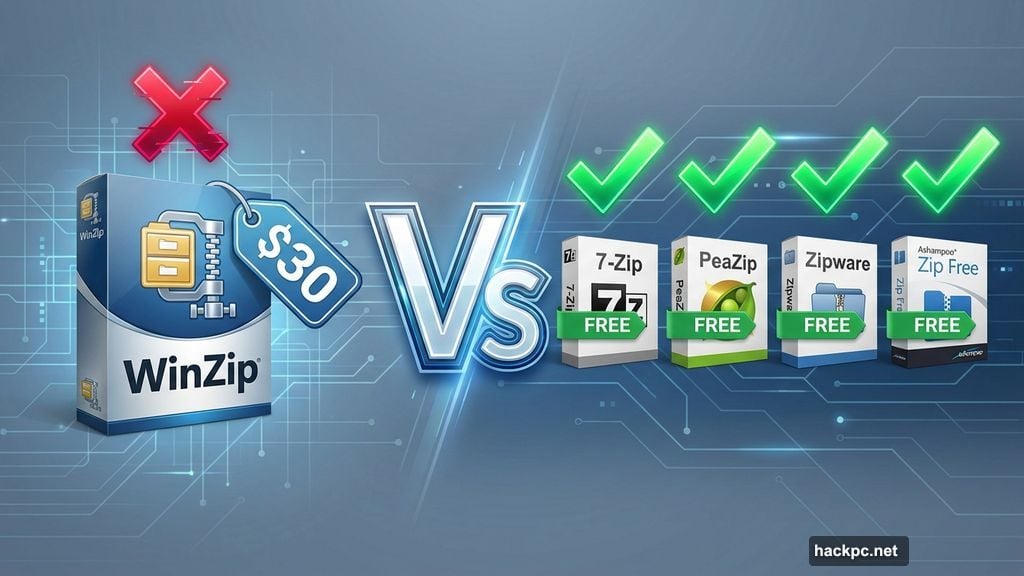
Windows compression tools cost nothing. Yet millions still pay for WinZip every year.
That’s wild. Because dozens of free alternatives handle ZIP files just as well—and some work even better. Plus, they support more formats, add useful features, and never nag you to upgrade.
Let’s explore the best free options that make WinZip’s $30 price tag look ridiculous.
PeaZip Prioritizes Security Over Everything
Most compression tools treat security as an afterthought. PeaZip makes it the main event.

This open-source tool creates archives in its own PEA format. That format prioritizes security over compression ratio. So you get optional integrity checks and authenticated encryption built right in.
Beyond security, PeaZip handles pretty much every compressed format imaginable. Plus, it can repair damaged archives—something many competitors skip entirely.
However, the installation process tries to make file associations automatically. That’s annoying if you’re just testing it out. Select “Custom” installation to avoid that headache.
The package weighs about 10MB, which feels heavy compared to alternatives. But those extra megabytes deliver repair tools and format conversion features you won’t find elsewhere.
7-Zip Dominates With Simplicity
Here’s the gold standard. 7-Zip packs incredible power into just 1MB of storage space.
This open-source tool costs nothing, even for commercial use. Yet it handles virtually every compressed format you’ll encounter. The interface looks basic. But that stripped-down design means it runs blazingly fast on any machine.
The tool’s own 7z format achieves impressive compression ratios. Plus, almost every other compression tool supports it now. So sharing 7z files causes zero compatibility headaches.
7-Zip lets you password-protect archives and split them into volumes. That’s perfect for sharing massive files across multiple storage locations. You can even create self-extracting archives that unpack themselves without requiring 7-Zip installed.
The only missing feature? Archive repair tools. But honestly, that’s a minor gap for such an exceptional free program.
Zipware Brings Built-In Virus Scanning
Security-conscious users will love Zipware‘s integrated virus scanner.
Before you extract any archive under 32GB, Zipware can check it with VirusTotal. That’s incredibly useful for downloaded files from sketchy sources. Plus, it saves you the hassle of uploading to scanning sites manually.
The interface looks polished and professional. Navigation feels intuitive from the first click. Simply choose “New” or “Open,” select your files, adjust a few optional settings, and you’re done.
Zipware asks for optional donations to support development. That’s reasonable if you find value in the tool. But the core functionality remains completely free regardless.
Ashampoo Zip Free Works Great on Touchscreens

Tablet users face a constant struggle with tiny interface buttons. Ashampoo Zip Free solves that problem elegantly.
The software offers an optional touch mode with larger, tap-friendly icons. That makes it perfect for 2-in-1 laptops and Windows tablets. Plus, the clean interface presents every feature clearly without overwhelming menus.
One standout feature: file previews before extraction. Hover over an archive’s contents and you’ll see image thumbnails or hear audio samples. That’s super handy, though music files auto-playing on mouseover can startle you initially.
The main splash screen shows some links to paid applications. Just ignore those. All the essential compression, extraction, and repair tools work perfectly in the free version.
Which One Should You Download?

Your choice depends on your priorities.
Need maximum security? Grab PeaZip for its encryption and repair capabilities. Want the smallest, fastest option? 7-Zip delivers exceptional performance in a tiny package. Concerned about malware? Zipware’s integrated scanning provides peace of mind.
Using a touchscreen device regularly? Ashampoo Zip Free makes life dramatically easier.
Here’s the kicker: all four options handle the basics better than WinZip anyway. So why pay for features you’ll get for free?
Download one. Try it for a week. If you don’t like it, switching costs nothing. That’s the beauty of free software—you can experiment without risk.
Stop paying for compression tools in 2025. The free alternatives earned their place at the top years ago.




Comments (0)