

New year resolutions crumble fast. Especially productivity ones.
But maybe your problem isn’t willpower. Maybe it’s your tools. So let’s explore apps that actually block distractions instead of politely suggesting you stop scrolling.
These aren’t gentle reminders. Some won’t let you cheat at all.
Freedom Blocks Every Device at Once
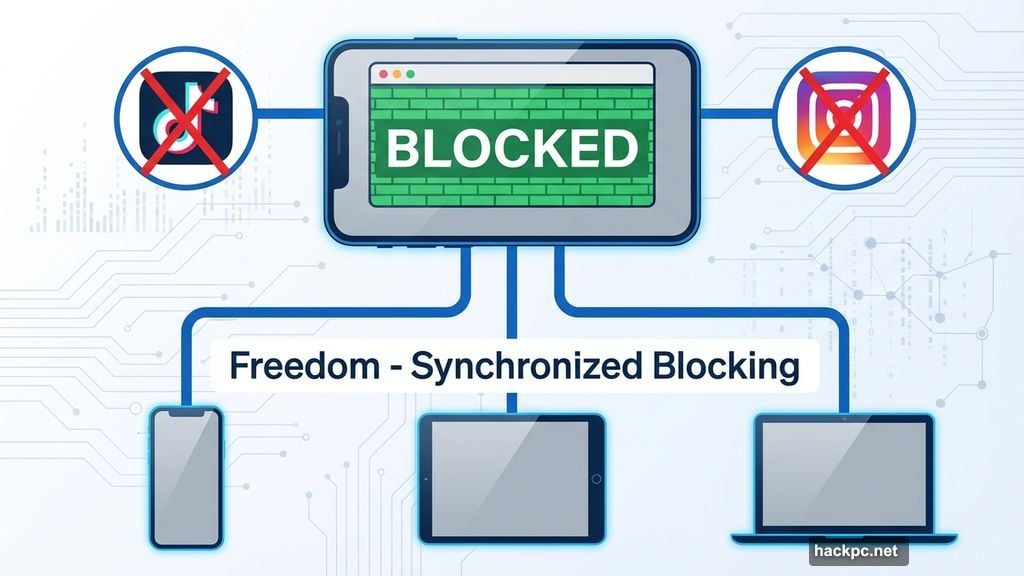
Freedom takes the nuclear approach. Pick which websites and apps to ban, then watch them disappear across your phone, tablet, and laptop simultaneously.
Try opening TikTok during a Freedom session. You’ll hit a green wall instead. The app refuses to budge until your time runs out.
The scheduling options go deep. Start a block right now, schedule one for later, or set recurring sessions for daily focus time. Plus, if your work doesn’t need internet access, you can kill connectivity entirely.
Most useful feature? “Locked Mode” prevents you from quitting early. Because let’s be honest, you’ll try to disable it the moment work gets hard.
The pricing structure offers flexibility. Monthly subscriptions cost $8.99, annual plans drop to $3.33 per month, and a lifetime option runs $199. Freedom includes a seven-day trial to test before committing.
Cold Turkey Locks You Out Completely
Cold Turkey doesn’t negotiate. Other apps let you wiggle out of blocks. This one makes escape nearly impossible once you activate it.
Block websites, apps, or the entire internet. Set your timer. Then watch your options vanish.
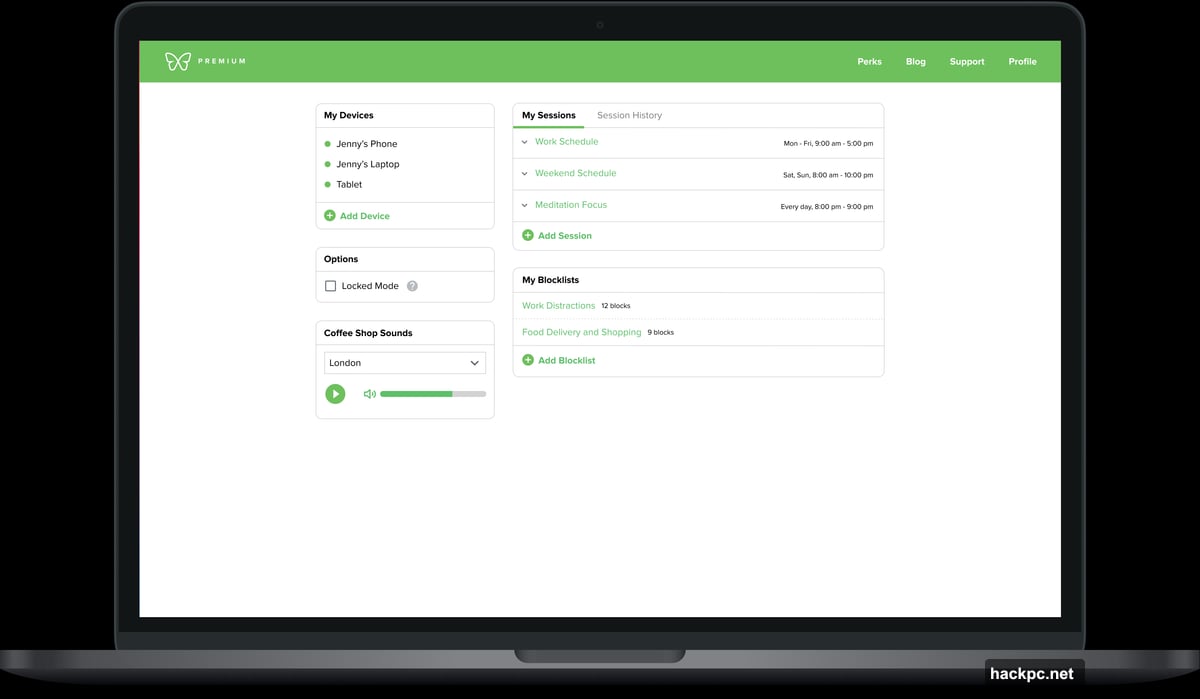
What makes Cold Turkey different? You can’t stop mid-session. No emergency exits. No “just this once” loopholes. The block runs its course whether you like it or not.
“Frozen Turkey” mode takes this further by locking your entire computer. Can’t work if you can’t access the machine, right?
The app also forces scheduled breaks. Because staring at screens for eight hours straight doesn’t work either.
Basic features cost nothing. Unlock scheduling and app blocking for a one-time $39 payment. No subscriptions, just permanent access.
Opal Gamifies Your Focus Score

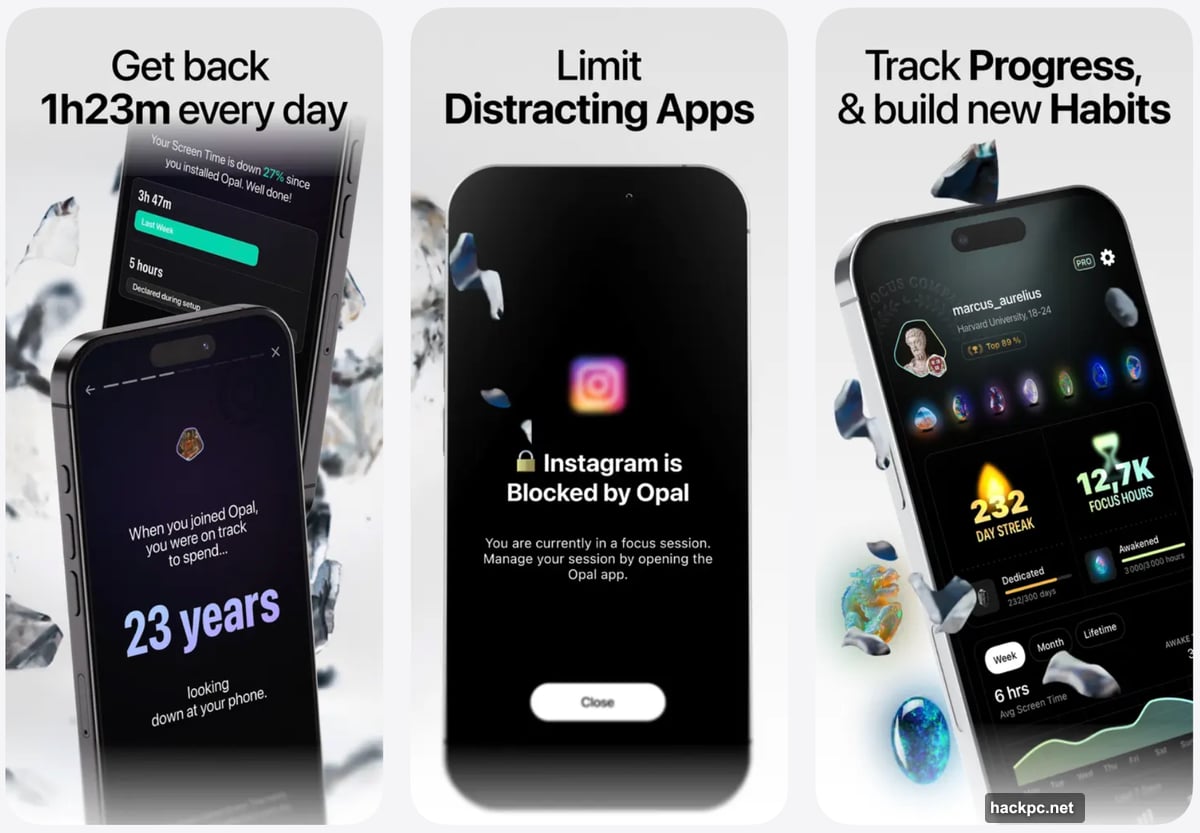
Opal works across iPhone, Android, and desktop to block time-wasting apps and sites. But it adds something others skip: scoring your focus performance.
Create “focus blocks” that prevent access to entire categories. Social media, games, messaging apps—ban them all during work hours. Set one-off blocks or recurring daily sessions.
Plus, the app calculates a “focus score” comparing productive time against distracted hours. Real-time stats show exactly where your attention goes, and weekly reports track progress over time.
Daily usage limits work well for apps you need but overuse. So you can check Instagram twice daily without falling into endless scrolling.
Basic features are free. Unlock unlimited recurring sessions, harder blocking modes, and advanced features for $19.99 monthly or $99 annually.
LeechBlock Keeps Browsers Clean
LeechBlock takes the simple route. This free browser extension blocks distracting websites without complicated setup.
Pick which sites to ban. The extension stops your browser from loading them. Done.
You can create multiple block sets with different rules, schedules, and time limits. Set blocks for specific hours or trigger them manually when needed.
Countdown delays offer a middle ground. Instead of hard blocks, the extension forces a 10-minute wait before loading banned sites. That delay often disrupts the urge to browse mindlessly.
One weakness: LeechBlock only controls one browser. Switch to Safari or Firefox, and your blocks disappear. So this works best if you have some self-discipline.
Forest Grows Trees While You Focus
Forest turns productivity into a game with real-world impact.
Open the app and plant a virtual tree. The tree grows while you focus. Leave the app early, and it dies. Simple motivation.
“Allow Lists” let you whitelist productive apps like email or Microsoft Word. So you can work without killing your tree.
Over time, you build a digital forest representing your productivity. Share it with friends to compare progress and stay accountable.
Here’s where it gets interesting. Earn coins for staying focused, then spend them to fund real tree-planting projects through Trees for the Future. Your digital forest helps grow actual forests.
The browser extension is free. iOS costs $3.99, while Android runs free with ads or $1.99 to remove them.

Pick Your Poison Based on Trust Issues
Different tools work for different people. Freedom excels if you use multiple devices and need cross-platform blocking. Cold Turkey suits anyone who knows they’ll try to cheat. Opal appeals to data-driven users who want progress tracking.
LeechBlock works for minimalists who need basic browser control. Forest attracts gamers who respond better to incentives than restrictions.
The common thread? All of them remove the decision to stay focused. Because in moments of weakness, you won’t choose productivity. These apps force it.
Test a few before committing. Most offer free trials or basic versions. Find which blocking style matches your specific brand of distraction.
Your focus isn’t broken. It’s just under constant attack. Fight back with tools designed to win.




Comments (0)