
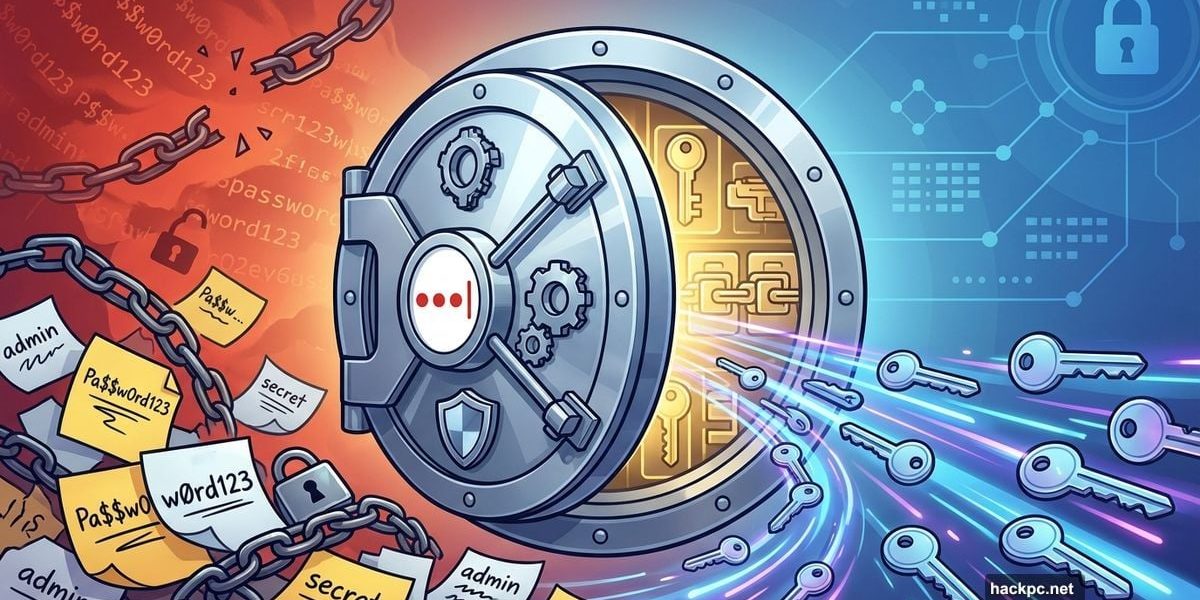
Password fatigue is real. Between work apps, client portals, and internal systems, your team manages dozens of logins daily. Plus, each forgotten password means wasted time resetting credentials instead of doing actual work.
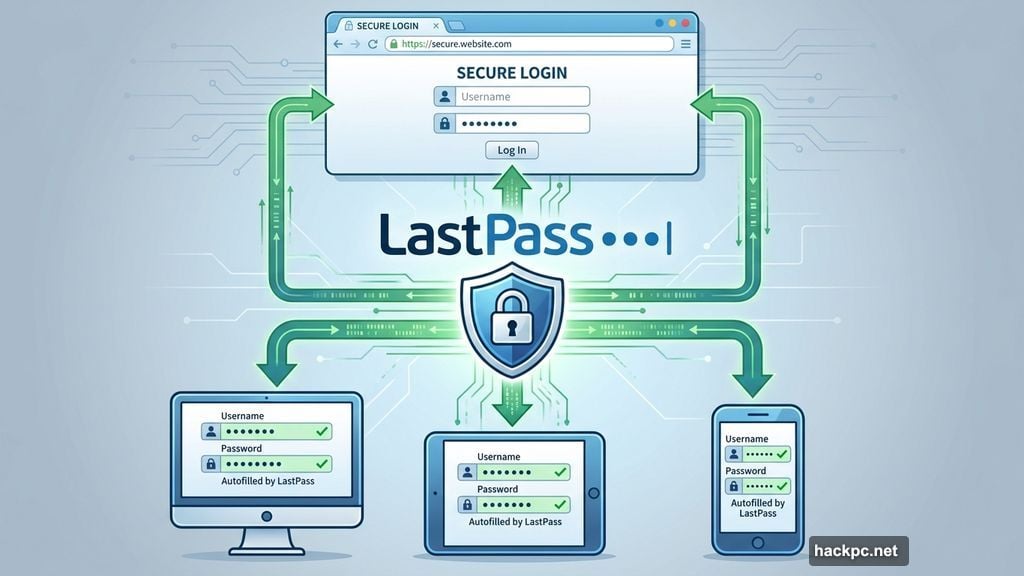
LastPass eliminates this friction entirely. It’s a password manager that stores everything securely, autofills credentials instantly, and syncs across all your devices. So your team stops wasting time on password resets and starts focusing on what actually drives your business forward.
Let’s break down why thousands of small and medium businesses trust LastPass to manage their credentials.
Your Passwords Stay Encrypted. Always.
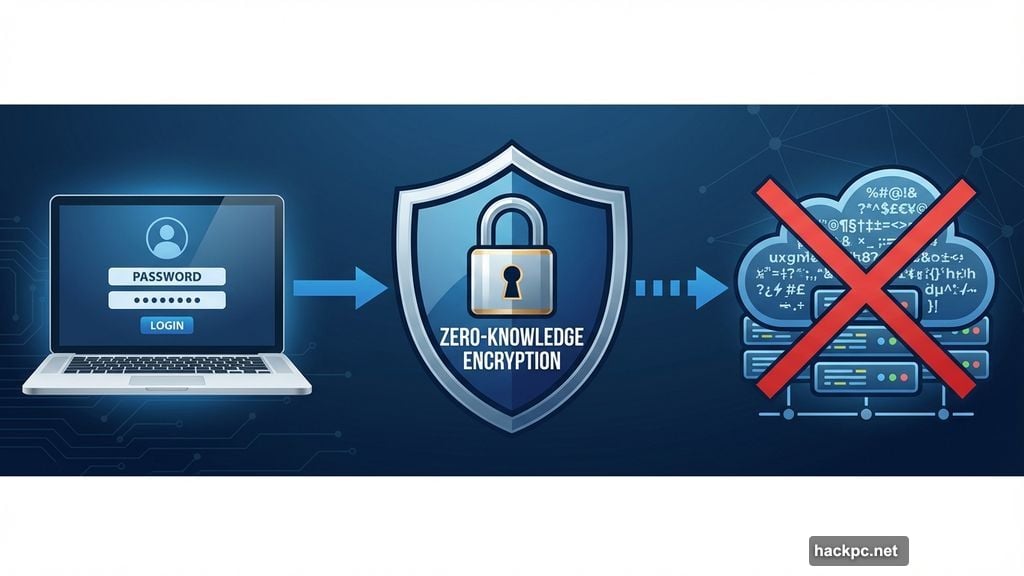
Here’s what sets LastPass apart. Zero-knowledge encryption means even LastPass can’t see your data.
Your master password encrypts everything locally on your device. Then encrypted data syncs to the cloud. So LastPass servers only store scrambled data they can’t decrypt. Nobody at LastPass can access your passwords, payment info, or secure notes.
This matters more than you might think. If a breach somehow occurs at LastPass’s infrastructure, attackers get nothing useful. Just encrypted gibberish without your master password. That’s real security.
Autofill Makes Login Instant
Remember typing passwords manually? LastPass makes that feel ancient.
Save any credential once. Then LastPass automatically fills it whenever you need to log in. Works across browsers, mobile apps, and desktop software. No more hunting through sticky notes or password spreadsheets.
Moreover, LastPass generates strong passwords for you. Creating a new account? LastPass suggests a random, secure password and saves it immediately. So you never need to think about password strength again.
Passkeys Work Seamlessly
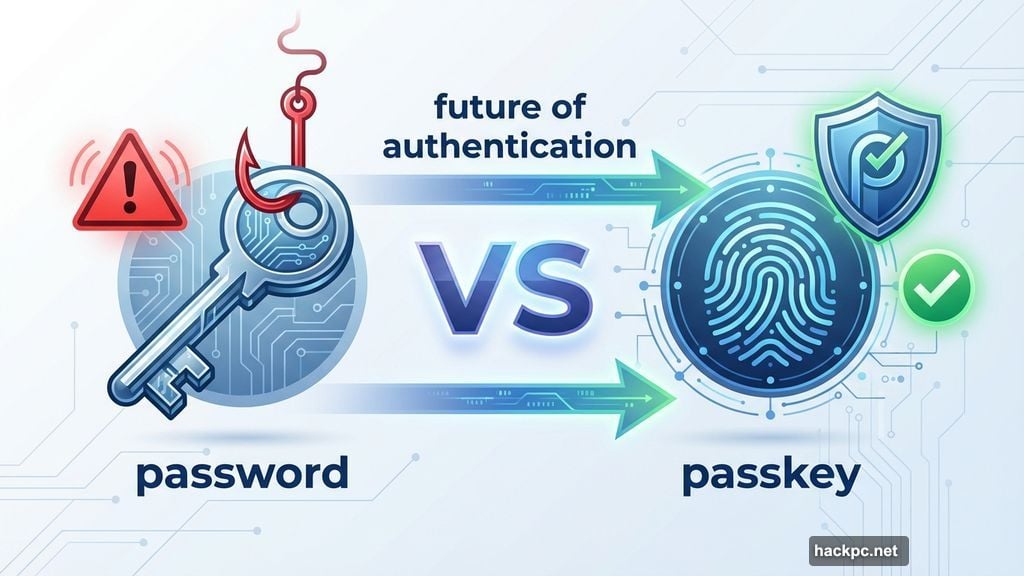
Passkeys represent the future of authentication. They’re more secure than passwords and impossible to phish.
But most password managers make passkey adoption complicated. Not LastPass. It stores and manages passkeys exactly like passwords. Same seamless autofill. Same cross-device sync. Zero learning curve.
So when your favorite apps start supporting passkeys, you’re ready. No migration headaches. No separate tools. Just smooth, secure authentication.
Store More Than Just Passwords
Passwords are just the beginning. LastPass securely handles all kinds of sensitive information.
Secure Notes let you store payment methods, insurance details, or software licenses. Everything encrypts just like passwords. Then you access it anywhere with the same autofill convenience.
Plus, the vault stores important documents you reference frequently. Tax forms, contracts, or compliance certificates stay secure and accessible. That beats emailing sensitive files or storing them in unsecured cloud folders.
Spot Weak Passwords Instantly
Most people reuse passwords across multiple accounts. That’s dangerous. If one site gets breached, attackers try those credentials everywhere else.
LastPass’s Security Dashboard solves this. It scans your vault and flags weak, reused, or compromised passwords. Then it recommends immediate fixes with one-click password changes for supported sites.
So you know exactly which credentials need attention. No guessing. No manual checking. Just clear security priorities.
Business Plans Add Critical Controls
Growing businesses need more than personal password management. LastPass Business Max delivers enterprise-grade features without enterprise complexity.
Single sign-on (SSO) means employees log in once and access all their apps. Multifactor authentication (MFA) adds an extra security layer beyond passwords. Both integrate smoothly without requiring separate tools or technical expertise.
But here’s the real game-changer: SaaS monitoring. LastPass tracks which cloud apps your team actually uses. That uncovers shadow IT—unauthorized tools that create security gaps. Then you can either approve, block, or migrate those tools properly.
Shadow IT Reveals Hidden Risks
Your team probably uses more apps than you realize. Someone needs a quick solution, finds a free tool, and starts using it without IT approval.
Sounds harmless. But unauthorized apps create serious vulnerabilities. They bypass security policies. Store company data in unvetted locations. Create compliance headaches.
LastPass SaaS Monitoring makes shadow IT visible. It shows every app your team accesses with company credentials. Then LastPass SaaS Protect lets you control access to risky tools. Block dangerous apps. Require MFA for sensitive ones. Set policies that balance security with productivity.
Affordable Plans That Scale
Security shouldn’t cost more than the threats it prevents. LastPass pricing starts at just $7 per user monthly.
That’s less than the cost of a single password reset call to your IT helpdesk. And way less than the potential damage from a credential-based breach. So the ROI makes sense even for small teams.
Plus, you can trial LastPass before committing. Test it with your team. See how much time it saves. Verify that it works with your specific apps and workflows. No risk. No long-term contracts.
Humans Make Mistakes. Tools Reduce Them.
Even careful employees fall for sophisticated phishing attempts. They reuse passwords across sites. They write credentials on sticky notes.
These aren’t character flaws. They’re natural human behaviors when dealing with impossible password requirements. So the solution isn’t better training. It’s better tools.
LastPass removes the friction that causes security shortcuts. Strong unique passwords become effortless. MFA happens automatically. Credential sharing stays secure. So your team makes fewer mistakes simply because secure behavior becomes easier than insecure workarounds.
AI Makes Threats Worse
Artificial intelligence turbocharged cybercrime. Attackers now generate convincing phishing emails at scale. They crack weak passwords faster. They automate credential stuffing attacks across thousands of sites.
But AI also enables better defense. LastPass uses AI to detect compromised credentials faster. Identify unusual access patterns. Recommend security improvements based on your actual usage.
So you’re not fighting modern threats with outdated tools. You’re matching sophisticated attacks with equally sophisticated protection.
LastPass turns password chaos into simple, secure workflow. Your team stops struggling with credentials and starts focusing on actual work. That’s worth far more than $7 per month.




Comments (0)